

In today's crowded creator economy, hitting 'upload' is just the starting line. The real race is won in the details: optimizing for search, crafting compelling thumbnails, understanding analytics, and streamlining your entire production workflow. Moving past the default YouTube Studio interface is no longer an option for serious growth; it's a necessity. The right software stack can automate tedious tasks, provide critical data insights, and ultimately save you hundreds of hours.
This guide is your strategic roadmap to building that stack. We've compiled the essential youtube tools for creators across every stage of the process, from ideation and SEO to editing and monetization. Forget generic feature lists. Here, you'll find a practical breakdown of what each tool actually does, who it's best for, and exactly how to integrate it into your content strategy for maximum impact. We'll explore solutions for everything from automated video chaptering to advanced keyword research and thumbnail design.
Each entry includes a direct link to the tool, key feature analysis, and honest assessments to help you make informed decisions. Our goal is to help you find the specific platforms that will solve your biggest pain points, whether you're an independent creator trying to scale or a social media manager optimizing video performance. To continually expand your creator toolkit and stay updated with the latest advancements, consider exploring resources like a dedicated category for creator tools. This curated list will help you build a smarter, more efficient content engine and focus on what truly matters: creating great content.
1. TimeSkip
TimeSkip stands out as an indispensable tool for creators looking to maximize efficiency and visibility. This lightweight Chrome extension automates the tedious process of creating video chapters, transforming a task that can take hours into a job of mere seconds. Its primary function is to intelligently scan a video’s captions and generate SEO-optimized chapters, complete with timestamps and descriptive, keyword-rich titles. For creators who produce long-form content like podcasts, tutorials, or interviews, this is a game-changing addition to their workflow.
The platform’s core strength lies in its dual focus on speed and SEO. TimeSkip claims to generate chapters for a one-hour video in approximately five seconds, a significant time-saver. More importantly, its AI-powered analysis doesn't just segment the video; it identifies relevant keywords and long-tail phrases to help your content rank higher on both YouTube and Google search results. This directly addresses two critical creator needs: improving viewer experience with navigable chapters and boosting organic discoverability without extensive manual research.
Key Features & Use Cases
- AI-Powered SEO Optimization: The tool automatically researches and integrates relevant keywords into chapter titles, potentially increasing video visibility by up to 220% and discovery by 25%, according to the company.
- Seamless Workflow Integration: As a Chrome extension, it overlays directly onto the YouTube player. Creators can generate, preview, and copy chapters with a single click without ever leaving their video's page.
- Support for Long-Form Content: Higher-tier plans support videos up to 10 hours long, making it ideal for podcasters, educators, and live stream VODs.
- Multi-Language Support: Works with any language that has YouTube captions available, broadening its utility for global creators.
Pricing and Availability
TimeSkip operates on a freemium model. A no-credit-card-required trial offers two free video generations to test the service. Paid plans are structured to scale with a creator's output:
- Starter: $9/month for 5 videos (up to 30 min each)
- Pro: $19/month for 15 videos (up to 90 min each)
- Studio: $39/month for 50 videos (up to 10 hours each)
While the extension is currently limited to Chrome and requires videos to have captions, its focused utility and proven results make it one of the most powerful YouTube tools for creators aiming for smarter, faster growth.
Website: https://timeskip.io
2. TubeBuddy
TubeBuddy is a browser extension and mobile app that integrates directly into your YouTube Studio dashboard. This makes it one of the most convenient youtube tools for creators who want to optimize their workflow without constantly switching between different websites. Its primary strength lies in providing a comprehensive suite of SEO, productivity, and channel management features right where you need them.
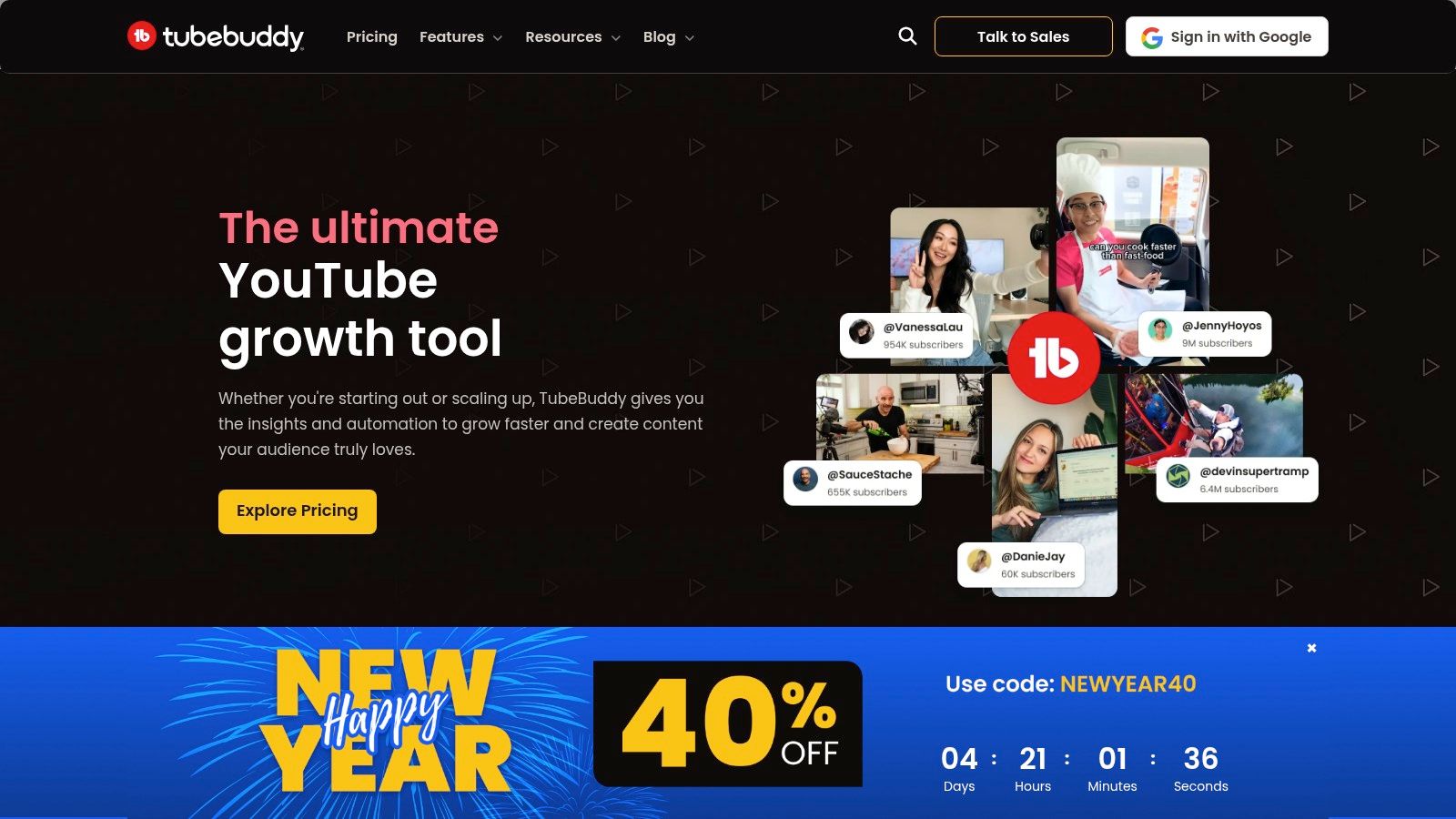
From keyword research to bulk metadata updates, TubeBuddy is designed to streamline day-to-day channel operations. Its deep integration means you get SEO scores and tag suggestions directly on the video upload screen, see competitor analytics overlaid on their video pages, and can even schedule videos to be unpublished at a future date.
Key Features & Use Cases
- Keyword Explorer: Get actionable insights on search volume, competition, and related long-tail keywords directly within YouTube's search bar. Use this before you even film to validate video ideas.
- A/B Thumbnail Testing: A standout feature in the Legend tier. It allows you to test two different thumbnails to see which one gets a better click-through rate, providing data-driven answers to improve your visual strategy.
- Bulk Processing Tools: A huge time-saver for established channels. You can bulk update, copy, or remove cards, end screens, and parts of video descriptions across your entire library.
- SEO Studio: This tool guides you step-by-step through optimizing your titles, descriptions, and tags to maximize search visibility for a target keyword.
Pricing and Tiers
TubeBuddy offers a freemium model with a solid, albeit limited, free version. Paid plans unlock its most powerful features.
| Tier | Price (approx.) | Key Feature | Ideal User |
|---|---|---|---|
| Free | $0/month | Basic keyword research, limited tools. | Beginners learning the ropes. |
| Pro | ~$4.50/month | Full keyword explorer, most productivity tools. | Growing creators focused on SEO. |
| Legend | ~$21.50/month | A/B testing, competitor analysis. | Serious creators aiming for maximum growth. |
Pros:
- Convenience: All tools are integrated directly into the YouTube interface.
- Breadth of Features: Covers everything from SEO and research to productivity and bulk edits.
- Affordable Entry: The Pro plan offers significant value at a low price point.
Cons:
- The most powerful features, like A/B testing, are locked behind the most expensive tier.
- The sheer number of features can feel overwhelming for new users.
Website: https://www.tubebuddy.com
3. vidIQ
vidIQ is a comprehensive YouTube growth suite that combines powerful analytics with AI-driven content ideation. Like its main competitor, it operates as a browser extension and web platform, making it another one of the essential youtube tools for creators focused on data-informed growth. Its core strength lies in its "Daily Ideas" feature, which uses AI to predict viral trends and suggest video topics tailored to your specific channel and audience.
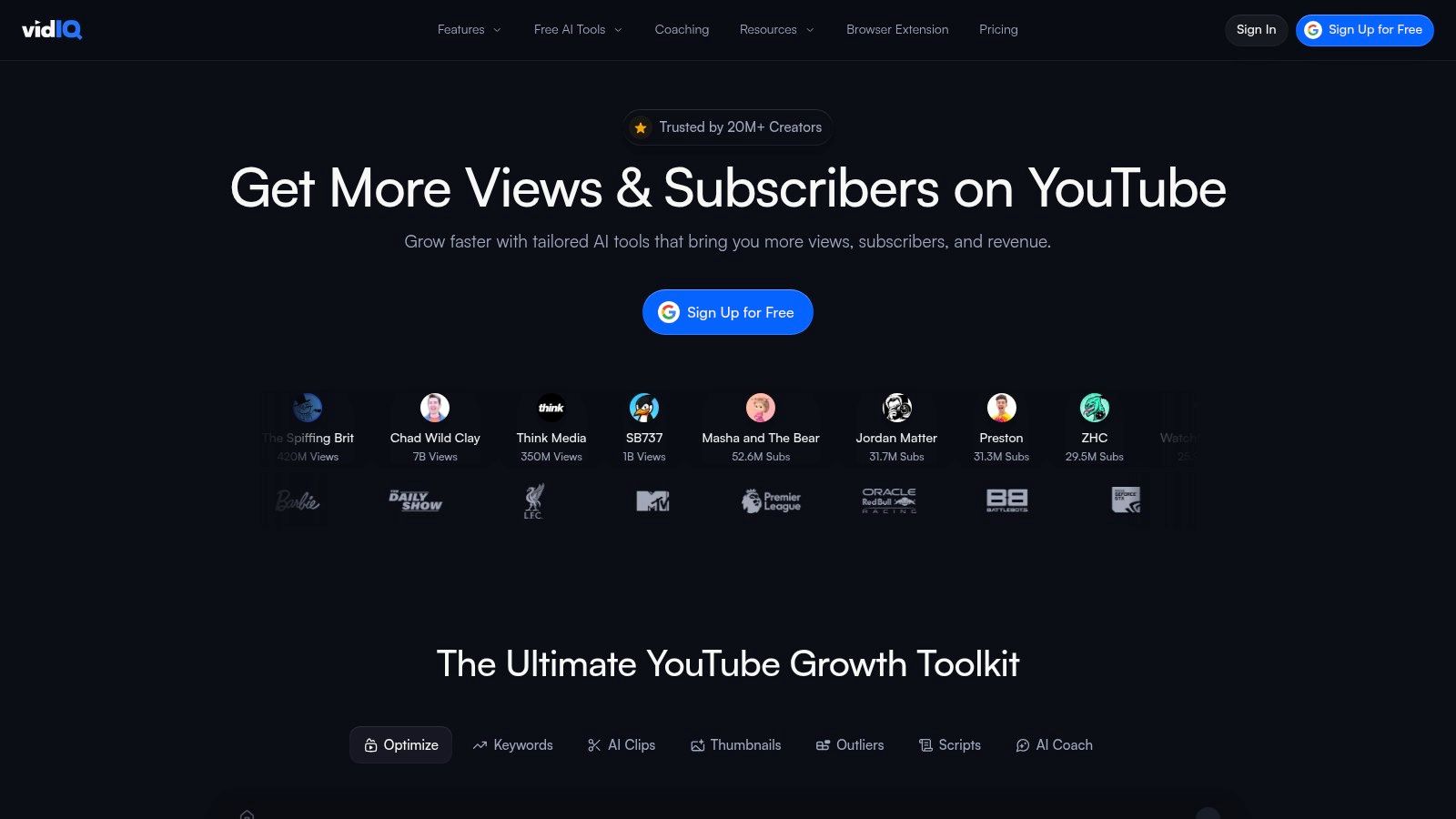
This focus on proactive ideation sets vidIQ apart, helping creators overcome creative blocks and consistently produce content that has a higher chance of success. It provides a robust set of SEO tools, competitor analysis, and real-time stats directly within the YouTube interface, ensuring optimization is part of your natural workflow from concept to publication.
Key Features & Use Cases
- Daily Ideas: An AI-powered engine that serves up personalized video ideas daily, complete with predictive viewership scores. Use this to build a content calendar filled with high-potential topics.
- Keyword Research Tool: Provides detailed metrics on search volume, competition, and related keywords. It's perfect for validating your ideas and finding low-competition opportunities to rank for.
- Competitor Analysis: Track what's working for channels similar to yours. You can see their top-performing videos, subscriber growth trends, and engagement metrics to inform your own strategy.
- AI Coach & Content Generators: A suite of AI tools that can help you draft titles, descriptions, video scripts, and even generate thumbnail ideas, significantly speeding up the pre-production process.
Pricing and Tiers
vidIQ uses a freemium model, offering a capable free version with paid tiers that unlock more advanced features and higher usage limits.
| Tier | Price (approx.) | Key Feature | Ideal User |
|---|---|---|---|
| Basic | $0/month | 1 Daily Idea, basic video analytics. | New creators exploring growth tools. |
| Pro | ~$10/month | 10 Daily Ideas, top trending videos. | Individuals looking to accelerate growth. |
| Boost | ~$49/month | 50 Daily Ideas, keyword research tool. | Serious creators and businesses. |
| Max | ~$99/month | Channel-wide analytics, 1:1 coaching. | Professional creators and agencies. |
Pros:
- Excellent Ideation Engine: The Daily Ideas feature is a standout for overcoming creative blocks.
- Comprehensive AI Suite: Offers a wide range of AI tools for content creation and optimization.
- Strong Competitor Tracking: Provides deep insights into what’s driving success for other channels.
Cons:
- The pricing can be confusing as it's not always displayed in local currency on the site.
- Many of the AI features operate on a credit system, which can be limiting on lower-tier plans.
Website: https://vidiq.com
4. TimeSkip
TimeSkip is a specialized Chrome extension designed to solve one of the most tedious tasks for creators of long-form content: adding YouTube chapters. This tool auto-generates SEO-optimized chapters directly within the YouTube player in seconds. It's one of the most efficient youtube tools for creators focused on podcasts, tutorials, and interviews, transforming a lengthy manual process into a one-click action that boosts both user experience and discoverability.
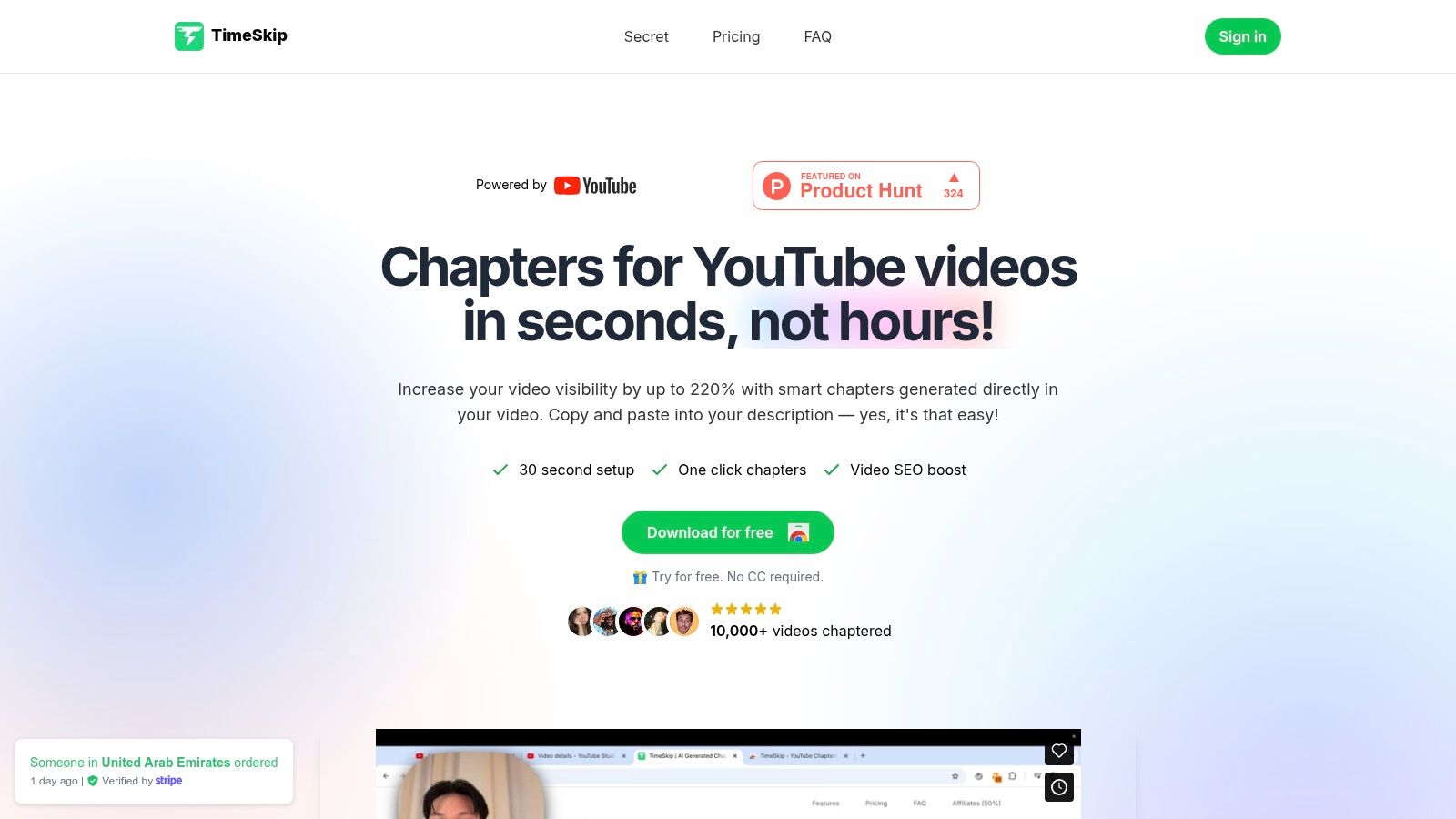
By analyzing your video's transcript, TimeSkip identifies key segments and suggests relevant, keyword-rich titles for each chapter. This not only helps viewers navigate your content but also signals to the YouTube algorithm what your video is about, potentially improving its ranking for specific search queries. The workflow is seamless; generate, copy, and paste the timestamps directly into your video description without leaving the page.
Key Features & Use Cases
- One-Click Chapter Generation: Instantly creates a full list of timestamps and chapter titles right on your video's watch page, eliminating manual scrubbing and typing.
- SEO-Optimized Titles: The AI suggests chapter titles based on the transcript's content, focusing on keywords that can improve your video's visibility in search results.
- Direct YouTube Workflow: After generation, a simple copy-to-clipboard button allows you to paste the formatted timestamps and titles directly into your YouTube Studio description field.
- Ideal for Long-Form Content: A massive time-saver for podcasters, educators, and interviewers who produce videos over 20 minutes long and need to make them easily navigable.
Pricing and Tiers
TimeSkip operates on a credit-based system, offering flexibility for creators with varying upload schedules.
| Tier | Price (approx.) | Key Feature | Ideal User |
|---|---|---|---|
| Free Trial | $0 | 3 free credits to test the tool. | New users wanting to try before buying. |
| Creator | ~$9/month | 15 credits per month. | Creators publishing 2-3 long videos weekly. |
| Pro | ~$19/month | 40 credits per month, priority support. | Power users, agencies, or podcast channels. |
Pros:
- Incredible Time-Saver: Reduces the chaptering process from hours to seconds.
- Convenient Workflow: Operates directly within the YouTube interface via a Chrome extension.
- Improves SEO & UX: Helps viewers find what they need and feeds the algorithm valuable data.
Cons:
- Requires the use of the Google Chrome browser.
- The quality of generated chapters is highly dependent on having an accurate transcript or captions.
Website: https://timeskip.io
5. Morningfame
Morningfame is an invite-only analytics and keyword research tool specifically designed to guide new and growing creators. Unlike other youtube tools for creators that present overwhelming dashboards of data, Morningfame offers a prescriptive, step-by-step workflow. Its primary goal is to translate your channel's analytics into a clear, actionable strategy for your next video.
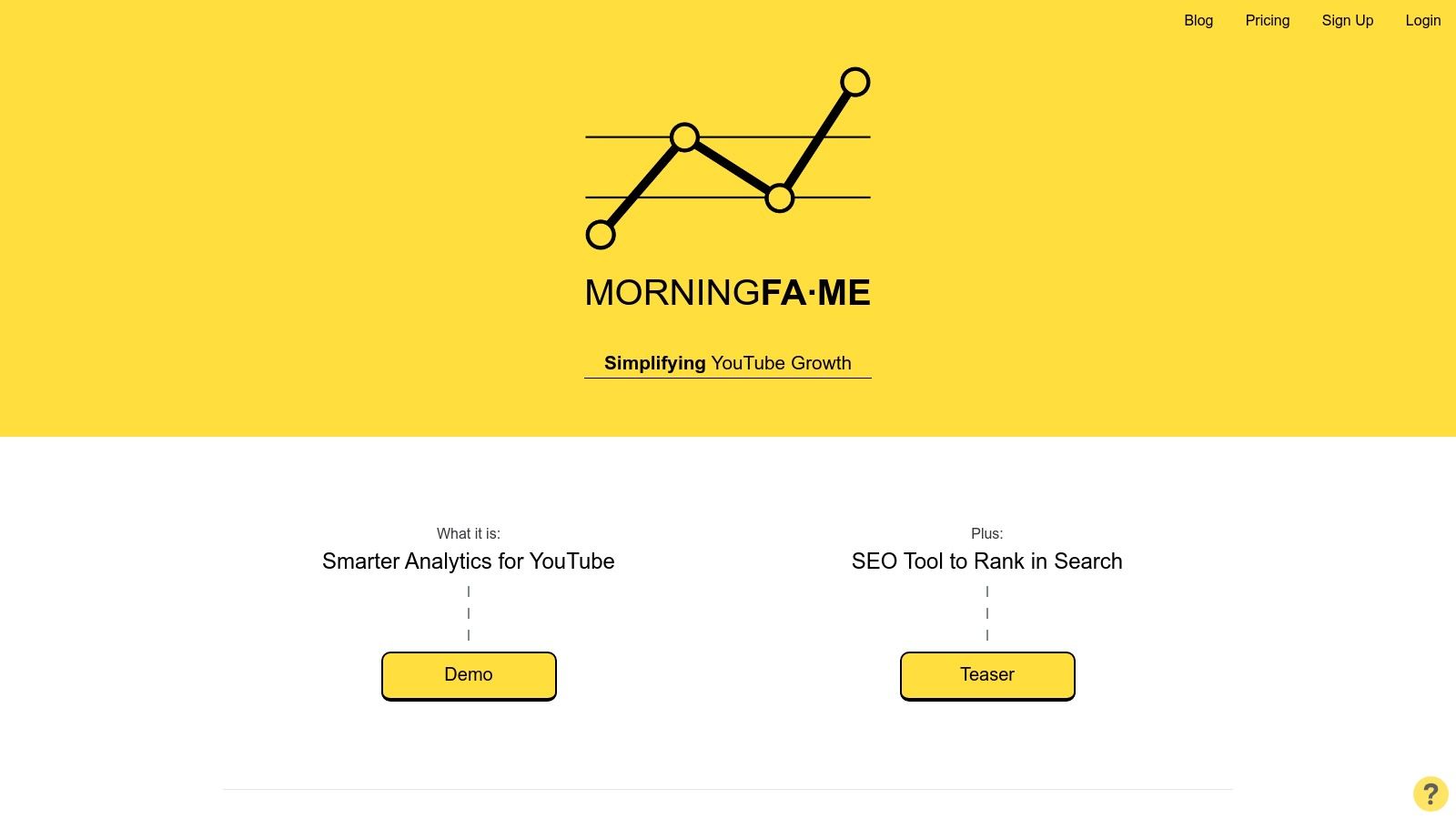
The platform is built around a guided process: it first helps you analyze your previous video's performance with simple, digestible reports and then walks you through a four-step keyword research process for your next upload. This makes it an excellent learning tool that teaches the fundamentals of YouTube SEO and growth strategy in a practical, hands-on way.
Key Features & Use Cases
- Guided Keyword Research: A four-step wizard that helps you find relevant keywords for your niche, analyze their search volume versus competition, and grade their suitability for a channel of your size.
- Actionable Analytics: Instead of just showing numbers, Morningfame tells you what they mean and suggests specific actions, like focusing on CTR or Audience Retention for your next video.
- Channel Comparison: See how your videos perform against other channels of a similar size, providing realistic benchmarks and inspiration for what's achievable.
- Growth Trajectory: The tool helps you identify which of your videos are driving subscriber growth, helping you understand what content resonates most with your audience.
Pricing and Tiers
Morningfame is an invite-only platform, but codes are widely available from existing users. It offers a free one-month trial and then paid plans.
| Tier | Price (approx.) | Key Feature | Ideal User |
|---|---|---|---|
| Free Trial | $0/first month | Full access to all features via invite code. | Anyone wanting to test the guided workflow. |
| Basic | ~$4.90/month | Limited 24-hour keyword research windows. | New creators needing occasional guidance. |
| Plus | ~$12.90/month | Unlimited keyword research access. | Creators consistently uploading and focusing on SEO. |
Pros:
- Extremely beginner-friendly: The guided workflow demystifies YouTube analytics and SEO.
- Action-oriented: Focuses on providing clear next steps rather than just raw data.
- Affordable: The entry-level plan is one of the most budget-friendly options available.
Cons:
- Requires an invite code to sign up, which is an extra step for new users.
- The Basic plan's limited keyword research window can be restrictive for planning content in advance.
Website: https://morningfa.me
6. Keyword Tool (YouTube module)
Keyword Tool is a powerful, web-based research platform known for its ability to unearth hundreds of long-tail keyword suggestions from YouTube's autocomplete feature. Unlike tools integrated into the YouTube dashboard, its strength lies in its singular focus on deep keyword discovery, making it one of the most effective youtube tools for creators dedicated to planning content around search demand. It provides valuable data points like estimated search volume, trend data, and competition level.
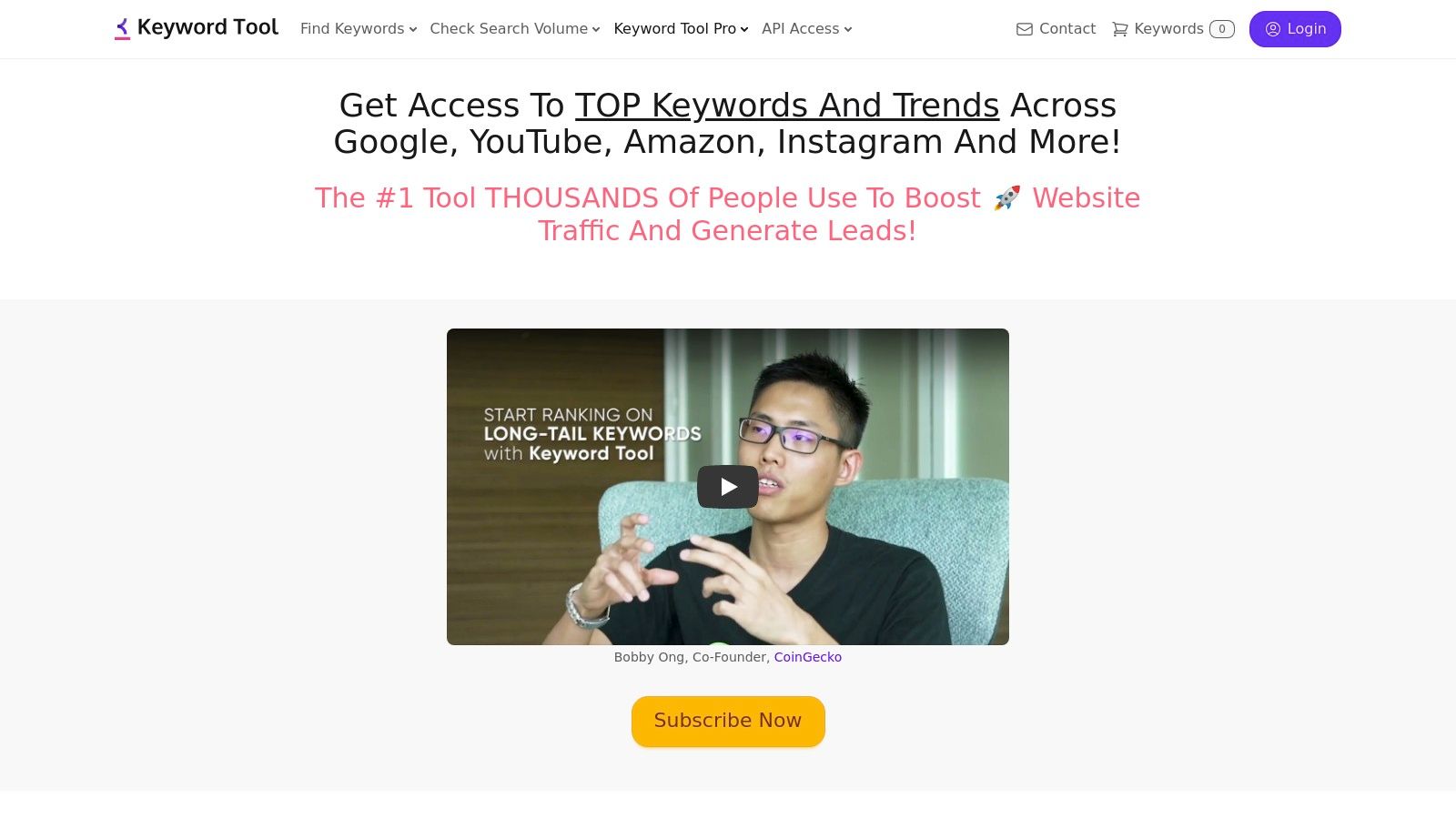
This tool is ideal for the brainstorming phase of video creation. By generating a massive list of what real users are searching for, it helps creators validate ideas and discover untapped niches. Its clean interface allows you to easily filter results, export data for further analysis, and even check keyword performance across different countries and languages, which is essential for channels with a global audience.
Key Features & Use Cases
- Long-Tail Keyword Generation: Enter a seed keyword and get up to 750+ long-tail suggestions directly from YouTube autocomplete, giving you insight into specific user queries.
- Data-Driven Insights: The Pro version provides estimated search volumes, 12-month trend data, and competition analysis to help you prioritize keywords with the best potential.
- Competitor Analysis: Enter a competitor's video URL to extract the video tags they are using, providing a quick way to understand their keyword strategy.
- Bulk Keyword Analysis: Upload a list of keywords to get their search volume metrics in bulk, saving significant time during large-scale content planning. When using Keyword Tool for YouTube, it's essential to understand the best practices; learn more about YouTube best tags to ensure maximum discoverability.
Pricing and Tiers
Keyword Tool offers a free version with limited keyword suggestions and no data. The paid plans unlock the crucial metrics needed for effective SEO. For more detail, learn how to find keywords for YouTube on timeskip.io.
| Tier | Price (approx.) | Key Feature | Ideal User |
|---|---|---|---|
| Free | $0/month | Basic keyword suggestions without data. | Creators just starting to explore keyword ideas. |
| Pro Basic | ~$69/month | Search volume data, 2x more keywords. | Solo creators needing essential SEO data. |
| Pro Plus | ~$79/month | CPC & Competition data, competitor analysis. | Marketers and serious creators focused on ROI. |
Pros:
- Excellent at generating a high volume of relevant long-tail keywords.
- Simple, focused interface that is easy to navigate.
- Provides data for multiple search engines, not just YouTube.
Cons:
- It's a standalone research tool, lacking the workflow integration of browser extensions.
- Search volume data is an estimate and should be used as a guide, not an absolute.
Website: https://keywordtool.io/youtube
7. Social Blade
Social Blade is a public-facing analytics platform that provides a high-level overview of any channel on YouTube, Twitch, and other social media sites. It's one of the most popular youtube tools for creators for quick competitive analysis, allowing you to track growth trends, view estimated earnings, and see how you stack up against other channels in your niche without needing access to their private data.
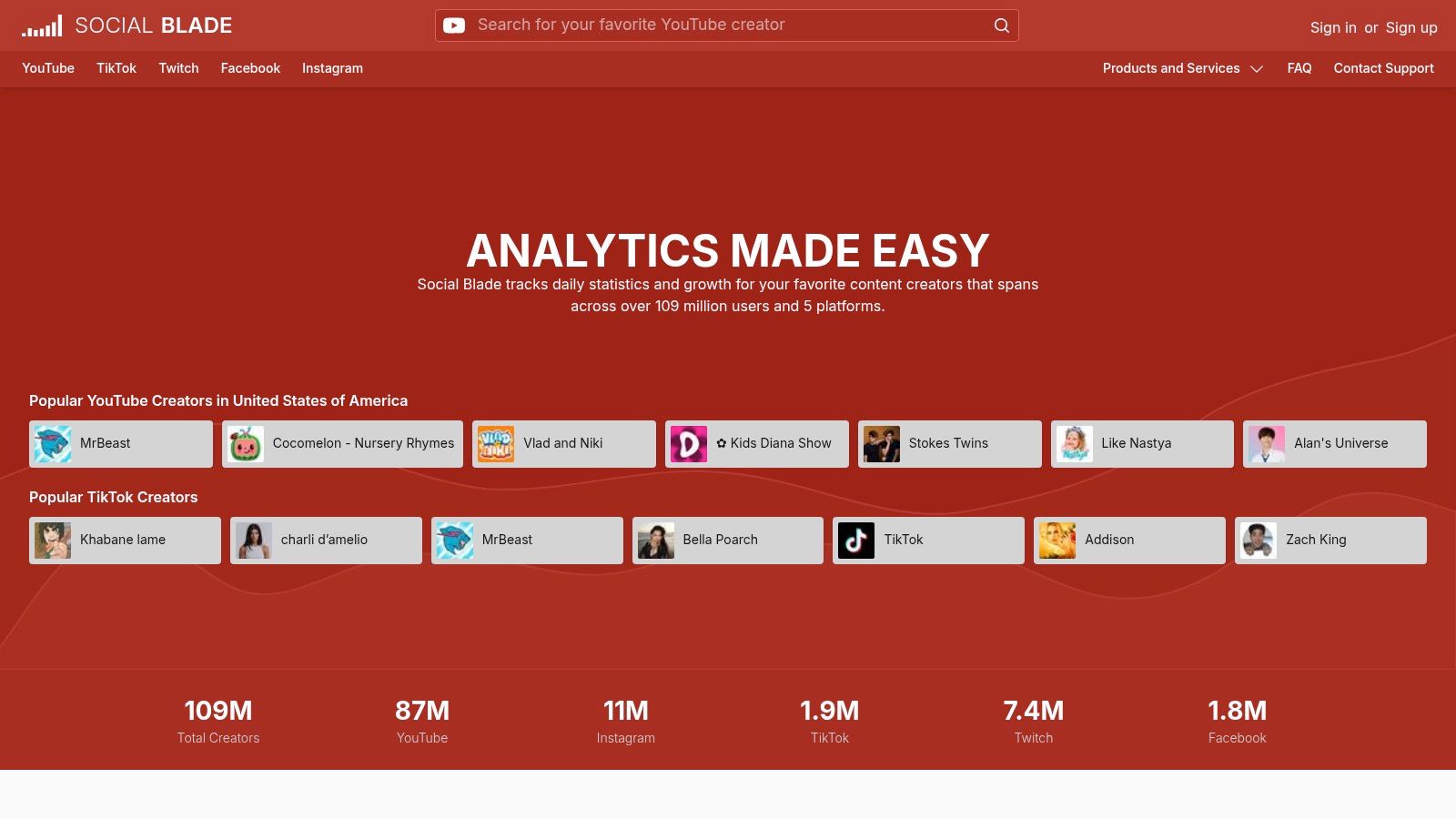
Unlike deep-dive analytics tools, Social Blade's strength is its simplicity and public accessibility. It's the go-to resource for a snapshot view of a channel's subscriber and view velocity, making it invaluable for vetting potential collaborators or getting a directional sense of a competitor's performance. Many creators use its data to generate report cards for their media kits.
Key Features & Use Cases
- Public Channel Statistics: Instantly look up any YouTube channel to see its grade, subscriber and view ranks, and estimated monthly/yearly earnings. Use this for a quick health check on channels you admire or compete with.
- Future Projections & Historical Data: View graphs showing a channel's daily subscriber and view gains over time, along with basic future projections. This helps identify trends and content that led to growth spikes.
- Top Lists: Browse ranked lists of YouTubers by country, category, or subscriber count to discover emerging channels and leaders in your niche.
- Comparison Tool: Directly compare up to three channels side-by-side to see how their key growth metrics differ, which is great for benchmarking your own progress. For a deeper understanding of your own channel's numbers, it's worth mastering your YouTube analytics in Studio.
Pricing and Tiers
Social Blade offers a free, ad-supported service with premium tiers for more features and an ad-free experience.
| Tier | Price (approx.) | Key Feature | Ideal User |
|---|---|---|---|
| Free | $0/month | Basic stats, public data, charts. | Any creator doing quick research. |
| Bronze | ~$3.99/month | No ads, 15 favorites slots. | Creators who frequently use the site. |
| Silver | ~$9.99/month | 50 favorites, top 500 lists. | Marketers and managers tracking multiple channels. |
Pros:
- Fast and Public: Excellent for quick, public-facing competitive research without needing logins.
- Benchmarking: Easily compare your channel's growth trajectory against others.
- Multi-Platform: Provides similar data for other major platforms like Twitch and Instagram.
Cons:
- All metrics are third-party estimates and can be inaccurate; they should not replace official YouTube Studio data.
- Provides "what" is happening (e.g., subscriber growth) but not the "why."
Website: https://socialblade.com
8. Streamlabs
Streamlabs is an all-in-one content creation suite designed primarily for live streamers who also publish edited videos. It offers a powerful ecosystem of interconnected youtube tools for creators, including its popular Streamlabs Desktop broadcasting software, a browser-based live studio, and tools for repurposing content. Its strength lies in consolidating live production, post-stream editing, and monetization features under a single umbrella.
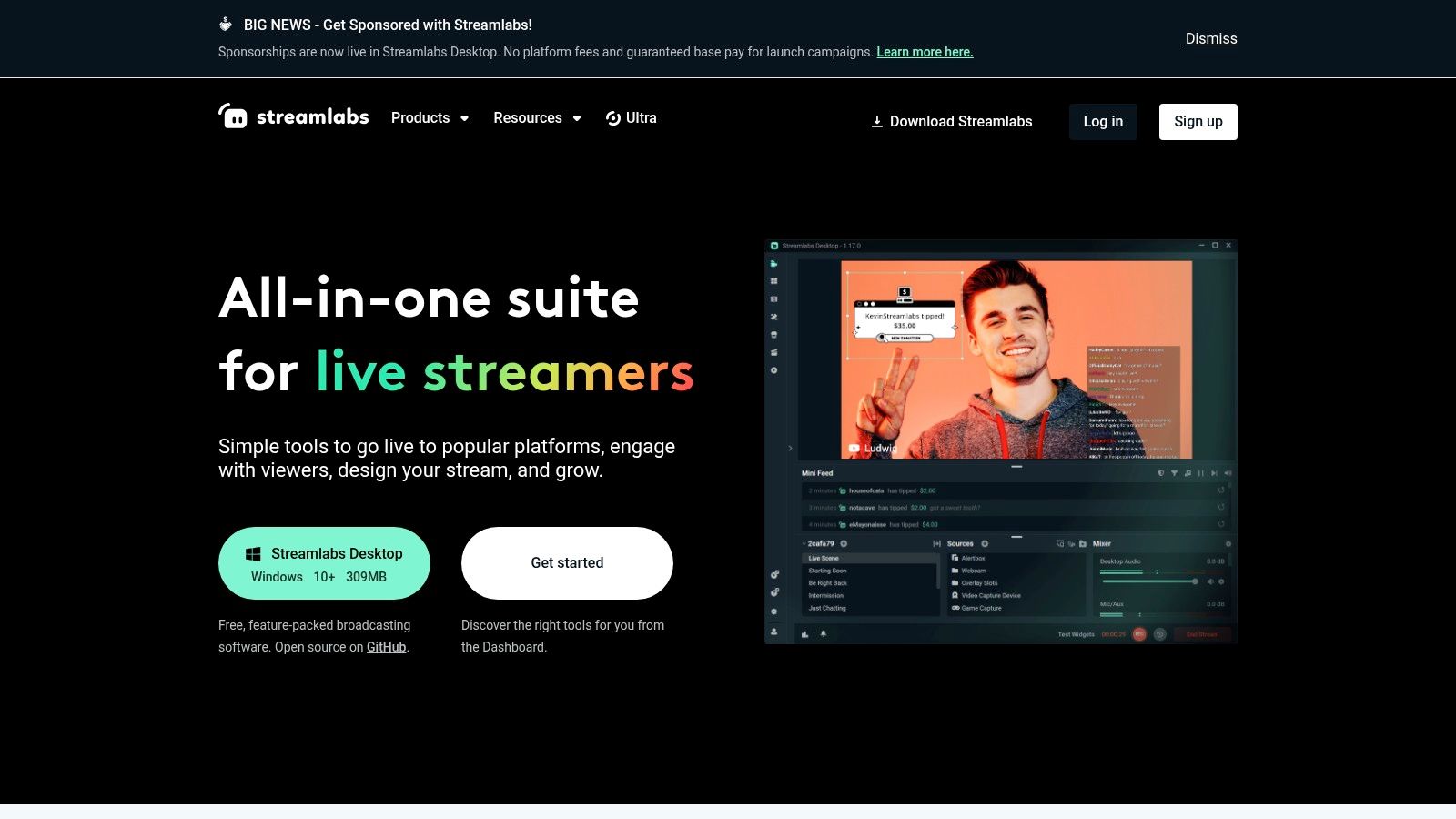
From managing on-screen alerts and overlays during a YouTube Live session to clipping highlights for Shorts afterward, Streamlabs aims to be the central hub for a creator's workflow. The platform simplifies multi-guest interviews with its Talk Studio and even helps creators launch their own merchandise stores, making it a comprehensive solution for those looking to both broadcast and build a brand.
Key Features & Use Cases
- Streamlabs Desktop & Talk Studio: A user-friendly broadcasting software with integrated overlays, alerts, and plugins. Talk Studio allows for easy, browser-based multi-guest streams without requiring downloads.
- Cross Clip & Video Editor: Quickly turn long live streams or VODs into vertical clips formatted for YouTube Shorts, TikTok, or Reels. The web-based video editor provides essential tools for polishing content.
- Monetization Suite: Set up a custom merchandise store, create on-stream donation alerts, and manage tips directly through the platform, consolidating revenue streams.
- Multi-App Ecosystem: The premium Ultra subscription bundles access to advanced features across all its apps, including Desktop, Mobile, Cross Clip, and the Video Editor, for a cohesive experience.
Pricing and Tiers
Streamlabs offers a powerful free version of its desktop app, with the Ultra subscription unlocking its full potential across the entire suite.
| Tier | Price (approx.) | Key Feature | Ideal User |
|---|---|---|---|
| Free | $0/month | Basic Streamlabs Desktop, limited features. | New streamers learning the basics. |
| Streamlabs Ultra | ~$19/month or $149/year | Full access to all apps and premium features. | Serious creators who both stream and create VODs. |
Pros:
- A single login provides a broad toolset for live production and VOD editing.
- The integrated ecosystem simplifies the workflow from live broadcast to short-form content.
- Frequent promotions and student discounts are available for the Ultra subscription.
Cons:
- The sheer breadth of the suite can be overwhelming if you only need one or two of its tools.
- Some apps have separate or limited pricing if you are not subscribed to the all-in-one Ultra plan.
Website: https://streamlabs.com
9. Canva
Canva has become the go-to design suite for creators who need professional-looking graphics without the steep learning curve of advanced software like Photoshop. It is one of the most essential youtube tools for creators for producing high-quality thumbnails, channel art, and in-video elements quickly. Its strength lies in its massive library of templates and assets, combined with a user-friendly drag-and-drop interface.
Whether you need a striking thumbnail, a branded end screen, or animated social media posts to promote your latest video, Canva provides a streamlined workflow. Its cloud-based platform and collaboration features also make it easy to work with a team or get feedback on designs before you publish them.
Key Features & Use Cases
- YouTube-Specific Templates: Instantly access thousands of templates designed specifically for thumbnails, channel banners, and video outros, ensuring correct dimensions and a professional starting point.
- Brand Kit: Store your channel's logos, color palettes, and fonts in one place to maintain consistent branding across all your visual assets with just a few clicks.
- AI-Powered Tools: Use features like the one-click Background Remover to isolate subjects for thumbnails or Magic Resize to adapt a single design for various social media platforms.
- Vast Asset Library: Gain access to millions of stock photos, videos, graphics, and audio tracks with clear licensing, which is a key part of good video production best practices.
Pricing and Tiers
Canva operates on a freemium model where the free version is highly capable, but paid plans unlock productivity-boosting features and a larger asset library.
| Tier | Price (approx.) | Key Feature | Ideal User |
|---|---|---|---|
| Free | $0/month | 250k+ templates, limited stock assets. | New creators starting their channel. |
| Pro | ~$13/month | Brand Kit, Background Remover, 100M+ assets. | Solo creators needing efficiency and branding. |
| Teams | ~$25/month | Real-time collaboration, brand controls. | Channels with a small team or manager. |
Pros:
- Extremely easy to use, enabling rapid creation of professional graphics.
- Huge library of templates and stock assets streamlines the design process.
- The free plan is powerful enough for many creators just starting out.
Cons:
- Advanced creative control is more limited compared to dedicated design software.
- Asset licensing requires attention, as some assets have specific use-case restrictions.
Website: https://www.canva.com
10. Envato Elements
Envato Elements is an all-you-can-eat subscription service offering a massive library of digital assets. For YouTube creators, this platform is a goldmine, providing everything from background music and sound effects to high-quality stock video, video templates, and motion graphics. It centralizes asset sourcing, eliminating the need to hunt across multiple sites for different creative elements.
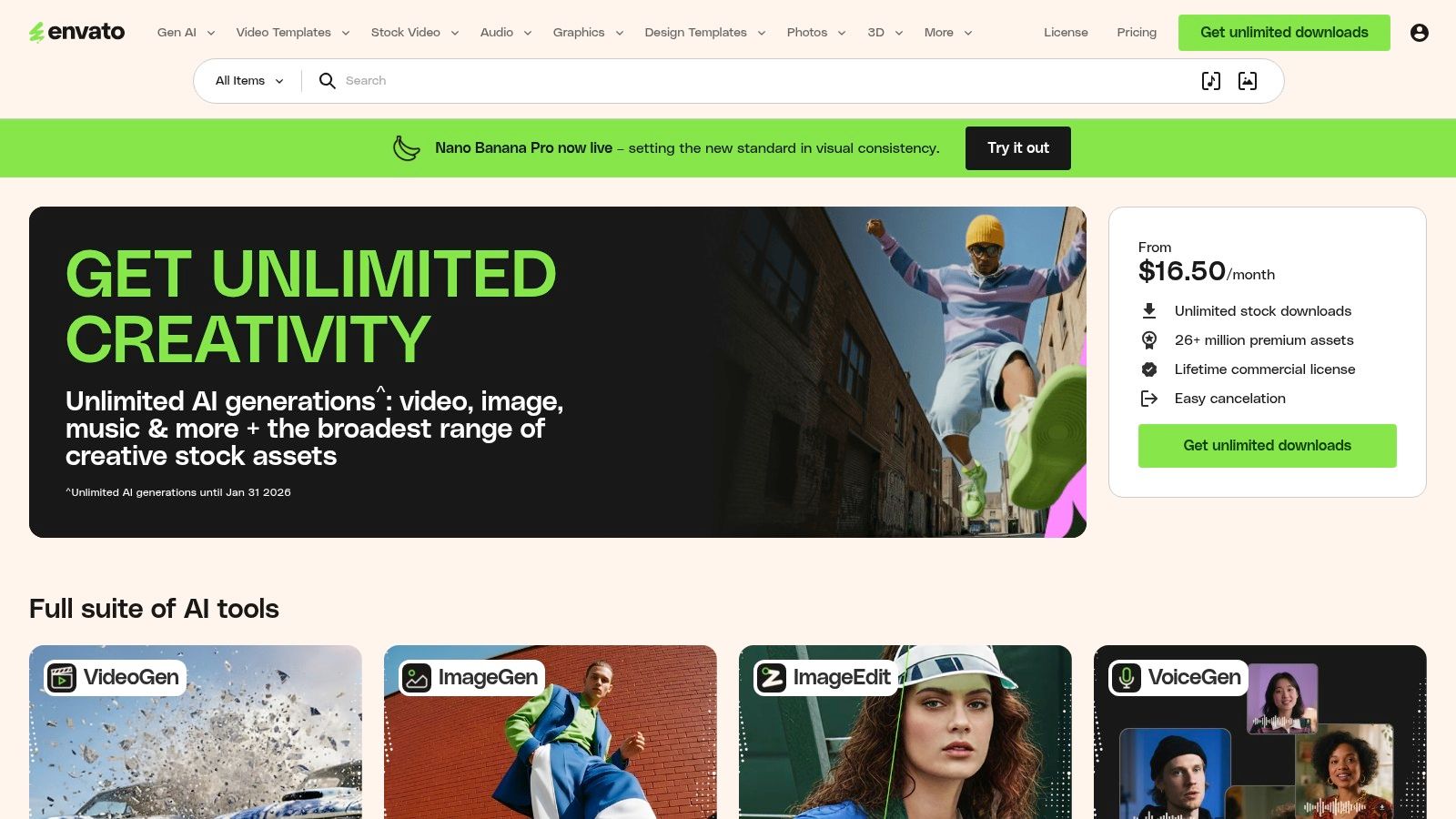
The service operates on a simple premise: one monthly fee for unlimited downloads under a broad commercial license. This makes it one of the most cost-effective youtube tools for creators who consistently need assets like B-roll, lower thirds templates for Adobe Premiere Pro or After Effects, and royalty-free audio tracks to elevate their production quality without incurring per-item costs.
Key Features & Use Cases
- Unlimited Downloads: Access millions of assets without download limits. Use this to experiment with different video templates, music tracks, and stock footage to find the perfect fit for your content.
- Simple Commercial Licensing: Every downloaded item is covered by a single, straightforward license for commercial use. Just register the project where you use the asset to keep the license valid, even after your subscription ends.
- Vast Library of Video Templates: Find thousands of templates for intros, outros, titles, transitions, and logo animations compatible with popular editing software, dramatically speeding up the post-production process.
- Stock Video & Audio: Enhance your storytelling with high-resolution stock footage and a huge collection of royalty-free music and sound effects, all included in the subscription.
Pricing and Tiers
Envato Elements is a subscription-based service with straightforward pricing for individuals and teams.
| Plan | Price (approx.) | Key Feature | Ideal User |
|---|---|---|---|
| Individual | ~$16.50/month (billed annually) | Unlimited downloads for one person. | Solo creators and freelancers. |
| Teams | ~$10.42/month per member (5 members) | Centralized billing and team management. | Production teams and agencies. |
| Enterprise | Custom Pricing | Tailored licensing and dedicated support. | Large organizations and businesses. |
Pros:
- Incredible Value: A single subscription provides access to a vast range of creative assets.
- Simple Licensing: The licensing model is easy to understand and covers commercial YouTube use.
- Time-Saving: Ready-made templates and easily searchable assets speed up video production significantly.
Cons:
- Quality can be inconsistent across the massive library, requiring some digging.
- Some highly specialized assets may only be available on their pay-per-item sister site, Envato Market.
Website:
11. Epidemic Sound
Epidemic Sound is a royalty-free music and sound effects library designed to solve one of the biggest headaches for YouTubers: copyright claims. It provides a massive, high-quality catalog of audio tracks that are fully cleared for use on YouTube and other platforms, making it one of the essential youtube tools for creators looking to monetize their content without fear of demonetization or legal issues.
The platform's key advantage is its direct handling of YouTube's Content ID system. By linking your YouTube channel to your Epidemic Sound account, any video published during your subscription is automatically whitelisted, preventing copyright claims from appearing. This seamless integration allows creators to focus on their edits rather than worrying about music rights.
Key Features & Use Cases
- Vast Music Library: Access over 40,000 music tracks and 90,000 sound effects, with new additions weekly, covering every genre and mood imaginable.
- YouTube Content ID Safelisting: The core feature. Connect your channel to automatically clear any music you use, ensuring your videos can be monetized immediately.
- Multi-Platform Licensing: A single subscription covers your content on YouTube, Instagram, TikTok, Twitch, and podcasts, providing consistent branding across all channels.
- Advanced Search & Discovery: Find the perfect track quickly with powerful filters for genre, mood, BPM, and vocals, along with curated playlists and AI-powered recommendations.
Pricing and Tiers
Epidemic Sound operates on a subscription model, with different plans tailored to individual creators and commercial entities.
| Tier | Price (approx.) | Key Feature | Ideal User |
|---|---|---|---|
| Personal | ~$9/month | Covers one channel per platform. | Individual creators and YouTubers. |
| Commercial | ~$19/month | Unlimited channels, client work, ads. | Freelancers and small agencies. |
| Enterprise | Custom Pricing | Custom licensing, multiple users. | Large media companies and businesses. |
Pros:
- Worry-Free Monetization: Completely eliminates copyright claim issues on YouTube.
- High-Quality, Diverse Library: Offers professionally produced music and SFX that elevate video quality.
- Simple Licensing: The subscription model is straightforward and covers all major platforms.
Cons:
- Music is only cleared for videos published while your subscription is active.
- The Personal plan does not cover client work, requiring an upgrade for freelancers.
Website: https://www.epidemicsound.com
12. YouTube Audio Library
The YouTube Audio Library is the official, built-in resource for copyright-safe music and sound effects, accessible directly from your YouTube Studio dashboard. This makes it one of the most essential youtube tools for creators on a budget, as it completely eliminates the risk of copyright claims and strikes from audio used in your videos. Its core strength is providing a hassle-free, zero-cost solution for background music.
While paid services offer a wider selection, the convenience of finding and downloading licensed tracks without ever leaving the YouTube ecosystem is unmatched. You can filter the extensive catalog by genre, mood, duration, and even specific instruments, ensuring you can find a suitable track for almost any video type, from vlogs to tutorials.
Key Features & Use Cases
- Free Music & SFX: Access thousands of high-quality music tracks and sound effects at no cost. Use this to add professional polish to your videos without any budget.
- Advanced Filtering: Quickly find the perfect audio by filtering based on mood (e.g., "Calm," "Dramatic"), genre, track duration, and instruments. This speeds up the search process significantly.
- Clear Licensing Information: The library clearly states whether attribution is required for a track. If it is, YouTube provides the exact text to copy and paste into your video description, making compliance simple.
- Direct Download & Integration: Download tracks as MP3 files to use in your preferred video editing software. The library is a fundamental part of the YouTube creator toolkit.
Pricing and Tiers
The YouTube Audio Library is completely free for all creators with a YouTube account. There are no tiers, subscriptions, or hidden costs.
| Tier | Price (approx.) | Key Feature | Ideal User |
|---|---|---|---|
| Standard | $0/month | Full access to all music and SFX. | All creators, especially those on a budget. |
Pros:
- Completely Free: No cost to use any of the tracks or sound effects.
- Copyright Safe: Guaranteed to be free of copyright claims when used on YouTube.
- Conveniently Integrated: Built directly into the YouTube Studio environment.
Cons:
- The catalog, while large, can feel generic and is less extensive than paid libraries.
- Popular tracks are used by many creators, which can make your videos sound less unique.
Website: https://studio.youtube.com (Accessed via your YouTube Studio)
Top 12 YouTube Creator Tools — Quick Comparison
| Product | Core features | UX / Quality (★) | Pricing & Value (💰) | Target audience & USP (👥 ✨) |
|---|---|---|---|---|
| TimeSkip 🏆 | One‑click in‑player chapter gen; AI keyword & long‑tail optimization; long‑form support | ★★★★★ | 💰 Starter $9/mo · Pro $19/mo · Studio $39/mo · 2 free generations (no CC) · credits never expire | 👥 YouTubers, podcasters, educators — ✨ Ultra‑fast SEO chapters, copies timestamps in seconds, boosts visibility ≈220% |
| TubeBuddy | Keyword Explorer, A/B thumbnail tests, bulk metadata, upload checklists | ★★★★☆ | 💰 Freemium → paid tiers; affordable entry, top features on higher plans | 👥 Workflow‑focused creators/agencies — ✨ Deep YouTube integration + powerful bulk ops |
| vidIQ | Keyword research, daily ideas, AI scripts/thumbnails, optimization checklists | ★★★★☆ | 💰 Freemium → Pro plans; tiered features/credits | 👥 Creators wanting ideation + optimization — ✨ AI tools + optional human coaching |
| Morningfame | Digestible analytics, guided keyword workflow, channel comparisons | ★★★★☆ | 💰 Invite/free trial → affordable paid plan | 👥 Small/mid channels & beginners — ✨ Prescriptive, step‑by‑step SEO guidance |
| Keyword Tool (YouTube) | Search volumes, CPC/competition, bulk analysis, API & team seats | ★★★★☆ | 💰 Pro plans with clear tiers · 30‑day money‑back | 👥 Teams/marketers/creators — ✨ Scalable long‑tail keyword data & API access |
| Social Blade | Channel lookups, estimated stats, rankings, shareable report PDFs | ★★★☆☆ | 💰 Free basic · Paid tiers for extended data/no ads | 👥 Sponsors/researchers/creators — ✨ Quick public benchmarking & reports |
| Streamlabs | Live stream apps/OBS plugins, Talk Studio, cross‑clip, web editor | ★★★★☆ | 💰 Freemium · Ultra subscription bundles (paid) | 👥 Live streamers & VOD creators — ✨ All‑in‑one live production ecosystem |
| Canva | Templates, brand kits, AI resize/background remover, asset library | ★★★★☆ | 💰 Freemium · Pro/Teams paid plans | 👥 Creators needing fast design — ✨ Quick thumbnails, templates & collaboration |
| Envato Elements | Unlimited downloads: templates, stock video, audio, graphics | ★★★★☆ | 💰 Unlimited subscription (monthly/annual) | 👥 Video producers & agencies — ✨ One subscription for broad creative assets |
| Epidemic Sound | Music & SFX with content‑ID handling, account linking, unlimited use while subscribed | ★★★★★ | 💰 Creator/Pro plans; 30‑day trial · subscription required for future uploads | 👥 Monetized creators/agencies — ✨ Copyright‑safe music + content‑ID protection |
| YouTube Audio Library | Free music & SFX inside YouTube Studio; filters by mood/genre/duration | ★★★☆☆ | 💰 Free | 👥 Budget creators & beginners — ✨ Zero‑cost, integrated with YouTube editor |
Building Your Stack: Choose Tools That Solve Your Biggest Problems
Navigating the vast landscape of YouTube tools for creators can feel overwhelming. We've explored a dozen powerful options, from comprehensive channel management suites like TubeBuddy and vidIQ to specialized solutions for audio, visuals, and live streaming. But the goal isn't to subscribe to every platform on this list. The real key to sustainable growth is to build a strategic, personalized toolkit, or "stack," that directly addresses your unique challenges and amplifies your strengths.
The most effective tool stack is one built with intention. It acts as an extension of your creative process, automating the tedious tasks that drain your energy and providing the data-driven insights needed to make smarter decisions. It's about finding the right balance between creative production and strategic optimization. Without the right tools, you risk spending more time on administrative busywork than on what actually matters: creating compelling content that resonates with your audience.
From Information Overload to Actionable Strategy
The core takeaway from this comprehensive list is that no single tool is a magic bullet for YouTube success. Instead, success comes from identifying your biggest bottleneck and finding a specific solution to solve it. Your journey to a more efficient workflow begins with a simple audit of your current process.
Ask yourself these critical questions:
- Where do I spend the most non-creative time? Is it struggling with keyword research, agonizing over thumbnail designs in a complex editor, or manually scrubbing through hours of footage to add timestamps?
- What data am I missing? Are you flying blind when it comes to competitor analysis, or are you unsure which video topics will actually attract viewers?
- Which part of the process feels the most repetitive? Tasks that you perform for every single video are prime candidates for automation.
Answering these questions honestly will illuminate the gaps in your workflow. If keyword research is your weakness, a tool like TubeBuddy or Keyword Tool becomes a priority. If your thumbnails are failing to attract clicks, investing time in Canva or sourcing high-quality assets from Envato Elements is a logical next step.
A Practical Approach to Building Your Toolkit
Building your ideal stack is an iterative process. Start small and focus on the highest-impact areas first. For many creators, especially those producing long-form content like podcasts, tutorials, or interviews, the post-production phase is a major time sink. Tasks like creating video chapters are not just a best practice; they are essential for viewer experience and SEO.
This is precisely where a specialized tool demonstrates its value. Manually creating chapters is a time-consuming, repetitive task. A tool like TimeSkip, which we highlighted in our SEO and Chapters section, automates this entire process. It uses AI to generate accurate, SEO-optimized chapters in minutes, freeing up hours of your time. This isn't just a time-saver; it’s a strategic advantage that directly improves viewer retention and helps your videos rank for more specific search queries.
Think of your tools as investments, not expenses. The right YouTube tools for creators pay for themselves, either through reclaimed time, increased ad revenue, or new monetization opportunities. Start by leveraging free trials and basic tiers to test how a tool integrates into your existing system. Once you confirm its value and see a tangible return, upgrading to a paid plan becomes a simple business decision. Ultimately, the goal is to create a seamless, efficient system that empowers you to focus on your creative vision, confident that the technical and analytical heavy lifting is being handled for you.
Ready to eliminate one of the most time-consuming post-production tasks? If you create long-form content and want to reclaim hours while boosting your video's SEO and viewer experience, it’s time to automate your video chapters. Discover how TimeSkip can transform your workflow by visiting TimeSkip and try it for yourself.
