

A video carousel rank checker tracks whether a specific video appears in Google's video carousel or other video-rich search results. A YouTube SERP tracker measures a related but different surface: a video's position in YouTube search. The best video rank tracker makes the engine and result type explicit instead of collapsing both rankings into one number.
The best choice depends on what you need to monitor. A YouTube-first creator usually wants keyword tracking inside their channel workflow. An SEO team may need Google SERP tracking, video carousel monitoring, location reports, and client-ready dashboards. If you are still setting up the basics before tracking, start by tightening your YouTube metadata and publishing workflow so the rank data has something useful to measure.
Quick Answer: What Should a Video Carousel Rank Checker Measure?
A useful video rank tracker should monitor keyword positions, target video URLs, search engine or platform, device or location when relevant, ranking history, and visibility in SERP features such as video carousels. For YouTube SEO, the tracker is most useful when you compare ranking changes with watch time, click-through rate, retention, and title or thumbnail tests in YouTube Analytics.
| Need | Best-fit tracker type | Why it matters |
|---|---|---|
| YouTube creator workflow | TubeBuddy or vidIQ-style YouTube tools | Easier keyword research and tracking inside the creator workflow. |
| Google video carousel rank checking | SERP trackers with video-feature support | Shows whether a video is visible in Google's carousel, not just a standard blue-link result. |
| Agency reporting | ProRankTracker, AccuRanker, Nozzle, or similar SEO platforms | Better history, exports, white-label reports, and multi-client tracking. |
| Content iteration | Track rankings alongside CTR, retention, and chapters | Ranking data is more useful when paired with viewer behavior. |
Before choosing a platform, confirm whether it tracks YouTube search, Google video results, Google video carousels, or all three. Then verify location/device controls, update frequency, historical reporting, and whether the plan tracks individual video URLs. Below, we compare 12 platforms by those practical differences.
1. TubeBuddy
TubeBuddy is more than just a video rank tracker; it's a comprehensive creator toolkit built directly into the YouTube interface via a browser extension. This integration is its standout feature, allowing creators to access powerful SEO tools without ever leaving their YouTube Studio dashboard. Its primary function for our purposes, the Rank Tracker, monitors your video's position for specific keywords in both YouTube and Google search results, providing crucial feedback on your optimization efforts.
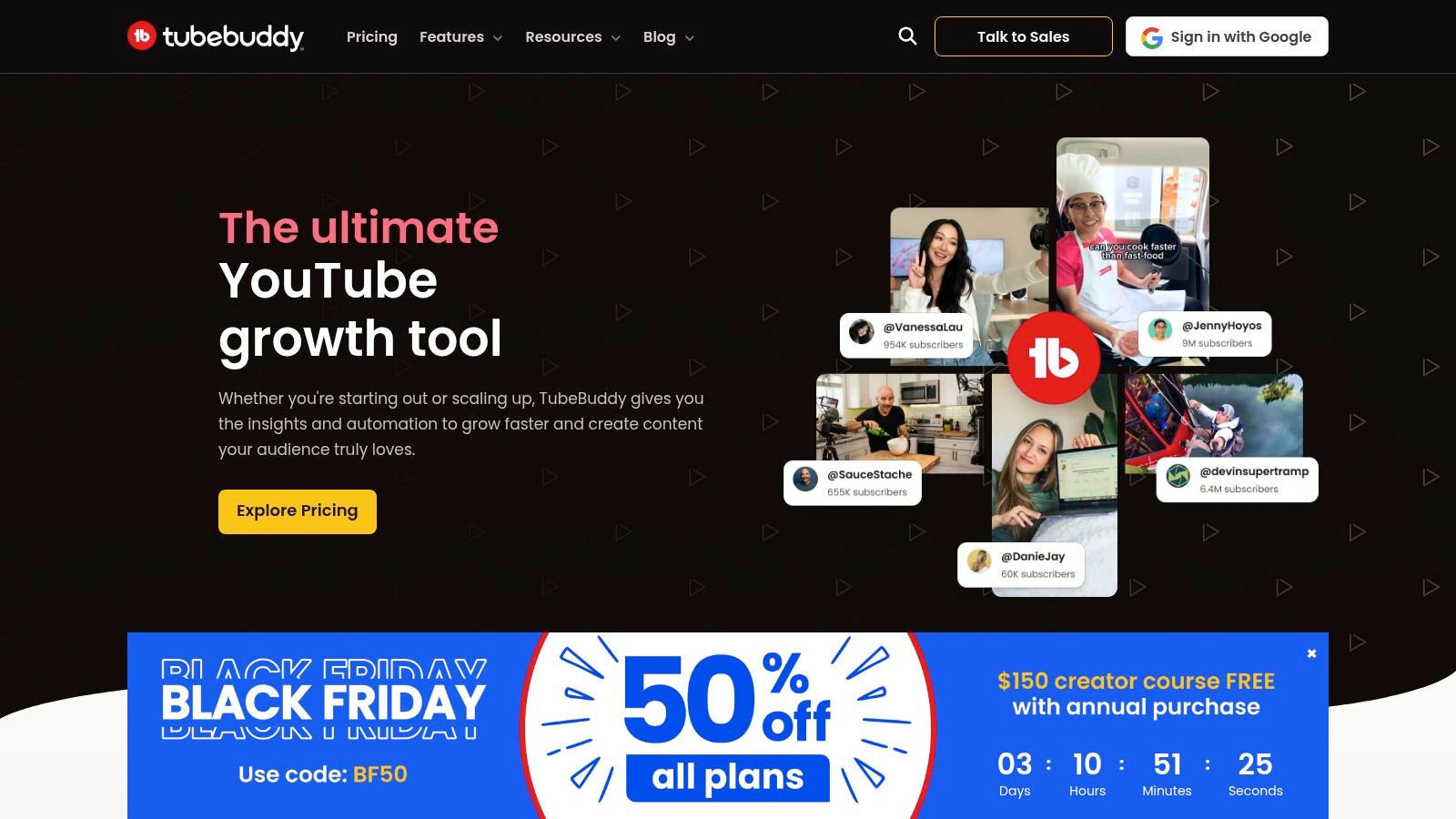
What sets TubeBuddy apart for individual creators and small teams is its accessibility and broad feature set. Beyond rank tracking, it offers a robust Keyword Explorer to uncover low-competition, high-search-volume phrases. Its A/B testing feature is a game-changer, letting you test different thumbnails and titles to see which performs best, directly impacting click-through rates and, consequently, rankings. For an even deeper dive, learn more about how to track the ranking of YouTube videos with these tools.
Getting Started & Pricing
Getting started is simple: install the browser extension and link your YouTube account. TubeBuddy offers a generous free tier that provides basic rank tracking for a limited number of keywords, making it perfect for new creators. For more advanced features, paid plans are available, typically starting around $3.50/month for the Pro plan when billed annually.
- Free: Basic keyword research and limited rank tracking.
- Pro: More health reports, keyword research, and video SEO tools.
- Legend: The full suite, including A/B testing, competitor tracking, and retention analysis.
The in-YouTube workflow makes TubeBuddy an exceptionally user-friendly choice for creators who want an all-in-one solution without a steep learning curve.
2. vidIQ
vidIQ is a powerful YouTube growth platform that, like TubeBuddy, integrates directly into your YouTube experience via a browser extension. It excels at providing real-time data and actionable insights as you browse, making it a fantastic tool for ideation and competitor analysis. For rank tracking, vidIQ offers a dedicated keyword tracking dashboard that shows your video's performance for specific search terms, helping you understand which SEO strategies are effectively boosting your visibility.
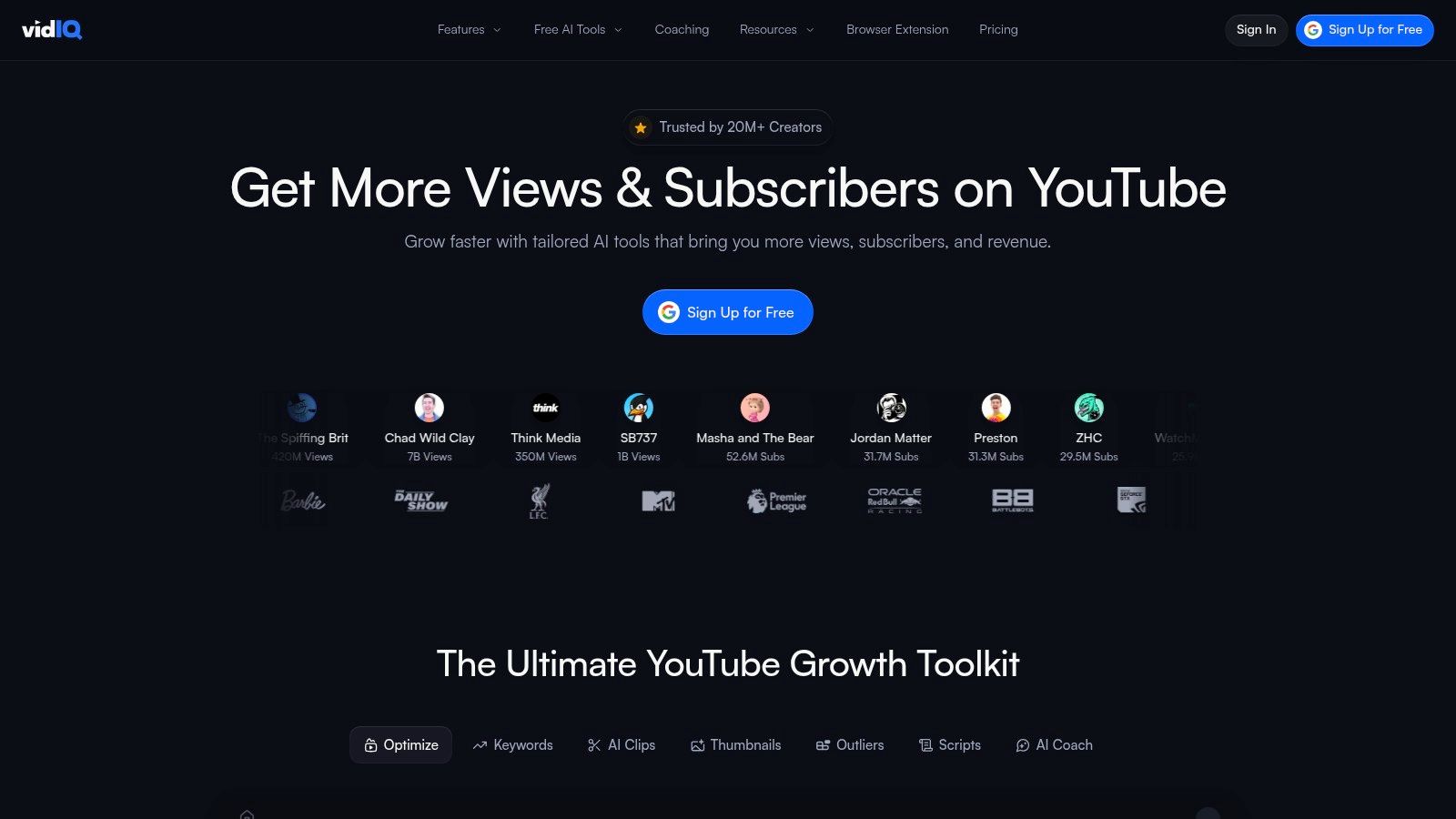
What makes vidIQ a strong contender is its emphasis on keyword research and opportunity scoring. The platform's keyword tool provides invaluable metrics on search volume versus competition, helping you target achievable keywords before you even create a video. This proactive approach to SEO, combined with its video performance scores and in-browser insights, makes it an excellent all-in-one video rank tracker and optimization suite for creators focused on data-driven growth. Its scalability also makes it a viable option for larger teams and enterprises managing multiple channels.
Getting Started & Pricing
To begin, you simply install the vidIQ browser extension and connect your YouTube channel. A functional free version offers basic keyword research and a limited view of performance metrics, giving you a solid taste of the platform's power. For deeper insights and more extensive tracking, paid plans unlock the full suite of tools.
- Basic: Free plan with basic video analytics and limited keyword research.
- Pro: Ideal for individual creators, offering more keyword research and trend alerts, starting around $7.50/month.
- Boost: Unlocks AI-powered features like a title recommender and expanded keyword tracking, often around $39/month.
The seamless in-browser workflow and strong focus on pre-production keyword research make vidIQ a favorite among creators who want to base their entire content strategy on solid SEO data. You can learn more at https://vidiq.com.
3. ProRankTracker
ProRankTracker shifts the focus from an all-in-one creator suite to a specialized, powerful rank analytics engine. It excels at delivering detailed, multi-engine tracking data for users who need precision and depth in their reporting. This tool meticulously monitors your video's performance not just on YouTube search but also within Google's web and dedicated video search results, providing a holistic view of your video's SERP footprint.
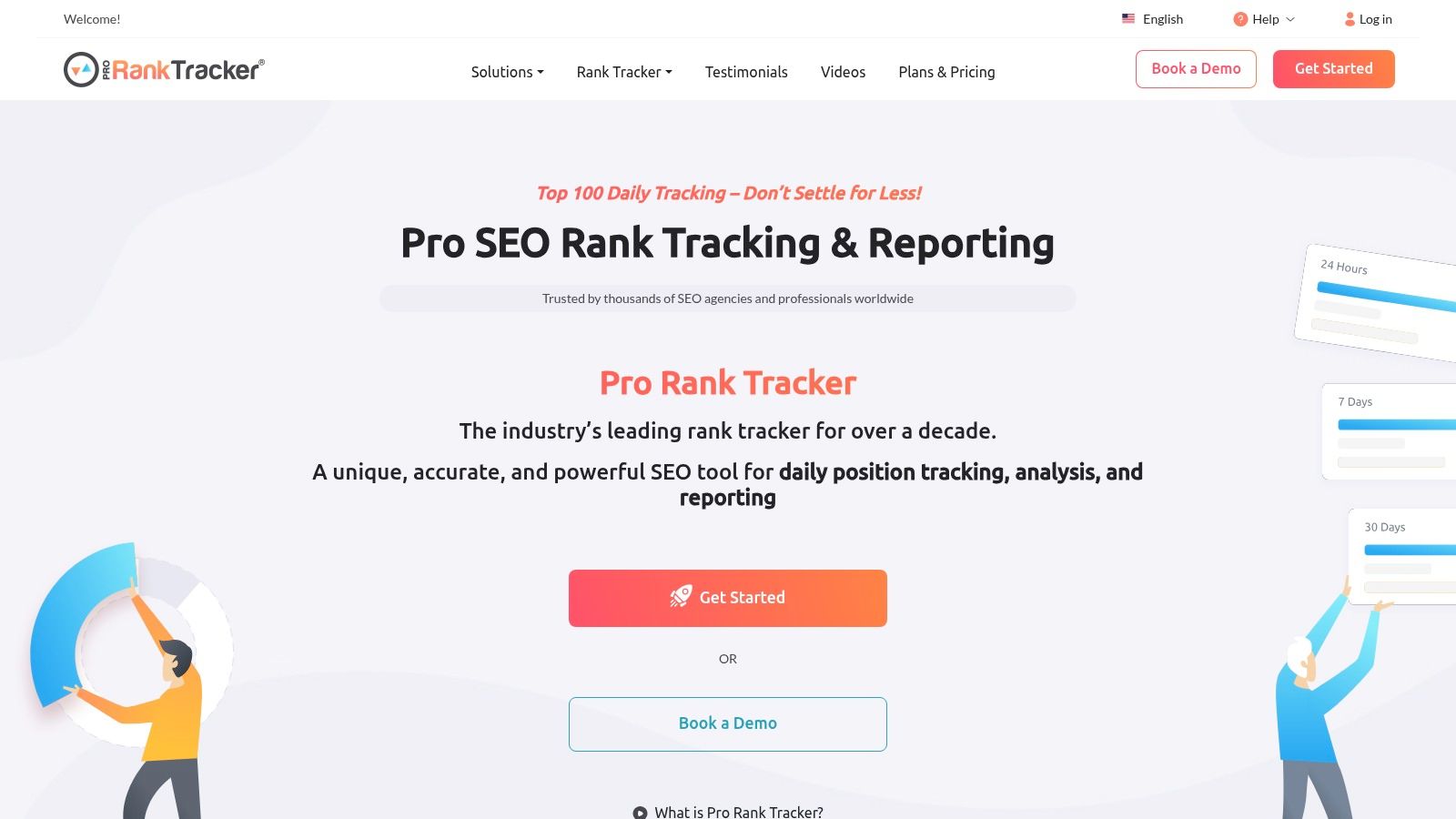
What sets ProRankTracker apart is its singular focus on being an elite video rank tracker for analytics-driven users. Its strength lies in its robust reporting capabilities, including white-label reports for agencies and deep-dive analytics views (URL, Term, Daily, etc.). The integration with Looker Studio (formerly Google Data Studio) is a significant advantage, allowing for the creation of custom, shareable dashboards. This makes it an ideal choice for SEO professionals managing multiple client channels or data-savvy creators who prioritize granular performance metrics.
Getting Started & Pricing
You can begin with a free trial to explore the platform's core functionalities. ProRankTracker's pricing is tiered based on the number of "terms" (keywords) you need to track, making it scalable. Paid plans offer daily automatic updates and access to more advanced features.
- Free Trial: A 30-day trial with 100 terms to test the full feature set.
- Starter: Aimed at individuals, starting around $13.50/month for 100 terms.
- Pro: Designed for in-house teams and small agencies, with more terms and features.
- Agency: Offers a high volume of terms and extensive white-label reporting options.
While its interface has a steeper learning curve than creator-focused extensions, ProRankTracker’s accuracy and reporting depth are unmatched for those who need a dedicated rank tracking solution.
4. AccuRanker
AccuRanker is an enterprise-grade SEO platform known for its speed and precision, offering a powerful, dedicated video rank tracker for professionals. Unlike creator-focused browser extensions, it’s a standalone tool designed for agencies and large teams that need to monitor video performance across both YouTube and Google search results with impeccable accuracy. Its core strength lies in providing daily, on-demand rank updates, ensuring you have the most current data to inform your video SEO strategy.
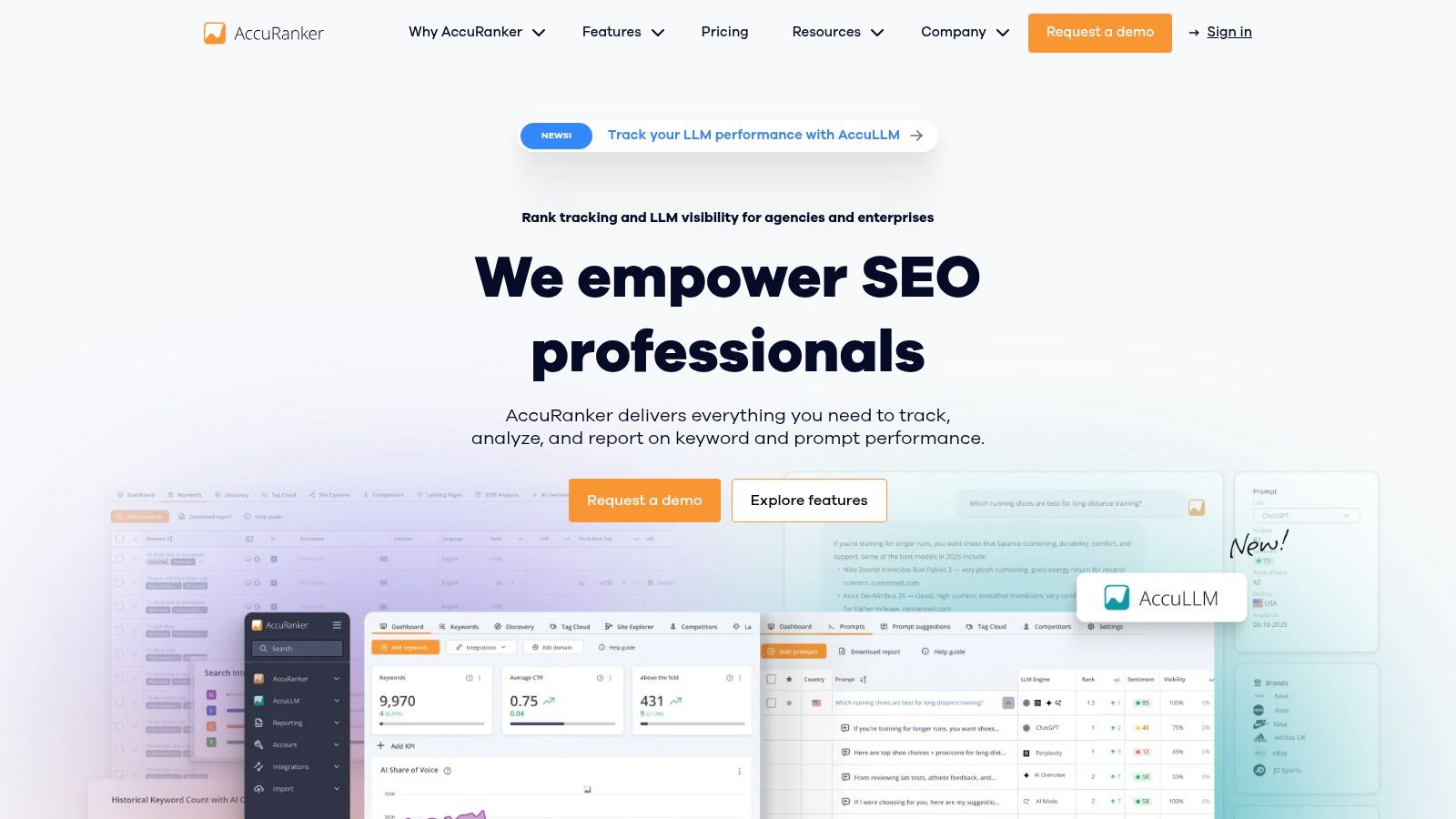
What makes AccuRanker stand out for serious video marketers is its depth of SERP analytics. It goes beyond simple position tracking by providing pixel position data, "above the fold" metrics, and even click-through rate modeling. This level of detail helps you understand not just where your video ranks, but how visible it truly is to searchers. For data-driven teams, its robust API and integrations with tools like Google's Looker Studio and BigQuery allow for seamless integration into custom reporting dashboards, making it a scalable solution for tracking extensive video portfolios.
Getting Started & Pricing
To begin, you create an account on the AccuRanker website and add the keywords and specific YouTube video URLs or channel you want to track. The interface is clean and data-focused, prioritizing speed and clarity. Pricing is based on the number of keywords tracked, which makes it more expensive than typical creator tools but justifiable for businesses managing high-value video assets.
- 1k Keywords: Starts at $129/month, including daily updates and all core features.
- 2k Keywords: The next tier provides more capacity for growing agencies.
- Custom Plans: Enterprise-level plans are available for tracking a massive number of keywords with dedicated support.
AccuRanker is the ideal choice for marketing agencies and in-house SEO teams who demand the fastest, most accurate video rank tracking data and require powerful integrations.
5. Rank Ranger
Rank Ranger, now part of the Similarweb suite, is a powerful SEO platform with a dedicated focus on comprehensive YouTube rank tracking. It’s built for data-driven marketers and agencies who need to monitor video performance not just on YouTube itself, but also within Google's main search and dedicated video results. This dual-platform tracking provides a complete picture of a video's organic visibility, a crucial advantage for holistic SEO strategies.
What sets Rank Ranger apart is its agency-centric feature set. It offers robust white-label reporting capabilities, allowing marketing agencies to deliver professional, branded performance reports to their clients. The platform also integrates directly with YouTube Analytics, enabling users to correlate ranking data with crucial engagement metrics like watch time and audience retention. This connection helps answer not just "where do I rank?" but "how does my ranking impact performance?"
Getting Started & Pricing
Getting started involves signing up for a plan on the Rank Ranger website and connecting your YouTube channel. The platform is geared towards professionals, so its pricing reflects its advanced feature set. Plans are often customized based on the volume of keywords tracked and reporting needs, frequently requiring a quote for larger-scale use.
- Lite & Standard Plans: Offer foundational rank tracking capabilities suitable for smaller businesses or those just starting to track video SEO.
- Pro & Enterprise Plans: Unlock the full suite of features, including advanced white-label reporting, API access, and higher tracking limits, making them ideal for agencies and large brands.
For agencies and in-house marketing teams that manage multiple video channels, Rank Ranger’s robust reporting and deep data integration make it a top-tier video rank tracker.
6. Nightwatch
Nightwatch transitions from traditional SEO rank tracking to the video sphere with a dedicated YouTube module designed for data-driven marketers and agencies. Its core strength lies in its powerful segmentation and incredibly granular location tracking, covering over 100,000 locations worldwide. This makes it an exceptional video rank tracker for businesses and creators targeting specific local or regional audiences, providing daily updates on how their content performs in different markets.
What truly sets Nightwatch apart is its modern interface and sophisticated data visualization. Users can easily segment keywords by intent, topic, or performance, and view rankings across various SERP features, not just standard video results. While it lacks the creator-centric tools found in browser extensions like thumbnail testers, it excels at providing the high-level, scalable data that teams need for comprehensive competitor analysis and strategic planning. The platform is built for professionals who value precision and detailed reporting over in-YouTube convenience.
Getting Started & Pricing
Getting started involves signing up on their website and connecting your data sources. Nightwatch offers a 14-day free trial, allowing you to validate its accuracy and explore the dashboards before committing. Pricing is tiered based on the number of keywords and websites tracked, with plans generally geared toward professional use.
- Startup: Designed for freelancers and small businesses, offering a foundational set of tracking features.
- Optimize: A popular choice for growing businesses, providing more keywords and API access.
- Agency: The most comprehensive plan, built for large-scale operations with white-label reporting and extensive keyword capacity.
Nightwatch is the ideal choice for marketing agencies and multi-location businesses that require a robust, accurate, and highly localized video rank tracker with a polished, professional user experience.
7. Nozzle
Nozzle is a powerful, data-driven SERP monitoring tool designed for SEO professionals who treat video as a first-class asset. Unlike creator-focused tools, Nozzle provides enterprise-level telemetry, tracking video performance within Google's complex search results pages. Its primary function as a video rank tracker is to monitor not just standard organic rankings but also visibility within crucial features like the Video Carousel, giving a complete picture of your video's search footprint.
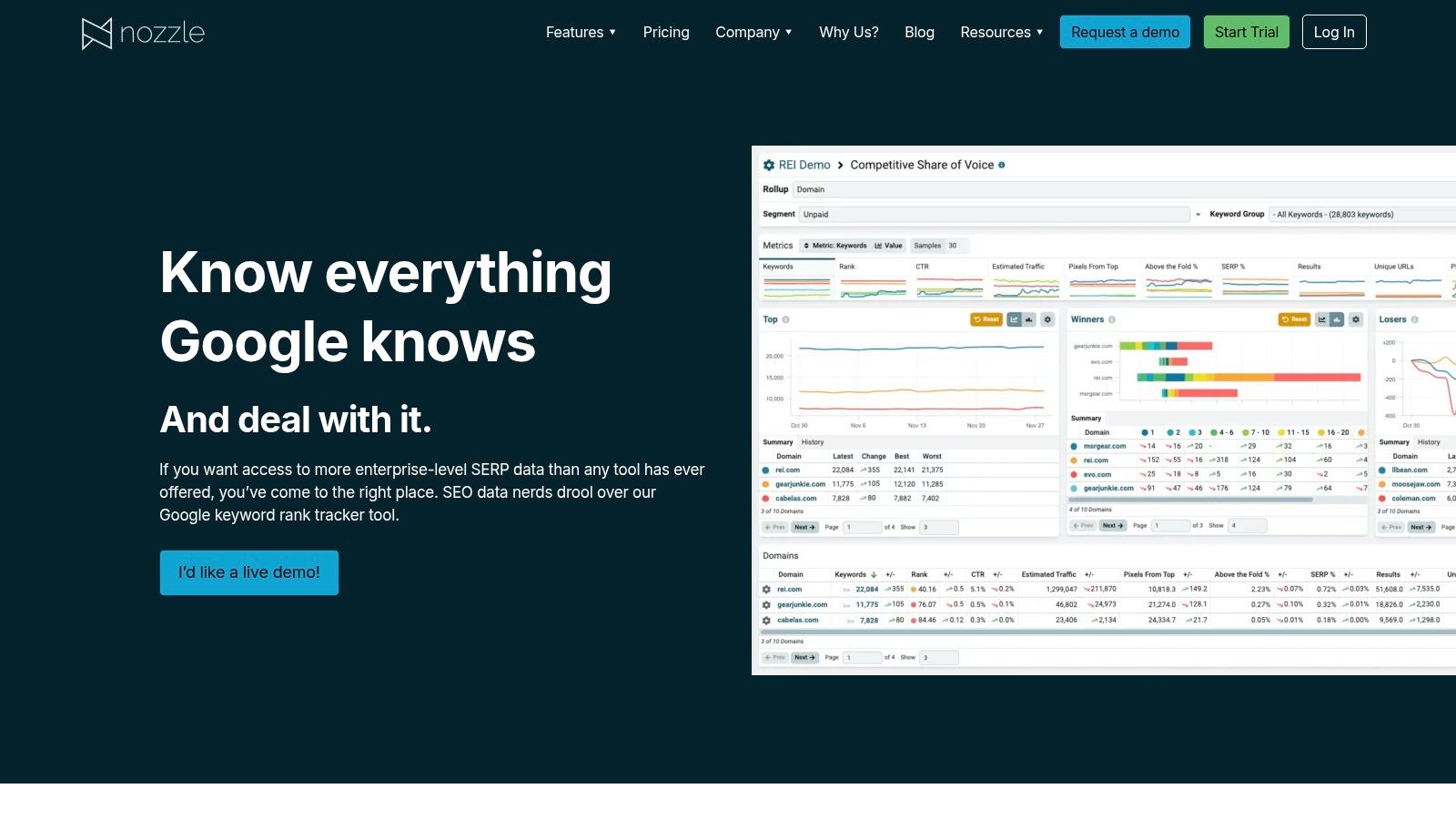
What sets Nozzle apart is its deep SERP analytics. It goes beyond simple rank position to provide metrics like pixels-from-top, above-the-fold percentage, and the full SERP HTML for every keyword tracked. For SEO teams managing large-scale video strategies, the ability to bulk-add hundreds of YouTube URLs and conduct detailed competitive monitoring is invaluable. This platform is less about in-YouTube optimization and more about understanding and dominating video's role in the broader Google ecosystem.
Getting Started & Pricing
Getting started with Nozzle typically involves scheduling a demo to tailor a plan to your specific needs, reflecting its enterprise focus. It's built for large-scale data collection and analysis, so its pricing structure is customized based on the volume of keyword pulls and the depth of data required.
- Custom Plans: Pricing is tailored based on usage, with plans designed for agencies, brands, and large marketing teams.
- Deep Telemetry: All plans include tracking across SERP features, including video carousels, featured snippets, and People Also Ask boxes.
- Long-Term Data: Nozzle excels at unlimited historical data retention, allowing for long-term trend analysis.
Nozzle is the ideal choice for seasoned SEO analysts and marketing teams who require granular data on video SERP performance and competitor movements over time.
8. SE Ranking
SE Ranking is a comprehensive, all-in-one SEO platform where video rank tracking is a key feature within a much larger toolkit. This makes it an ideal solution for marketers and businesses who manage both traditional website SEO and YouTube channel growth. Its dedicated YouTube Rank Tracker allows you to monitor video and channel rankings for specific keywords, providing a unified view of your digital presence across Google and YouTube without needing separate subscriptions.
What sets SE Ranking apart is its integrated approach. You can track your YouTube video's SERP position in a specific location right alongside your website's keyword rankings. The platform provides essential data like search volume and traffic forecasts, allowing you to group and tag keywords for organized campaigns. This holistic view is perfect for strategies where a YouTube video supports a blog post or landing page, as you can monitor the performance of both assets in one dashboard.
Getting Started & Pricing
You can start by signing up for a 14-day free trial to test the full suite of tools, including the YouTube tracker. SE Ranking’s pricing is flexible and depends on the frequency of rank checks and the number of keywords tracked. Plans are highly customizable to fit different needs.
- Essential: Starts around $44/month (billed annually), offering a solid foundation for small projects and businesses.
- Pro: A popular choice for agencies and in-house teams, starting at approximately $87/month (billed annually) with more keyword capacity and features.
- Business: The most comprehensive plan for large-scale operations, starting around $191/month (billed annually).
For users who need a powerful, integrated SEO and video rank tracker without the specialization of a YouTube-only tool, SE Ranking offers exceptional value and a user-friendly interface.
9. Serpwatch
Serpwatch is a straightforward and accessible video rank tracker known for its generous free-forever plan, making it an excellent entry point for creators just beginning to monitor their YouTube SEO. It focuses on the core essentials: tracking your video's position for specific keywords across various global locations. The platform presents this data in a clean, easy-to-digest dashboard, stripping away the complexity found in more enterprise-level tools.
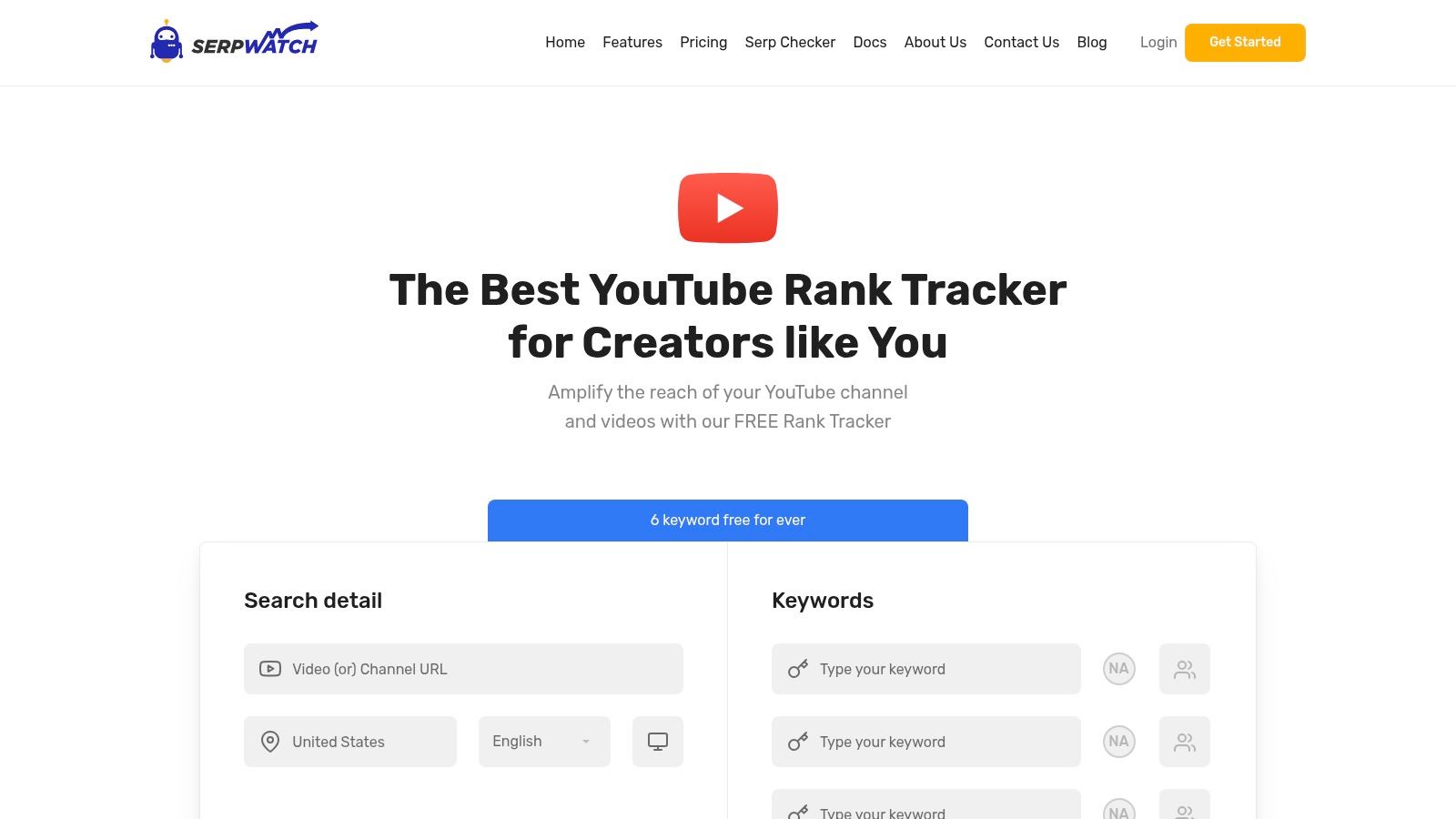
What makes Serpwatch stand out for beginners and those on a tight budget is its simplicity and directness. You can quickly add your video URLs, input target keywords, and start tracking. A key feature is the competitor comparison, allowing you to see side-by-side how your video ranks against others for the same search term. This provides immediate, actionable insights into which content is winning in the SERPs and why, helping you refine your own SEO strategy without a significant financial investment.
Getting Started & Pricing
Getting started with Serpwatch is fast; you simply create an account and add your first project. The free plan is a major draw, offering a risk-free way to test the platform's capabilities. Paid plans unlock higher keyword limits, more frequent rank updates, and automated email reporting to keep you informed.
- Free: Track up to 6 keywords with weekly updates, perfect for testing.
- Starter: Increases keyword limits and provides daily tracking updates.
- Agency: Designed for managing multiple channels or clients with much higher tracking volumes.
For individuals or small teams needing a no-frills, reliable video rank tracker to monitor a handful of core keywords, Serpwatch offers a cost-effective and highly usable solution.
10. Ahrefs (Rank Tracker)
Ahrefs is a powerhouse in the SEO industry, and its Rank Tracker tool extends this authority to video by focusing heavily on how your content performs in Google Search. While not a dedicated YouTube-native tool, it excels at monitoring your YouTube video URLs in Google's SERPs across different locations and devices. Its strength lies in providing a holistic view of your video's visibility alongside your website content, making it ideal for brands integrating video into a broader content strategy.
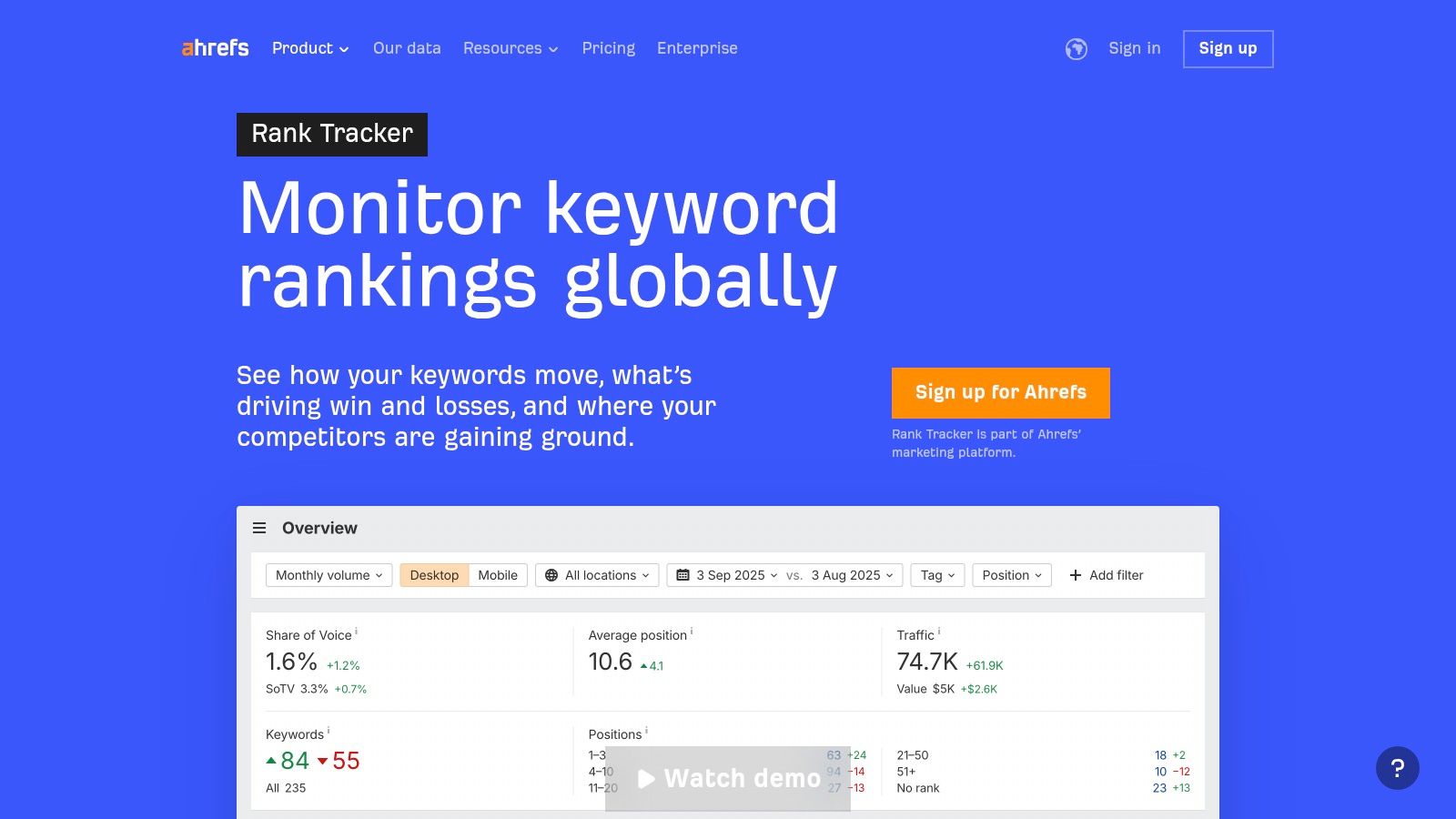
What sets Ahrefs apart is its deep competitive intelligence and SERP feature tracking. You can not only track your video's keyword positions but also see when video carousels or video-rich results appear, giving you crucial insights into user intent and content opportunities. This makes it an invaluable video rank tracker for strategists focused on capturing Google traffic. This approach perfectly complements other on-page optimizations, and you can learn more about how to combine these strategies with a YouTube rank tracker.
Getting Started & Pricing
Getting started involves adding your website (and associated YouTube channel) as a project and inputting the keywords you want to track for specific URLs. Ahrefs is a premium, comprehensive SEO suite, and its pricing reflects that. Plans are designed for serious marketers and businesses, starting at $99/month for the Lite plan when billed monthly.
- Lite: $99/month for 750 tracked keywords and weekly updates.
- Standard: $199/month for 2,000 keywords and more in-depth features.
- Advanced: $399/month for 5,000 keywords and extended data history.
- Enterprise: $999/month for 10,000 keywords and premium access.
While not for the casual creator, Ahrefs is the top choice for marketing teams needing to benchmark video performance against competitors within the Google search ecosystem.
11. Semrush (Position Tracking + Rank Tracker for YouTube App)
Semrush offers a powerful, two-pronged approach for marketers who need to understand their video's performance both on Google and within YouTube's native environment. Its core Position Tracking tool is a titan for monitoring how your YouTube video URLs perform in Google's search results, including their visibility in video carousels. This is essential for businesses leveraging YouTube as part of a broader SEO strategy where Google visibility is a key performance indicator.
The platform's true strength as a dedicated video rank tracker for YouTube comes from its App Center, which features the "Rank Tracker for YouTube" app (powered by Tubics). This add-on specifically monitors your video rankings within YouTube's own search algorithm. This dual capability allows you to see the complete picture: how your video is discovered on the world's largest search engine (Google) and the world's second-largest search engine (YouTube), all within a single ecosystem. It bridges the gap between traditional SEO and video-specific optimization.
Getting Started & Pricing
To track videos in Google SERPs, you'll need a standard Semrush subscription. To track rankings within YouTube, you must add the "Rank Tracker for YouTube" app from the Semrush App Center, which has its own separate subscription.
- Semrush Pro: Starts around $129.95/month, providing access to Position Tracking for Google SERPs.
- Rank Tracker for YouTube App: A separate subscription, typically starting at $29/month for tracking up to 200 keywords.
This modular approach makes Semrush ideal for marketing teams and agencies that already use the platform for their wider SEO efforts and want to integrate comprehensive video tracking into their existing workflow.
12. SEO PowerSuite – Rank Tracker (Link-Assistant)
SEO PowerSuite's Rank Tracker takes a different approach by offering a powerful, desktop-based software solution. Instead of a cloud-based service, this tool runs locally on your computer, giving you complete control over your data. It’s an excellent video rank tracker for users who want to monitor not just YouTube, but also how their videos appear in Google's universal and vertical search results, including Video carousels, Images, and Places. This comprehensive view is its key differentiator, providing insights into your video's entire search footprint.
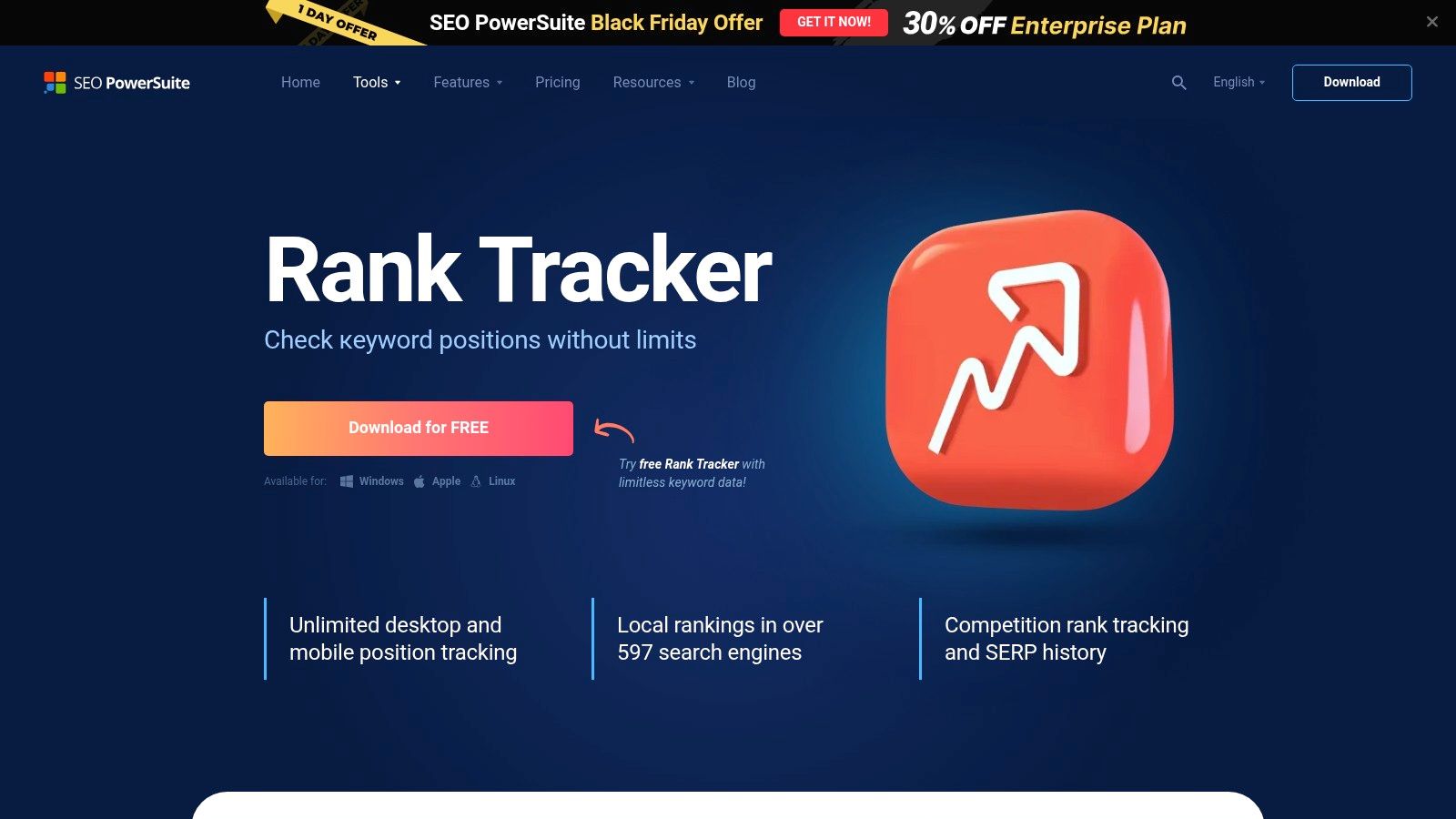
What sets Rank Tracker apart is its flexibility and one-time licensing model. Users can track an unlimited number of keywords across hundreds of search engines and specific geographic locations, a feature often restricted by monthly limits in SaaS tools. It also excels at competitor analysis, allowing you to add rivals' channels and videos to see how you stack up. The ability to generate scheduled, white-label reports makes it a strong contender for agencies and SEO professionals managing client accounts.
Getting Started & Pricing
Getting started involves downloading and installing the software from the Link-Assistant website. The application guides you through setting up a project for your channel and keywords. A generous free edition is available, which is highly functional but does not allow saving project history. The paid versions are offered as perpetual licenses, meaning you pay once and own the software forever, with optional annual fees for algorithm updates.
- Free: Track unlimited keywords and websites, but with no project saving capabilities.
- Professional: A one-time fee (around $149) enables project saving, task scheduling, and competitor tracking.
- Enterprise: A one-time fee (around $349) adds reporting, data export, and report scheduling features for agency use.
The desktop-centric workflow and perpetual license make SEO PowerSuite’s Rank Tracker a cost-effective and powerful choice for SEOs and marketers who prefer a local software environment.
Top 12 Video Rank Trackers — Feature Comparison
| Tool | Core Features | UX / Quality | Value & Price | Target Audience | Unique Selling Point |
|---|---|---|---|---|---|
| TubeBuddy | Rank & tag tracker; Keyword Explorer; A/B tests; Chrome extension | ★★★★☆ — in-YouTube workflow | 💰 Free tier → paid plans (starter-friendly) | 👥 Individual creators & hobbyists | ✨ Easy onboarding; A/B testing inside YouTube |
| vidIQ | Keyword discovery; in-browser insights; performance scores; dashboards | ★★★★☆ — strong ideation overlays | 💰 Free tier → scalable enterprise | 👥 Creators wanting ideation + channel optimization | ✨ Live in-YouTube insights; performance scoring |
| ProRankTracker | Daily YouTube & Google tracking; Looker Studio; white-label reports | ★★★★ — analytics-first, steeper learning | 💰 Competitive pricing; Test-Run available | 👥 SEO specialists & agencies | ✨ Robust reporting & update-on-demand |
| AccuRanker | Fast daily + manual updates; YouTube Rank Tracker; API & BigQuery | ★★★★★ — enterprise accuracy & speed | 💰 Premium pricing (enterprise-focused) | 👥 Agencies & large teams | 🏆 High accuracy; strong integrations & SERP analytics |
| Rank Ranger | URL/channel tracking; YouTube Analytics integration; white-label | ★★★★ — client-ready reporting | 💰 Quote/scale pricing for agencies | 👥 Agencies & multi-client setups | ✨ Purpose-built YouTube reporting; white-label outputs |
| Nightwatch | Dedicated YouTube module; 100k+ locations; segmentation | ★★★★ — modern UI; local granularity | 💰 14-day free trial; tiered plans | 👥 Teams needing location-specific analysis | ✨ Extensive location coverage & segmentation |
| Nozzle | Video-first tracking; carousel & organic SERP telemetry; history | ★★★★ — analyst-oriented | 💰 Demo/request; enterprise style | 👥 SEO teams focused on video visibility | ✨ Deep SERP telemetry; long-term historical retention |
| SE Ranking | YouTube rank tracker + full SEO suite; competitor views | ★★★★ — approachable UI | 💰 Good value; free trial available | 👥 Users wanting integrated SEO + YouTube | ✨ All-in-one SEO with focused YouTube tools |
| Serpwatch | Freemium YouTube rank tracking; email alerts; global locations | ★★★ — simple setup for starters | 💰 Free-forever starter (6 kws) → paid plans | 👥 Individuals & small teams testing tracking | ✨ Free forever starter quota; easy setup |
| Ahrefs (Rank Tracker) | Rank tracking across locations; SERP features incl. video; GSC | ★★★★☆ — deep competitive intelligence | 💰 Premium suite; daily updates cost extra | 👥 SEO teams & agencies needing intel | 🏆 Strong competitive reporting & SERP history |
| Semrush (Position Tracking + App) | Google position tracking (video carousel) + YouTube app add-on | ★★★★ — broad SEO toolkit | 💰 Core + add-on app for native YouTube | 👥 SEO teams needing cross-platform insights | ✨ Tracks Google video SERPs + native YouTube (with app) |
| SEO PowerSuite – Rank Tracker | Desktop multi-engine/location tracking; history & reports | ★★★ — local/desktop workflow, technical setup | 💰 Free edition; one-time/perpetual license option | 👥 Users preferring desktop control & one-time buy | ✨ Perpetual license & local execution (no SaaS) |
Video Rank Tracking Checklist
Before you choose a tool, define the exact videos and keywords you want to monitor. A small, consistent keyword set is usually more useful than hundreds of noisy terms. Track your main YouTube query, one or two long-tail variants, and any Google video carousel terms where the video already appears or is close to page one.
Use the same checklist each week:
- Record the target URL: Track the specific video, not only the channel or website.
- Separate YouTube from Google: A video can rank well on YouTube while missing Google's video carousel.
- Watch movement by query group: Group keywords by topic so one noisy phrase does not drive the decision.
- Pair ranking with behavior: Compare ranking changes with YouTube Studio CTR, retention, and watch time.
- Act on the result: Update titles, descriptions, chapters, thumbnails, and internal links only when the data points to a clear weakness.
Turn Tracking Data into Action: Your Next Steps to Higher Rankings
We've journeyed through an extensive lineup of the best video rank tracker tools available, from dedicated YouTube powerhouses like TubeBuddy and vidIQ to all-in-one SEO suites like Semrush and Ahrefs. Each platform offers a unique blend of features, accuracy, and pricing, but the core takeaway is universal: data is only valuable when you act on it. Simply knowing your rank is the starting line, not the finish line. The true power of a video rank tracker lies in its ability to inform a dynamic, responsive optimization strategy.
The insights you gather are your roadmap. A drop in rankings for a key term signals a need to re-evaluate your metadata or content. A competitor's video suddenly climbing the SERPs is a direct invitation to analyze their strategy. This continuous feedback loop is what separates stagnant channels from those that achieve sustained growth.
From Monitoring to Mastery: A 3-Step Action Plan
Choosing the right tool is just the first step. To translate tracking data into tangible results, you need a clear, repeatable workflow. Here’s how to move from passive monitoring to active optimization.
-
Analyze and Prioritize: Don't get lost in the data. Isolate your most important keywords, especially those with high search volume and commercial intent. Use your chosen video rank tracker to identify your "striking distance" keywords, those ranking on the second or third page. These are your lowest-hanging fruit for quick ranking improvements.
-
Optimize On-Page and In-Video: Armed with data, begin your optimization push. Refine your video titles to be more compelling and keyword-focused. Enhance your descriptions with semantic keywords and clear calls-to-action. Most importantly, look beyond the metadata and focus on the video itself. This is where on-video SEO becomes a game-changer.
-
Integrate On-Video SEO with Chapters: This is the critical step many creators miss. Search algorithms are getting smarter, and they now analyze the content within your video. By implementing SEO-optimized video chapters, you give platforms like YouTube and Google explicit, time-stamped context about your video's structure. This not only improves viewer experience but directly helps you rank for specific "key moments" and long-tail searches related to the topics discussed in each chapter.
Selecting Your Perfect Video Rank Tracker
With so many options, how do you choose? Your decision should be guided by your specific needs and scale.
- For the Dedicated YouTuber: If your world revolves around YouTube, tools like TubeBuddy and vidIQ are indispensable. Their deep integration within the YouTube ecosystem provides real-time analytics and direct optimization tools that are second to none for creators.
- For the Data-Driven Marketer: If you manage a broader SEO strategy across websites and videos, an all-in-one suite like SE Ranking or Semrush provides the most value. These platforms allow you to track YouTube rankings alongside your website's performance, offering a holistic view of your entire digital footprint.
- For Agencies and SEO Professionals: For those who need maximum accuracy, granular data, and robust reporting, advanced tools like AccuRanker and ProRankTracker are built for scale. Their focus on precision and frequent updates makes them ideal for client work.
Ultimately, the best video rank tracker is the one that you will use consistently. It should fit your budget, match your technical comfort level, and provide the specific data points you need to make informed decisions. Remember that tracking is part of a much larger picture. For a holistic approach to improving your video performance, consider developing a comprehensive video content marketing strategy that aligns your content creation with your tracking and optimization efforts.
The goal isn't just to track rankings; it's to influence them. By pairing the powerful insights from a video rank tracker with tactical on-video optimizations like keyword-rich chapters, you create a powerful synergy. You're no longer just guessing what works, you're building a data-informed engine for sustainable video growth.
Ready to turn your ranking data into a competitive advantage? While your video rank tracker tells you where you stand, TimeSkip helps you climb higher by optimizing your content from the inside out. Use it to generate SEO-rich video chapters in seconds, giving search engines the exact context they need to rank your key moments and boosting your visibility for valuable long-tail keywords.
Supercharge your on-video SEO and start your free trial of TimeSkip today!
