

In 2025, artificial intelligence is no longer a futuristic concept; it's a core component of every successful creator's toolkit. From automating tedious video editing to sparking new ideas for your next viral post, the right AI platform can redefine your entire workflow. The challenge isn't finding a tool, it's navigating the overwhelming number of options to find the one that genuinely solves your problems.
This guide is designed to cut through that noise. We've compiled a definitive list of the best AI tools for content creators, focusing on practical application and real-world performance. Whether you are a podcaster needing to generate show notes, a YouTuber trying to improve video SEO, or a marketer scaling your blog's output, this resource is for you. Each entry provides a detailed analysis, including key features, honest limitations, pricing, and setup tips, complete with screenshots and direct links to get you started immediately. Our goal is to help you find the perfect platform to work smarter, not harder.
While this article focuses on the cutting-edge of AI, a broader understanding of general content tools remains valuable. For a foundational overview, you can explore the 12 best content creation tools for social media in 2025. Now, let's dive into the AI solutions that will amplify your creative process.
1. TimeSkip
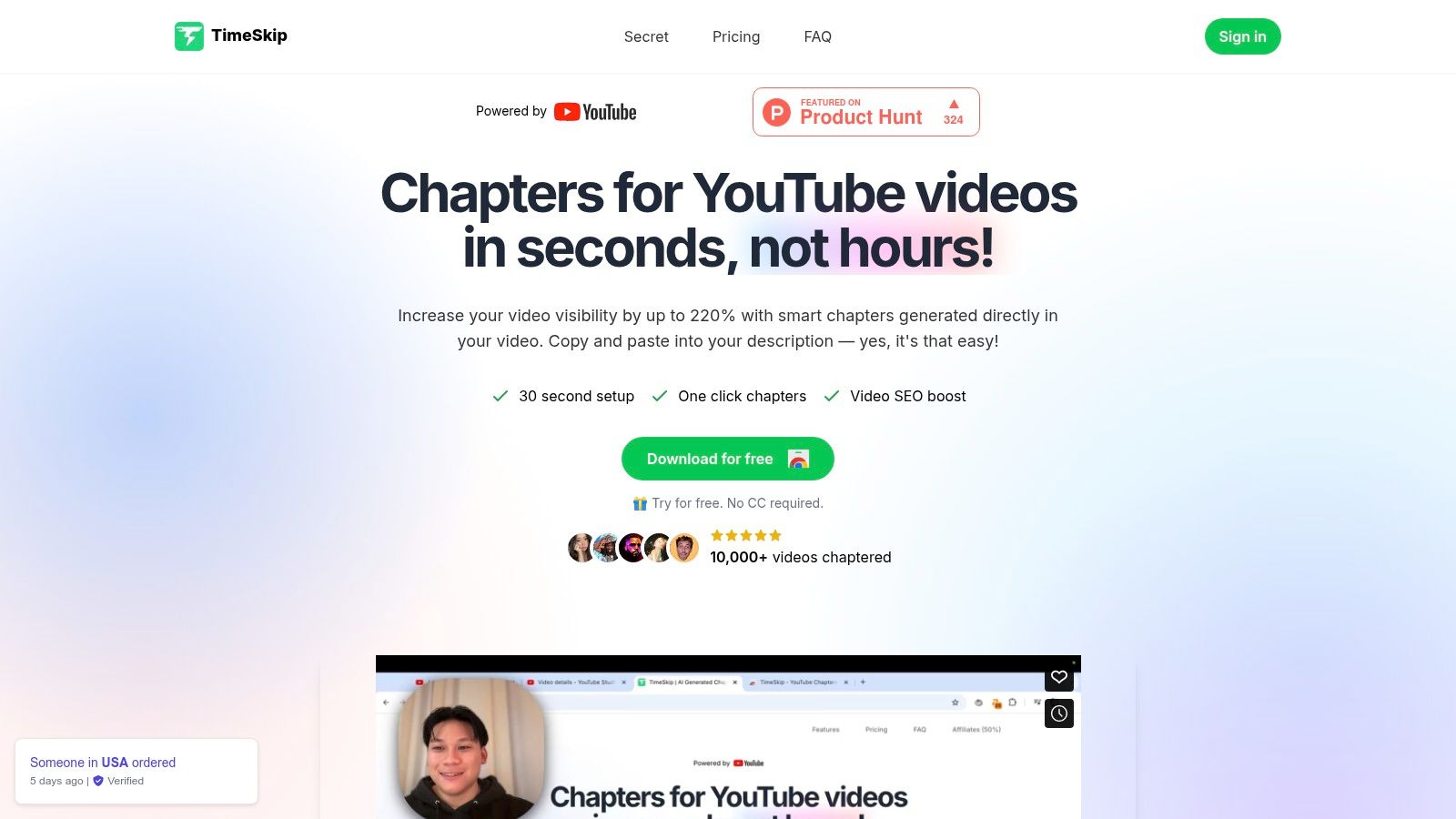
Topping our list of the best AI tools for content creators is TimeSkip, a deceptively powerful Chrome extension that automates one of the most tedious yet critical tasks for YouTubers: creating chapters. It stands out by transforming a manual, time-consuming process into a one-click action, directly addressing the need for efficiency and enhanced search engine optimization (SEO). For creators producing long-form content like podcasts, tutorials, or interviews, TimeSkip is a game-changer, ensuring videos are both user-friendly and highly discoverable.
Its core strength lies in its AI-driven analysis, which doesn't just identify logical breaks in your video. It simultaneously performs keyword research to generate chapter titles optimized for ranking on both YouTube and Google search. This dual-functionality is what elevates it beyond a simple timestamp tool into a strategic growth asset. The setup is remarkably fast, taking less than a minute to install and integrate directly into your YouTube interface, making the user experience seamless.
Why It's Our Top Pick
TimeSkip's impact on channel growth is backed by compelling data, with users reporting significant boosts in visibility and discovery. Its ability to generate chapters for a four-hour video in seconds is a massive productivity win.
Key Benefit: TimeSkip intelligently automates YouTube chapter creation with SEO-optimized titles, directly boosting video discoverability (up to 25%) and viewer retention (up to 15%) without you ever leaving the YouTube page.
Features & Pricing
| Feature | Starter ($9/mo) | Pro ($19/mo) | Studio ($39/mo) |
|---|---|---|---|
| Max Video Length | 30 minutes | 2 hours | 4 hours |
| Videos/Month | 5 | 20 | 50 |
| Keyword Research | ✓ | ✓ | ✓ |
| Advanced Settings | - | ✓ | ✓ |
| Priority Support | - | - | ✓ |
Pros:
- Generates SEO-optimized chapters in seconds, even for very long videos.
- Directly improves video ranking and discoverability on Google and YouTube.
- Seamless one-click integration within the YouTube player.
- Offers a free trial with credits that don't expire.
Cons:
- Requires the Google Chrome browser to function.
- The Starter plan's limits may be too restrictive for active creators.
Best For: Podcasters, educators, and marketers focused on maximizing the long-term organic reach of their YouTube content.
Get started with TimeSkip: https://timeskip.io
2. PlayPlay
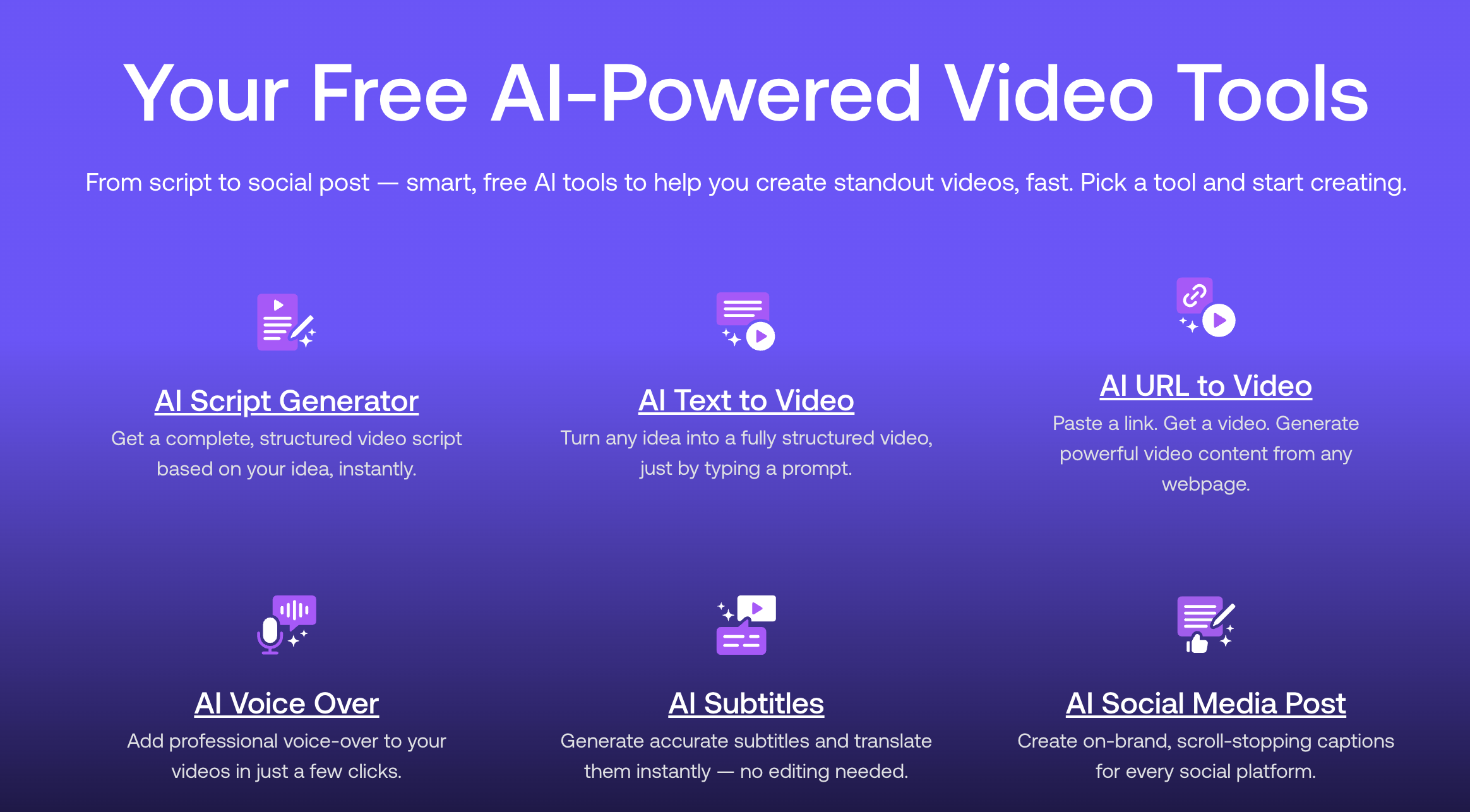
PlayPlay is a video editor platform that helps you to create video content with AI. The platform integrates free AI-powered video tools. From script to social post - smart, free AI tools to help you create standout videos, fast. Pick a tool and start creating. PlayPlay's AI Suite is a comprehensive toolkit transforming your video creation process. They empower your creativity for unparalleled communication and marketing success. It will definitely save days of work with cutting-edge AI video capabilities.
Key Features and Considerations
- Free AI script generator: Generate compelling video scripts from simple prompts.
- Free AI text to video: Transform written content into engaging video presentations.
- Free AI URL to video: Convert web content directly into video format.
- Free AI voiceover: Add professional narration to your videos.
- Free AI subtitles: Automatically generate accurate subtitles for accessibility.
- Free AI social media post generator: Create optimized social content effortlessly.
- AI Avatar: Use virtual presenters in your videos.
- AI Audio Cleaner: Enhance audio quality with intelligent noise reduction.
- AI Video Clipping: Extract key moments from longer content automatically.
Website: https://playplay.com/
3. VEED
VEED has rapidly emerged as one of the most comprehensive AI-powered video editing platforms for content creators who need professional results without the complexity of traditional software. What sets VEED apart as one of the best AI tools for content creators is its revolutionary text-based editing workflow combined with a complete suite of AI automation features. This browser-based editor eliminates the need for expensive software downloads while offering enterprise-grade capabilities that rival desktop applications like Adobe Premiere.
The platform's standout feature is its ability to edit videos by editing the transcript—simply delete words from the text, and the corresponding video segments are automatically removed. This makes VEED exceptionally powerful for interview-based content, podcasts, and educational videos where precision and speed are paramount. Beyond editing, VEED's Auto Edits feature can instantly add subtitles, clean audio, and insert AI-generated B-roll, transforming raw footage into polished content with minimal manual intervention.
Why VEED Transforms Video Production
VEED addresses the complete video creation lifecycle, from generation to final export. Its integration of cutting-edge AI video models like VEO 3.1, Sora 2, and PixVerse AI means you can generate entire videos from text prompts when starting from scratch. For existing footage, features like Eye Contact correction ensure you always appear professional on camera, while the AI noise reduction tool delivers broadcast-quality audio without expensive microphones.
Key Benefit: VEED combines text-based editing with AI automation (auto-subtitles, noise removal, B-roll insertion) in a single browser-based platform, enabling creators to produce professional videos 10x faster than traditional editing workflows.
Key Features and Considerations
- Text-Based Editing: Edit video content by manipulating the automatically generated transcript. This workflow is revolutionary for spoken-word content, dramatically reducing editing time from hours to minutes.
- AI Automation Suite: Includes Auto Edits for one-click enhancements, automatic subtitle generation in 100+ languages, AI background removal without green screens, and professional audio cleanup with Studio Sound technology.
- AI Video Generation: Access to multiple state-of-the-art AI video models (VEO 3.1, Sora 2 Pro, Kling AI, MiniMax) for creating videos from text prompts or animating images, perfect for generating B-roll or conceptual content.
- Professional Output: Unlike many browser-based editors, VEED supports 4K exports and offers advanced collaboration features for team workflows, making it suitable for both solo creators and agencies.
- Cross-Platform Accessibility: Works seamlessly across all major browsers (Chrome, Safari, Firefox, Edge) and devices (Mac, Windows, iPad, iPhone), with all projects saved to the cloud for easy access anywhere.
Pros:
- Complete video workflow in one platform—from AI generation to final export.
- Text-based editing makes complex cuts incredibly fast and intuitive.
- No software installation required; works entirely in your browser.
- Extensive free tier with professional features accessible to beginners.
- Real-time collaboration tools for team projects.
Cons:
- Free plan includes watermarks on exports; premium required for watermark-free videos.
- Advanced AI features and 4K exports require paid subscriptions.
- Heavy projects may require strong internet connectivity for optimal performance.
Best For: Social media managers, podcasters, educators, and marketing teams who need to produce high-quality videos quickly without mastering complex editing software.
Get started with VEED: https://www.veed.io/tools/video-editor
4. DepositPhotos
DepositPhotos is a strong visual content platform for creators who need high-quality stock photos, vectors, videos, and AI-assisted creative assets at scale. It helps speed up content production for blog headers, social posts, ad creatives, and website visuals without requiring a full in-house design pipeline. For teams publishing frequently, it can be a practical way to maintain quality and consistency while reducing production time.
Key Features and Considerations
- Extensive Asset Library: Access a large catalog of royalty-free stock images, vectors, editorial content, and video assets.
- Creator-Friendly Search: Powerful search and filtering make it easier to find relevant visuals quickly for specific campaigns and formats.
- Scalable for Teams: Suitable for content teams that need frequent visual assets across blogs, social media, and paid marketing.
- Licensing & Plans: Offers multiple subscription and on-demand plans; always verify current licensing terms for your intended commercial usage.
Website: DepositPhotos
5. Adobe Creative Cloud (with Adobe Firefly)
For creators who operate within a professional ecosystem, Adobe Creative Cloud represents the gold standard, now enhanced with its native generative AI, Adobe Firefly. This isn't a standalone tool but a deeply integrated AI layer within industry-leading applications like Photoshop, Premiere Pro, and Illustrator. This integration makes it one of the best AI tools for content creators who need a seamless, powerful, and commercially safe workflow. The AI is trained on Adobe Stock's licensed library, offering a higher degree of legal assurance for commercial use.
The primary benefit is context-aware creation. For example, you can use Generative Fill in Photoshop to expand an image's background or remove objects with a simple text prompt, all without leaving your project file. In Illustrator, you can generate editable vector graphics from a description, streamlining logo and icon design.
Key Features and Considerations
- Native AI Integration: Firefly AI is built directly into flagship apps, enabling features like Generative Fill (Photoshop), Text to Vector Graphic (Illustrator), and upcoming video editing tools.
- Commercial Safety: A significant advantage is that Firefly is designed to be commercially safe. Adobe offers enterprise customers IP indemnification for content generated with Firefly.
- Generative Credits: Usage is managed through a "Generative Credits" system. Paid plans include a monthly allocation, with options to purchase more. This adds a layer of complexity, as users must monitor their credit consumption.
- Pricing: Access is through a Creative Cloud subscription, with plans starting around $59.99/month for all apps. Be aware of potential price changes and plan adjustments scheduled for 2025.
Website:
6. Canva – Magic Studio
Canva has evolved from a simple design tool into a comprehensive AI-powered creative suite with Magic Studio. It excels at democratizing design, making it one of the best AI tools for content creators who need to produce high-quality social media graphics, thumbnails, presentations, and lightweight videos quickly. The platform integrates a wide array of AI features directly into its famously user-friendly interface, allowing for a seamless workflow from initial idea to published content without a steep learning curve.
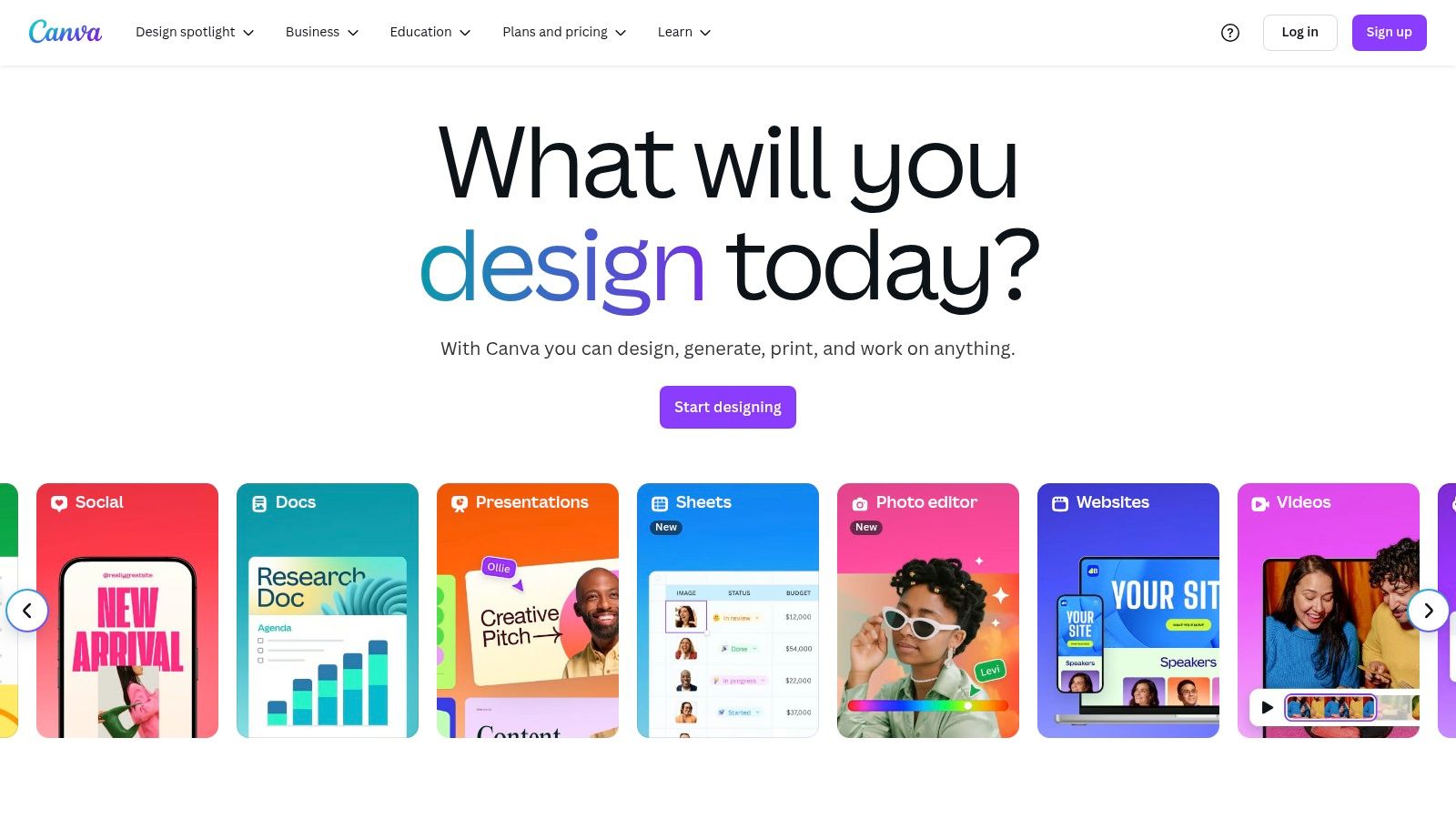
Magic Studio's strength lies in its speed and accessibility. For example, Magic Design can generate a full presentation or video from a single text prompt, complete with branded assets. This allows solo creators and small teams to bypass hours of manual design work and focus on the core message of their content. The all-in-one nature means you can write copy, generate images, and assemble a final design without ever leaving the Canva ecosystem.
Key Features and Considerations
- All-in-One AI Suite: Includes Magic Design for instant creations, Magic Write for copy, and Magic Media for text-to-image and text-to-video generation.
- Intuitive Editing Tools: Features like Magic Edit, Expand, and Morph allow for easy object replacement, background expansion, and animating elements with simple text prompts.
- Ease of Use: Canva's drag-and-drop interface and vast template library make it extremely approachable for non-designers, with excellent cross-platform support on web, desktop, and mobile.
- Pricing: A robust free tier is available. Paid plans like Canva Pro and Canva for Teams unlock more advanced features and higher usage limits. Pricing structures can vary, so it's wise to check current offerings.
Website:
7. Runway
For creators at the forefront of AI-driven video, Runway is a pioneering platform that transforms text and images into compelling motion content. Specializing in advanced video generation, editing, and enhancement, it stands out as one of the best AI tools for content creators looking to produce cinematic shorts, dynamic explainers, or conceptual B-roll without a full production crew. Its suite of tools, powered by its proprietary AI models, allows for rapid creative iteration, making it ideal for visual experimentation and high-quality output.
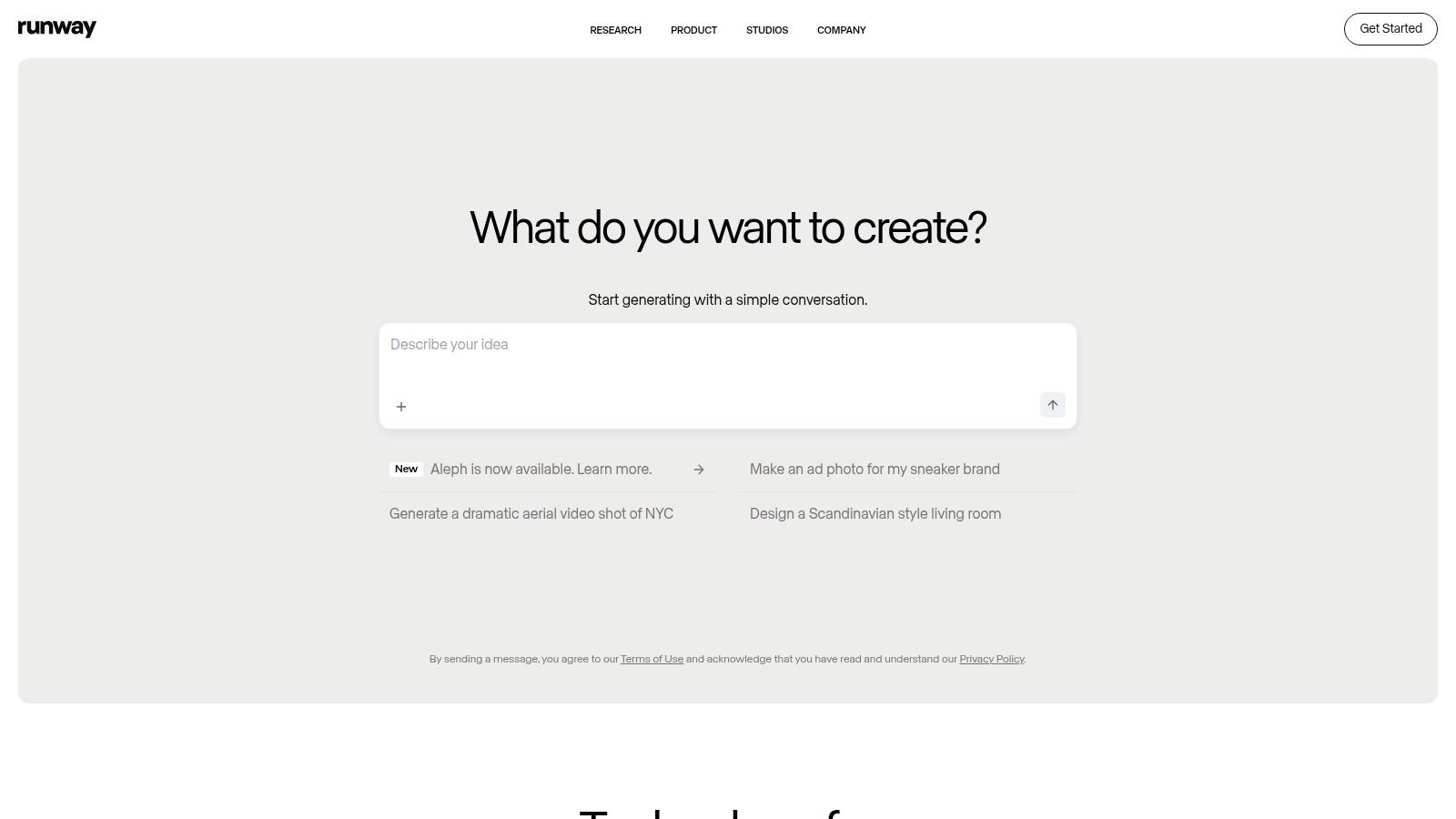
Runway’s strength lies in its comprehensive, browser-based video workflow. You can generate video clips from simple prompts, animate existing images, or use AI-powered magic tools to edit footage with features like inpainting or motion tracking. This makes it exceptionally useful for social media managers and independent filmmakers who need to quickly visualize and produce professional-looking video assets.
Key Features and Considerations
- Advanced AI Video Models: Utilizes proprietary models like Gen-3 Alpha for high-fidelity text-to-video and image-to-video generation.
- Credit-Based System: Operations consume credits, which are transparently explained. Plans come with a monthly credit allowance, and additional credits can be purchased.
- Professional Export Options: Unlike many competitors, Runway supports professional formats, including upscaling to 4K and exporting in ProRes, which is vital for serious video projects.
- Cost Management: While powerful, generating high-quality video can be costly. Users must carefully track their credit usage, especially on lower-tier plans, to manage expenses effectively. Plans start with a free tier and paid options from $12/user/month.
Website: https://runwayml.com/
8. Descript
For creators who produce spoken-word content like podcasts, video essays, or online courses, Descript offers a revolutionary approach to editing. It transcribes your audio and video, allowing you to edit the media simply by editing the text transcript. This text-based workflow makes it one of the best AI tools for content creators focused on dialogue, as it dramatically cuts down on the tedious process of finding and cutting specific clips. The platform is built around efficiency, turning what used to take hours into a task that takes mere minutes.
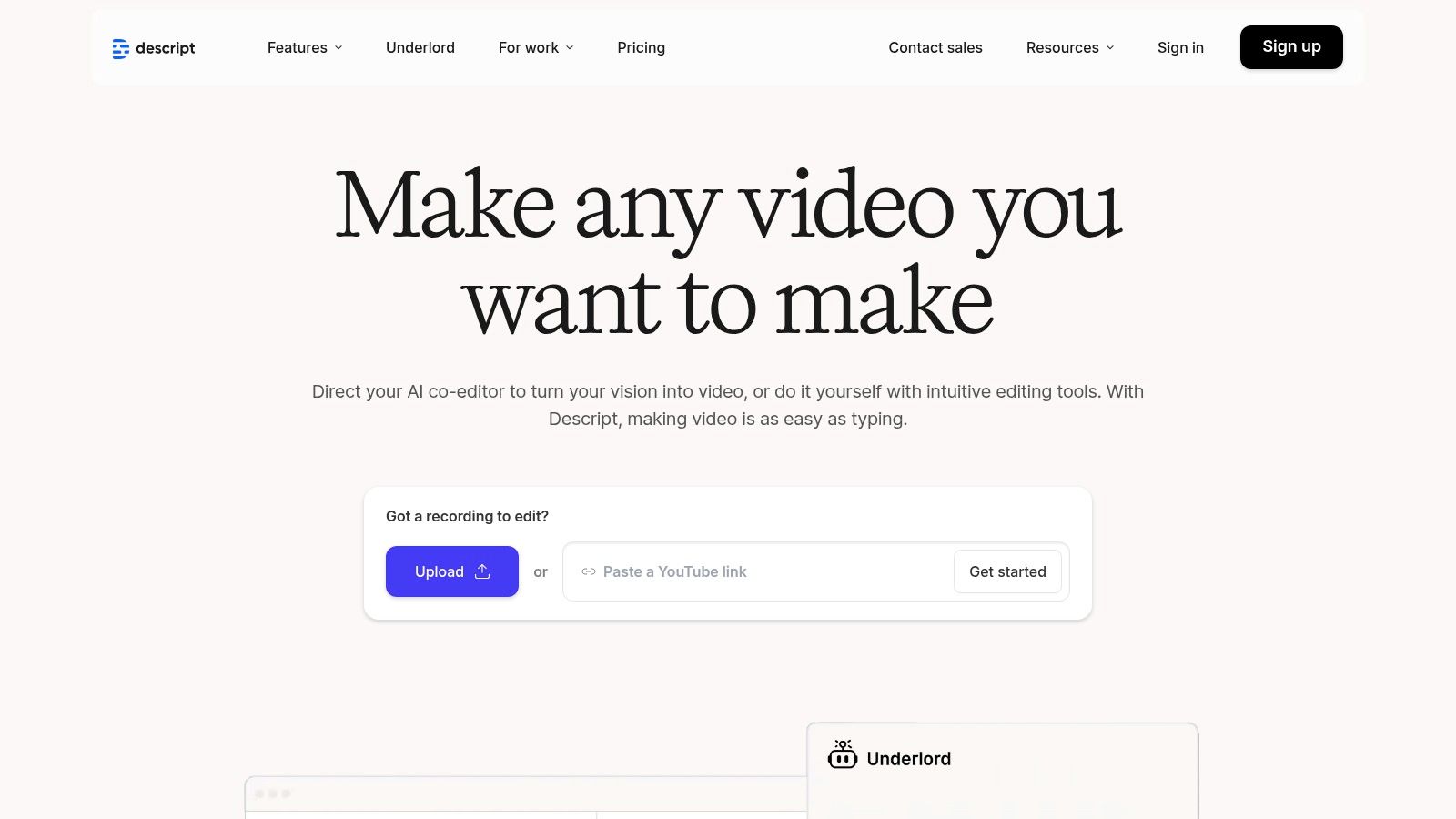
The core magic lies in its AI-powered features. With a single click, you can remove all filler words ("ums," "ahs") or enhance audio quality with Studio Sound. More advanced tools like Overdub let you clone your voice to correct mistakes, while the Eye Contact feature can digitally adjust your gaze to face the camera, saving a take that might have otherwise been unusable.
Key Features and Considerations
- Text-Based Editing: The standout feature is editing video and audio by manipulating a text document. Deleting a word in the transcript removes it from the media timeline.
- AI-Powered Tools: Includes a suite of smart features such as automatic filler word removal, Studio Sound for audio enhancement, Eye Contact correction, and Overdub for voice cloning.
- Team Collaboration: Designed to scale, with features for team collaboration and the ability to add free "Basic" seats on Business plans, making it easy to work with editors or producers.
- Pricing: Plans are available for different creator levels, but pricing information can sometimes be inconsistent between the website and the app. It's wise to verify the current cost in-app before purchasing.
Website: https://www.descript.com/
9. CapCut
For creators focused on short-form social media content, CapCut has become an indispensable tool. Originally known as a mobile-first editor for platforms like TikTok, it has evolved into a robust cross-platform solution with powerful, accessible AI features. Its key strength lies in its speed and simplicity, making it one of the best AI tools for content creators who need to produce high volumes of engaging video content quickly and efficiently. The platform streamlines complex editing tasks into single-click actions.
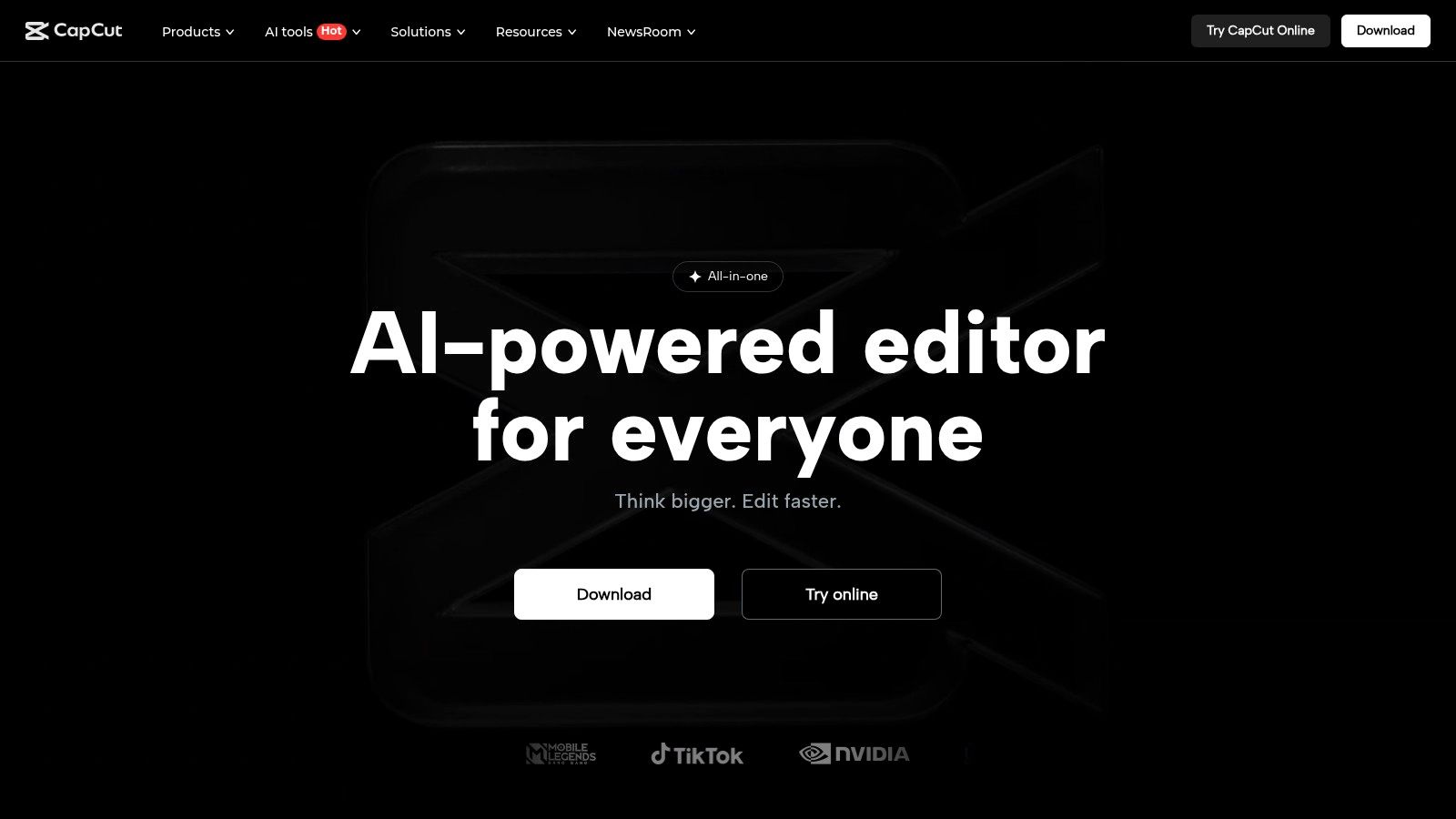
CapCut excels at automating tedious processes that once required manual effort or more advanced software. Its AI-powered auto-captioning generates accurate, stylized subtitles in seconds, while features like background removal and lip-sync correction fix common production issues without a steep learning curve. This focus on practical, time-saving automation makes it a go-to for social-first workflows. Explore more about video editing automation on timeskip.io.
Key Features and Considerations
- AI-Powered Editing: Includes auto-captions with customizable styles, one-click background removal, AI-driven color correction, and even an AI script-to-video generator.
- Cross-Platform Workflow: Edit seamlessly across mobile, desktop, and web applications, with cloud storage syncing your projects. This is ideal for teams or creators who work on multiple devices.
- Massive Template Library: Provides access to thousands of trending video templates, effects, and sounds, significantly cutting down creation time.
- Pricing Inconsistencies: The free tier is very capable for most basic needs. However, the Pro pricing can vary significantly depending on the platform (iOS vs. Android vs. Desktop) and region. Users should always check the price in-app before subscribing.
Website: https://www.capcut.com/
10. Jasper
For marketing teams and solopreneurs focused on producing high-volume, brand-aligned content, Jasper stands out as a top-tier AI writing assistant. It's engineered specifically for creating marketing copy, blog posts, social media updates, and email campaigns at scale. What makes Jasper one of the best AI tools for content creators is its emphasis on maintaining a consistent brand voice, which it achieves through its "Brand Voice" and "Memories" features, ensuring all output sounds authentically like your business.
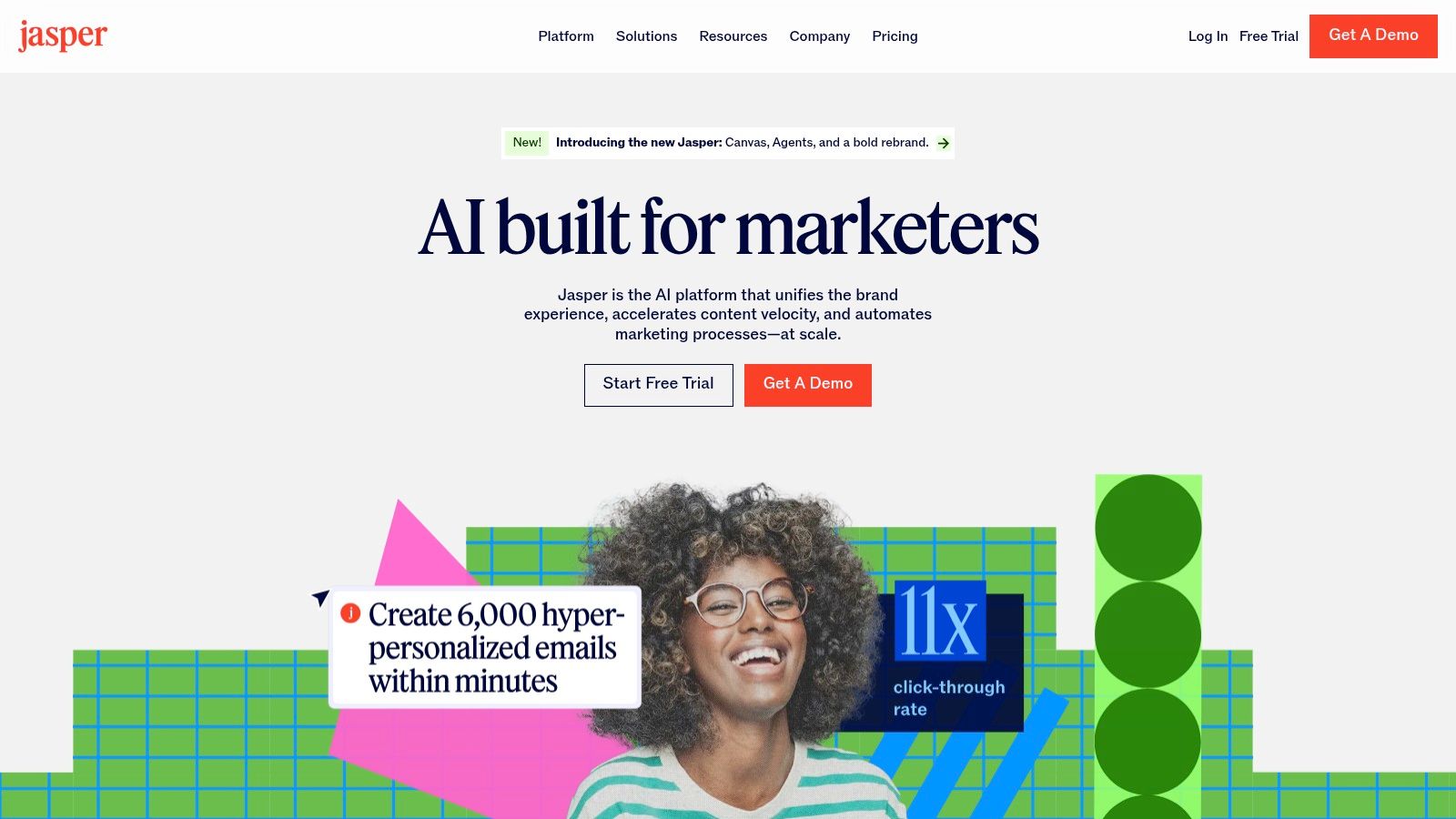
The platform is built around repeatable workflows using a vast library of templates and a "Campaigns" feature to organize multiple content assets for a single marketing initiative. This structured approach helps streamline production, from initial brainstorming to final SEO-optimized drafts, making it a powerful ally for content marketing operations. You can learn more about how Jasper compares to other AI writing tools for content creators in our detailed guide.
Key Features and Considerations
- Brand Voice & Memories: Train the AI on your style guides, product catalogs, and existing content to generate new copy that is consistently on-brand and factually accurate for your business.
- Campaigns & Templates: Organize your work by marketing campaigns, using over 50 templates for different formats like blog posts, Google ads, and video scripts to accelerate creation.
- SEO Integration: Jasper partners with Surfer SEO, allowing you to optimize articles for specific keywords directly within the editor, improving your content's ranking potential.
- Pricing & Plans: Jasper’s pricing and plan features have changed over time. Plans are often based on user seats and word limits, so it's crucial to review the current offerings on their site to find the right fit for your team’s needs.
Website: https://www.jasper.ai/
11. Grammarly (Grammarly Pro)
While many AI tools focus on generating new content from scratch, Grammarly perfects the human-written word. For content creators, this tool is an essential final-pass editor for everything from YouTube scripts and social media captions to newsletters and blog posts. It acts as an AI-powered safety net, catching grammatical errors, suggesting tonal adjustments, and improving overall clarity. Its strength lies in its ubiquity; it integrates across browsers, documents, and apps, making it a constant companion.
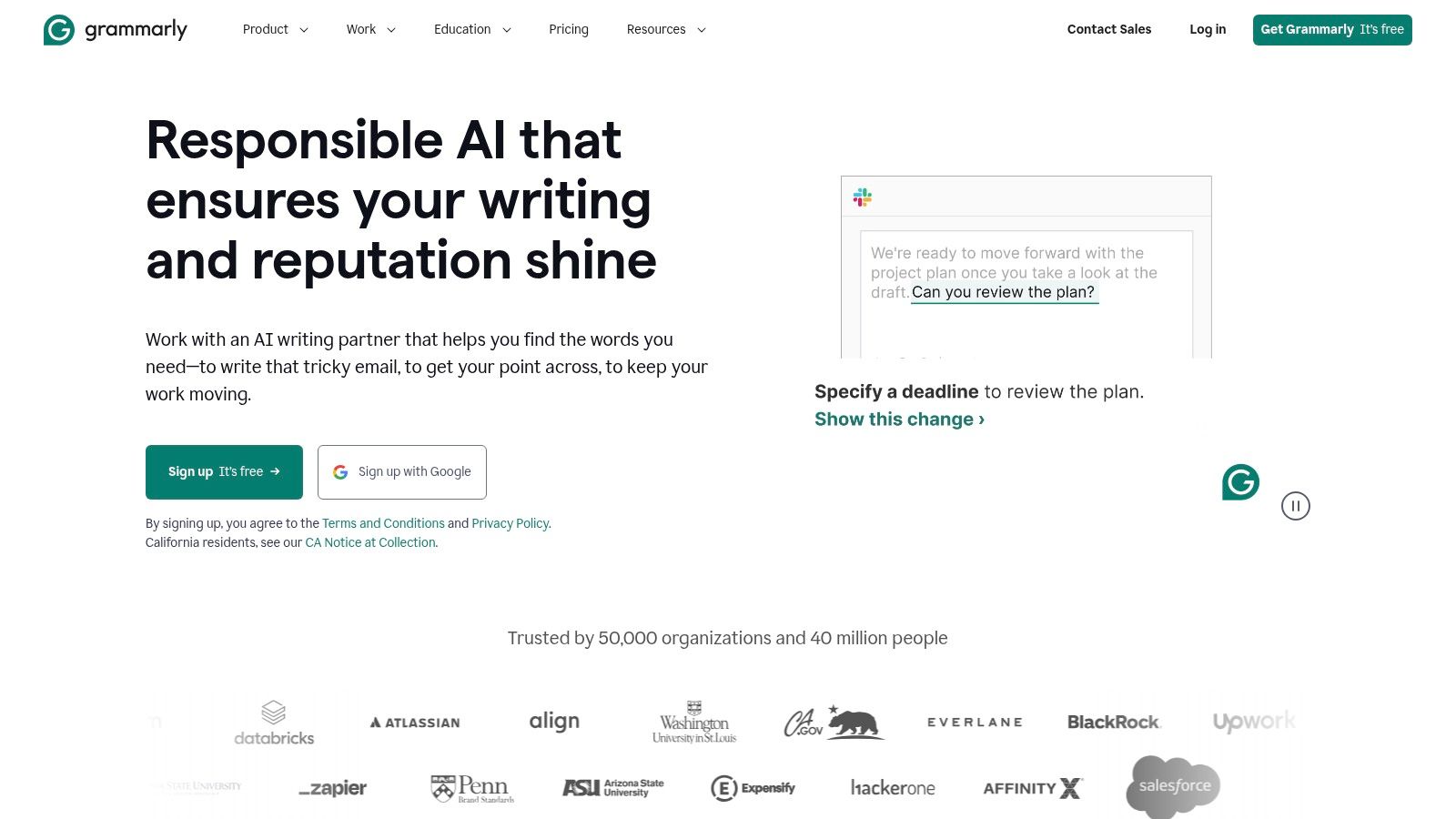
Grammarly Pro elevates its utility by adding advanced features like plagiarism detection, which is crucial for maintaining originality, and sentence rewrites for enhanced readability. For creators, especially those who are not native English speakers, this is one of the best AI tools for content creators to ensure their message is professional and error-free, which is a vital part of a polished content creation workflow.
Key Features and Considerations
- Real-Time Assistance: Provides instant grammar, spelling, punctuation, and tone suggestions directly where you write, from Google Docs to Twitter.
- Plagiarism and Style: The premium version includes a robust plagiarism checker and advanced style guides to refine sentence structure, word choice, and formality.
- Team Integration: Grammarly Business offers centralized billing, style guides, and administrative controls, making it easy to maintain brand voice consistency across a team.
- Limitations: While excellent for polishing, it is not a full-fledged AI writer and may not fully capture a highly specific or niche brand voice without manual oversight.
- Pricing: A free version offers basic corrections. Grammarly Premium plans start around $12/month when billed annually, unlocking all advanced features.
Website: https://www.grammarly.com/
12. ElevenLabs
For creators who rely on high-quality audio, ElevenLabs has set the industry standard for AI-generated voice. It moves far beyond robotic text-to-speech, offering incredibly natural, emotive, and realistic voices that are nearly indistinguishable from human narration. This platform is a game-changer for producing voiceovers for videos, podcasts, audiobooks, and character dialogue, making it one of the best AI tools for content creators focused on auditory experiences. The platform’s standout feature is its powerful voice cloning, which can create a digital replica of a voice from just a small audio sample.
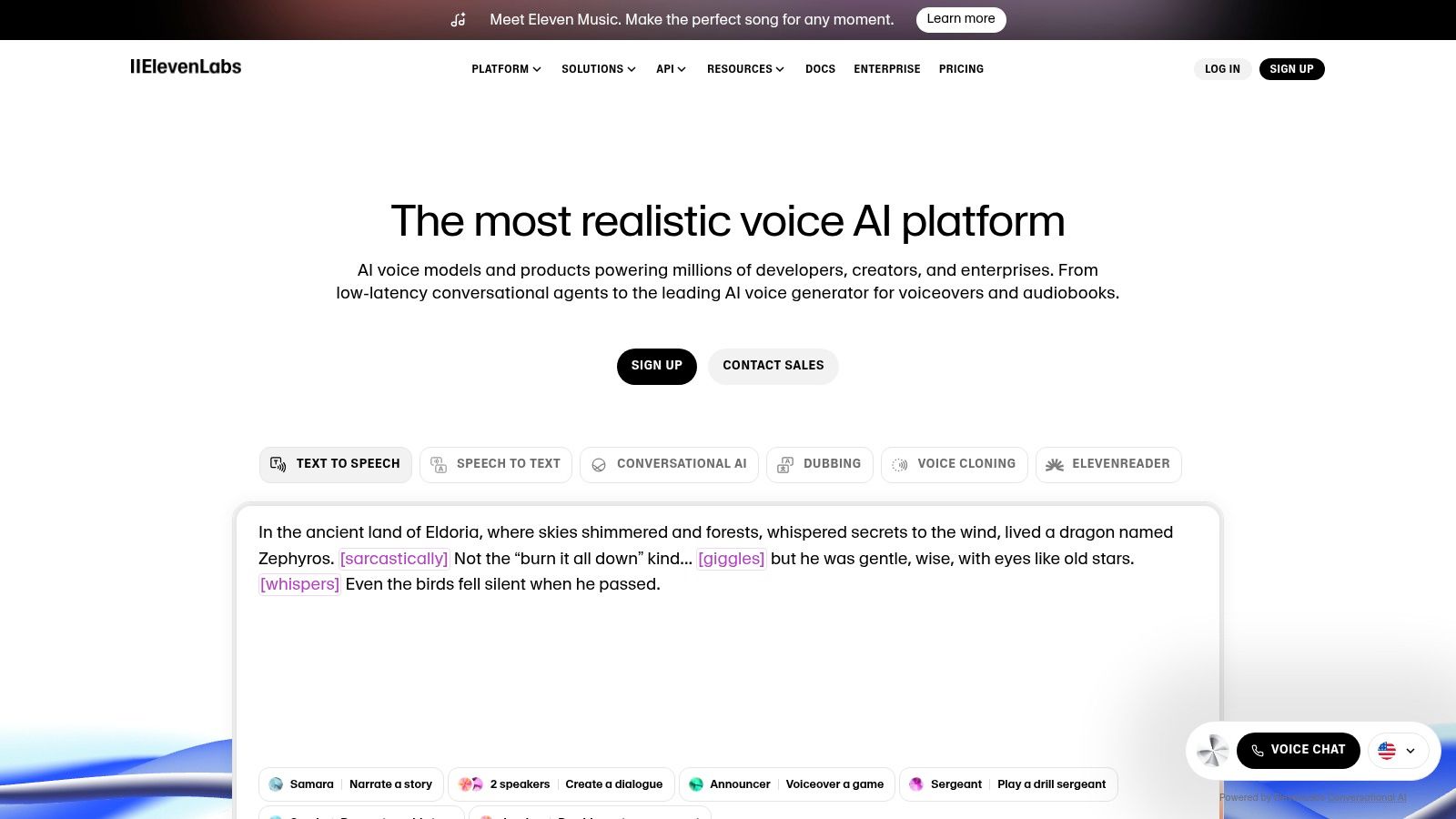
The platform is built around a flexible and transparent credit system, allowing users to scale their usage from small personal projects to large-scale enterprise applications. The quality of its output, especially in professional tiers, provides a compelling alternative to hiring voice actors for many types of content.
Key Features and Considerations
- High-Fidelity Voice Generation: Offers state-of-the-art text-to-speech and voice cloning that captures human-like intonation and emotion. It supports multiple languages for global reach.
- Professional Voice Cloning: Users can create a high-quality, digital clone of their own voice. This requires verification to ensure ethical use and consent.
- Credit-Based System: The pricing model is usage-based. A free tier is available for trial, with paid plans offering more characters, higher quality audio output, and commercial licenses.
- Licensing and Costs: While the credit system is clear, high-volume usage can become costly. Creators must carefully review the licensing terms, especially for commercial use of cloned or pre-made voices.
Website: https://elevenlabs.io/
13. Synthesia
Synthesia is a leader in AI video generation, specializing in creating professional-looking videos with AI avatars from just a text script. This platform eliminates the need for cameras, microphones, or on-screen talent, making it one of the best AI tools for content creators focused on corporate training, product explainers, and educational content. Its core strength lies in its ability to produce polished, presenter-led videos at scale and in multiple languages, dramatically reducing production time and costs. The platform offers a clean interface and a library of templates to get started quickly.
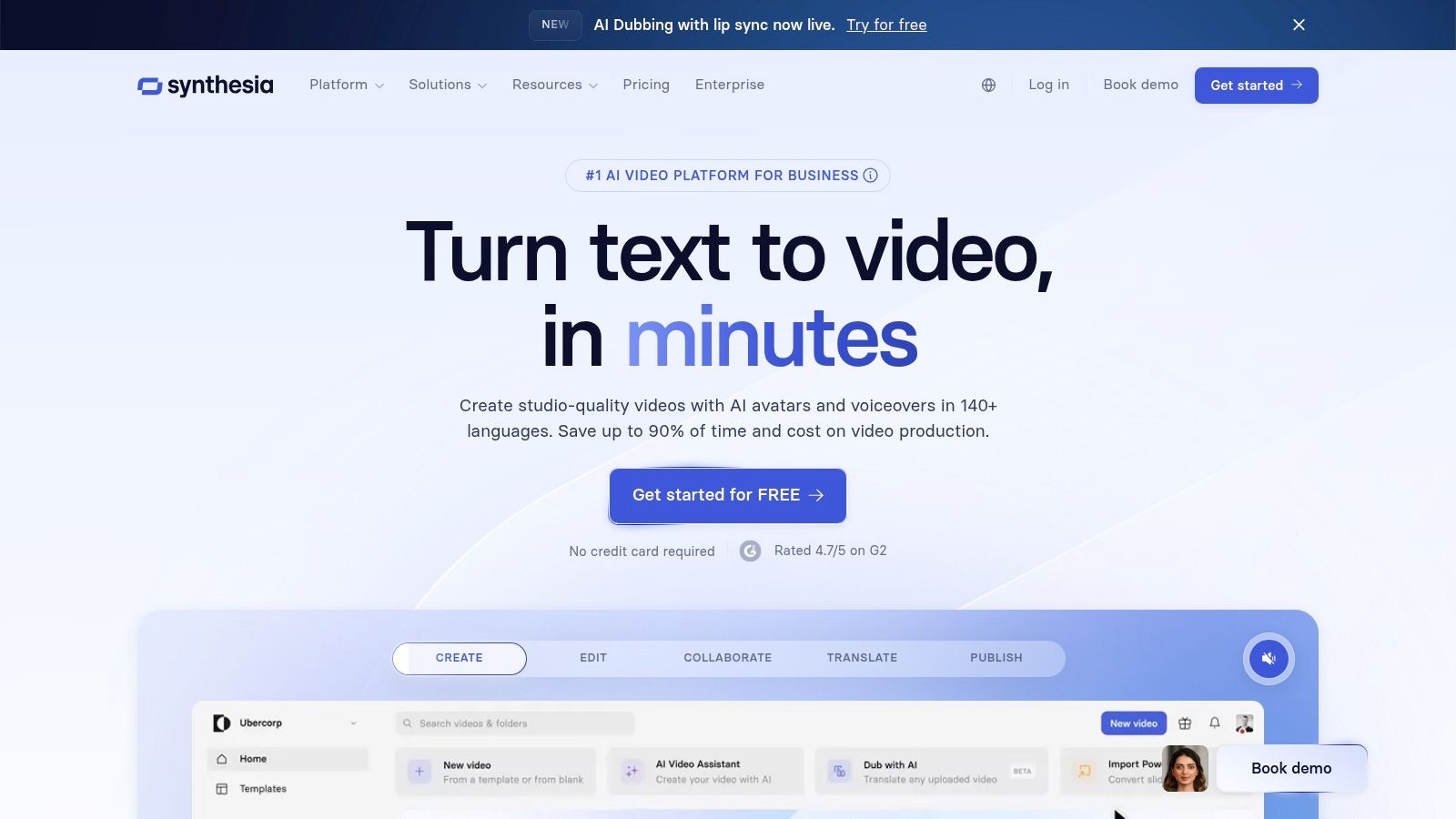
The primary use case is replacing traditional talking-head videos. You can type or paste your script, choose from over 160 diverse AI avatars, select a background, and generate a video in minutes. For businesses, the ability to create custom avatars and branded video templates ensures brand consistency across all communications.
Key Features and Considerations
- AI Avatars and Voices: Access a large library of stock avatars or create a custom digital twin of a real person for exclusive use. The platform supports over 130 languages and accents.
- Rapid Video Production: Go from script to finished video in a fraction of the time it would take for a traditional video shoot, ideal for content that needs frequent updates.
- Lip-Sync Quality: While impressive, the AI lip-sync and emotional expression may not perfectly replicate the nuance of a human presenter, which can be a consideration for highly emotive content.
- Pricing: Synthesia operates on a subscription model. The "Personal" plan starts at $22/month (billed annually) for 10 minutes of video, while business plans offer more features like custom avatars and collaboration tools, requiring a custom quote.
Website: https://www.synthesia.io/
14. G2 – AI Categories (Comparison and Buying)
While not an AI tool itself, G2 is an indispensable resource for any creator serious about finding the right software. It's a leading software marketplace and review platform where real users share detailed feedback, pros, and cons. For creators navigating the crowded market, G2 provides a crucial reality check beyond marketing hype, making it one of the best research platforms for comparing AI tools for content creators. You can dive into specific categories, such as AI writing assistants or video editing software, to see how different platforms stack up based on verified user ratings.
The platform’s strength lies in its extensive filtering options. You can narrow down choices by company size, user satisfaction scores, specific features, and pricing models. This allows you to create a data-driven shortlist before committing to free trials or subscriptions, saving significant time and potential frustration.
Key Features and Considerations
- Crowd-Sourced Reviews: Access thousands of in-depth reviews from verified users, offering authentic insights into a tool's performance and usability.
- Detailed Comparison Tools: Use G2 Grid® reports and side-by-side comparisons to visually analyze how top competitors perform against each other in specific AI categories.
- Potential for Outdated Data: A key consideration is that vendor-supplied information, especially pricing, can sometimes lag behind real-time updates. Always verify details on the tool's official website.
- Pricing: G2 is completely free for users to browse reviews and compare software.
Website:
15. AppSumo – AI Tools Collection (Marketplace/Deals)
For creators and agencies operating on a tighter budget or who love experimenting, AppSumo is a treasure trove. It's not a single tool but a dynamic marketplace that offers lifetime or heavily discounted annual deals on a vast array of emerging software. This makes it one of the best AI tools for content creators looking to build a versatile toolkit without committing to expensive monthly subscriptions. It provides a low-risk environment to discover and test innovative AI applications for writing, SEO, video editing, and more.
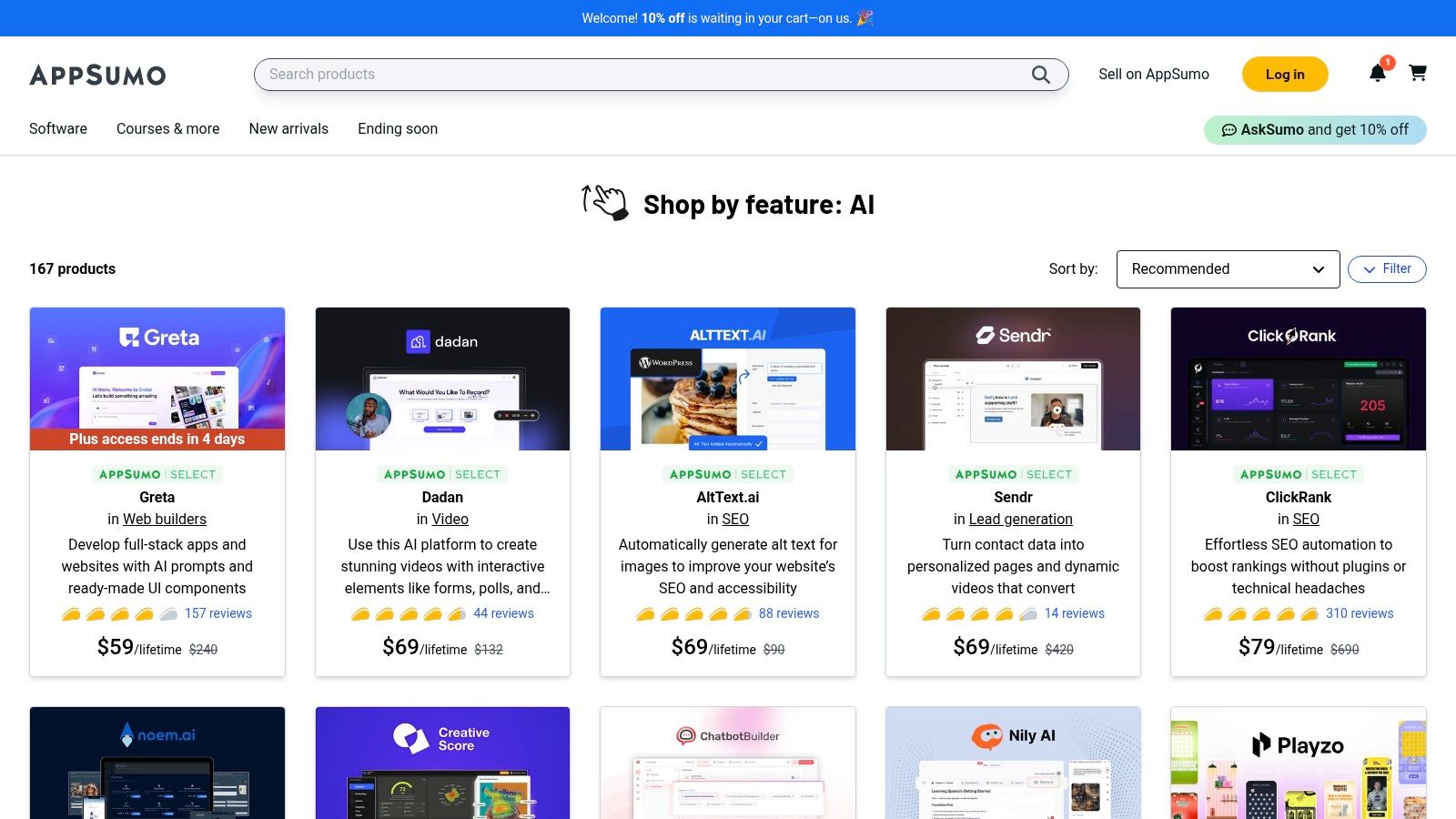
The primary advantage is cost efficiency. Securing a lifetime deal (LTD) on a promising AI writer or a social media scheduler means a one-time payment for perpetual access, which is incredibly valuable for managing long-term operational costs. However, the platform requires careful vetting, as the quality and long-term viability of the tools can vary significantly.
Key Features and Considerations
- Lifetime Deals (LTDs): The core offering is the ability to purchase lifetime access to software for a one-off fee, providing predictable, long-term value.
- Curated AI Collections: AppSumo frequently features collections of AI-powered tools, making it easy to browse for solutions in categories like marketing, content generation, and chatbots.
- User Reviews and Vetting: A crucial feature is the robust community review and questions section on each product page. Always read these thoroughly to gauge a tool's quality and the responsiveness of its developers.
- Pricing: Deals are limited-time offers, with prices for lifetime access typically ranging from $49 to several hundred dollars. A 60-day money-back guarantee provides a safety net for most purchases.
Website: https://go.appsumo.com/collections/features/ai/
Top 15 AI Tools for Content Creators: Feature & Pricing Comparison
| Product | Core Features/Characteristics | User Experience / Quality ★★★★☆ | Value Proposition 💰 | Target Audience 👥 | Unique Selling Points ✨ | Price Points 💰 |
|---|---|---|---|---|---|---|
| 🏆 TimeSkip | AI SEO-optimized YouTube chapters in <5s; Chrome extension | ★★★★★ Fast, seamless YouTube integration | Up to +220% visibility, credits never expire | Podcasters, creators, marketers | One-click YouTube chapter generation; AI keyword SEO | Starter $9/mo, Pro $19/mo, Studio $39/mo; free trial |
| PlayPlay | AI-powered video creation from script to social post | ★★★★☆ Comprehensive free AI toolkit | Free AI tools for scripts, voiceovers, subtitles, clipping | Video creators, marketers, social teams | Complete suite of free AI video tools | Free AI tools available |
| VEED | Browser-based video editor with text-based editing & AI automation | ★★★★★ Intuitive, no-download workflow | 10x faster editing with auto-subtitles, AI B-roll, & 4K export | Social media managers, podcasters, educators | Complete video workflow; AI video generation models | Free tier + paid plans; 4K requires premium |
| DepositPhotos | Stock images, vectors, videos, and creative assets | ★★★★☆ Fast search and broad asset depth | Speeds up visual production for high-output content teams | Marketers, content teams, social creators | Large commercial-ready asset library | Subscription or on-demand credits |
| Adobe Creative Cloud (Firefly) | Industry-standard creative apps + integrated Firefly AI | ★★★★☆ Professional, enterprise-grade | Best-in-class tools; legal/commercial AI safety | Professionals, enterprises | Deep native AI in professional software | Variable plans; frequent US promos |
| Canva – Magic Studio | AI design suite: writing, image/video gen, templates | ★★★★☆ User-friendly, fast workflow | Broad content library, low learning curve | Social media creators, teams | Quick prompt-to-publish; cross-platform | Subscription-based, plan varies |
| Runway | AI video gen/editing, upscaling, lip-sync | ★★★★☆ Rapid iteration, transparent | Unlimited relaxed generation on Unlimited plan | Video creators, content studios | Multiple AI models; ProRes export | Credit-based; can be costly |
| Descript | Text-based audio/video editing with overdub & AI tools | ★★★★☆ Dramatically reduces editing time | Scales from solo to teams | Podcasters, YouTubers, educators | Text transcript editing; filler removal | Subscription (verify in-app) |
| CapCut | Cross-platform video editor with AI captioning & templates | ★★★★☆ Fast social video workflow | Free tier strong; popular for TikTok workflows | Social video creators | AI auto-caption & lip-sync; cloud storage | Free + variable Pro pricing |
| Jasper | AI marketing & writing platform with SEO focus | ★★★★☆ Strong marketing workflow support | Unlimited-words plans ease high usage | Marketing teams, writers | Brand voice consistency; campaigns & templates | Subscription (plan details vary) |
| Grammarly (Grammarly Pro) | AI grammar, tone, plagiarism checking | ★★★★☆ Widely adopted, easy integration | Improves clarity & speed | Writers, teams, non-native speakers | Real-time correction & style tools | Subscription |
| ElevenLabs | AI voice cloning, TTS, dubbing | ★★★★☆ High-quality natural voices | Transparent credits, scalable plans | Voiceover artists, enterprises | Professional voice cloning & multilingual support | Free to Enterprise tiers |
| Synthesia | AI avatar video creation with brand kits | ★★★★☆ Fast video production | Enterprise scaling & interactive videos | Educators, marketers, enterprises | Presenter avatars without filming | Subscription-based |
| G2 – AI Categories | Software review platform with ratings & pricing | ★★★★☆ Trusted crowd-sourced insights | Free research & comparison tool | All buyers & researchers | Real user reviews & filtering | Free |
| AppSumo – AI Tools Collection | Marketplace for lifetime/annual AI tool deals | ★★★☆☆ Mixed quality, risk-balanced | Low-risk discovery & affordable lifetime access | Budget-conscious creators & agencies | Curated AI deals & community ratings | Varies by deal |
Choosing the Right AI Stack for Your Creative Vision
Navigating the expansive landscape of AI can feel overwhelming, but as we've explored, the potential for transformation is immense. The journey to finding the best AI tools for content creators isn't about adopting every platform we've discussed. Instead, it's about thoughtfully assembling a personalized "AI stack" that amplifies your unique strengths and streamlines your specific creative process.
The power of tools like VEED for browser-based video production, Jasper for ideation, Descript for podcasting efficiency, and Runway for visual effects lies in their ability to handle the repetitive, time-consuming tasks that often derail creative momentum. By integrating the right AI partners, you're not replacing your creativity; you're liberating it. You gain back the hours once lost to manual transcription, tedious video editing, or endless brainstorming sessions, freeing you to focus on the strategic, high-impact work that truly grows your channel or brand.
Building Your Personalized AI Workflow
To build your ideal stack, start by pinpointing the biggest friction points in your current workflow.
- For Podcasters and YouTubers: Is your primary bottleneck the editing process? A combination of VEED or Descript for text-based video editing and TimeSkip for automatic timestamp generation can dramatically accelerate your production timeline.
- For Social Media Managers: Are you struggling to create a high volume of engaging visuals? VEED offers a complete video workflow from creation to export, while Canva's Magic Studio provides an all-in-one solution for design. For avatar-based videos, Synthesia can help produce scalable updates without needing a camera.
- For Writers and Marketers: Do you need to refine your messaging and scale content output? Pairing Jasper for drafting with Grammarly Pro for polishing ensures both speed and quality in your written content.
When making your selection, consider not only the features but also the integration capabilities. Think about how these specialized creative tools can connect with your broader marketing automation tools to create a seamless system from content creation to distribution and audience engagement. This holistic approach ensures your new AI assistants work together, not in silos.
Ultimately, the most effective AI tool is the one you actually use. Start small. Pick one major pain point, select a tool designed to solve it, and commit to integrating it into your routine. As you grow comfortable, you can strategically add more tools to your stack. The future of content creation is a partnership between human ingenuity and artificial intelligence. By embracing this collaboration, you position yourself to not just keep up, but to lead the way.
Ready to eliminate your biggest editing headache and instantly boost your YouTube video's performance? Try TimeSkip today to automatically generate accurate, SEO-friendly timestamps and video chapters in minutes. Sign up and reclaim your creative time at TimeSkip.
