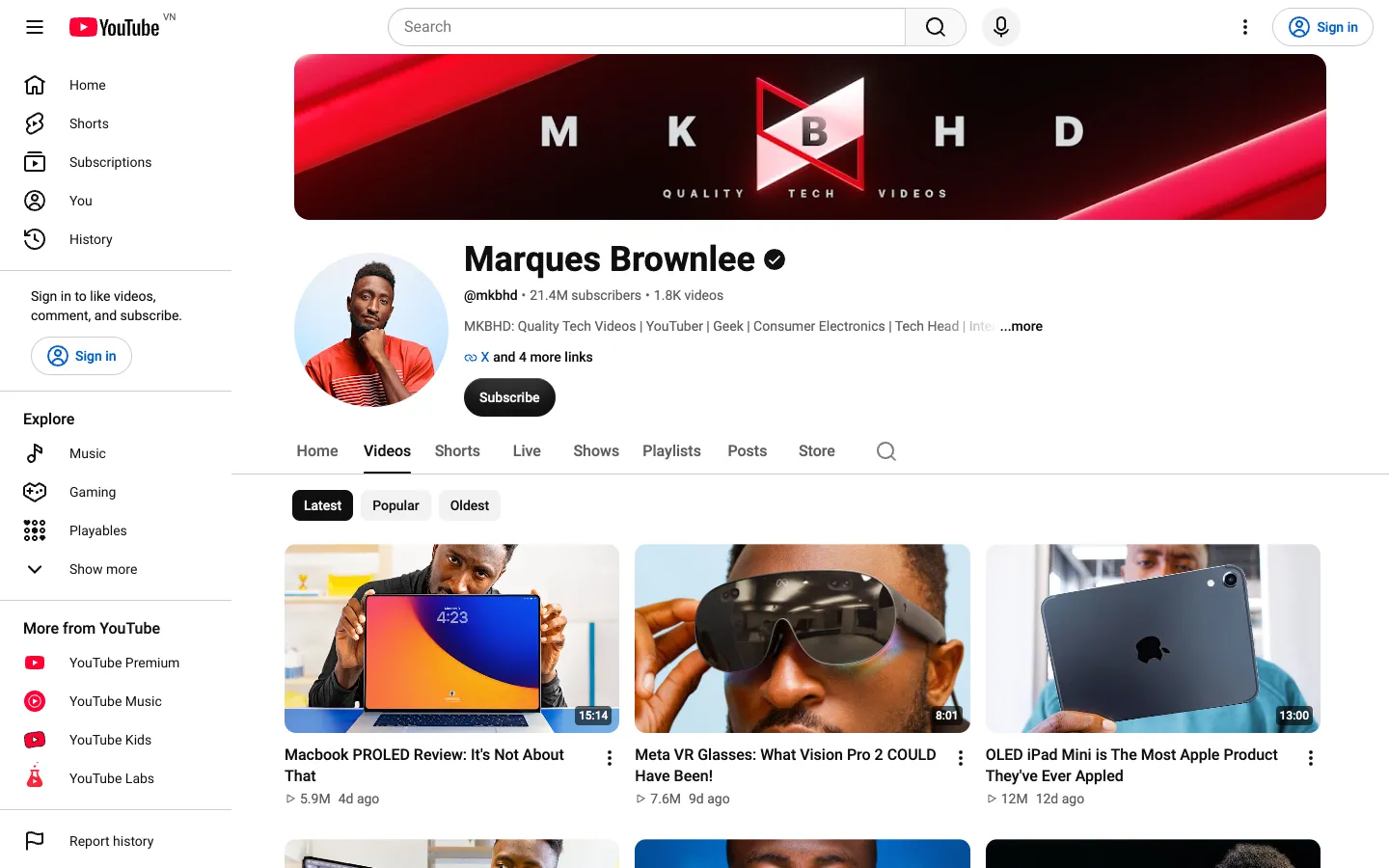
To sort a YouTube channel by most popular, open the channel, click the Videos tab and choose Popular in the row of chips next to Latest and Oldest. YouTube reorders the channel's uploads by views, most viewed first. The Shorts tab has the same Latest, Popular and Oldest chips (checked on youtube.com on 16 November 2026).
Below you'll find the steps for desktop, what the Popular sort can't show you, and 5 tools that add date ranges, outlier scores and rankings against recent uploads. You'll find the videos that matter for your next idea in minutes, instead of scrolling through years of uploads. When you publish your own video, TimeSkip generates its chapters and timestamps with AI, and its free YouTube tools help with the rest.
Disclosure: SortViral is published by TimeSkip. Every other tool is described from its own store listing and website.
Last updated: 16 November 2026.
How do you sort a YouTube channel by most popular?
You sort a YouTube channel by most popular in 3 clicks on desktop: open the channel, click the Videos tab, then click the Popular chip. YouTube then reorders every upload on that tab by view count, highest number of views first.
- Go to youtube.com and open the channel. Click the channel name under any of its videos, open its link, or search for it and select the channel result.
- Click the Videos tab under the channel banner.
- Click Popular in the row of chips (Latest, Popular, Oldest).
- Scroll to load more videos. Click Latest to return to the newest uploads, or Oldest to see where the channel started.
The sort works on any public channel, so you can use it on competitors, channels in your niche or your own channel. It only changes the order you see. For your own channel's numbers, see YouTube's help page on getting started with YouTube Insights.
How to sort YouTube Shorts and live streams by popular
The Shorts tab on a channel has the same 3 sort options as the Videos tab: Latest, Popular and Oldest. Click Shorts, then Popular, and that channel's Shorts are listed by views, most viewed first. It is the same 3-click routine as long-form videos.
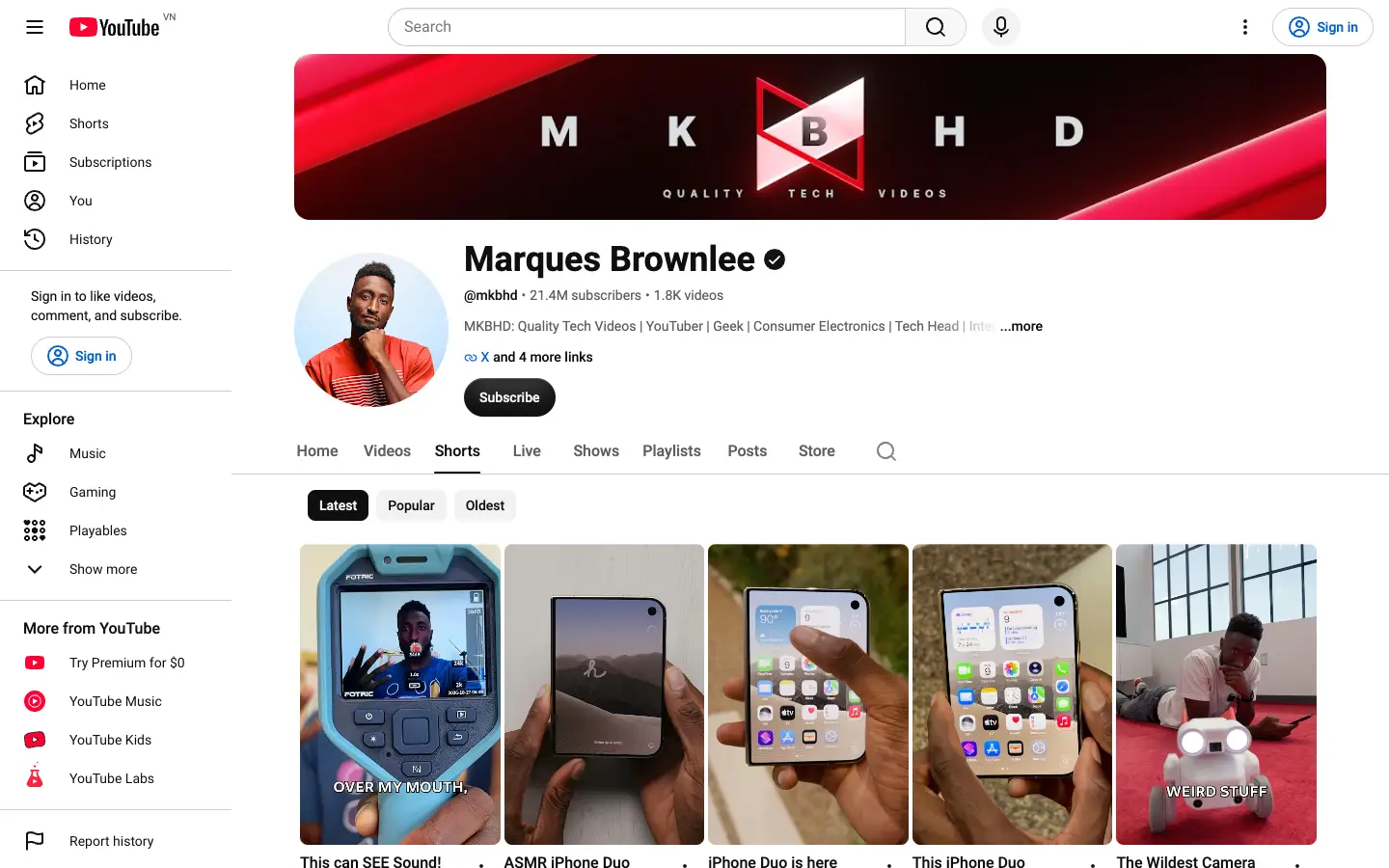
The Shorts sort was checked on youtube.com on 16 November 2026. Channels that stream may also have a Live tab. If yours shows a Live tab, look for the same chips there. Only the Videos and Shorts tabs were verified for this article.
For a step-by-step Shorts tutorial, including which metric to sort by, see how to sort YouTube Shorts by most viewed.
Can you sort a YouTube channel by most popular this year?
Not with YouTube alone. The Popular chip has no date filter and ranks a channel's uploads by all-time views, so a video from 5 years ago can sit above everything posted this year. To see the most popular videos from the last week, month or 12 months, add a free extension from the Chrome Web Store, such as Popular by Date or YouTube Popular This Year.
All-time popularity is still useful. It shows the topics that built the channel. But if you want to know what works for that channel now, a date range or an outlier score tells you more. An outlier score divides a video's views by the channel's usual views, so a 5x video beat its normal result five times over, even if it is only two months old.
Quick comparison
| Tool | Platforms | Free plan | Paid from | Store rating · users |
|---|---|---|---|---|
| Popular by Date for YouTube | YouTube (Videos and Shorts tabs) | Free and open source | None stated | 4.5 · 37 |
| YouTube Popular This Year | YouTube | Free, no account | None stated | 3.4 · 143 |
| SortViral | YouTube (Videos, Shorts), Instagram, TikTok, Facebook, Pinterest | Free, no sign-up | Free | 5.0 · 200 |
| Viewstats | YouTube | Free extension and free site | Pro: see their pricing page. Business from $249/month | 3.8 · 100,000 |
| 1of10 | YouTube | 60 credits/month, outlier search shows 5 results | $15/month billed yearly ($19 monthly) | 4.0 · 30,000 |
Store ratings and user counts as shown on the Chrome Web Store on 16 November 2026.
Tools for more than all-time popular
1. Popular by Date for YouTube
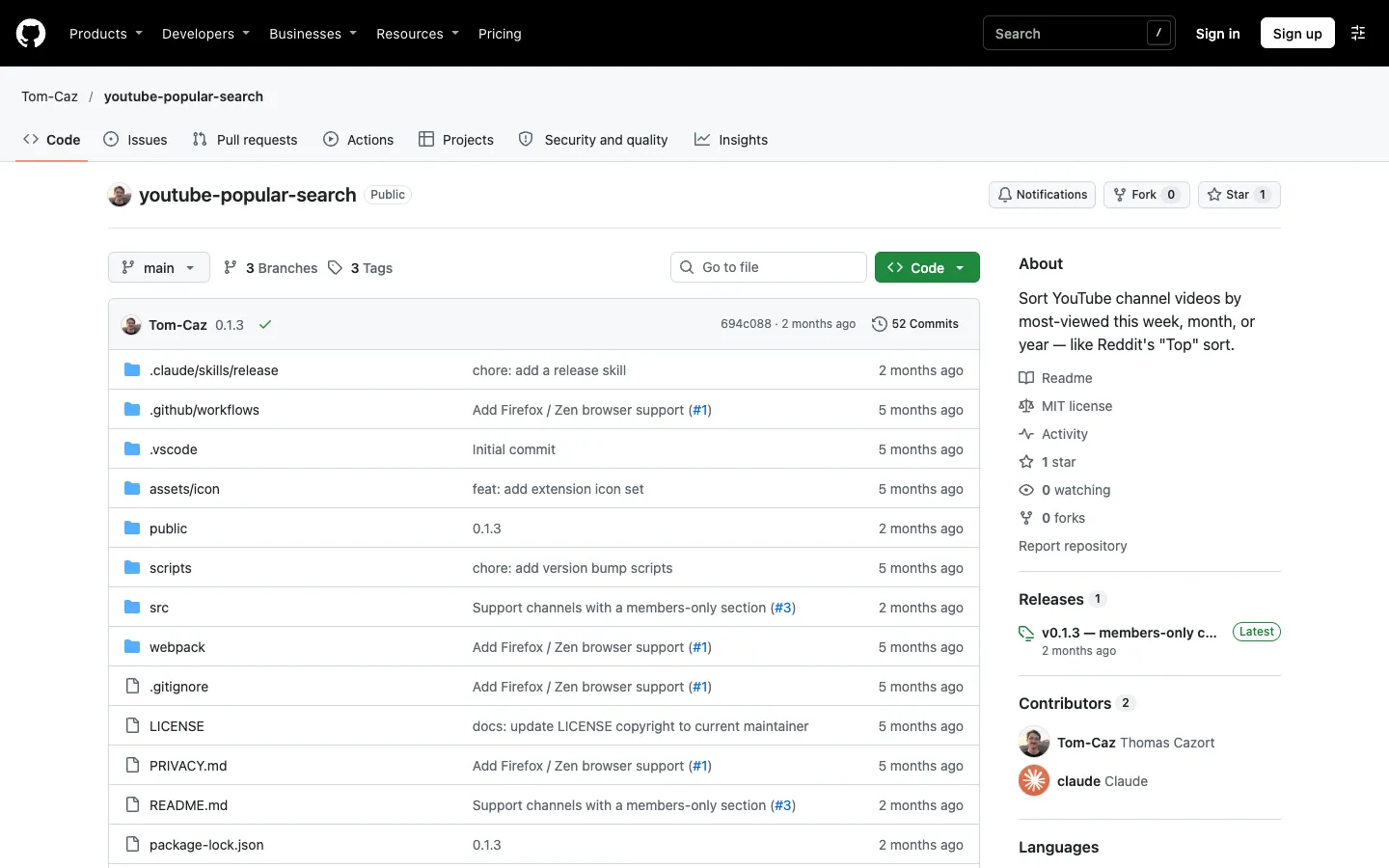
Popular by Date adds a This week, This month, This year and All time dropdown to the channel's Popular sort, on both the Videos and Shorts tabs. All time works straight away. The shorter ranges need your own free YouTube Data API key. It is free and open source, with the code on GitHub, and needs no account.
Best for: keeping YouTube's own Popular page and adding week, month and year ranges. Popular by Date on the Chrome Web Store
2. YouTube Popular This Year
YouTube Popular This Year adds one "Popular This Year" button that shows a channel's most viewed videos from the past 12 months. There is nothing to set up and no account needed. It is free.
Best for: the simplest one-click view of a channel's top videos from the last 12 months. YouTube Popular This Year on the Chrome Web Store
3. SortViral
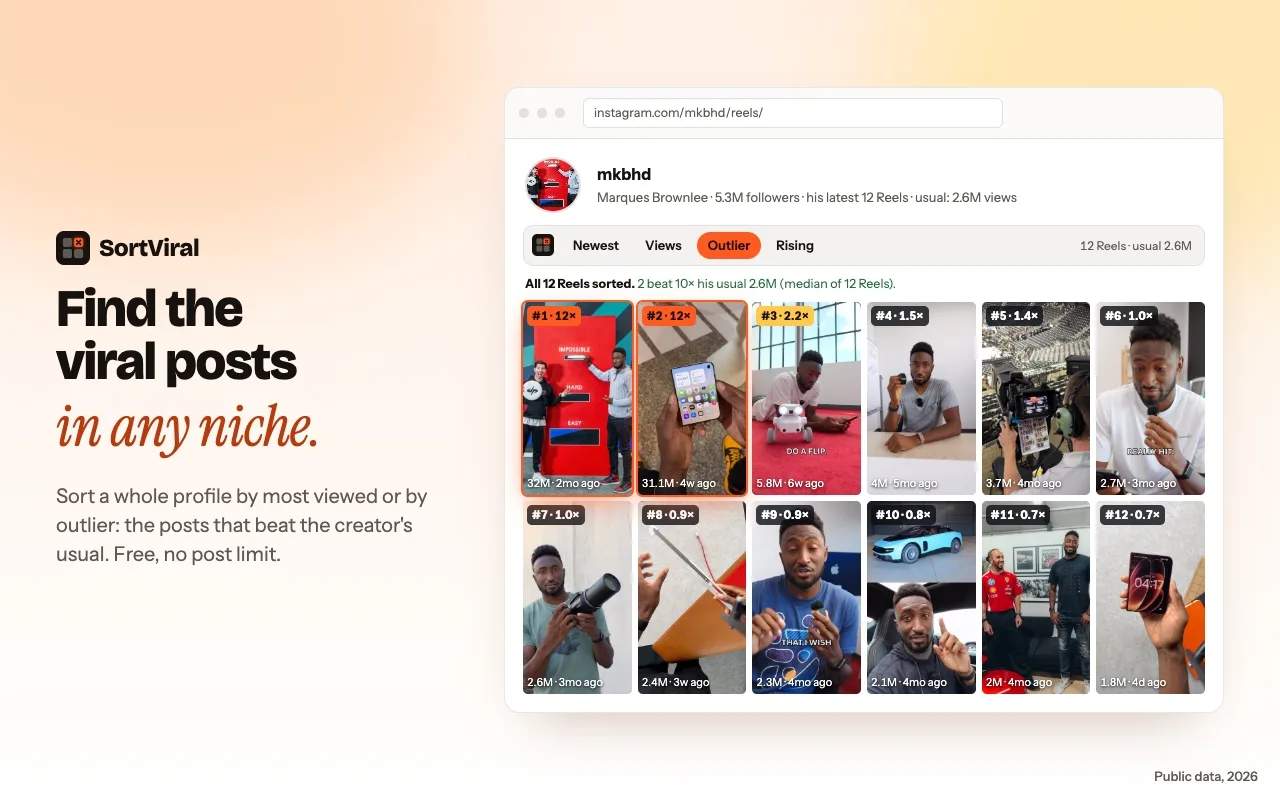
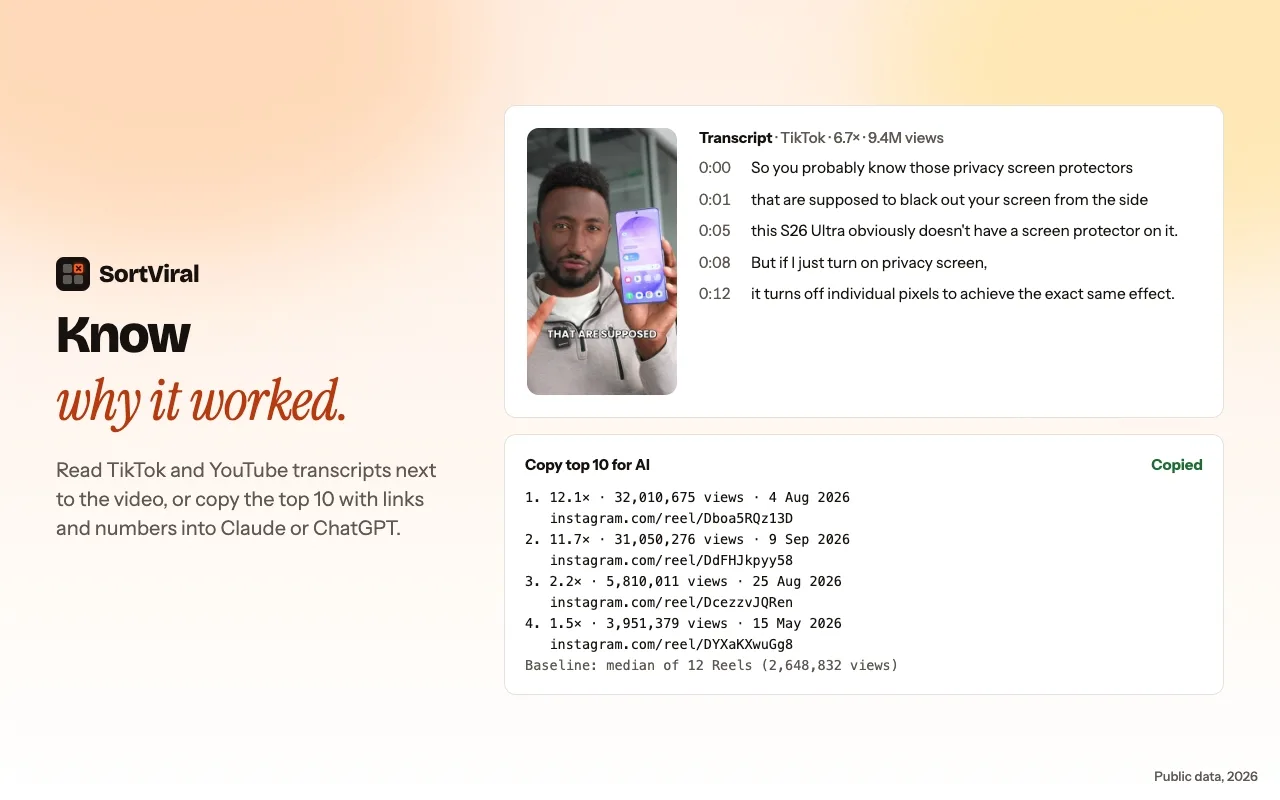
SortViral adds a sort bar to a channel's Videos and Shorts tabs. Sort by views, outlier score, rising speed, engagement, likes, comments or newest, and click again to flip the order. The outlier score compares each video with the creator's median and shows that baseline. It loads the newest 100 videos in seconds, and a free Load all button loads the rest of the channel in the background. Add a date range, read any video's transcript for free, then export to CSV or Copy for AI. A watchlist lets you save channels and scan them together. It is free, needs no sign-up and runs on desktop Chrome only. It does not download videos.
Best for: popular-by-date and outlier sorting in one free tool, with CSV export. SortViral on the Chrome Web Store
4. Viewstats
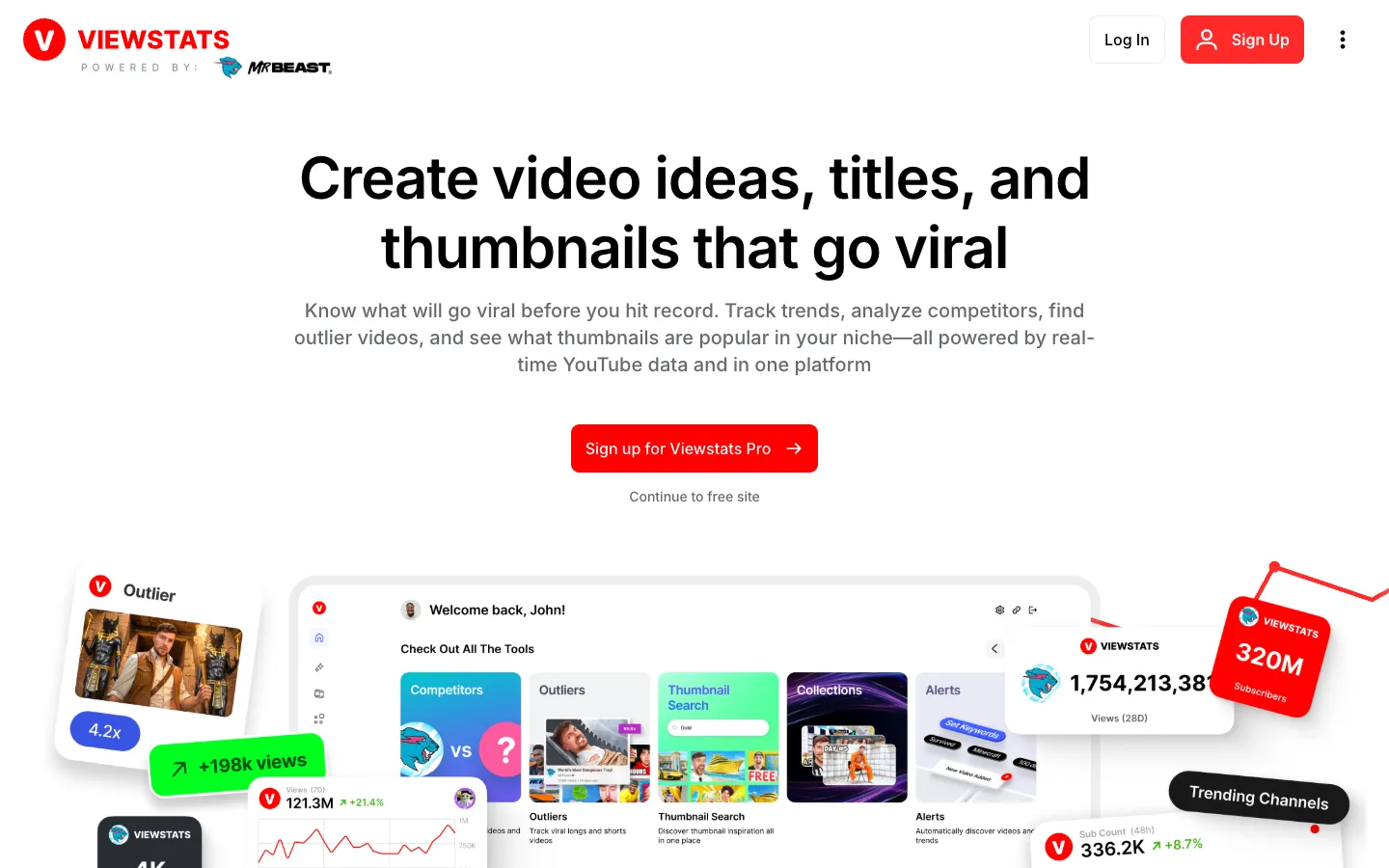
Viewstats ranks each video against the creator's previous 9 uploads, so you can see whether a recent video beat the channel's current form. It also shows a views-over-time graph, title and thumbnail change history and one-click channel analytics. The extension is free and the site offers a free account. For Pro prices, see their pricing page. Business starts at $249 a month.
Best for: judging a video against the channel's last 9 uploads and seeing how its views grew over time. Viewstats on the Chrome Web Store
5. 1of10

1of10 shows an outlier score on every video and where it ranks among the channel's last 10 uploads. It also tracks title and thumbnail changes, sends competitor viral alerts and searches millions of videos for outliers across a niche. The free account gives you 60 credits a month, with outlier search showing 5 results. Basic is $15 a month billed $180 yearly, or $19 monthly.
Best for: going from one channel's popular videos to outliers across your whole niche. 1of10 on the Chrome Web Store
Most popular or outlier: which should you look at?
Look at most popular to learn which topics built a channel, and at outliers to learn what works for it now. Popular ranks by lifetime views, so it favours old uploads. For why some videos keep collecting views for years, see how YouTube video ranking works. An outlier score above 3x flags a video that beat the channel's median, whatever its age.
A simple routine:
- Sort the videos by Popular to see the channel's 10 biggest of all time.
- Narrow to the last 12 months with Popular by Date, YouTube Popular This Year or SortViral's date range.
- Sort by outlier score to find the recent videos that beat the channel's usual views.
- Read the titles, thumbnails and transcripts of the top few and note what repeats.
To study a thumbnail up close, save it with the free YouTube thumbnail downloader, and pull a video's description with the YouTube description extractor. When you write your own, the AI title generator and tags generator help, and the YouTube chapter generator adds timestamps.
For more on reading outlier scores, see SortViral's guide to YouTube outliers, or compare the best YouTube outlier finder tools, including niche-wide options like vidIQ and OutlierKit.
How we compared these tools
We checked each tool's Chrome Web Store listing and its own website on 16 November 2026, and recorded the platforms it covers, what the free plan includes, the cheapest paid price, and the store rating and user count shown that day. The order reflects how well each tool answers this page's question for most creators, weighing free limits, platforms covered and depth of features such as outlier scores, transcripts and export. Prices and store numbers change often, so check the listing before you pay.
Frequently asked questions
Does Popular sort YouTube videos by views or likes?
Popular sorts a channel's videos by views, most viewed first. YouTube has no built-in sort by likes or comments on a channel page. For those, SortViral sorts by likes, comments and engagement wherever YouTube shows the numbers.
Can you sort another channel's videos by most popular?
Yes. The Popular chip works on any public channel, not just your own. All 5 tools above also work on other people's channels.
How do you see a channel's oldest videos?
To sort videos by oldest, open the channel's Videos tab and click the Oldest chip. YouTube lists the uploads from the first video onward. The Shorts tab has the same Oldest chip.
Can you export a channel's most popular videos to a spreadsheet?
The Popular chip has no export option. SortViral exports a sorted channel to CSV for free, or copies it with Copy for AI so you can paste it into an AI chat. It works the same way on the Shorts tab, as shown in SortViral's guide to the most viewed YouTube Shorts.