To sort YouTube Shorts by most viewed, open the channel, click the Shorts tab and choose the Popular chip next to Latest and Oldest. YouTube then lists that channel's Shorts by views, most viewed first (checked on youtube.com on 16 November 2026). For outlier scores, rising speed and transcripts on top of that, SortViral does it free with no sign-up.
Below you'll find the exact steps, which number to sort by, and 6 tools that go further than YouTube's own sort, from outlier scores to date ranges and CSV export. You'll see which Shorts really worked for a channel, not just which ones are oldest and had the most time to collect views. When you publish your own long-form videos, TimeSkip adds AI chapters and timestamps, and its free YouTube tools cover the rest of the upload.
Disclosure: SortViral is published by TimeSkip. Every other tool is described from its own store listing and website.
Last updated: 16 November 2026.
How to sort YouTube Shorts by most viewed
Sorting YouTube Shorts by most viewed takes 3 clicks on desktop: open the channel, click the Shorts tab, then click Popular. The Shorts tab has three chips, Latest, Popular and Oldest, and Popular orders that channel's Shorts by view count, highest first.
- Go to youtube.com and open the channel. Click its name under any video or find it with YouTube search.
- Click the Shorts tab under the channel banner.
- Click Popular in the row of chips (Latest, Popular, Oldest).
- Scroll down to load more. Click Latest to go back to the newest Shorts.
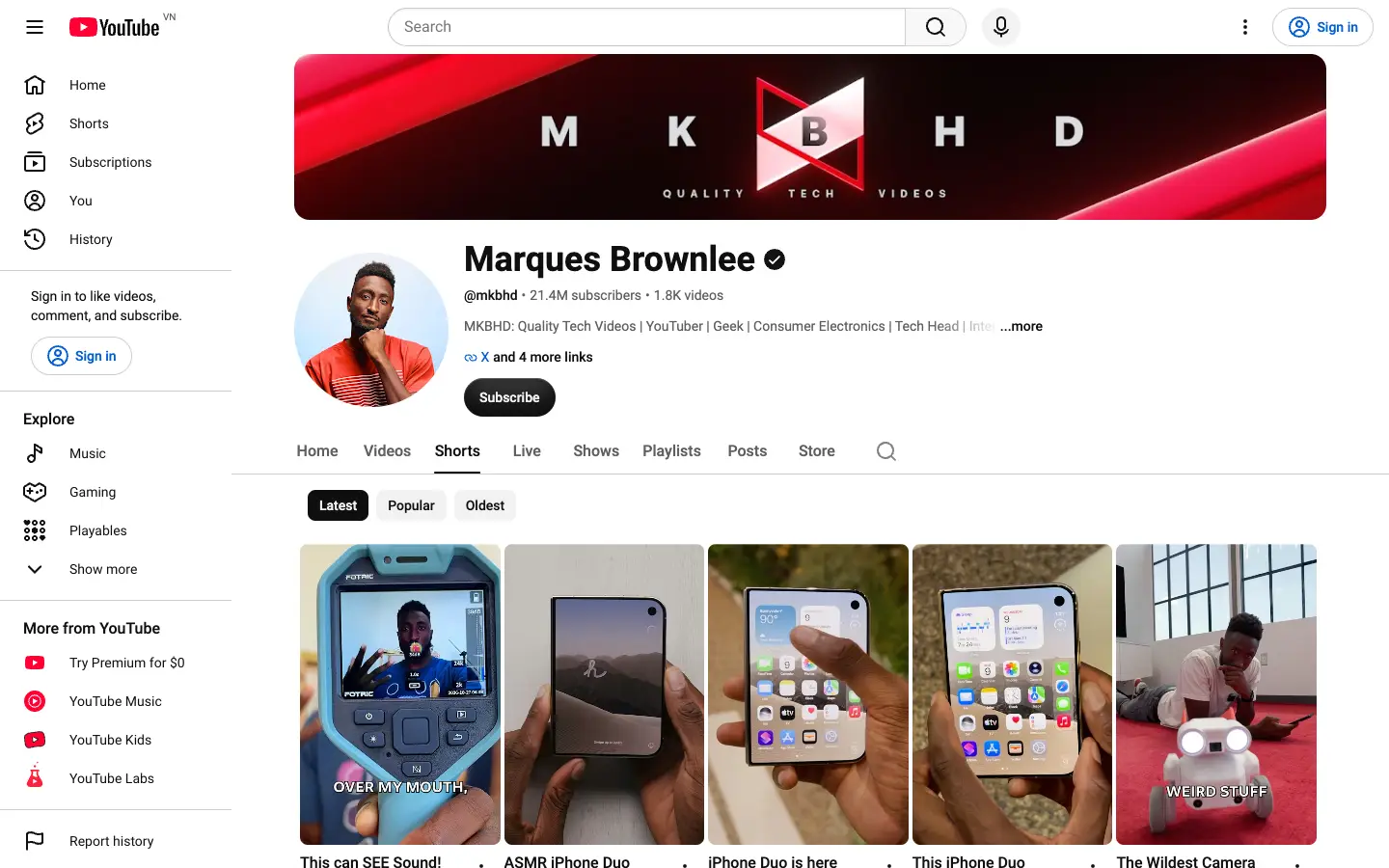
This works on any public channel, so you can study a competitor's Shorts the same way as your own. The channel's Videos tab has the same chips if you want to sort a YouTube channel by most popular for long-form uploads. For your own Shorts, YouTube's help page on getting started with YouTube Insights shows the full numbers.
Popular has two limits worth knowing. It ranks by total views, not by upload date, so older Shorts that had years to grow sit at the top. And it doesn't tell you whether 2 million views is normal for that channel or a breakout. The tools below, most of them Chrome extensions, solve both.
Which metric should you sort by?
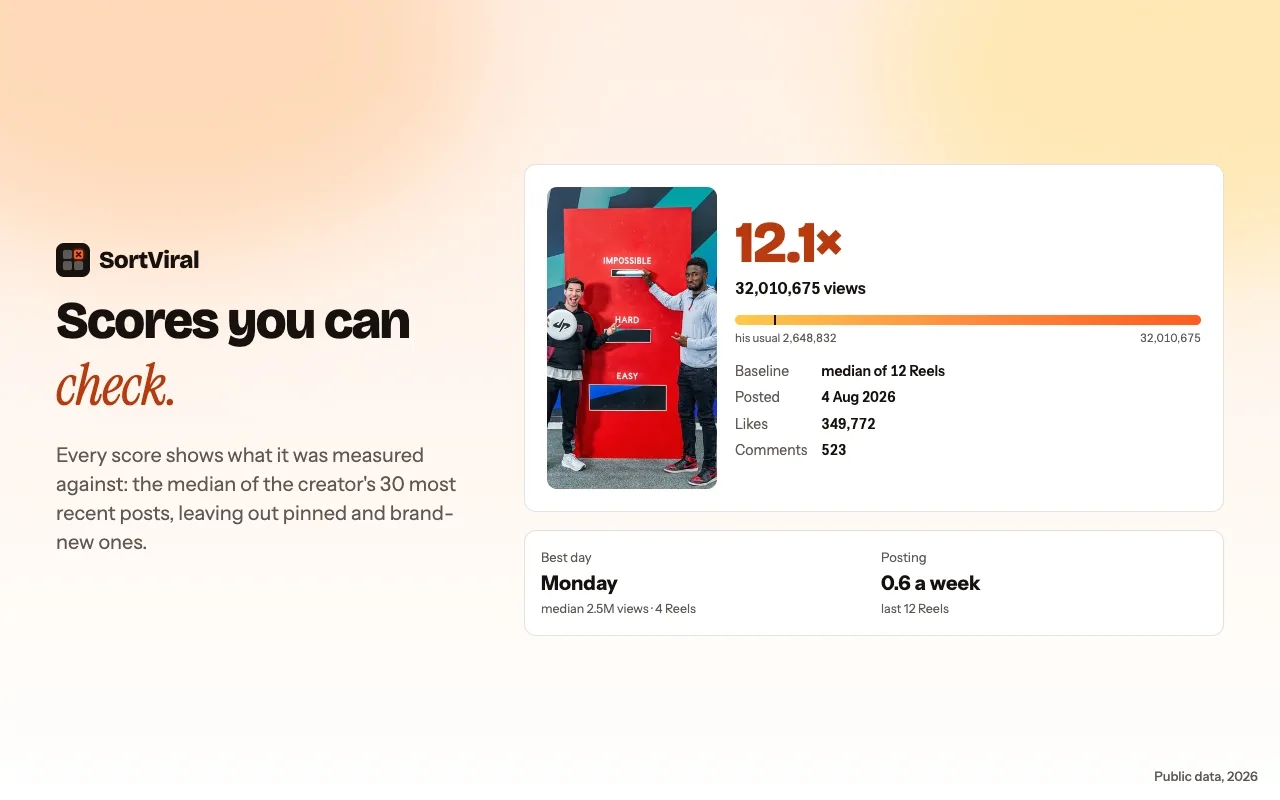
Sort Shorts by outlier score when you want ideas to copy, and by views when you want a channel's biggest hits. Outlier score divides each Short's views by the channel's median, so a 4x Short beat that channel's normal result four times over, whatever its size or age.
Here is how to pick a metric:
- Views. The channel's all-time hits. Good for a first look, but it favours old uploads.
- Outlier score. Shorts that beat the channel's usual result. Best for finding a format or hook that worked for that audience. Learn the method in SortViral's guide to YouTube outliers.
- Rising speed. Recent Shorts that are gaining views quickly. Good for spotting a Short that goes viral while the trend is still early.
- Engagement, likes or comments. Sorting by likes or comments shows the Shorts that made people react. Useful when you care about community, not reach.
- Date range. Limit any sort to the last month or year so old hits don't crowd out what works now.
Once you know which Shorts worked, how to get more views on YouTube covers what to change on your own channel, and YouTube click-through rate explains the packaging side.
Quick comparison
| Tool | Platforms | Free plan | Paid from | Store rating · users |
|---|---|---|---|---|
| SortViral | YouTube (Videos, Shorts), Instagram, TikTok, Facebook, Pinterest | Free, no sign-up | Free | 5.0 · 200 |
| Sort Feed | Instagram, TikTok, Facebook, YouTube (videos and Shorts) | Latest 25 posts or 1 week of content | $12/month billed yearly ($19 monthly) | 4.2 · 100,000 |
| Sortflare | Instagram, TikTok, YouTube (videos and Shorts), Facebook Reels | Latest 25 posts, unlimited exports | $49 one payment | No ratings yet · 109 |
| Outlier Finder by moreoften.io | YouTube (long-form and Shorts) | Free extension, no account | $12/month (14-day free trial) | 5.0 · 524 |
| Popular by Date for YouTube | YouTube (Videos and Shorts tabs) | Free and open source | None stated | 4.5 · 37 |
| Faceless.so Outlier Finder | YouTube (Shorts included) | Free web tool, no login | Not needed for the finder | Web tool |
Store ratings and user counts as shown on the Chrome Web Store on 16 November 2026.
6 tools to sort YouTube Shorts beyond Popular
1. SortViral
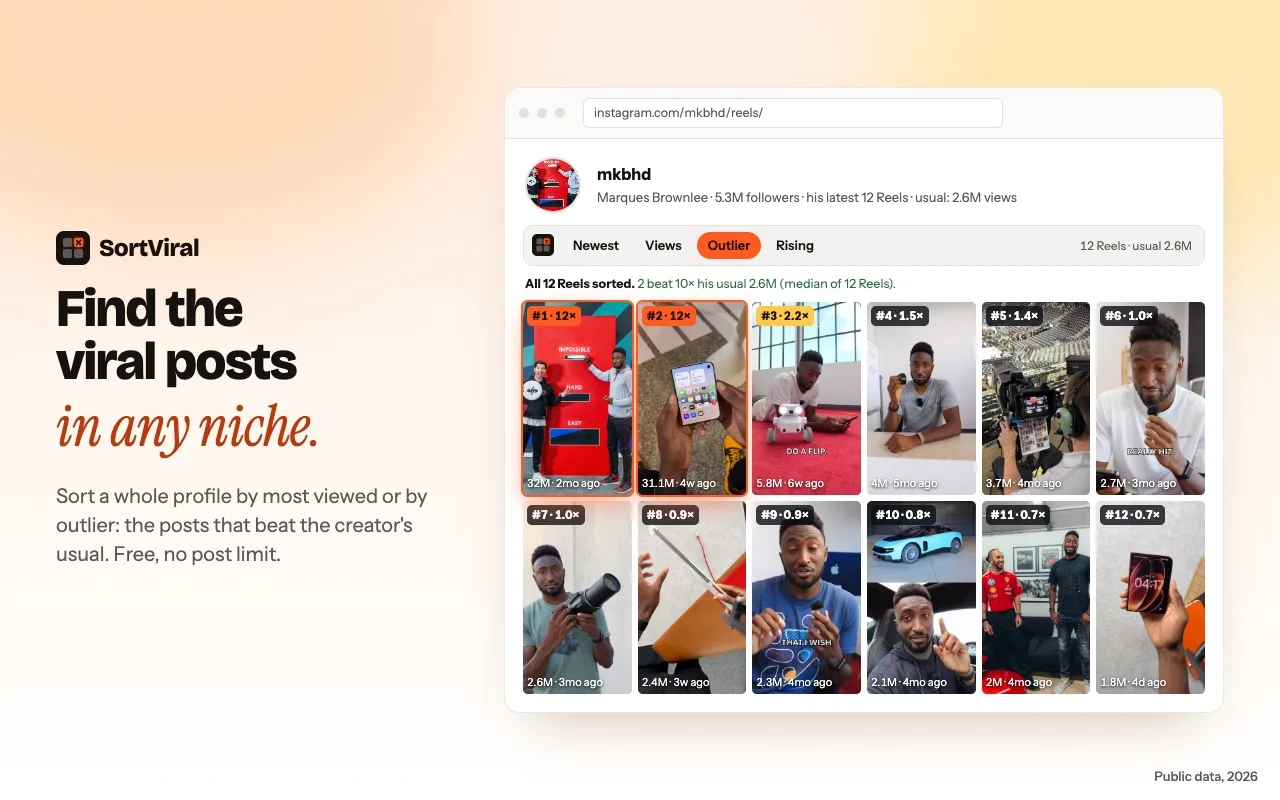
SortViral adds a sort bar to a channel's Shorts and Videos tabs. You can sort by views, outlier score, rising speed, engagement, likes, comments or newest, and click again to flip the order. The outlier score compares each Short with the creator's median and shows that baseline next to it. It loads the newest 100 Shorts in seconds, and a free Load all button fetches the rest of the channel in the background without you scrolling. Add a date range, open any Short in the player to watch it and read its transcript for free, then export to CSV or Copy for AI. It is free with no sign-up, runs on desktop Chrome only, and does not download videos.
Best for: free outlier and rising-speed sorting on a channel's whole Shorts tab, with transcripts. SortViral on the Chrome Web Store
2. Sort Feed
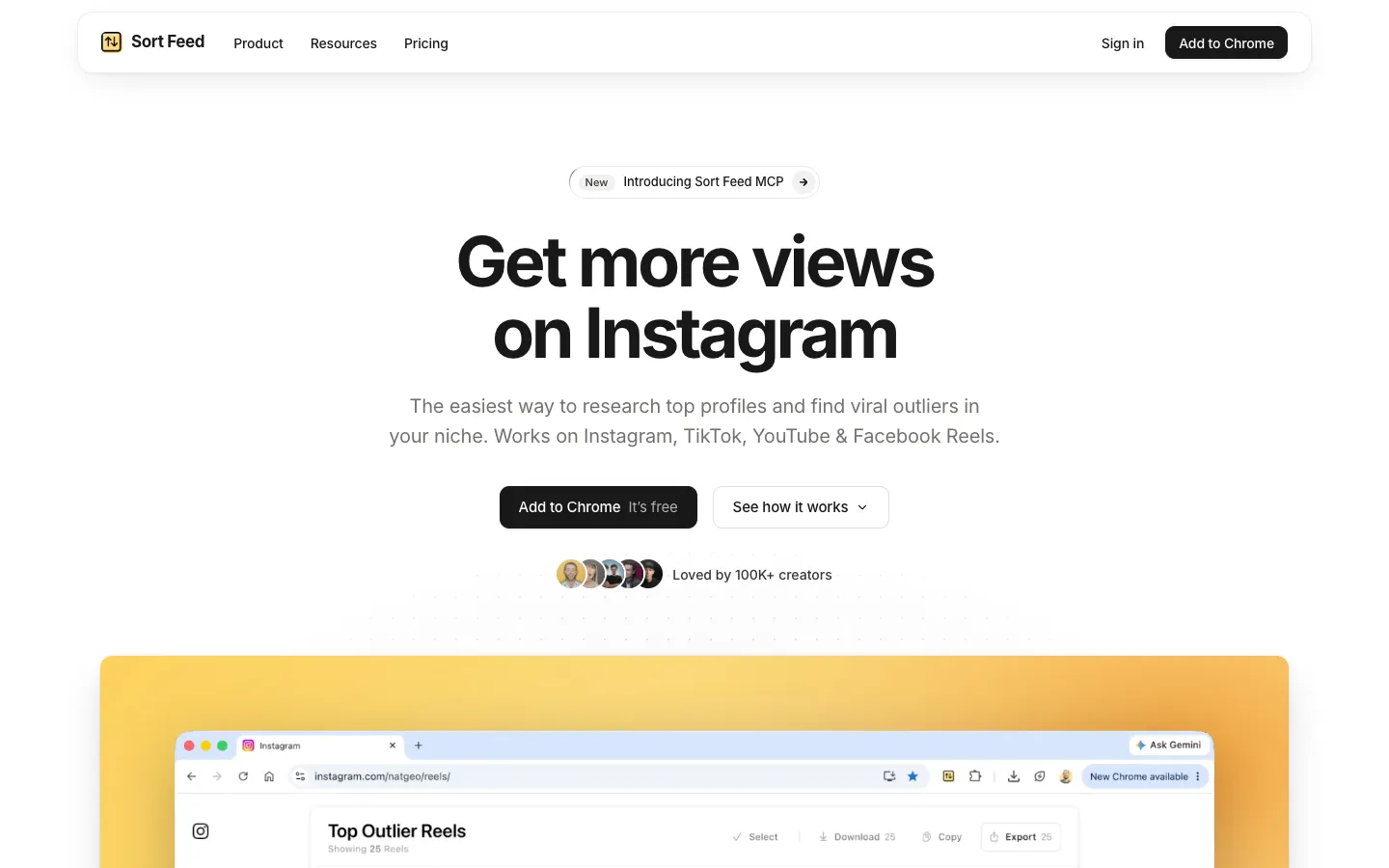
Sort Feed is a cross-platform sorter with 100,000 users that supports YouTube videos and Shorts alongside Instagram, TikTok and Facebook. Its outlier score (views divided by the creator's median) is free on all four platforms. You can export to Google Sheets, Excel, CSV or JSON, and connect it to Claude or ChatGPT through MCP. The free plan covers the latest 25 posts or 1 week of content. Pro is $12 a month billed yearly, or $19 month to month.
Best for: exporting Shorts data straight into Google Sheets, with the biggest user base among cross-platform sorters. Sort Feed on the Chrome Web Store
3. Sortflare
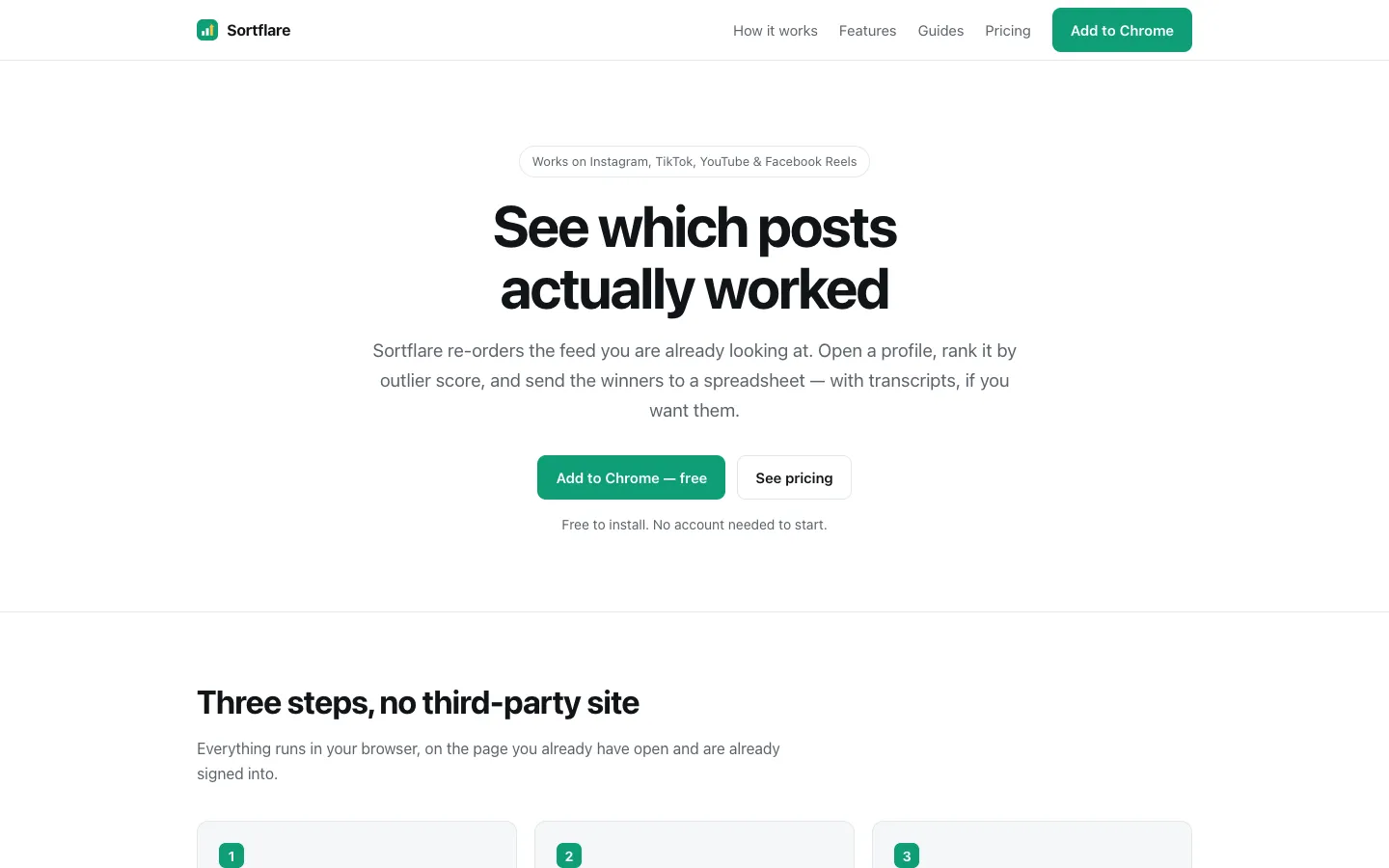
Sortflare sorts and exports YouTube videos and Shorts, as well as Instagram, TikTok and Facebook Reels. Its outlier score compares posts with the creator's median, and you can export to Sheets, Excel, CSV or JSON. On YouTube it focuses on sorting and export. The free plan covers a creator's latest 25 posts however old they are, with unlimited exports and one free Pro scan a day after email sign-in. Pro is a single $49 payment, with 500 transcription minutes a month.
Best for: a one-time payment instead of a subscription. Sortflare on the Chrome Web Store
4. Outlier Finder by moreoften.io
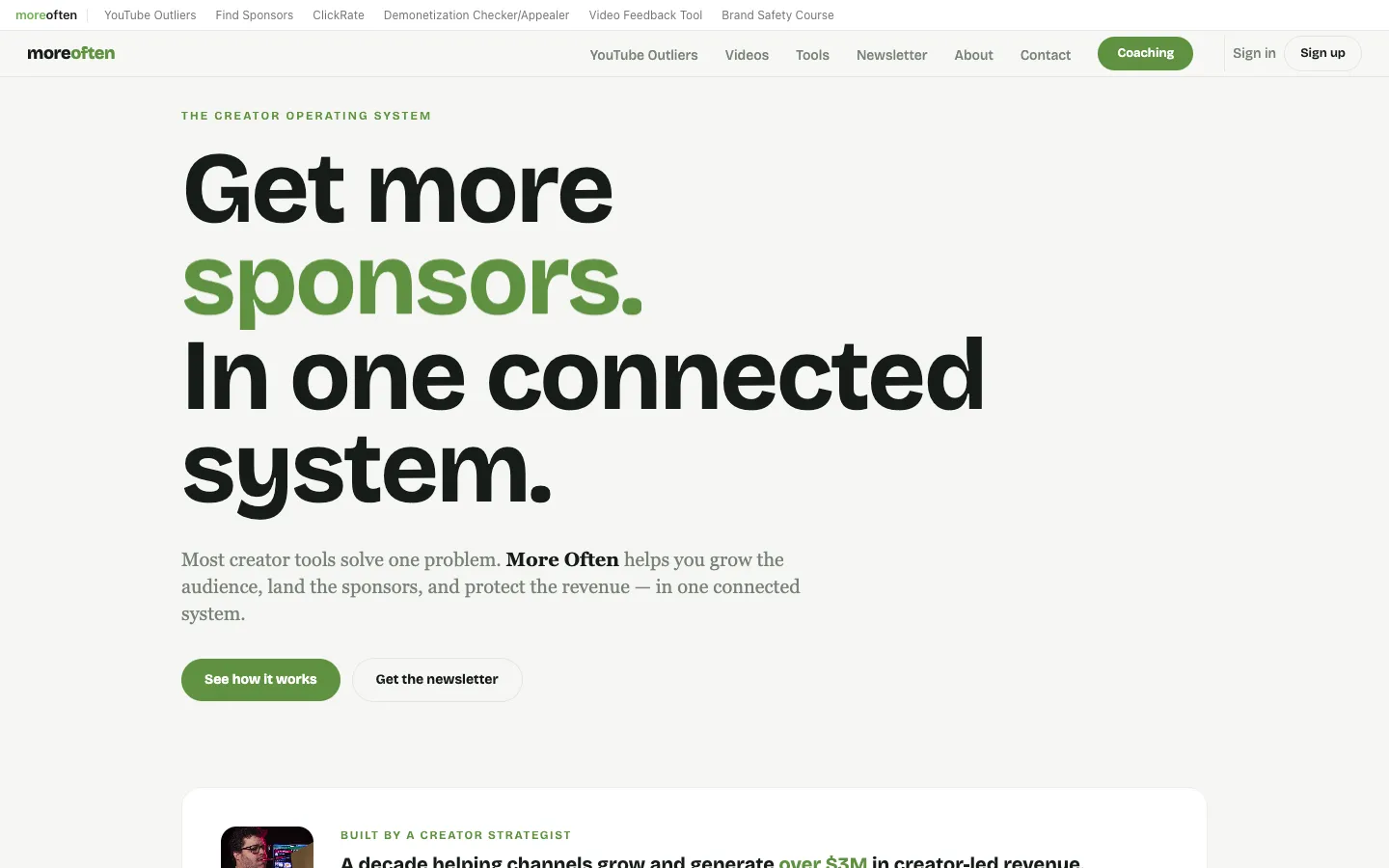
Outlier Finder scores videos on YouTube's homepage, in search and on channels using a rolling median, so 5x means five times the typical views for that period. A Shorts filter lets you focus on Shorts only, and Load All, a swipe file and CSV export come free with no account or API key. Pro adds competitor alerts for $12 a month after a 14-day free trial.
Best for: spotting outlier Shorts while you browse YouTube's homepage and search, not just one channel. Outlier Finder on the Chrome Web Store
5. Popular by Date for YouTube
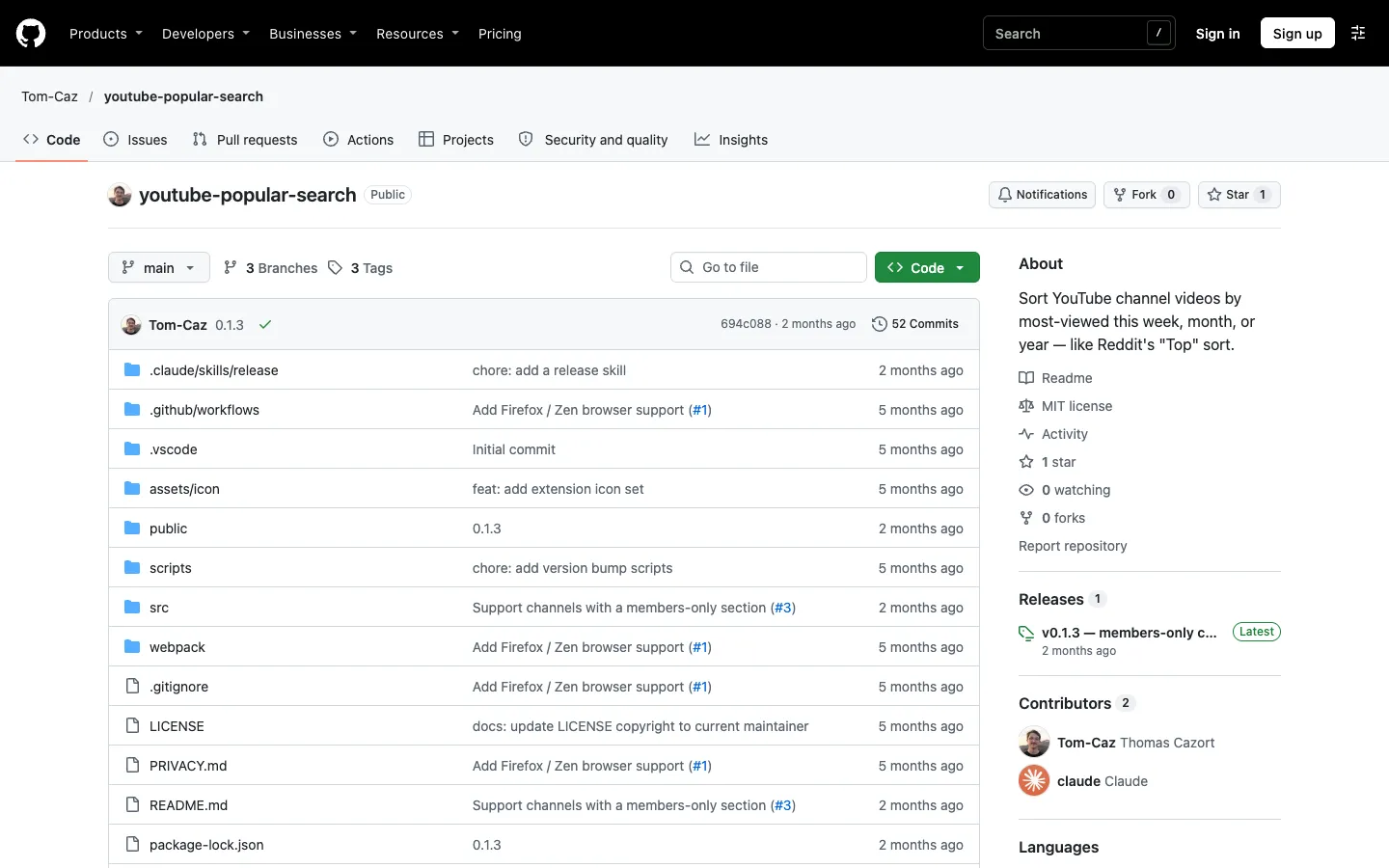
Popular by Date adds a This week, This month, This year and All time dropdown to YouTube's own Popular sort, on both the Videos and Shorts tabs. All time works with no setup. The shorter ranges need your own free YouTube Data API key. It is free and open source.
Best for: the most viewed Shorts from the last week, month or year, inside YouTube's own page. Popular by Date on the Chrome Web Store
6. Faceless.so YouTube Outlier Finder
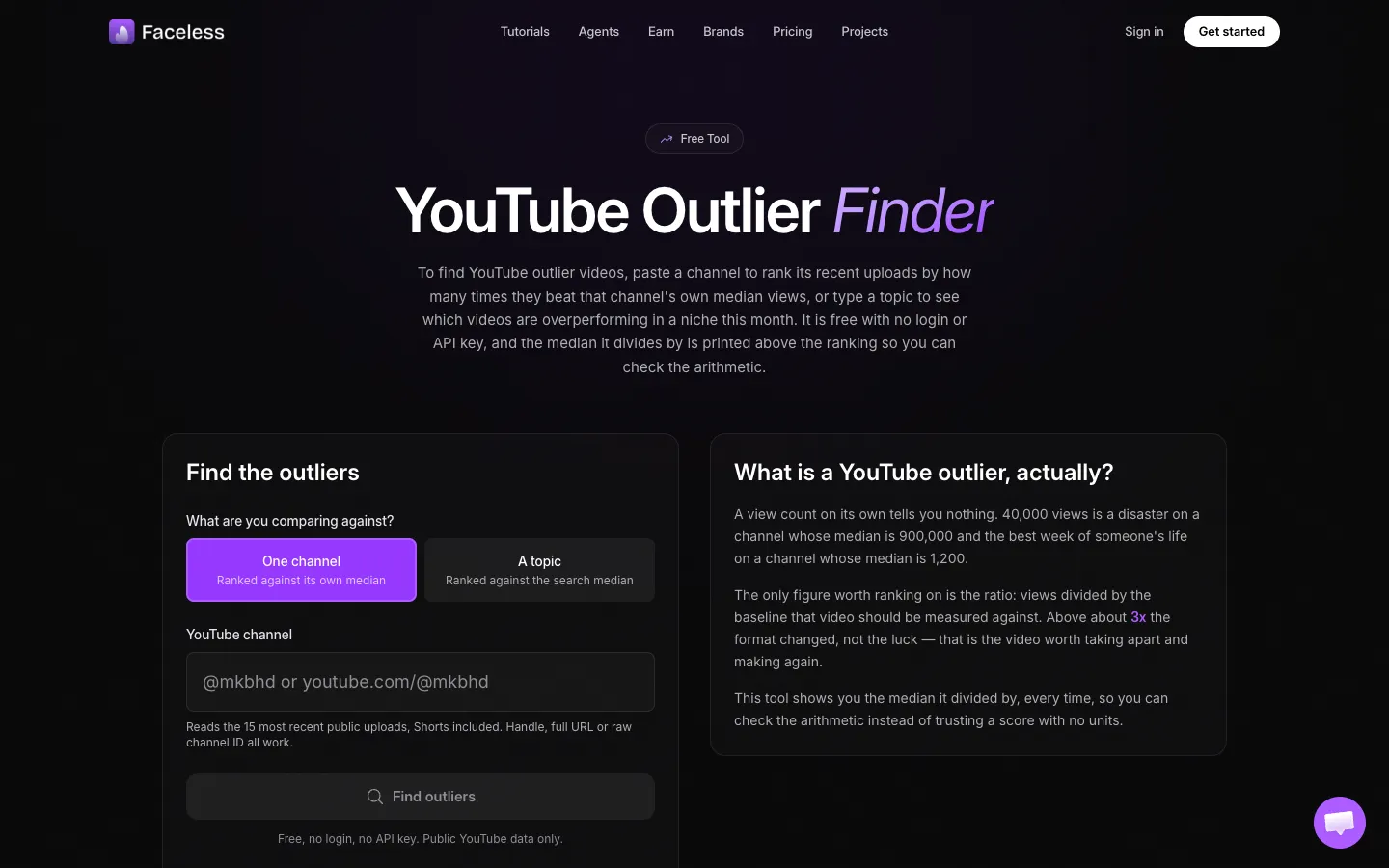
Faceless.so's outlier finder is a free web tool that includes Shorts and needs no login or API key. Channel mode reads the 15 most recent uploads, topic mode covers the last month, and it prints the median it divides by. Uploads under 7 days old are left out of that median. Faceless.so's paid plans are for its AI video generator, from $24 a month billed $290 yearly.
Best for: a quick outlier check on recent Shorts without installing anything.
Can you sort YouTube Shorts by views for a date range?
Not with YouTube alone. The Popular chip on the Shorts tab ranks every Short by all-time views, with no date filter. To see the most viewed Shorts from the last 7 days, month or year, use Popular by Date (with a free API key) or SortViral's date range.
A date range matters most on older channels. A Short from three years ago can hold the top spot forever, while the format that works today sits on page three. Filter to the last 90 days, then sort by outlier score, and you see what is working for that channel right now. SortViral's page on the most viewed YouTube Shorts walks through this on real channels.
If you research long-form videos too, the same approach applies. See the best YouTube outlier finder tools for niche-wide options such as 1of10 and vidIQ, and for those long-form uploads, the free YouTube chapter generator writes timestamps.
How we compared these tools
We checked each tool's Chrome Web Store listing and its own website on 16 November 2026, and recorded the platforms it covers, what the free plan includes, the cheapest paid price, and the store rating and user count shown that day. The order reflects how well each tool answers this page's question for most creators, weighing free limits, platforms covered and depth of features such as outlier scores, transcripts and export. Prices and store numbers change often, so check the listing before you pay.
Frequently asked questions
Can you sort someone else's YouTube Shorts by views?
Yes. The Popular chip works on any public channel's Shorts tab, not just your own. Open the channel, click Shorts, then Popular. Extensions like SortViral and Sort Feed also work on any public channel, so you can study competitors without access to their YouTube Studio.
Does Popular sort Shorts by views or likes?
Popular sorts a channel's Shorts by views, most viewed first. To sort by likes or comments, you need an extension. SortViral sorts by likes, comments and engagement wherever YouTube shows those numbers, and Sort Feed and Sortflare offer their own sort options.
Is there a free Sort Feed alternative for YouTube Shorts?
Sort Feed itself has a free plan covering the latest 25 posts or 1 week of content. If you want to try another free option, SortViral sorts a channel's whole Shorts tab with Load all and needs no sign-up, and moreoften.io's Outlier Finder and Faceless.so are free too.
How do I find which Shorts beat a channel's average?
Sort the Shorts tab by outlier score. SortViral, Sort Feed and moreoften.io all compare each Short's views with the channel's median, so a score above 1x beat the usual result. Start with anything at 3x or more and look for a repeated hook or format you can follow. When you post your version, the free YouTube AI title generator and tags generator help with packaging.