

In a creator's workflow, time is the most valuable asset. The manual, repetitive tasks of digital marketing, from scheduling social media posts to segmenting email lists and even adding YouTube video chapters, can consume hours that are better spent on creating high-quality content. This is where the right digital marketing automation tools come in, transforming your processes from time-consuming chores into efficient, streamlined systems that work for you around the clock.
This guide moves beyond generic feature lists to provide a practical, hands-on analysis of the top platforms available today. We will dive into specific tools, evaluating their core functionalities, honest pros and cons, and transparent pricing structures. Whether you're a YouTuber looking to optimize video SEO with automated timestamps, a podcaster aiming for better listener engagement, or a social media manager needing to scale your content distribution, you'll find solutions tailored to your specific needs. For a broader perspective on available options, explore the best marketing automation tools for small business to see how different platforms stack up.
Our goal is to help you select the right tool with confidence. Each entry in this list includes direct links, screenshots of the user interface, and actionable insights to show you exactly how these platforms can be integrated into your workflow. We will cover everything from comprehensive suites like HubSpot and ActiveCampaign to specialized solutions like TimeSkip for video chaptering and Turrboo for social media management. Let's find the automation software that will help you reclaim your time and scale your digital strategy effectively.
1. TimeSkip
TimeSkip transforms the tedious task of creating YouTube chapters into a powerful, automated SEO strategy. Operating as a lightweight Chrome extension, it stands out as one of the most efficient digital marketing automation tools for video creators. Its core function is to generate SEO-optimized chapters for long-form content in seconds, a process that traditionally takes hours of manual timestamping and keyword research. By integrating directly into the YouTube player, it delivers a one-click workflow that is both seamless and incredibly fast.
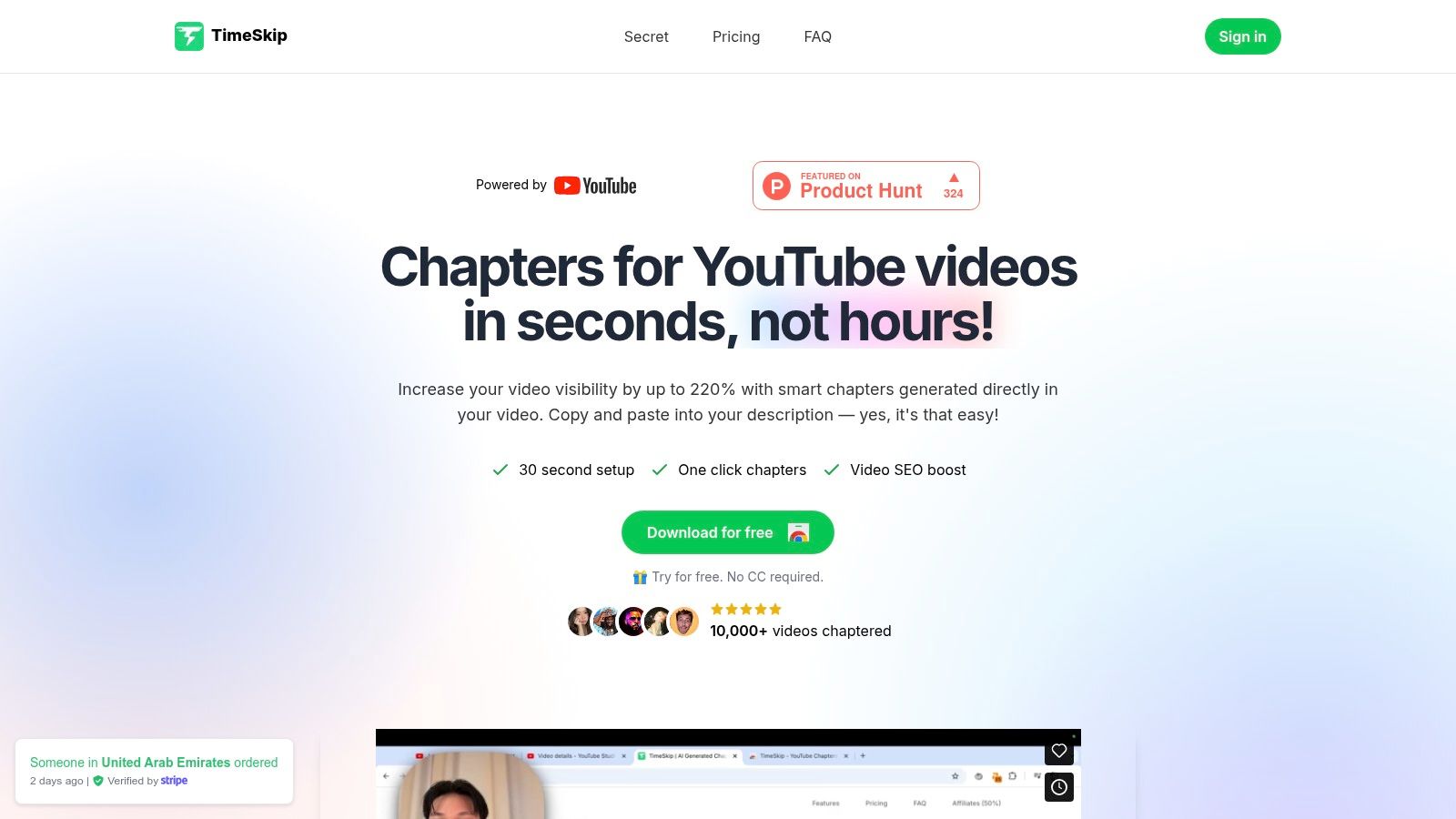
The platform's unique strength lies in its AI-driven optimization. Instead of just creating timestamps, TimeSkip analyzes video captions to identify key topics and performs keyword research to craft chapter titles with long-tail keywords. This strategy aims to turn each chapter into a mini-landing page, significantly improving a video's discoverability in both YouTube and Google search results. For a deeper dive into video-specific automation, you can explore other top YouTube automation tools and see how they complement a broader strategy.
Core Features & Use Cases
- One-Click Chapter Generation: Installs in under a minute and adds an icon to the YouTube player. A single click generates a full list of SEO-optimized chapters, which can be copied and pasted directly into the video description.
- AI-Powered SEO: The tool analyzes keyword difficulty and search volume to title chapters, targeting queries that drive organic traffic. This is ideal for marketers and educators looking to maximize the reach of tutorials, webinars, and podcasts.
- Blazing-Fast Processing: A one-hour video can be processed in approximately five seconds, making it one of the fastest solutions on the market. Higher-tier plans support videos up to 10 hours long, catering to studios and enterprise users.
Practical Assessment
TimeSkip is best for independent YouTubers, podcasters, and marketing teams who rely on long-form video content to engage their audience. The reported metrics are compelling, with users citing up to a 220% increase in video visibility and a notable lift in total viewing duration.
- Pros: The biggest advantages are the immense time savings and the built-in SEO intelligence. The flexible pricing, including a free trial and non-expiring credit packs, provides an accessible entry point for creators at all levels.
- Cons: Its reliance on a Chrome extension and the necessity of accurate YouTube captions are key limitations. Users on other browsers cannot access it, and videos without captions are not supported. While the SEO gains are significant, they are not guaranteed and depend heavily on the quality of the source captions.
Website: https://timeskip.io
2. HubSpot Marketing Hub
HubSpot Marketing Hub stands out as a powerful, all-in-one platform built around its native CRM. This integration provides a unified view of every customer interaction, from their first website visit to their latest purchase, making it one of the most comprehensive digital marketing automation tools available. It's designed for marketing teams and creators who need a scalable solution that combines email marketing, landing pages, social media management, and robust analytics in one place.
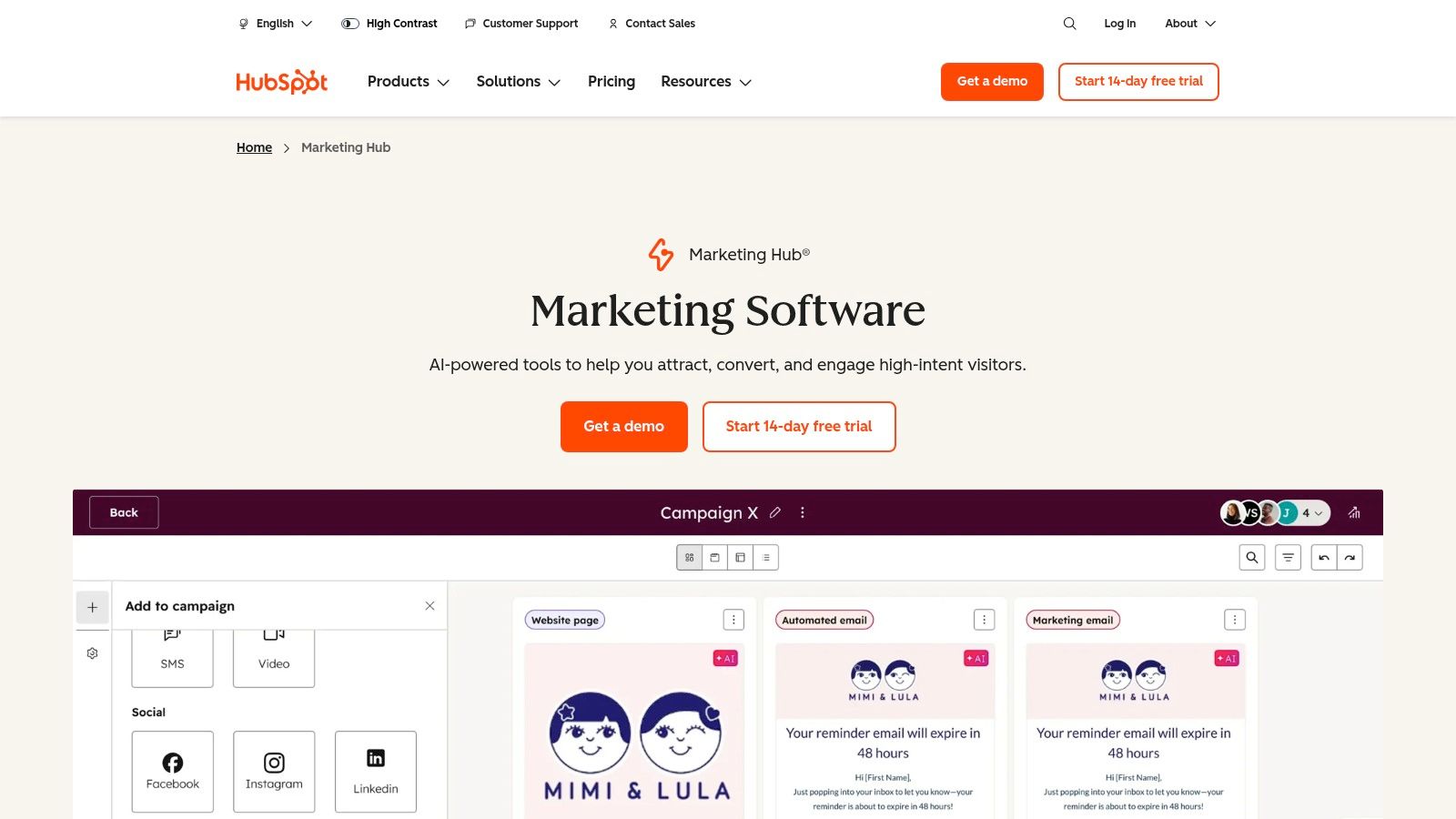
The platform excels at creating sophisticated, multi-channel workflows. You can visually map out customer journeys that trigger actions based on user behavior, like sending a follow-up email after a form submission or adding a contact to a specific ad audience. This level of granular control helps in automating manual processes that would otherwise consume significant time and resources.
Key Features & Use Cases
- CRM-Powered Automation: Trigger marketing campaigns based on any data point in the HubSpot CRM. For example, a creator could automatically enroll new merchandise buyers into a "thank you" email sequence.
- Full-Funnel Tools: Build and manage landing pages, blogs, forms, and social media posts without leaving the platform.
- Attribution Reporting: Connect marketing efforts directly to revenue, helping you understand which channels deliver the best ROI.
- App Marketplace: With over 1,250 integrations, you can connect HubSpot to nearly any tool in your stack, from video hosting platforms to e-commerce sites.
Evaluation
| Pros | Cons |
|---|---|
| Deep integration with its native CRM | Mandatory onboarding fees for professional tiers |
| Clear upgrade path from free tools to enterprise | Contact-based pricing can become expensive quickly |
| Extensive educational resources and support | Can feel overwhelming for very small solo operators |
Best For: Marketing teams and serious creators who want a central hub to manage and automate their entire marketing funnel, from lead capture to customer advocacy.
Website: https://www.hubspot.com/products/marketing
3. Mailchimp
Mailchimp is one of the most recognizable names in email marketing, and for good reason. It has evolved from a simple email newsletter tool into a robust marketing automation platform that is exceptionally user-friendly. This makes it an ideal starting point for creators, small businesses, and marketers looking for powerful digital marketing automation tools without a steep learning curve. Its core strength lies in making sophisticated features like customer journeys and segmentation accessible to everyone.
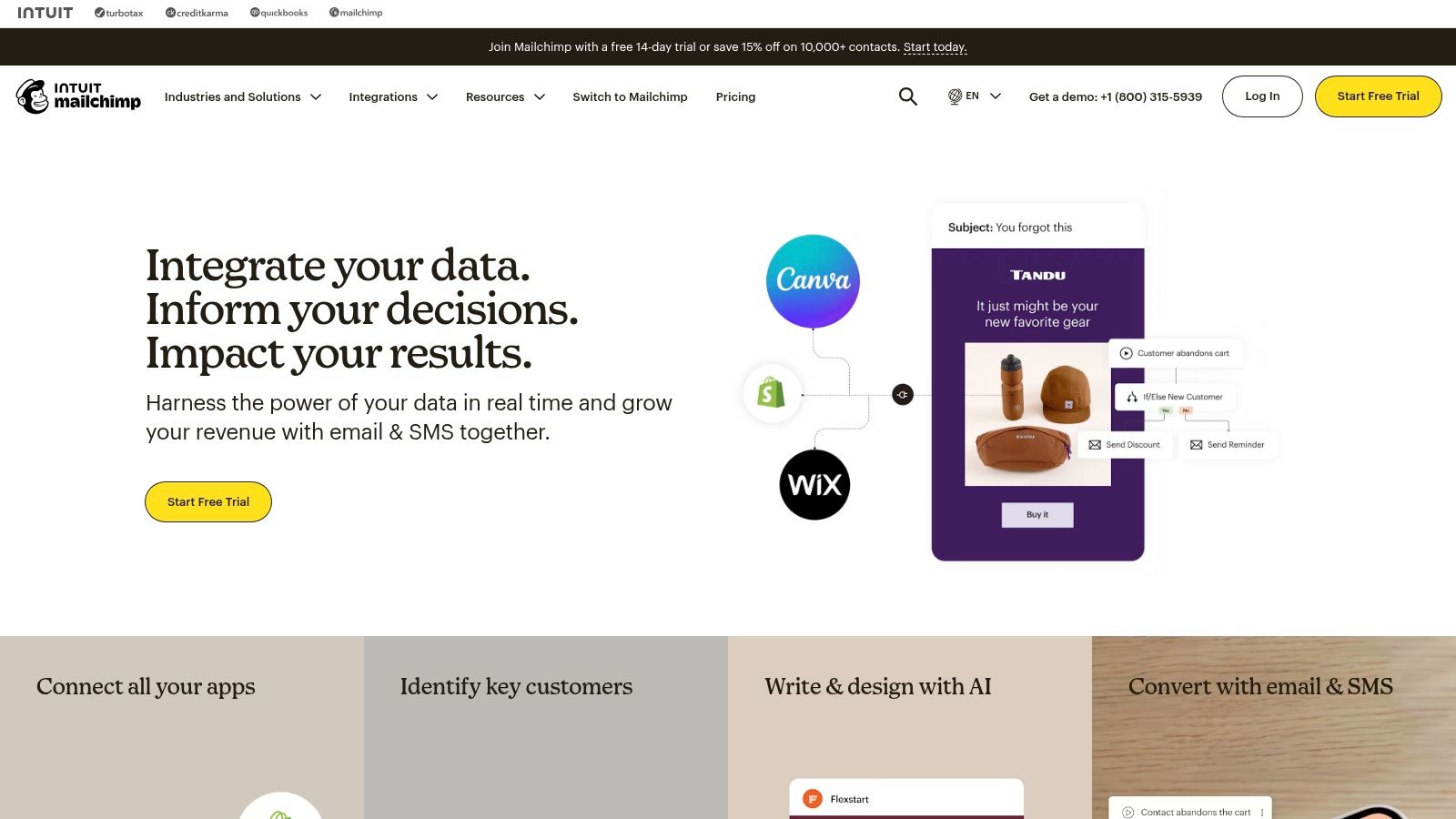
The platform's "Customer Journey Builder" allows users to visually map out automated workflows. For example, a creator could set up a journey that sends a welcome email to a new subscriber, followed by a series of emails highlighting their most popular content, and then a special offer for a digital product. The recent addition of SMS marketing (for US/Canada) further expands its multi-channel capabilities, enabling direct and timely communication with engaged audiences.
Key Features & Use Cases
- Pre-built Journeys: Start quickly with templates for common scenarios like welcoming new contacts, re-engaging lapsed subscribers, or sending birthday messages.
- Landing Pages & Forms: Create simple, effective lead capture pages and sign-up forms directly within Mailchimp to grow your audience lists.
- Audience Segmentation: Group contacts based on behavior, demographics, or purchase history to send highly targeted and relevant campaigns.
- Large Template Library: Access a wide variety of professionally designed email templates that can be easily customized to match your brand.
Evaluation
| Pros | Cons |
|---|---|
| Easy onboarding and extensive template selection | Overages if contact or send caps are exceeded |
| Flexible pricing including pay-as-you-go options | Some advanced automation only in higher tiers |
Best For: Small to mid-sized teams and creators who need an affordable, easy-to-use platform for email and marketing automation with broad integration support.
Website: https://mailchimp.com
4. ActiveCampaign
ActiveCampaign positions itself as a customer experience automation platform, combining email marketing, a native CRM, and powerful, logic-driven automation. It is designed for small to mid-sized businesses and creators who need sophisticated, behavior-based workflows without the enterprise price tag. The platform's core strength lies in its visual automation builder, which allows for intricate customer journeys with multiple branches, conditions, and goals.
This focus on deep segmentation and conditional logic makes ActiveCampaign one of the more flexible digital marketing automation tools for personalized communication. You can trigger automations based on website visits, event tracking, email engagement, or CRM data, enabling highly relevant messaging across email and SMS. This granularity helps users move beyond simple email blasts to create truly dynamic customer experiences.
Key Features & Use Cases
- Visual Automation Builder: Create complex workflows with "if/then/else" logic. A creator could, for example, send a different follow-up email depending on which link a subscriber clicks in their newsletter.
- Site & Event Tracking: Track on-site behavior to trigger automations. Automatically start a nurture sequence when a contact visits your pricing page three times.
- Native CRM & Deal Pipelines: Manage leads and customers directly within the platform, automating tasks like lead scoring and deal assignments.
- Extensive Integrations: With over 1,000 integrations, it connects seamlessly with e-commerce platforms like Shopify, lead generation tools, and more.
Evaluation
| Pros | Cons |
|---|---|
| Robust automation depth for its price point | Pricing tiers can be complex and vary by contact bands |
| 14-day free trial and free migration support | The interface can feel complex for beginners |
| Powerful segmentation and conditional logic | Lacks a free-forever plan |
Best For: SMBs and content creators who need powerful, behavior-driven automation to create highly personalized customer journeys.
Website: https://www.activecampaign.com
5. Adobe Marketo Engage
Adobe Marketo Engage is an enterprise-grade powerhouse designed for B2B and account-based marketing (ABM). It specializes in managing complex, long-term customer lifecycles, making it one of the most sophisticated digital marketing automation tools for large organizations. The platform excels at nurturing leads through highly personalized, multi-stage journeys, connecting marketing activities directly to sales outcomes within a scalable, governed environment.
Marketo's core strength lies in its deep lead and account-based automation capabilities. Marketers can build intricate scoring models, trigger campaigns based on account-level engagement, and orchestrate personalized experiences across email, web, and mobile. Its native integrations with major CRMs like Salesforce and Microsoft Dynamics ensure seamless data flow between marketing and sales, providing a unified view of the customer journey.
Key Features & Use Cases
- Lead & Account-Based Automation: Design complex nurturing streams for both individual leads and entire target accounts, ideal for high-value B2B sales cycles.
- Native CRM Integrations: Offers deep, out-of-the-box connections with Salesforce, Microsoft Dynamics, and Veeva for robust data synchronization.
- Enterprise Governance: Features high API limits, user permissions, and workspaces to support large, multi-departmental marketing teams.
- Packaged Editions: Marketo offers tiered packages (Growth, Select, Prime, Ultimate) to align features with different organizational scales and needs.
Evaluation
| Pros | Cons |
|---|---|
| Deep scalability and mature enterprise ecosystem | Custom pricing requires contacting sales |
| Strong reporting and attribution capabilities | Steeper learning curve for small teams or beginners |
| Excellent for complex B2B sales cycles | Can be more than what a small business needs |
Best For: Enterprise B2B marketing teams that require a powerful, scalable platform for managing intricate lead lifecycles, ABM campaigns, and sales-marketing alignment.
Website:
6. Salesforce Marketing Cloud
Salesforce Marketing Cloud is an enterprise-grade platform designed for complex, cross-channel marketing automation. Built to leverage the full power of the Salesforce ecosystem, it provides a deeply integrated solution for organizations that need to orchestrate sophisticated customer journeys across email, mobile, social, and advertising. It's the go-to choice for teams already embedded in the Salesforce CRM environment who require robust data-driven personalization and scalability.
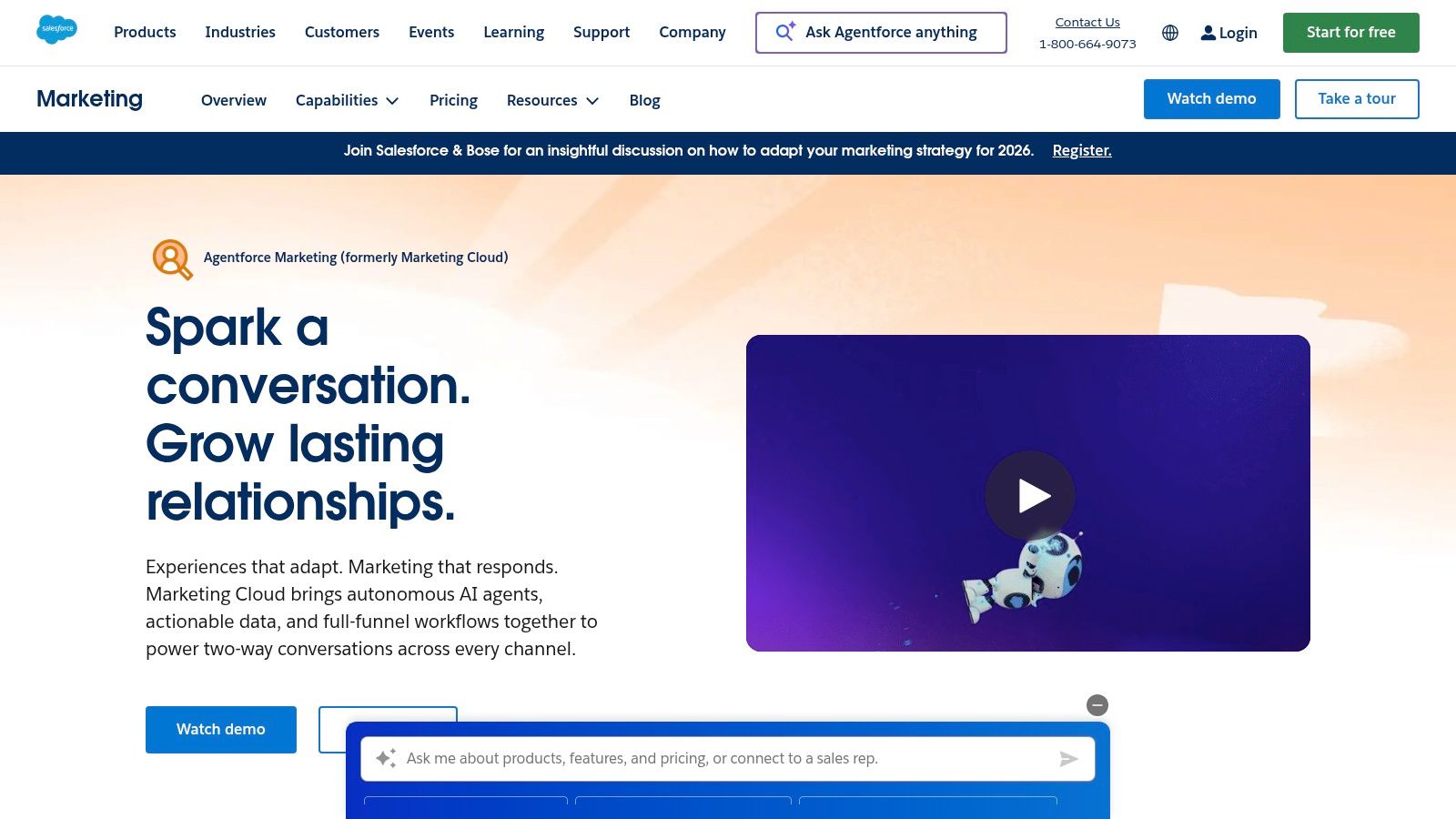
The platform's core strength lies in its Journey Builder, which allows marketers to map out and automate interactions based on real-time customer data and behaviors. This powerful feature enables dynamic communication paths that adapt to how a customer engages, whether through an SMS message, a push notification, or a targeted ad. For large-scale operations, these capabilities make it one of the most powerful digital marketing automation tools for delivering personalized experiences.
Key Features & Use Cases
- Journey Orchestration: Design and automate 1-to-1 customer journeys across multiple channels, including email, SMS, WhatsApp, and digital advertising.
- Native Salesforce CRM Connectors: Seamlessly pull data from Sales Cloud and Service Cloud to trigger marketing actions based on sales activities or customer service interactions.
- AI-Powered Personalization: Utilize Einstein AI for predictive analytics, audience segmentation, and content personalization to enhance engagement.
- Modular Add-Ons: Expand functionality with specialized products for loyalty management, advanced personalization, and data intelligence to fit specific business needs.
Evaluation
| Pros | Cons |
|---|---|
| Enterprise-level breadth, security, and scalability | Higher entry pricing, typically requiring annual billing |
| Modular products to match varied enterprise needs | Significant implementation effort and expertise needed |
| Deep integration with the entire Salesforce ecosystem | Can be overly complex for small to mid-sized businesses |
Best For: Large organizations and enterprise teams already utilizing the Salesforce CRM that need a comprehensive, scalable solution for multi-channel journey orchestration and data-driven marketing.
Website: https://www.salesforce.com/marketing/
7. Klaviyo
Klaviyo is a powerhouse among digital marketing automation tools, specializing in email and SMS marketing for e-commerce brands. It distinguishes itself with deep, native integrations into platforms like Shopify, BigCommerce, and WooCommerce, allowing it to leverage a rich dataset for highly personalized automation. The platform is engineered to turn customer data into revenue by focusing on lifecycle marketing, from initial welcome series to customer win-back campaigns.
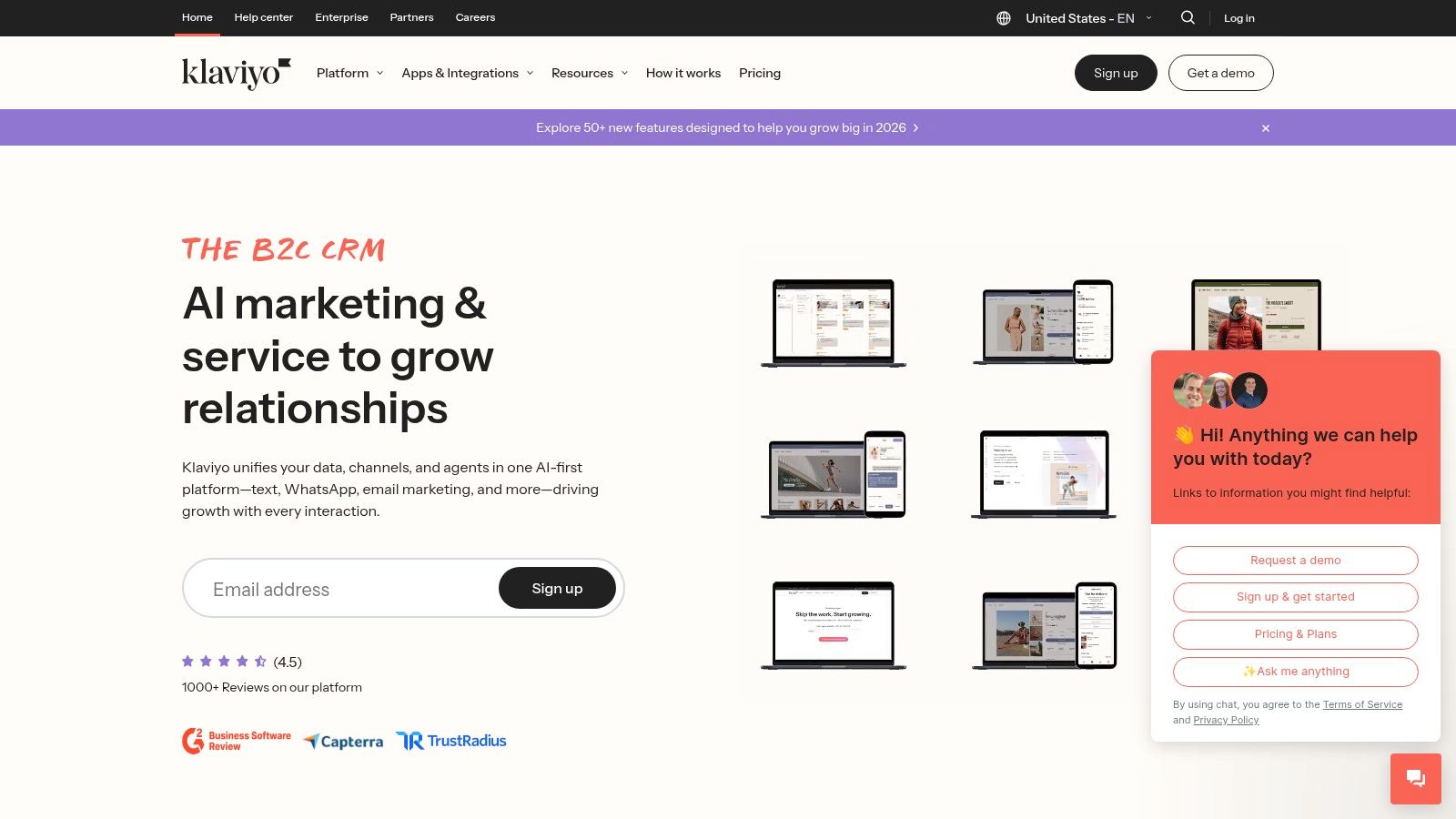
The core strength of Klaviyo lies in its sophisticated segmentation and pre-built automation flows, known as "Flows." Creators and e-commerce store owners can quickly implement proven strategies like abandoned cart reminders, browse abandonment notifications, and post-purchase follow-ups. These automated sequences use real-time behavioral data and predictive analytics to send the right message at the perfect moment, significantly boosting conversion rates and customer lifetime value.
Key Features & Use Cases
- Pre-built E-commerce Flows: Launch effective campaigns for abandoned carts, post-purchase thank yous, and win-back series with proven templates.
- Real-time Segmentation: Create dynamic customer segments based on shopping behavior, browsing history, and predictive traits like churn risk or lifetime value.
- Native Shopify/BigCommerce/WooCommerce Integrations: Sync all historical and real-time customer data from your store to power hyper-targeted campaigns.
- Product Recommendations: Automatically insert personalized product suggestions into emails based on a user’s purchase and browsing history.
Evaluation
| Pros | Cons |
|---|---|
| Excellent e-commerce data model and triggers | Pricing scales with active profiles and can jump at larger lists |
| Clear growth path from free to paid tiers | Advanced analytics/data platform features are priced separately |
| Powerful segmentation and personalization engine | Primarily focused on e-commerce, less ideal for other business types |
Best For: E-commerce businesses and creators selling merchandise who need a revenue-focused automation platform that integrates seamlessly with their online store.
Website: https://www.klaviyo.com
8. Zapier
Zapier is the universal connector in the world of digital marketing automation tools, functioning as a powerful no-code platform that links thousands of disparate apps. It's not an all-in-one marketing suite but rather the essential "glue" that allows your existing tools to communicate and automate tasks between them. This is perfect for marketers and creators who have a specialized stack and need to build custom workflows without writing any code.
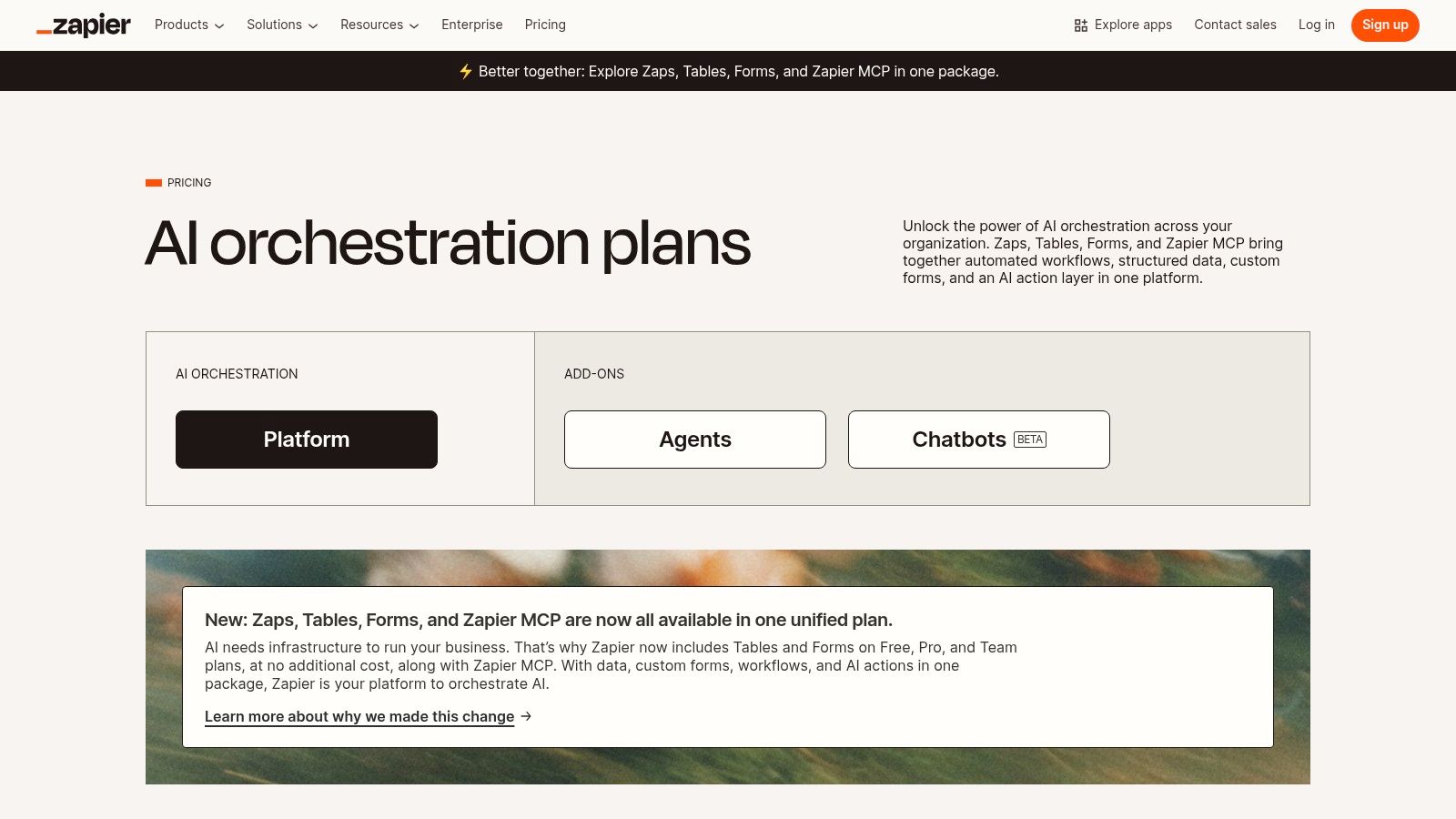
The platform's strength lies in its "Zap" editor, a visual interface for creating trigger-and-action sequences. A new lead in a Facebook Ad can trigger a Zap that adds the contact to your CRM, sends a Slack notification to your sales team, and enrolls the user in an email sequence. By mastering these connections, you can discover a new level of efficiency and how to automate content creation across your entire operation.
Key Features & Use Cases
- Massive App Ecosystem: Connect over 8,000 applications, from social media platforms to niche productivity tools. A creator can automate posting a YouTube video link to Twitter and LinkedIn simultaneously.
- Multi-Step & Conditional Logic: Create complex workflows with branching logic (Paths) that perform different actions based on specific conditions.
- AI Steps: Integrate AI directly into your workflows to summarize text, draft emails, or classify lead data without leaving Zapier.
- Data Tools: Use Zapier Tables and Forms to collect, store, and manage data that powers your automations.
Evaluation
| Pros | Cons |
|---|---|
| Connects nearly any app in your marketing stack | Task-based billing can be unpredictable and costly at scale |
| Fast to set up and requires no coding knowledge | It's a connector, not a full marketing platform |
| Robust team and enterprise-level features | Complex Zaps can become difficult to troubleshoot |
Best For: Marketers, creators, and operations teams who need to integrate and automate processes across a diverse set of best-in-class applications.
Website: https://zapier.com/pricing
9. Omnisend
Omnisend is an omnichannel marketing automation platform built specifically for e-commerce businesses. Its strength lies in seamlessly integrating email, SMS, and web push notifications into a single, cohesive workflow, allowing online merchants to communicate with customers on their preferred channels. This e-commerce focus means its features are finely tuned for online stores, with pre-built automation workflows for cart abandonment, welcome series, and transactional messages.
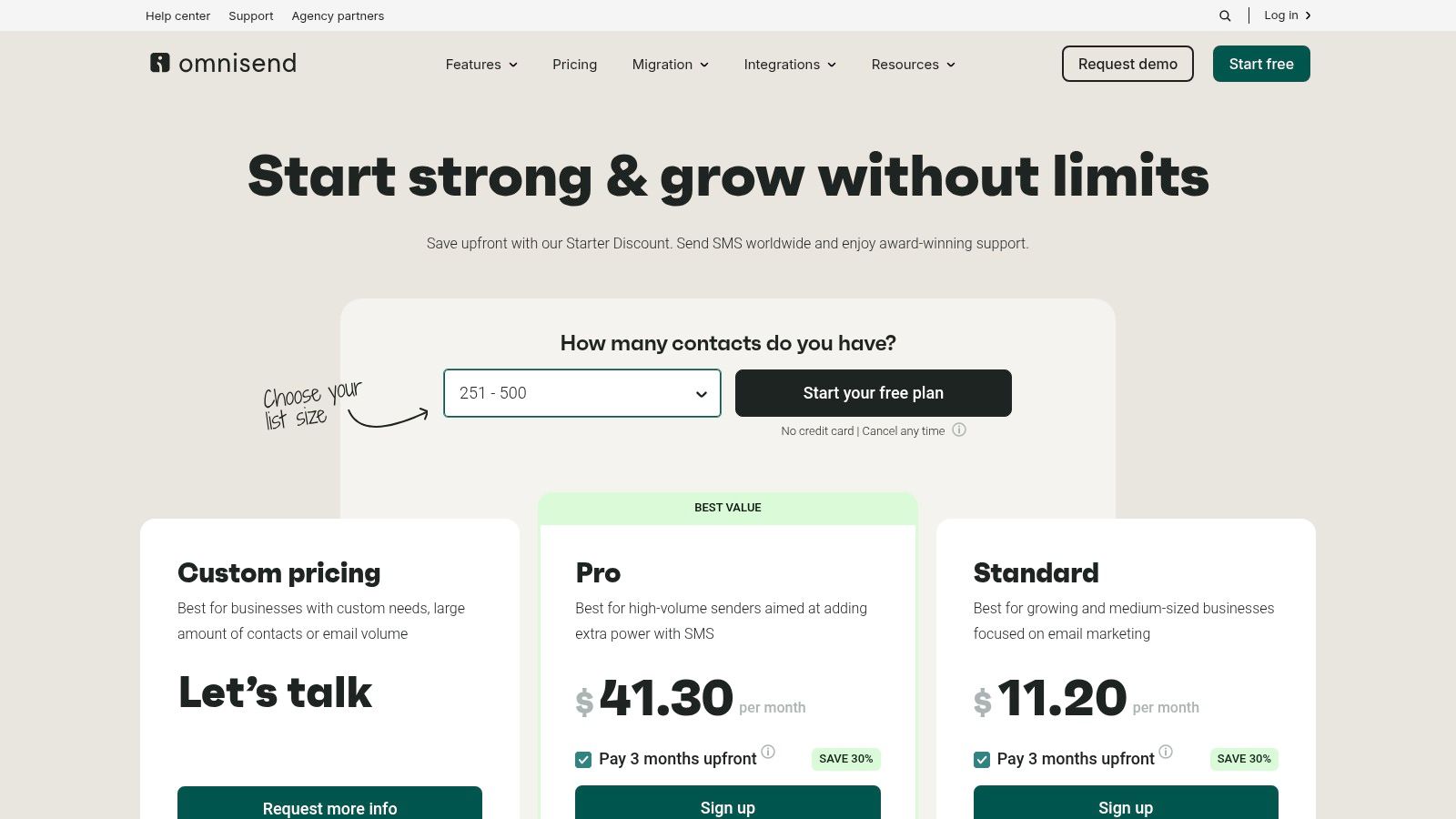
The platform is designed for rapid deployment, especially for merchants on platforms like Shopify and BigCommerce. Instead of building complex triggers from scratch, users can launch proven e-commerce campaigns in minutes. This makes it one of the most accessible digital marketing automation tools for creators or businesses running an online store, removing much of the technical setup that can slow down marketing efforts.
Key Features & Use Cases
- Omnichannel Workflows: Combine email, SMS, and push notifications in a single automation sequence. For example, send a cart abandonment email, followed by an SMS reminder a few hours later.
- Pre-built E-commerce Automations: Launch campaigns for welcome series, product abandonment, cross-selling, and more with ready-made templates.
- Robust Segmentation: Create dynamic audience segments based on shopping behavior, campaign engagement, and profile data to send highly targeted messages.
- Deep E-commerce Integrations: Syncs seamlessly with major platforms like Shopify, BigCommerce, and WooCommerce to pull in customer and order data automatically.
Evaluation
| Pros | Cons |
|---|---|
| Attractive entry-level pricing and free plan available | Best fit for e-commerce; B2B capabilities are narrower |
| Quick to launch for online merchants on major platforms | Starter discount typically only for the first three months |
| Combines email, SMS, and push in one unified platform | Advanced reporting is reserved for higher-tier plans |
Best For: E-commerce businesses and creators with online stores who need a fast, effective, and integrated solution for email and SMS marketing automation.
Website: https://www.omnisend.com/pricing/
10. Drip
Drip is an e-commerce-centric marketing automation platform built specifically for direct-to-consumer (DTC) brands. It carves out its niche by deeply integrating with major e-commerce platforms like Shopify, BigCommerce, and WooCommerce, allowing it to tie every automated email or SMS campaign directly to revenue. This sharp focus makes it an ideal tool for creators and businesses selling products online who need to see a clear ROI from their marketing efforts.
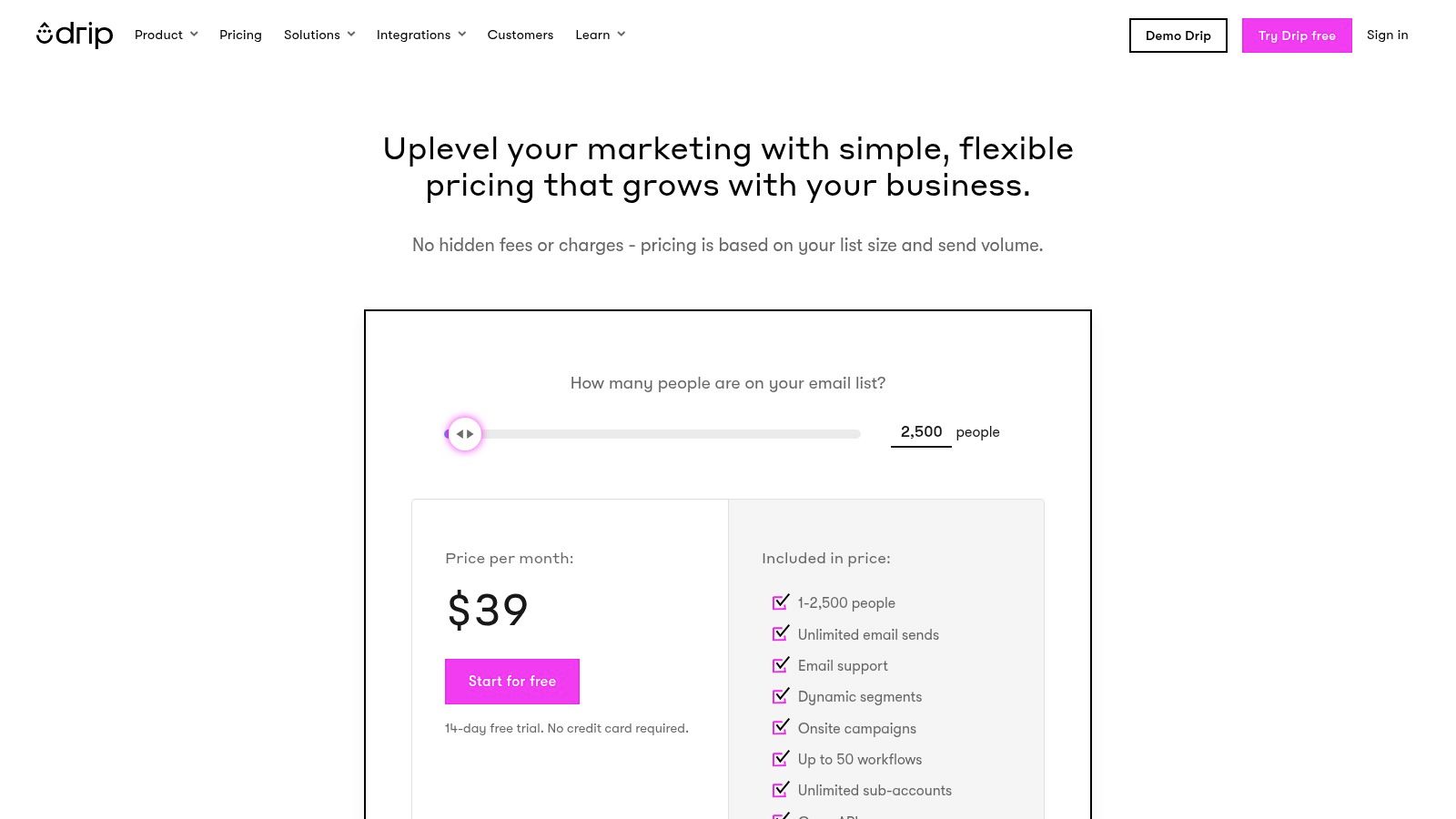
The platform's strength lies in its visual workflow builder and powerful segmentation capabilities. Users can easily create sophisticated automation sequences based on customer behavior, such as cart abandonment, first purchase, or product view history. Drip's pre-built automation templates help users get started quickly, while its revenue-focused dashboards provide clear insights into which workflows are driving the most sales. This makes it one of the most practical digital marketing automation tools for e-commerce.
Key Features & Use Cases
- E-commerce Revenue Dashboards: Directly track how much revenue each automation flow and campaign generates, providing clear performance metrics.
- Visual Workflow Builder: Design and implement complex customer journeys with an intuitive drag-and-drop interface, perfect for abandoned cart or welcome series.
- Advanced Segmentation: Create dynamic customer segments based on purchase history, site behavior, and email engagement to send highly personalized content.
- Pre-built E-commerce Automations: Leverage a library of proven templates for common e-commerce scenarios to launch campaigns faster.
Evaluation
| Pros | Cons |
|---|---|
| Built specifically for online stores with deep integrations | Limited native social media and ad management tools |
| Excellent revenue tracking tied to email/SMS campaigns | Support hours are restricted for lower-priced plans |
| Powerful segmentation and visual workflow builder | Can be less suitable for businesses not focused on e-commerce |
Best For: E-commerce businesses and creators with online stores who need a powerful, revenue-focused automation tool to manage customer relationships and drive sales through email and SMS.
Website: https://www.drip.com/pricing
11. Hootsuite
Hootsuite is a veteran in the social media management space, offering powerful automation tools designed to streamline content scheduling, audience engagement, and performance analysis. It acts as a central command center for all your social channels, allowing creators and marketers to plan and execute their strategies from a single dashboard. Its core strength lies in its scheduling and listening capabilities, making it one of the most reliable digital marketing automation tools for managing a complex, multi-platform social presence.
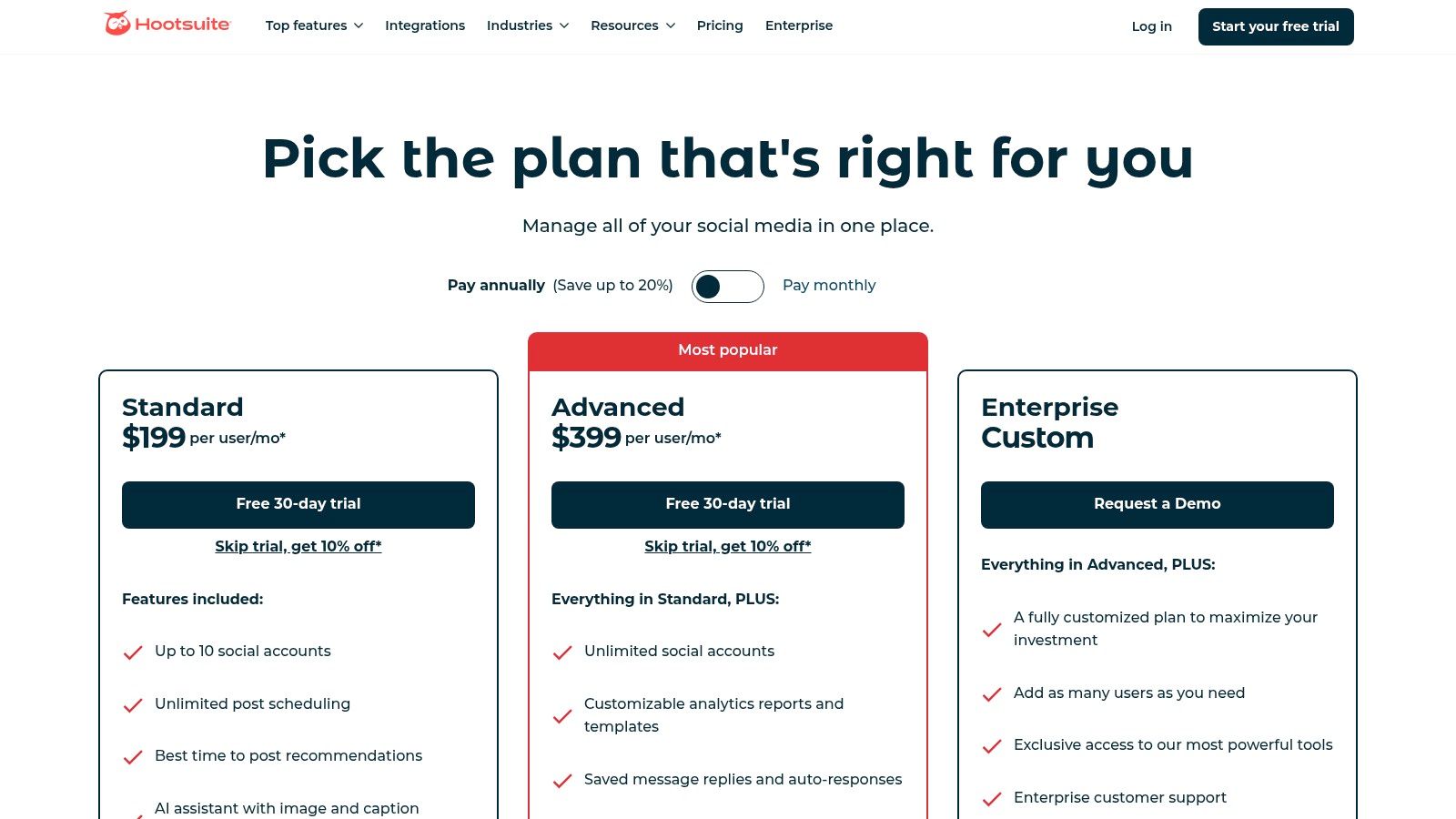
The platform is built for efficiency, featuring an AI-powered content assistant that can generate captions and suggest optimal posting times to maximize reach. You can create content calendars, bulk schedule hundreds of posts at once, and set up automated monitoring streams to track keywords, mentions, and competitor activity. This comprehensive approach helps you automate the time-consuming aspects of social media while gaining valuable insights into audience sentiment and industry trends.
Key Features & Use Cases
- Advanced Post Scheduling: Plan content far in advance with a visual calendar, use bulk scheduling for campaigns, and let the AI recommend the best times to post for each network.
- Unified Social Inbox: Manage all incoming comments, messages, and mentions from one place, ensuring timely responses without switching between platforms.
- Social Listening & Analytics: Set up streams to monitor brand mentions, competitor activity, and relevant hashtags to inform your content strategy and benchmark performance.
- AI-Powered OwlyWriter: Instantly generate post ideas, rewrite popular content, and create platform-specific captions to save creative energy.
Evaluation
| Pros | Cons |
|---|---|
| Mature toolset for social analytics & team workflows | Focused on social media, lacks native email or CRM features |
| A generous 30-day free trial is available | Price points can be high for solo creators or small teams |
| Powerful scheduling and listening features | Enterprise-level features are locked in higher-tier plans |
Best For: Social media managers, marketing teams, and creators who need a robust, dedicated platform to automate scheduling, engagement, and reporting across multiple social networks.
Website: https://www.hootsuite.com/plans
12. G2 (Marketing Automation Category)
Rather than being a tool itself, G2 is a research and peer-review marketplace that provides an essential first step in the selection process. It aggregates verified user reviews, detailed feature comparisons, and proprietary "Grid" reports to help you navigate the crowded landscape of digital marketing automation tools. For anyone feeling overwhelmed by options, G2 offers a structured way to shortlist platforms based on real-world user satisfaction and specific business needs.
The platform allows you to filter solutions by company size, specific features like A/B testing or lead scoring, and pricing models. This makes it invaluable for comparing how different tools stack up against each other from an unbiased perspective. Creators and small businesses can quickly identify high-performers within their budget, while larger marketing teams can validate enterprise-level solutions against feedback from similar organizations.
Key Features & Use Cases
- Verified User Reviews: Access detailed feedback from actual users, offering insights into a tool's strengths, weaknesses, and customer support quality.
- Grid Reports: Visualize the market landscape with G2's quadrant-style reports, which categorize vendors as Leaders, High Performers, Contenders, or Niche players based on satisfaction and market presence.
- Side-by-Side Comparisons: Directly compare up to four different marketing automation tools on features, user ratings, and pricing information.
- Targeted Filtering: Narrow down hundreds of options by specifying your exact needs, such as integrations with YouTube, social media platforms, or e-commerce software.
Evaluation
| Pros | Cons |
|---|---|
| Broad, up-to-date view of the entire market | Review depth can be inconsistent between different tools |
| Verified user sentiment provides an unbiased perspective | Sponsored placements can sometimes influence search visibility |
| Excellent for shortlisting and validating potential options | Requires cross-referencing with vendor sites for final specs |
Best For: Any creator, marketer, or business owner at the beginning of their search for a marketing automation tool who needs to compare options and gather unbiased user feedback.
Website:
Top 12 Digital Marketing Automation Tools Comparison
| Product | Core features | Quality / Impact (★) | Price / Value (💰) | Best for (👥) | Unique edge (✨) |
|---|---|---|---|---|---|
| TimeSkip 🏆 | Chrome extension · 1‑click YouTube chapters · AI keyword + captions | ★★★★★ · up to +220% visibility; +15% viewing | 💰 Creator / Pro / Lifetime · 2 free gens · credits never expire | 👥 YouTubers, podcasters, creators, studios | ✨ Fastest in‑player chapter generation; SEO‑first long‑tail optimization |
| HubSpot Marketing Hub | CRM‑driven marketing, landing pages, SEO, workflows | ★★★★ · strong reporting & attribution | 💰 Free→Enterprise · Pro/Enterprise onboarding fees | 👥 Marketing teams, scaling businesses | ✨ Native CRM model + 1,250+ integrations |
| Mailchimp | Email journeys, templates, landing pages, basic CRM, SMS | ★★★ · easy templates & onboarding | 💰 Freemium & pay‑as‑you‑go · affordable starter | 👥 Small→mid teams, beginners | ✨ Large template library; simple setup |
| ActiveCampaign | Visual automations, branching logic, CRM, site/event tracking | ★★★★ · deep behavior‑driven flows | 💰 Contact‑based tiers · good automation value | 👥 SMBs needing advanced journeys | ✨ Powerful conditional logic & event triggers |
| Adobe Marketo Engage | ABM, lead/account scoring, enterprise automation | ★★★★ · enterprise scalability | 💰 Custom enterprise pricing (sales) | 👥 Large B2B & enterprise marketing teams | ✨ High API limits, governance & ABM features |
| Salesforce Marketing Cloud | Journey orchestration, personalization, analytics | ★★★★ · enterprise breadth & security | 💰 High entry; typically annual billing | 👥 Enterprises using Salesforce CRM | ✨ Deep personalization & modular add‑ons |
| Klaviyo | Ecommerce email & SMS, real‑time segments, product feeds | ★★★★ · revenue‑driven flows | 💰 Freemium → profile‑based pricing (scales) | 👥 DTC ecommerce merchants | ✨ Shopify/BigCommerce native + product triggers |
| Zapier | No‑code app integrations, multi‑step workflows, AI steps | ★★★★ · fast glue for stacks | 💰 Task‑based billing · can be unpredictable at scale | 👥 Ops, marketers needing integrations | ✨ Connects 8,000+ apps; multi‑step + branching |
| Omnisend | Email, SMS, web push, prebuilt ecommerce workflows | ★★★ · quick ecommerce launches | 💰 Competitive entry pricing · SMS credits | 👥 Ecommerce merchants on Shopify/BigComm | ✨ Omnichannel (email+SMS+push) with generous entry plan |
| Drip | Visual workflows, segmentation, revenue dashboards | ★★★ · ecommerce centric | 💰 Mid‑range; 14‑day trial | 👥 DTC brands focused on email revenue | ✨ Revenue dashboards tied to flows |
| Hootsuite | Social scheduling, listening, AI captioning, analytics | ★★★ · mature social toolset | 💰 Tiered plans (business→enterprise) | 👥 Social teams & agencies | ✨ Unified inbox, social listening & benchmarking |
| G2 (Marketing Automation) | Peer reviews, Grid reports, vendor comparisons | ★★★★ · broad verified sentiment | 💰 Free research; vendor offers linked | 👥 Buyers shortlisting marketing tools | ✨ Verified reviews, leader grids & filters |
Making Automation Work for You
Navigating the expansive landscape of digital marketing automation tools can feel overwhelming, but the journey from manual effort to automated efficiency is a transformative one. As we've explored, the right platform isn't just a piece of software; it's a strategic partner that can redefine your workflow, amplify your reach, and give you back your most valuable asset: time. The key is moving beyond the feature lists and focusing on the fundamental purpose of these tools, which is to create more meaningful, timely, and personalized interactions with your audience at scale.
From the comprehensive, all-in-one power of HubSpot and Marketo to the e-commerce-centric precision of Klaviyo and Drip, the market offers a solution for nearly every business model and budget. We’ve seen how platforms like Hootsuite can streamline your social media presence, while integrators like Zapier act as the essential connective tissue, ensuring your entire tech stack communicates seamlessly. This diversity underscores the most critical takeaway: there is no single "best" tool, only the best tool for your specific goals, team size, and technical comfort level.
Your Next Steps: From Selection to Implementation
Choosing and integrating the right digital marketing automation tools requires a thoughtful, strategic approach. Don't let the sheer number of options lead to analysis paralysis. Instead, use the insights from this guide to create a clear path forward.
Here’s a simple framework to guide your decision-making process:
- Define Your Core Problem: Start by identifying your single biggest bottleneck. Is it inconsistent email follow-up? Disorganized social media posting? The time-consuming task of optimizing long-form video content for SEO? Pinpoint the primary pain point you need automation to solve first.
- Audit Your Existing Stack: List the tools you already use daily. Your ideal automation platform should integrate smoothly with your current CRM, e-commerce platform, or content management system. This avoids creating data silos and ensures a unified workflow.
- Map Your Customer Journey: Sketch out the typical path a person takes from discovering your brand to becoming a loyal customer. Identify the key touchpoints where automation could enhance the experience, such as a welcome email series, a post-purchase follow-up, or a re-engagement campaign for inactive subscribers.
- Start Small and Scale: You don't need to automate everything at once. Select a tool that solves your core problem and master it. A successful first implementation, like setting up an automated welcome series in Mailchimp or using a tool like TimeSkip to generate YouTube chapters, builds momentum and provides a clear return on investment.
Final Thoughts on Your Automation Journey
Ultimately, the most effective digital marketing automation tools are the ones that feel less like a machine and more like an extension of your team. They handle the repetitive, data-driven tasks, freeing you to focus on the uniquely human elements of your business: creativity, strategy, and building genuine relationships with your audience.
The goal isn't just to "set it and forget it." It's to "set it and improve it." Use the data and insights these platforms provide to continually refine your messaging, optimize your campaigns, and deliver more value. By embracing this mindset, you transform automation from a simple productivity hack into a powerful engine for sustainable growth.
Ready to automate one of the most tedious yet crucial parts of your content strategy? If you're a creator or marketer using YouTube, don't let manual chapter creation slow you down. TimeSkip uses AI to instantly generate optimized YouTube chapters and descriptions, boosting your video's SEO and user experience in seconds. Start saving time and improving your visibility today by trying TimeSkip for free.
