

The video editing process is no longer just about manual cuts, color grades, and tedious audio adjustments. Artificial intelligence has fundamentally shifted how creators approach post-production, automating complex tasks and unlocking creative possibilities that once required specialized skills or hours of painstaking work. Finding the best AI tools for video editing means streamlining your workflow, saving significant time, and elevating the final quality of your content, whether you're a YouTuber, podcaster, or social media manager.
This comprehensive guide is designed to help you navigate the crowded market of AI-powered video software. We will move beyond marketing hype to provide a detailed analysis of the top tools available today, from industry-standard desktop applications like Adobe Premiere Pro and DaVinci Resolve to innovative cloud-based platforms such as Descript and Runway. The influence of AI is expanding rapidly, with powerful capabilities now being integrated directly into consumer hardware, as seen with the impressive Samsung Galaxy S24 AI features. This guide focuses on dedicated software that solves specific editing challenges.
Each entry in this listicle includes a concise breakdown of its core AI features, ideal user, and practical pros and cons based on real-world use. We'll explore how these tools handle tasks like:
- Automated transcription and text-based editing
- Intelligent scene detection and content repurposing
- AI-driven color correction and audio enhancement
- Generative video and object removal
You'll find screenshots, direct links, and actionable insights to help you select the perfect tool for your specific needs and budget. We’ll also show you how to integrate specialized tools like TimeSkip to boost your YouTube SEO and viewer retention. Let's find the right AI video editor to enhance your creative workflow.
1. Adobe Premiere Pro (Creative Cloud)
Adobe Premiere Pro remains the industry-standard non-linear editor (NLE) for professionals, and its deep integration of AI features through Adobe Sensei and Firefly solidifies its position as one of the best AI tools for video editing. It's not just about adding flashy effects; Adobe's AI is woven into the core workflow to accelerate tedious tasks. This makes it ideal for serious creators, filmmakers, and production houses who require a robust, all-in-one ecosystem.
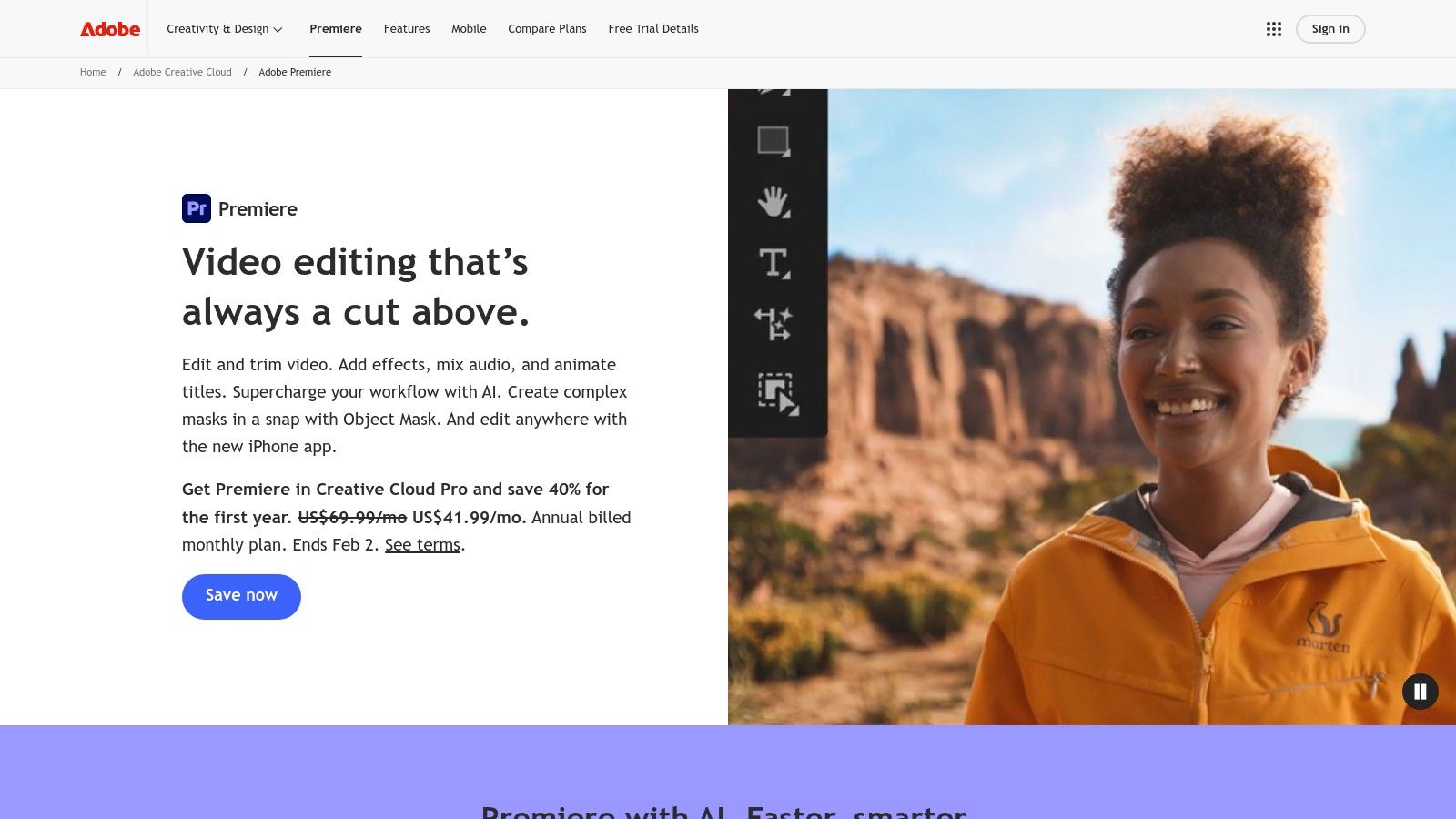
The platform’s standout AI capabilities focus on practical, time-saving enhancements. For instance, the Generative Extend feature, powered by Firefly, can seamlessly add frames to a clip to extend its duration, perfect for retiming edits without awkward cuts. Additionally, its AI-driven media intelligence allows for powerful clip searches based on content, not just filenames.
Key AI Features & Use Cases
- Generative Extend: Need to add a few seconds to a shot for better pacing? This feature intelligently creates new frames in up to 4K resolution to lengthen a clip.
- Text-Based Editing: Automatically transcribe your entire sequence, then edit your video simply by deleting words or phrases from the transcript. This is a game-changer for narrative and interview-based content.
- Auto-Translate Captions: Instantly translate generated captions into over 27 languages, significantly expanding your content's global reach without manual effort.
- Enhance Speech: This powerful tool uses AI to remove background noise and improve the clarity of dialogue, making poor audio recordings sound professionally recorded.
Our Take: For editors already invested in the Adobe ecosystem, Premiere Pro's AI features are a massive workflow enhancement. The tight integration with After Effects, Photoshop, and Frame.io creates an unparalleled, streamlined production environment.
Pricing, Pros & Cons
Premiere Pro is available through an Adobe Creative Cloud subscription. The single-app plan starts at $22.99/month, while the full Creative Cloud suite (which includes all Adobe apps) costs $59.99/month. Some generative features operate on a credit system, with a set number of free monthly credits included in most plans.
| Pros | Cons |
|---|---|
| Industry-standard NLE with a vast plugin ecosystem | High subscription cost compared to one-time purchase software |
| Deep integration with the entire Adobe Creative Cloud suite | Some generative features consume Firefly credits after free usage |
| Frequent and substantive AI feature updates | Can have a steep learning curve for complete beginners |
| Content Credentials tagging for AI-generated content |
As you evaluate different platforms, understanding how they stack up is crucial; this detailed video editing software comparison can provide additional context on where Premiere Pro fits in the broader market.
Website:
2. Blackmagic Design – DaVinci Resolve
DaVinci Resolve has evolved from a legendary color-grading suite into a complete post-production powerhouse, and its AI-powered DaVinci Neural Engine makes it one of the best AI tools for video editing, especially for those who prioritize color and audio. Unlike subscription models, Resolve offers a remarkably powerful free version and a one-time purchase for the Studio version. This makes it a compelling choice for both aspiring creators and established professionals seeking a permanent license.
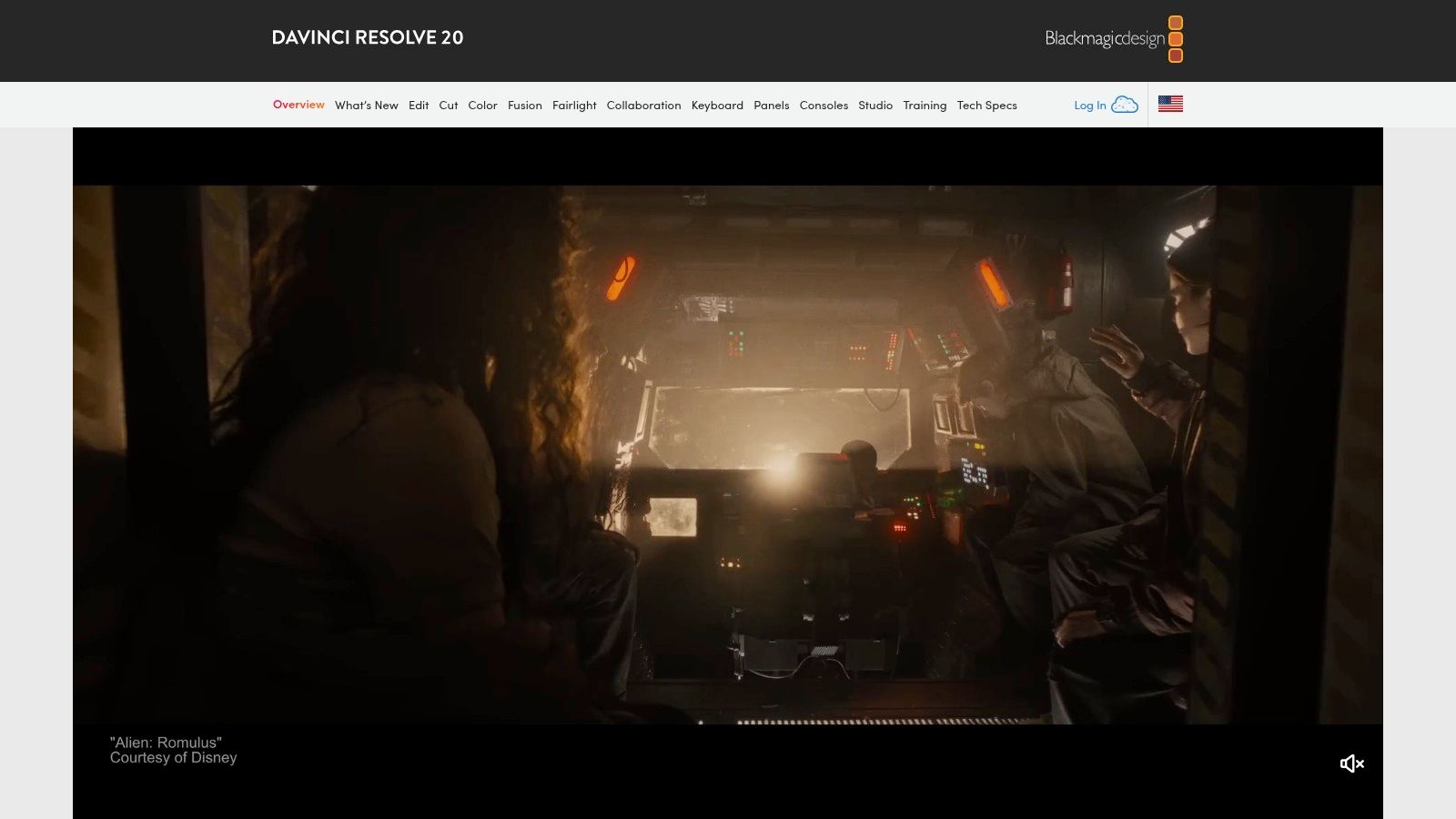
The platform's AI integration focuses heavily on speeding up complex and repetitive tasks across editing, color, and audio. The DaVinci Neural Engine drives features that would otherwise require hours of meticulous manual work, such as isolating subjects from backgrounds or cleaning up dialogue. This allows editors to maintain creative flow without getting bogged down in technicalities.
Key AI Features & Use Cases
- Magic Mask: Instantly select and track people or objects to apply targeted color grades, effects, or background replacements without manual rotoscoping.
- Text-Based Editing: Just like its competitors, Resolve can generate a transcript from your footage, allowing you to edit the video timeline by manipulating the text document.
- Voice Isolation: Remove loud, undesirable background noise from dialogue with a single click, perfect for rescuing audio recorded in challenging environments.
- Smart Reframe: Automatically reframe horizontal video for vertical formats like TikTok or Instagram Reels while keeping the main subject in the shot.
Our Take: DaVinci Resolve offers unparalleled value. Its free version is more capable than many paid editors, and the one-time cost for the Studio version's advanced AI features is a fantastic investment for long-term professionals.
Pricing, Pros & Cons
DaVinci Resolve has a generous free version that includes most core editing and color features. The full DaVinci Resolve Studio, which unlocks all Neural Engine features, costs a one-time fee of $295 and includes future updates.
| Pros | Cons |
|---|---|
| Industry-leading color grading tools | Can have a steep learning curve for new users |
| Powerful free version is incredibly generous | Best AI features are locked behind the paid Studio version |
| One-time purchase for the Studio license (no subscription) | Less integration with third-party motion graphics software |
| All-in-one suite for editing, color, VFX, and audio |
Website: https://www.blackmagicdesign.com/products/davinciresolve
3. Descript
Descript revolutionized video editing by making it as simple as editing a text document. Its transcript-based workflow is a game-changer for creators focused on dialogue-heavy content like podcasts, interviews, and educational videos. Instead of scrubbing through a timeline, you simply edit the auto-generated transcript, and the video cuts follow suit. This unique approach, combined with a suite of powerful AI tools, makes it one of the best AI tools for video editing for non-traditional editors.
The platform's strength lies in its AI-powered features designed to clean up and enhance spoken-word content. Tools like Studio Sound can make a poorly recorded voiceover sound like it was captured in a professional studio, while its famous filler word removal can clean up "ums" and "ahs" with a single click. These features dramatically accelerate the post-production process for content creators who value speed and clarity.
Key AI Features & Use Cases
- Studio Sound: Instantly remove background noise and echo from voice recordings, enhancing vocal clarity to a professional, studio-quality level.
- Filler Word Removal: Automatically detect and delete filler words (like "um," "uh," "you know") from your entire transcript and video with one click.
- Eye Contact: An incredible AI feature that repositions your eyes to appear as if you are looking directly at the camera, even if you were reading from a script.
- AI Green Screen: Automatically remove and replace the background of your video without needing a physical green screen, perfect for creating clean, professional-looking talking-head videos.
Our Take: Descript is the undisputed champion for podcasters and dialogue-driven content creators. Its intuitive, text-based editing approach has a very low learning curve, empowering anyone to produce high-quality video content without needing complex timeline editing skills.
Pricing, Pros & Cons
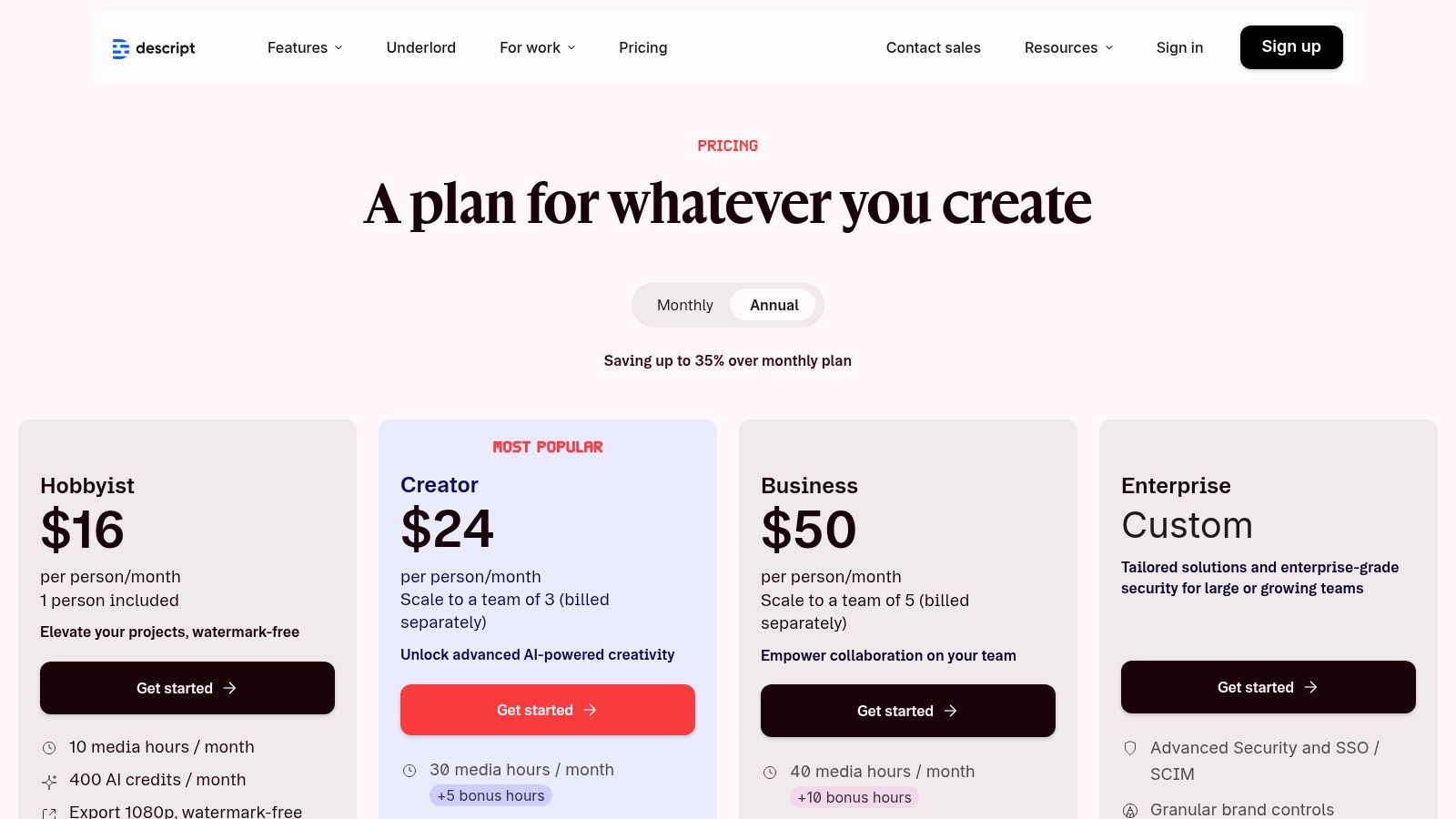
Descript offers a free plan with basic features. Paid plans start with the Creator tier at $12/month (billed annually), which includes more transcription hours and access to key AI features. The Pro plan at $24/month offers unlimited access to features like Filler Word Removal and Studio Sound.
| Pros | Cons |
|---|---|
| Intuitive text-based editing is easy to learn | Limited advanced timeline editing controls for complex edits |
| Excellent AI audio enhancement features | AI credits and media hour limits on lower-tier plans |
| Streamlines workflows for podcasts and interviews | Not ideal for cinematic or highly visual-driven projects |
| Collaboration tools are built-in |
Website: https://www.descript.com
4. CapCut
Originally a mobile-first editor, CapCut has rapidly evolved into a powerful, multi-platform tool beloved by social media creators. It excels at quick, trend-driven edits, leveraging AI to simplify complex tasks that are essential for platforms like TikTok, Instagram Reels, and YouTube Shorts. Its strength lies in its accessible interface and a vast library of AI-powered templates and effects that make it one of the best AI tools for video editing for those focused on short-form content.
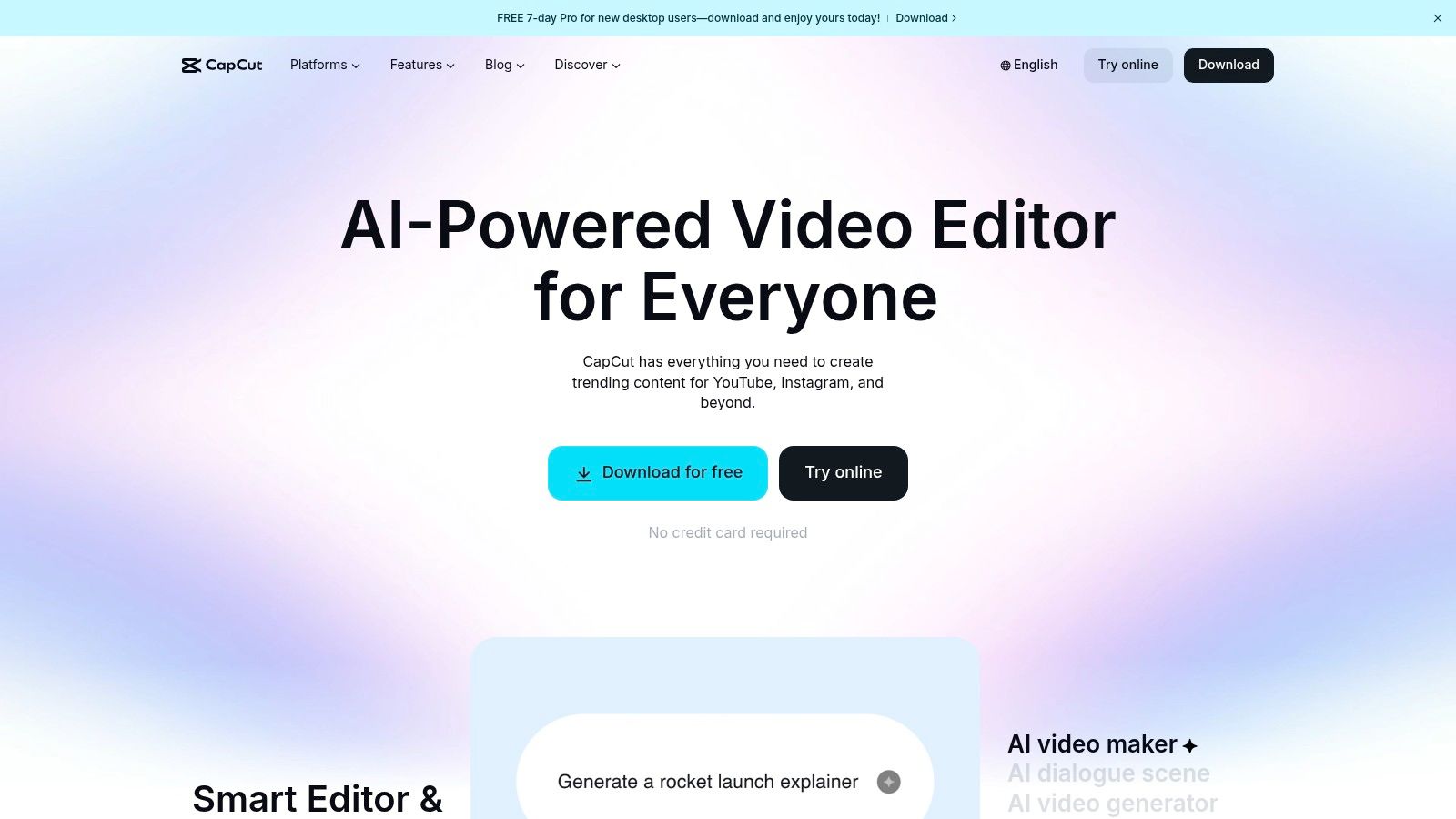
The platform is built around social-first workflows, with AI features designed to maximize engagement and reduce editing time. From one-click background removal to automatically generating stylish captions, CapCut automates the most common needs of modern content creators. This focus makes it an indispensable tool for anyone needing to produce high volumes of polished vertical video content quickly.
Key AI Features & Use Cases
- Auto Captions and Translation: Generate and animate subtitles for your videos with impressive accuracy. The AI can also translate them into multiple languages, broadening your audience reach.
- AI Templates & Effects: Access a massive, constantly updated library of one-tap templates that automatically sync your clips to trending audio and apply popular visual effects.
- Background Removal & Reframing: Instantly remove the background from a video without a green screen or automatically reframe a horizontal video into a vertical format, keeping the main subject in focus.
- AI Object Tracking: Apply text, stickers, or effects that intelligently follow a moving person or object in your video, a task that would otherwise require manual keyframing.
Our Take: CapCut is the undisputed champion for speed and convenience in social media video creation. Its AI features are not just add-ons; they are core to its experience, allowing creators to jump on trends and export platform-ready videos in minutes.
Pricing, Pros & Cons
CapCut offers a very robust free version on mobile, desktop, and web. A CapCut Pro subscription, starting around $7.99/month, unlocks premium effects, templates, and cloud storage. Note that pricing and mobile app availability in regions like the US can fluctuate based on platform policies.
| Pros | Cons |
|---|---|
| Extremely powerful and generous free tier | Pricing and availability can vary by platform and region |
| Designed for social-first workflows and quick exports | US mobile availability has been subject to policy-related changes |
| Large, trend-focused template and effects ecosystem | Less suited for long-form, cinematic-style editing |
| Accessible on mobile, desktop, and web browsers |
Website: https://www.capcut.com/
5. Wondershare Filmora
Wondershare Filmora has carved out a niche as an incredibly creator-friendly video editor that balances a simple, approachable interface with powerful AI features. It's designed for YouTubers, social media managers, and hobbyists who want to produce polished content without the steep learning curve of professional-grade software. Filmora's AI is built to streamline the creative process, making it one of the best AI tools for video editing for those who prioritize speed and ease of use.
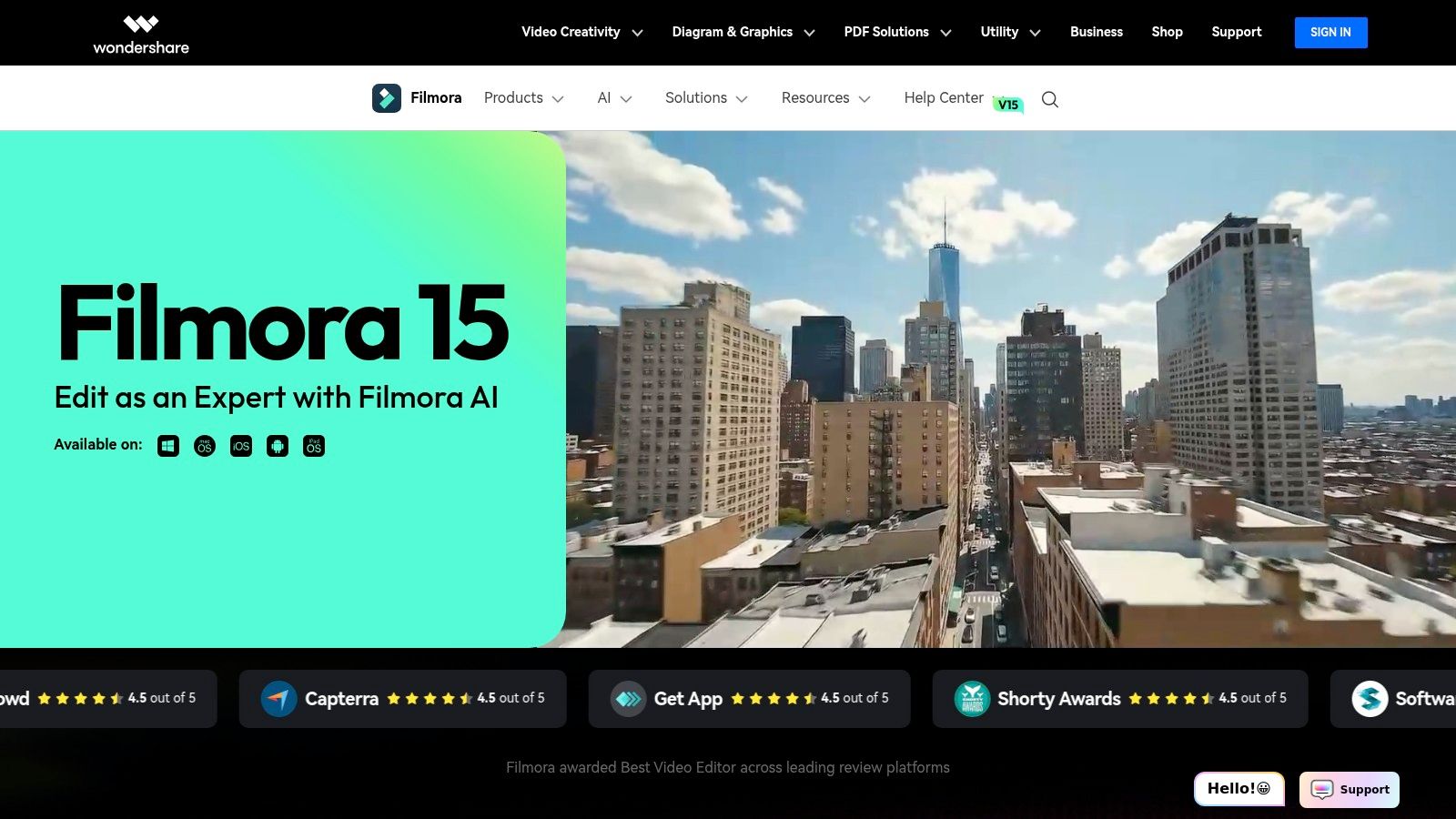
The platform’s strength lies in its practical AI tools that solve common creator problems. The AI Copilot acts as a smart assistant, offering suggestions and automating edits, while features like AI Portrait allow for quick background removal without needing a green screen. This focus on accessible, one-click solutions makes it a compelling choice for creators who need to publish content consistently.
Key AI Features & Use Cases
- AI Copilot Editing: Ask the AI assistant to perform edits, suggest effects, or find relevant assets, significantly speeding up the editing workflow for new and experienced users alike.
- AI Portrait: Instantly remove the background from your footage, replacing it with an image or video. This is perfect for creating professional-looking talking-head videos or fun social media content.
- Silence Detection: Automatically identifies and removes long pauses or silent segments from your videos, a massive time-saver for editing tutorials, vlogs, and interviews.
- AI Audio Denoise: Clean up your audio with a single click, reducing background noise and enhancing vocal clarity to give your videos a more professional sound.
Our Take: Filmora is the ideal entry point into AI-powered video editing. It removes much of the technical complexity, allowing creators to focus on their ideas while leveraging AI to handle repetitive tasks and add creative flair.
Pricing, Pros & Cons
Filmora offers flexible pricing with both subscription and perpetual license options. The subscription plan starts at $29.99 per quarter, while a perpetual license is available for a one-time fee of $79.99. Note that some advanced AI features, like AI Portrait, are sold as separate add-ons.
| Pros | Cons |
|---|---|
| Simple, approachable interface perfect for creators | Some advanced AI features are paid add-ons |
| Cross-platform availability (Windows, Mac, mobile) | Feature depth is less than professional NLEs |
| Perpetual license option provides great value | Relies heavily on its built-in asset library |
| Large library of templates, effects, and assets |
Website: https://filmora.wondershare.com/
6. Runway
Runway has positioned itself at the forefront of generative video, evolving from a research tool into a powerful, AI-first creative suite. It's designed for creators and artists who want to explore the cutting edge of what's possible with text-to-video and image-to-video generation. Rather than retrofitting AI into a traditional editor, Runway builds its entire workflow around generative models like Gen-3 Alpha, making it one of the best AI tools for video editing for those focused purely on AI-native content.
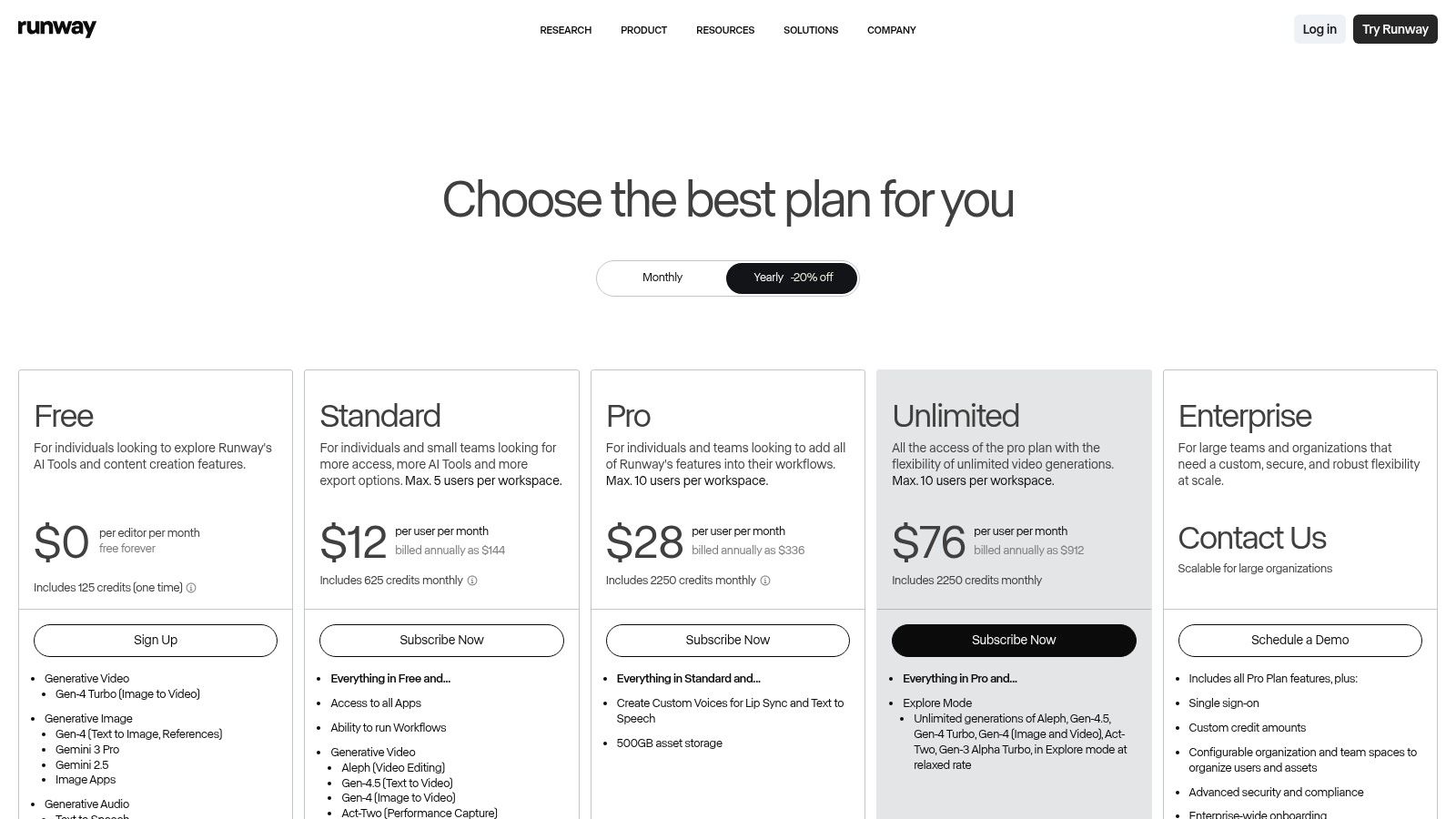
The platform operates on a credit-based system where users spend credits to generate seconds of video, upscale content, or use other advanced tools. This model allows for flexibility but requires users to carefully manage their usage, especially for high-resolution or longer projects. Its strength lies in its rapid model updates and the sheer creative potential it unlocks.
Key AI Features & Use Cases
- Text/Image-to-Video (Gen-3 Alpha): Generate high-quality, expressive video clips from simple text prompts or by animating a still image. This is ideal for creating unique b-roll, animated sequences, or entire short films from scratch.
- Video-to-Video Transformation: Apply a completely new style or subject to an existing video clip while preserving its core motion and structure.
- AI Training: Train a custom AI model on a specific subject or style, allowing you to generate consistent characters, objects, or aesthetics across multiple clips.
- Inpainting & Motion Brush: Magically remove objects from a video or add motion to specific parts of a static image with a simple brush stroke.
Our Take: Runway is less of a traditional video editor and more of a generative video playground. It’s the top choice for experimental filmmakers, artists, and advertisers looking to create visuals that would be impossible or prohibitively expensive to produce with conventional methods.
Pricing, Pros & Cons
Runway offers a free tier with limited credits. Paid plans start at $12/user/month (billed annually), which provides more monthly credits and access to higher-resolution exports. Higher tiers unlock advanced features like custom AI model training and increased storage.
| Pros | Cons |
|---|---|
| Access to state-of-the-art generative video models | Generations are limited by credits; can become costly for heavy use |
| Fast model updates and new feature rollouts | The credit consumption model may be confusing for new users |
| Team workspaces for collaborative projects | Less focused on traditional editing tasks like timeline arrangement |
| Transparent per-second credit costs |
For those looking to integrate generative video into a broader content strategy, understanding the full landscape of AI tools is beneficial; this guide on the best AI tools for content creators offers valuable insights.
Website: https://runwayml.com/pricing
7. VEED
VEED is a powerful, browser-based video editing platform designed for speed and collaboration, making it a favorite among social media teams and content marketers. Its strength lies in consolidating a wide array of AI tools into a single, accessible interface, eliminating the need to jump between multiple applications. From automatic subtitles to AI avatars, VEED is built to streamline modern content creation workflows, especially for teams needing fast turnarounds without complex software.
The platform excels at automating repetitive tasks that typically consume hours of editing time. Its cloud-based nature means teams can work on projects simultaneously, providing feedback and making changes in real-time. This collaborative focus, combined with its comprehensive AI feature set, positions VEED as one of the best AI tools for video editing for marketing and corporate communication.
Key AI Features & Use Cases
- AI Subtitle Generation & Translation: Instantly generate accurate subtitles for your videos and translate them into dozens of languages with a single click, maximizing accessibility and global reach.
- AI Avatars & Voice Cloning: Create professional-looking videos without a camera by using realistic AI avatars. Pair them with a cloned voice for consistent, scalable video production for training or marketing.
- Magic Edit & Eye Contact Correction: Automatically remove filler words ("ums," "ahs") and awkward pauses from your audio. The Eye Contact tool redirects your gaze to the camera, perfect for improving presenter engagement.
- AI Playground: Access a suite of advanced generative AI models (for image and video generation) directly within the editor, allowing for creative experimentation without leaving your project.
Our Take: VEED is the ideal solution for teams who prioritize speed and simplicity over the granular control of a traditional NLE. Its all-in-one, browser-based approach is a massive productivity booster for creating social media content at scale.
Pricing, Pros & Cons
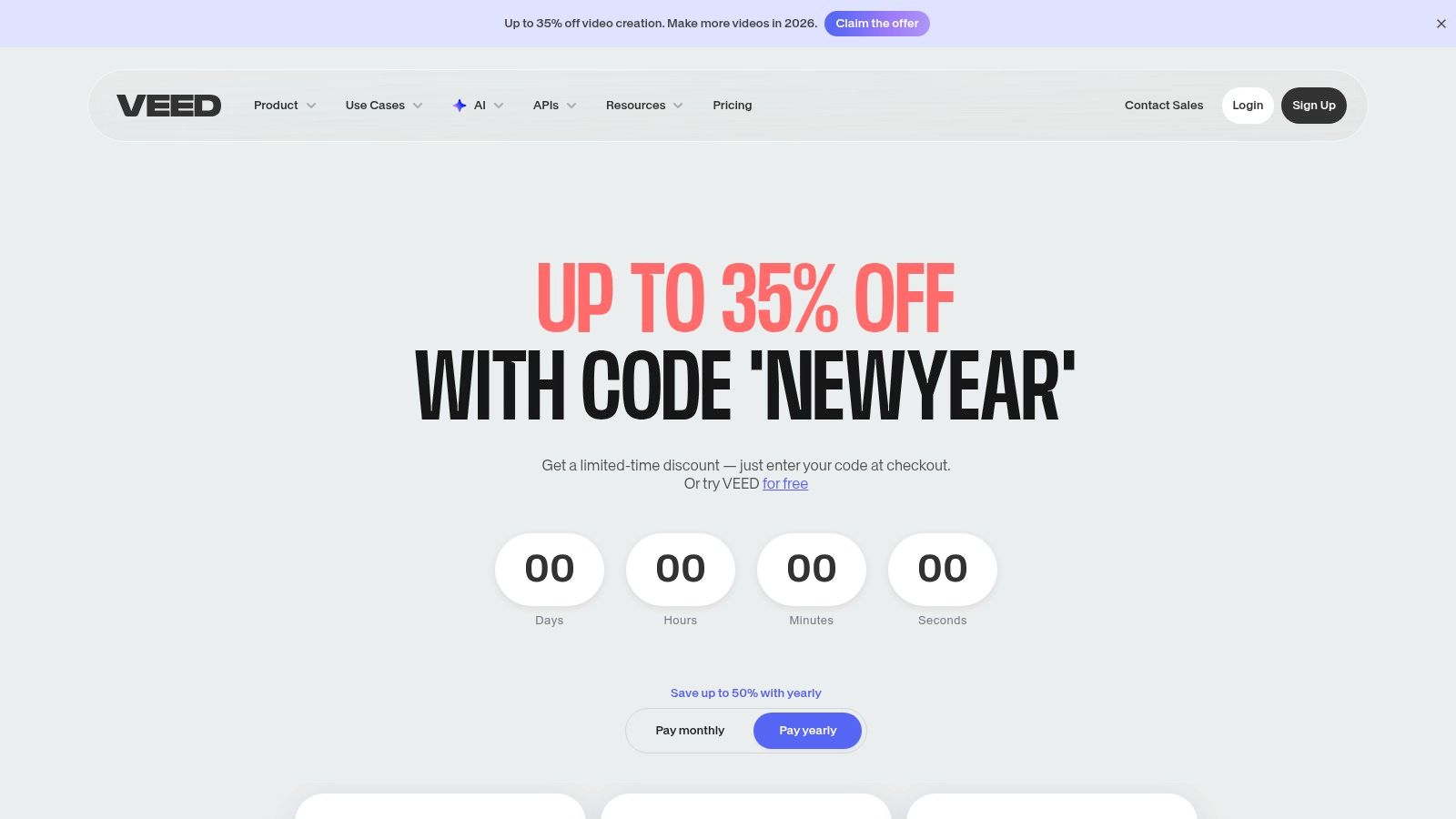
VEED offers several tiers, including a free plan with basic features. Paid plans start with the Basic plan at $18/month per user, with Pro and Business plans offering more advanced features and higher usage limits. Some advanced AI tools, like those in the AI Playground, may require the purchase of separate credits.
| Pros | Cons |
|---|---|
| Fast, browser-based workflow ideal for team collaboration | Pricing and credit structure for advanced AI can be complex |
| Wide coverage of useful AI tools in a single interface | Not as powerful as a dedicated NLE for complex, long-form projects |
| Excellent for social media content and quick turnarounds | Performance can be dependent on internet connection speed |
| Includes video hosting and an embeddable player |
Website: https://www.veed.io/pricing
8. Topaz Labs – Topaz Video
Topaz Video AI is not a traditional video editor but a specialized AI enhancement and restoration suite. It excels at taking existing footage and dramatically improving its quality before it ever reaches a non-linear editor (NLE). This makes it one of the best AI tools for video editing post-production, particularly for filmmakers working with archival, low-resolution, or noisy source material that needs significant cleanup.
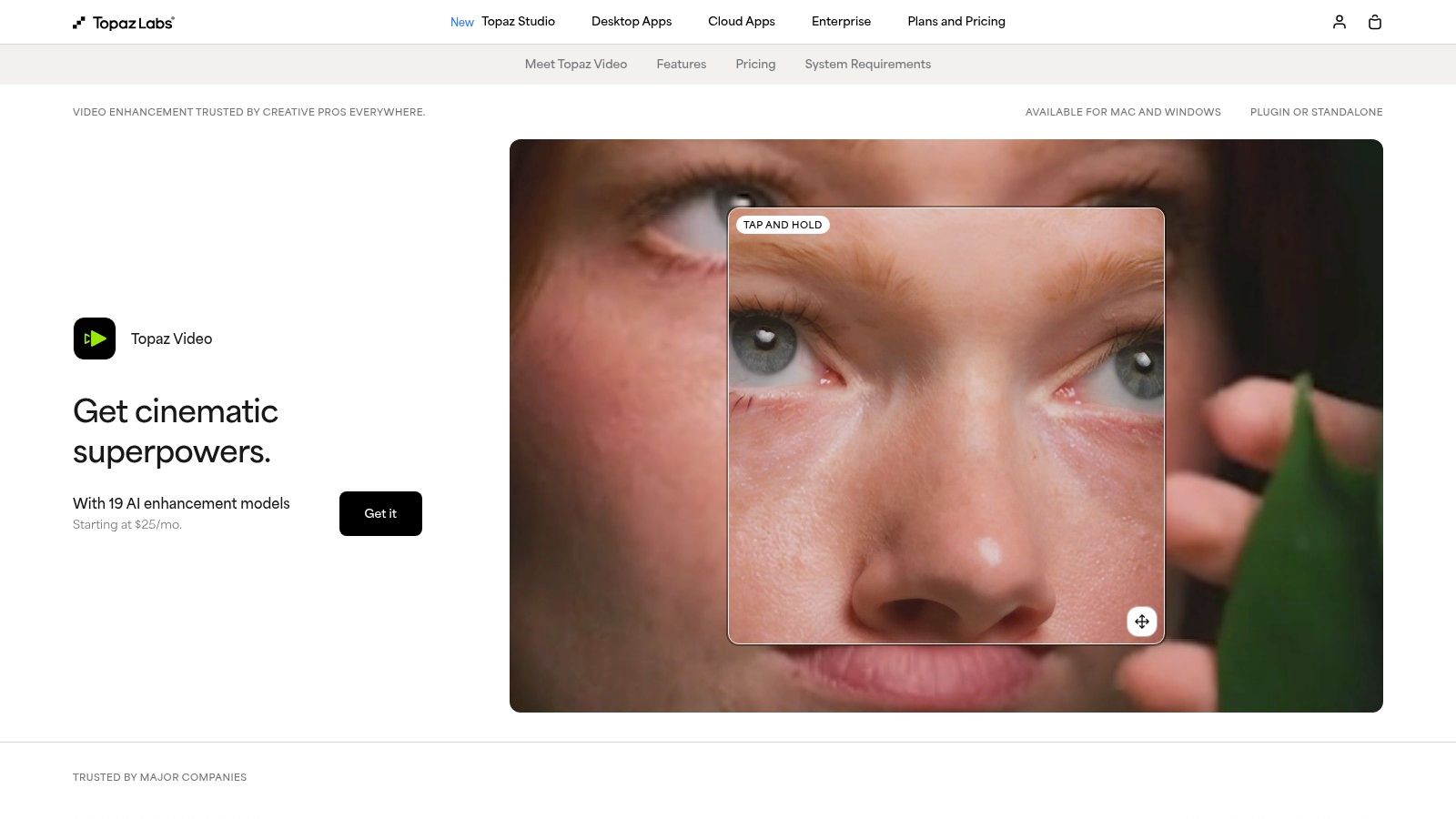
The platform’s strength lies in its dedicated AI models, each trained for a specific task like upscaling, denoising, or deinterlacing. Instead of a one-size-fits-all approach, users can select and chain different models to achieve the best possible result for their specific footage. This granular control is invaluable for professional restoration projects and content creators looking to repurpose older videos for modern high-resolution displays.
Key AI Features & Use Cases
- AI-Powered Upscaling: Intelligently upscale footage up to 16K resolution. This is perfect for integrating SD or HD clips into a 4K timeline without a noticeable loss in quality.
- Frame Interpolation (Slow Motion): Use the Chronos and Apollo AI models to generate new frames, creating ultra-smooth slow-motion effects from standard-speed footage.
- Denoising and Deblurring: Clean up grainy, noisy, or slightly out-of-focus shots. The AI can distinguish between genuine detail and unwanted artifacts, preserving the integrity of the original video.
- Stabilization: Smooth out shaky handheld footage with an AI model that analyzes motion to deliver results often superior to standard NLE stabilizers.
Our Take: Topaz Video AI is an essential pre-processing tool for anyone serious about video quality. Its ability to rescue otherwise unusable footage and enhance source material before the creative edit begins can save productions and elevate the final product.
Pricing, Pros & Cons
Topaz Video AI is available as a one-time purchase for $299, which includes one year of updates. After the first year, users can purchase an additional year of updates for a reduced price if they choose to.
| Pros | Cons |
|---|---|
| Exceptional upscaling and restoration quality | Not a full video editor; serves a specific purpose |
| One-time purchase model with optional updates | Processing is very GPU-intensive and can be time-consuming |
| Efficient batch processing for large workloads | Learning which AI model to use for specific footage takes practice |
| Unlimited local rendering with no credit system |
Website: https://www.topazlabs.com/topaz-video-ai
9. CyberLink PowerDirector 365
CyberLink PowerDirector 365 bridges the gap between consumer-friendly editors and professional tools by integrating a powerful suite of AI features. It is aimed squarely at prosumers and content creators who need to produce high-quality videos quickly and consistently, often relying on templates and stock media. Its strength lies in combining a traditional editing timeline with smart, generative AI tools that simplify complex tasks.
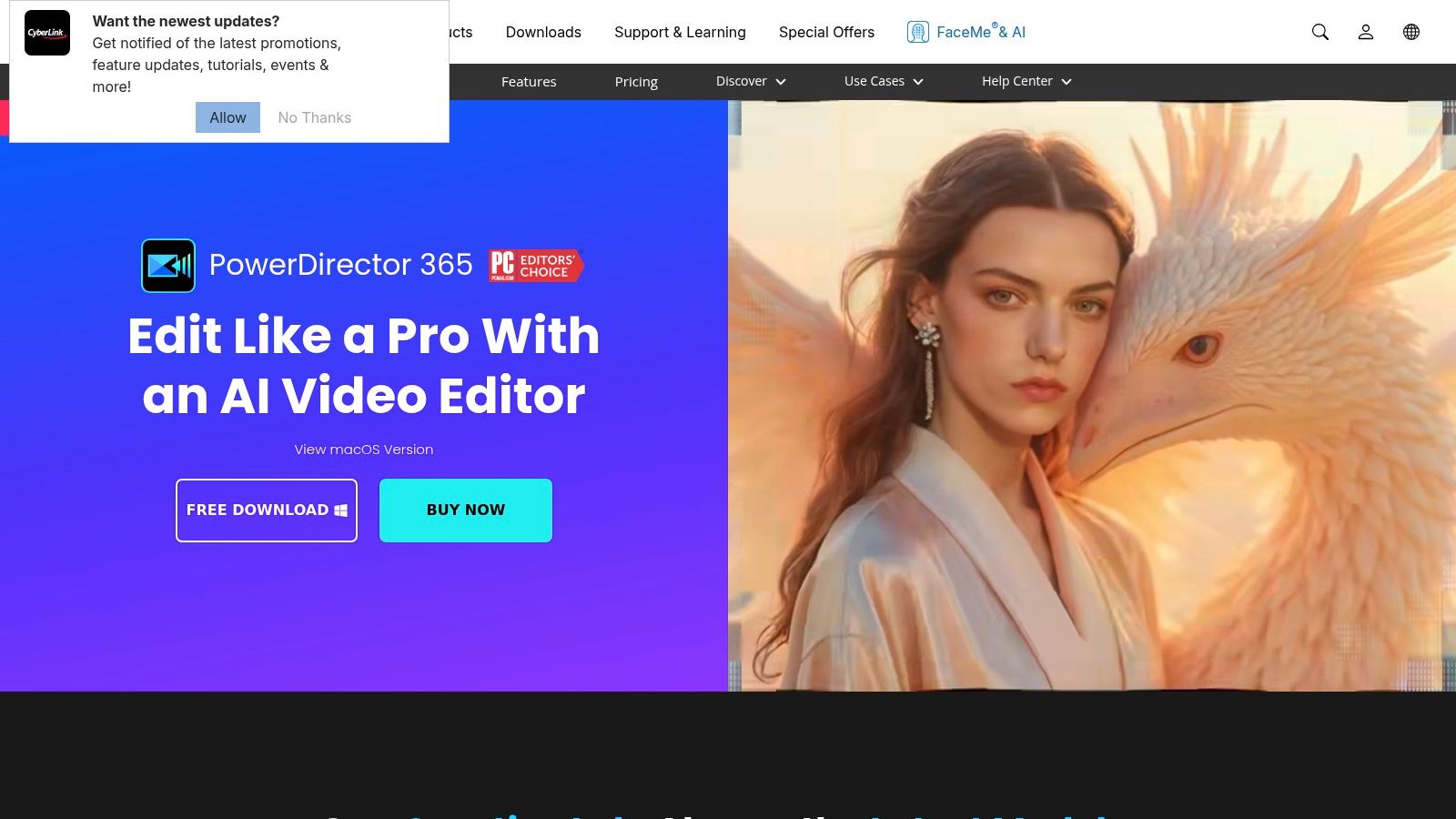
The platform’s AI functionality excels at automating creative and technical processes. For instance, its AI Art Generator can transform video clips into various artistic styles, from anime to impressionism, offering unique visual flair without needing third-party plugins. Deep integrations with stock libraries like Getty Images and Shutterstock also streamline the process of finding and incorporating assets.
Key AI Features & Use Cases
- AI Smart Cutout: Precisely remove subjects from backgrounds in your video, which is perfect for creating dynamic visual effects or placing subjects in new environments.
- AI Auto-Reframing: Automatically identify the key action in a widescreen video and reframe it into vertical or square formats for social media, saving significant manual effort.
- Generative AI Effects: Apply unique visual styles and stickers generated by AI to give your content a distinct look and feel.
- AI Body Effects: Add dynamic visual effects that track and wrap around moving people, such as neon glows or lightning, enhancing action shots and dance videos.
Our Take: PowerDirector 365 is an excellent value proposition, especially with its Director Suite bundle. It’s one of the best AI tools for video editing for creators who want a wide array of creative AI effects and stock content in an approachable package.
Pricing, Pros & Cons
PowerDirector 365 is available as a subscription, starting at $5.83/month. The Director Suite 365, which includes PhotoDirector, AudioDirector, and ColorDirector, is available for $8.33/month. A perpetual license is also available, but it lacks the continuous updates and AI features of the subscription.
| Pros | Cons |
|---|---|
| Approachable interface with aggressive promotional pricing | Some advanced features are gated behind the 365 subscription |
| Cost-effective bundles for photo, audio, and color tools | Perpetual license lacks ongoing AI updates and credits |
| Large library of templates, effects, and stock assets | Can feel less professional than top-tier NLEs |
| Fast rendering performance with hardware acceleration |
Website: https://www.cyberlink.com/products/powerdirector-video-editing-software/
10. Opus Clip
Opus Clip is a specialized AI repurposing tool designed to solve a major challenge for creators: turning long-form videos into engaging, shareable short-form content. Instead of functioning as a traditional editor, it analyzes lengthy videos like podcasts or interviews and automatically extracts the most compelling segments. It then reframes, captions, and scores them for virality, making it an essential platform for creators looking to dominate platforms like TikTok, YouTube Shorts, and Instagram Reels with minimal effort.
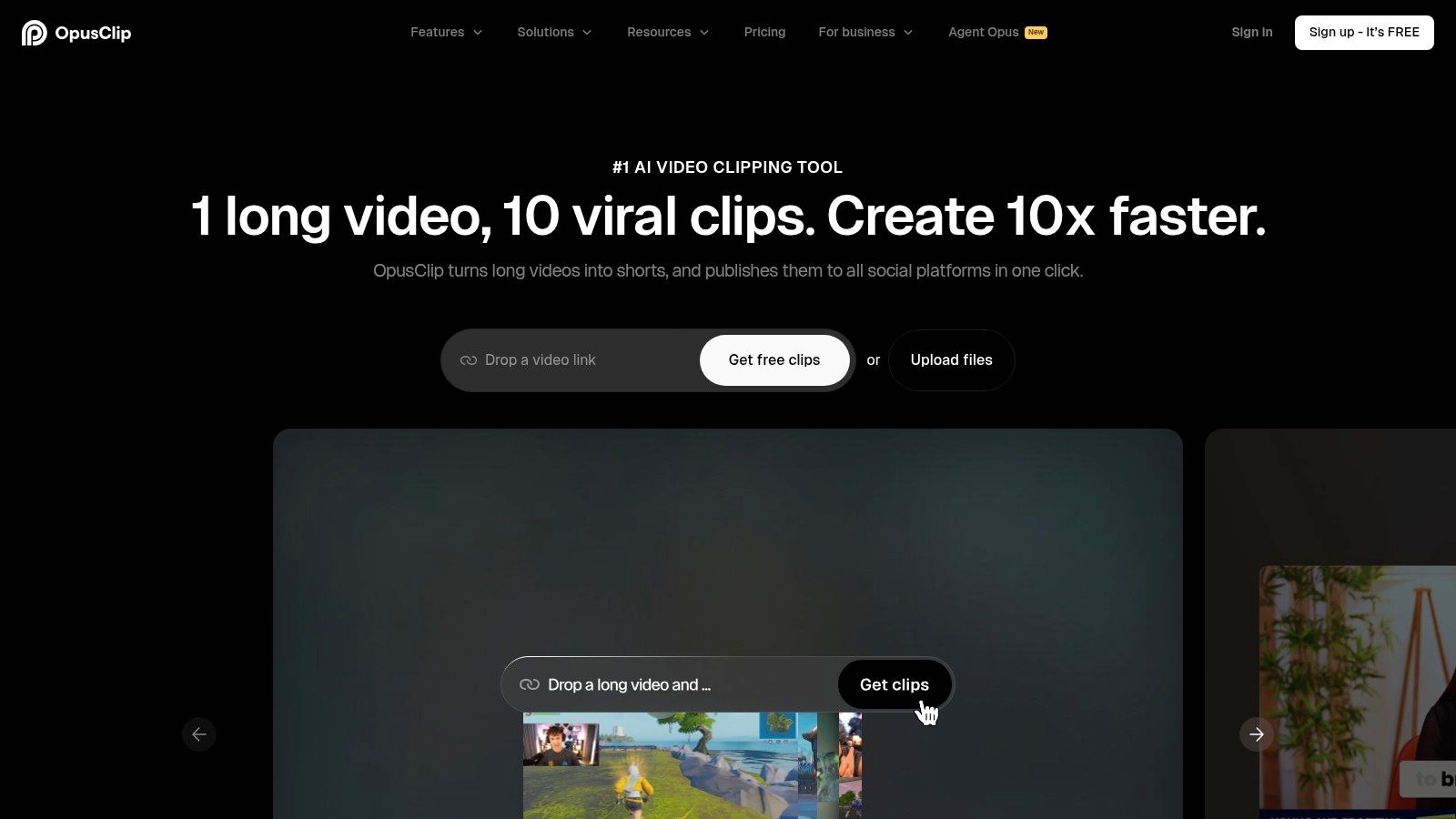
The platform’s strength lies in its intelligent analysis. Opus Clip’s AI doesn't just randomly chop up a video; it identifies hooks, key topics, and emotional peaks to create clips that are genuinely captivating. This automated process can turn a one-hour podcast into ten or more high-quality shorts in minutes, fundamentally changing the content creation workflow.
Key AI Features & Use Cases
- AI Curation & Virality Score: Automatically identifies the most interesting parts of a long video and generates short clips, each with a score predicting its potential to go viral.
- Active Speaker Detection & Reframing: Intelligently keeps the active speaker in the frame for a dynamic, professional-looking 9:16 vertical video.
- AI B-Roll & Captions: Automatically adds relevant B-roll footage to make clips more visually engaging and overlays animated, emoji-highlighted captions to boost retention.
- Social Scheduling: Streamlines your workflow by allowing you to schedule your finished clips directly to TikTok, YouTube, Instagram, and other platforms.
Our Take: Opus Clip is a workflow multiplier, not a replacement for a full editor. It excels at its one core job: creating high-volume, high-quality short-form content from existing long-form assets, making it one of the best AI tools for video editing focused on social media growth.
Pricing, Pros & Cons
Opus Clip offers a limited free trial. Paid plans are credit-based, starting with the Starter plan at $9/month for 60 processing minutes. The Pro plan at $19/month is the most popular, offering 200 minutes, team workspaces, and brand kits. Higher-tier plans are available for agencies and businesses.
| Pros | Cons |
|---|---|
| Extremely fast and efficient short-form content pipeline | Credit minutes can be consumed quickly with long uploads |
| Virality scoring helps prioritize the best clips | The free tier is quite limited in functionality |
| Team workspaces available on Pro/Business plans | AI B-roll can sometimes be generic or repetitive |
| Exports compatible with Premiere Pro & Final Cut Pro |
For creators looking to maximize their output, exploring different forms of video editing automation can provide a significant competitive advantage.
Website: https://opus.pro/
11. Luma AI – Dream Machine
Luma AI's Dream Machine is not a traditional video editor but a next-generation AI video generator that is quickly becoming an essential tool for creators. It excels at producing short, high-fidelity, and often surreal video clips from simple text or image prompts. This makes it an invaluable resource for ideation, creating unique B-roll, or generating stylized inserts that can be dropped into a standard editing timeline, positioning it as one of the best AI tools for video editing augmentation.
Powered by its advanced Ray models, the platform focuses on generating cinematic and coherent motion, setting it apart from many competitors. Users can create clips and then enhance them with features like 4K up-resolution and HDR generation, adding a professional sheen to purely AI-generated footage. It’s ideal for artists and editors looking to add a touch of the impossible to their projects.
Key AI Features & Use Cases
- Text & Image-to-Video: Generate 5-second video clips from descriptive text prompts or by animating a still image.
- High-Fidelity Output: Creates visually impressive and coherent scenes, perfect for abstract B-roll, dream sequences, or animated storyboards.
- 4K Up-Res & HDR: Enhance generated clips to 4K resolution with High Dynamic Range (HDR) options for superior visual quality.
- Generation Modes: Choose between faster generation to quickly iterate on ideas or relaxed modes to conserve credits.
Our Take: Dream Machine is a powerful creative partner for editors, not a replacement. It's perfect for generating that one "wow" shot you can't film in reality, or for quickly visualizing a complex concept to use as a background or transition.
Pricing, Pros & Cons
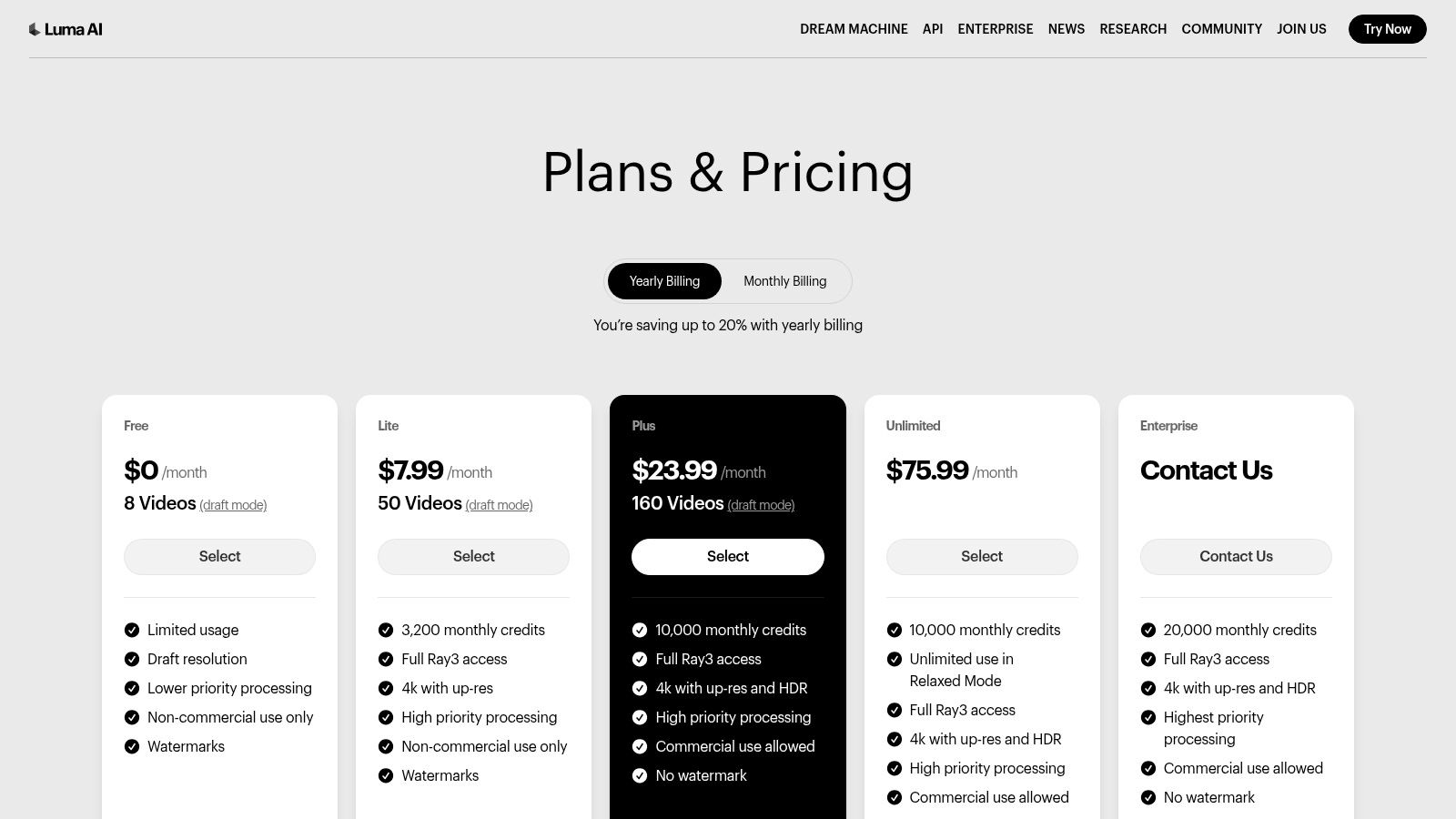
Luma AI operates on a credit-based system. A free plan offers 30 generations per month. Paid plans start at $29.99/month for 120 generations and go up to $499.99/month for 2,000 generations. Additional credits can be purchased as needed.
| Pros | Cons |
|---|---|
| Exceptional visual fidelity for short clips | Strict 5-second duration limit per generation |
| Simple, intuitive prompt-based interface | Not a full non-linear editor; it's a content generator |
| Clear credit-based pricing to manage costs | Free plan has significant usage constraints |
| Options for 4K and HDR outputs |
Website: https://lumalabs.ai/pricing
12. AutoPod (Premiere Pro plugin)
For podcasters and multi-camera interview producers, AutoPod is a revolutionary AI plugin that operates directly inside Adobe Premiere Pro. It automates some of the most time-consuming editing tasks, specifically designed for dialogue-heavy content. Instead of acting as a standalone editor, it enhances the professional NLE you already use, making it one of the best AI tools for video editing for creators focused on interview and podcast formats.
The plugin's genius lies in its ability to analyze multi-track audio to make intelligent editing decisions. It listens for who is speaking and automatically cuts between camera angles, creating a dynamic multi-camera edit in minutes instead of hours. This fundamentally changes the workflow for conversation-based video production.
Key AI Features & Use Cases
- Multi-Camera Editor: Automatically analyzes up to 10 cameras and microphones, creating an entire multi-camera sequence by cutting to the active speaker. This is ideal for podcasts, interviews, and panel discussions.
- Social Clip Creator: Generates vertical or square clips from your main sequence, automatically reframing shots and adding animated captions for platforms like TikTok, Reels, and Shorts.
- Jump Cut Editor: Intelligently removes silences and "ums" and "ahs" from your timeline, creating a tight and fast-paced jump-cut edit with a single click.
Our Take: AutoPod is an indispensable tool for any Premiere Pro user producing podcasts or interviews. The time saved on the initial multi-camera cut alone is worth the investment, allowing creators to focus on creative storytelling rather than tedious mechanics.
Pricing, Pros & Cons
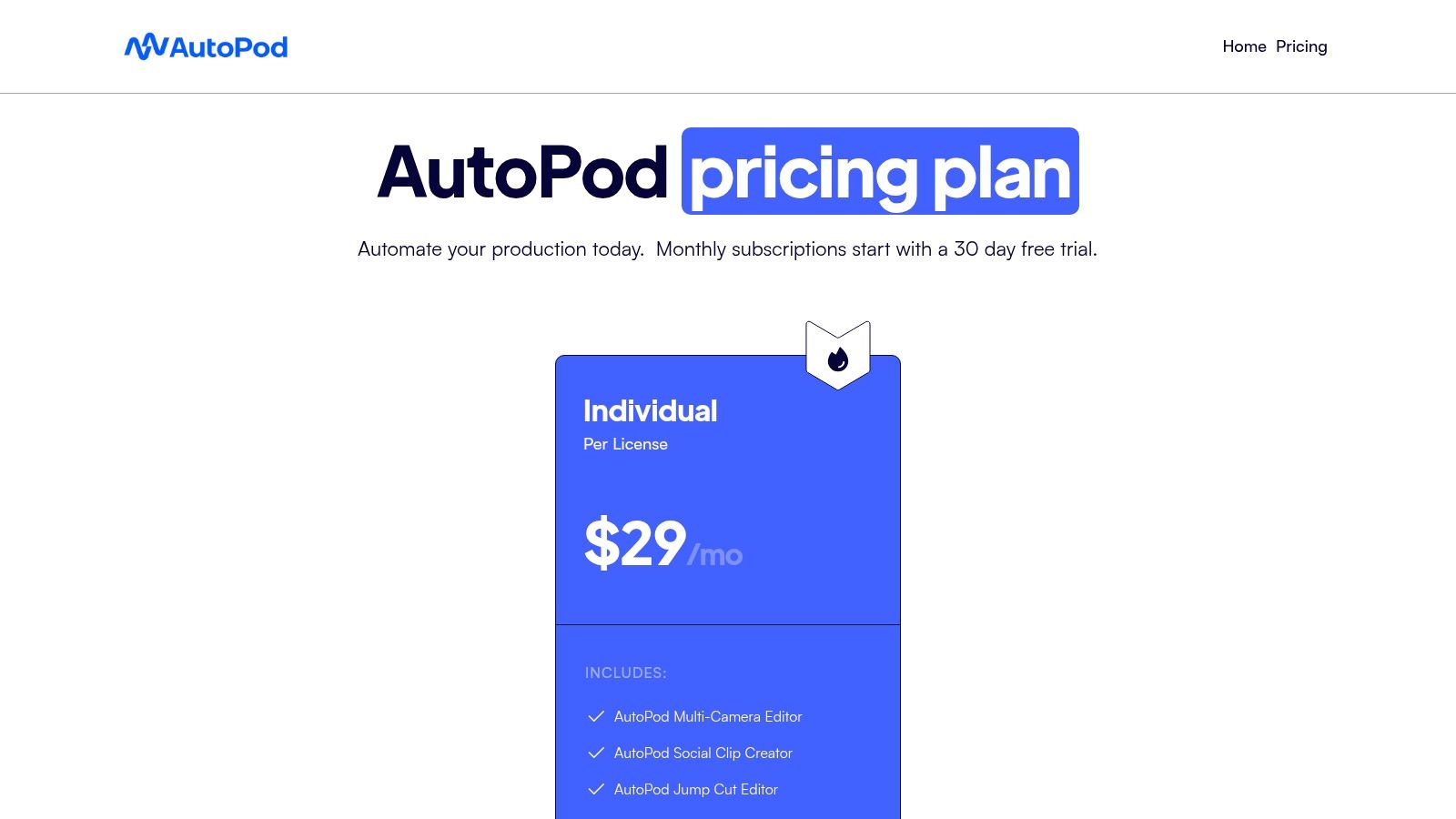
AutoPod is a subscription-based plugin. It offers a single plan at $29/month which provides access to all its features. A 30-day free trial is available, allowing users to fully test its capabilities within their existing workflows before committing.
| Pros | Cons |
|---|---|
| Drastically reduces edit time for podcasts and interviews | Requires an Adobe Premiere Pro subscription to function |
| Deep and seamless integration within the Premiere Pro UI | Works best with clean, well-separated multi-track audio |
| Intuitive and easy to learn for existing Premiere users | Subscription-based model for a plugin |
| Creates social-ready clips with minimal manual effort |
Website: https://www.autopod.fm/
Top 12 AI Video Editors — Side-by-Side Comparison
| Tool | Top features ✨ | Quality / Ease ★ | Price / Value 💰 | Best for 👥 | Standout 🏆 |
|---|---|---|---|---|---|
| Adobe Premiere Pro (Creative Cloud) | ✨ Generative Extend, AI media search, auto-translate captions, deep Adobe integrations | ★★★★★ · Pro-grade, extensible | 💰 Subscription; Firefly credits for some features | 👥 Professional editors & studios | 🏆 Industry-standard NLE & app ecosystem |
| Blackmagic Design – DaVinci Resolve | ✨ DaVinci Neural Engine (Magic Mask, text-edit), voice isolation, color & Fairlight | ★★★★★ · Powerful but steeper learning curve | 💰 Generous free tier; Studio one‑time license | 👥 Colorists & post-production houses | 🏆 Best-in-class color + strong free tier |
| Descript | ✨ Underlord AI co-editor, Studio Sound, text-based edit, AI green screen | ★★★★ · Fast for non-editors | 💰 Tiered plans; AI credits & media-hour limits | 👥 Podcasters, talking-head creators | 🏆 Transcript-first workflow, quick cleanup |
| CapCut | ✨ Auto captions/translation, AI templates, background removal, reframing | ★★★★ · Social-first, very fast exports | 💰 Powerful free tier; regional availability varies | 👥 Short-form creators (Shorts/Reels) | 🏆 Large template & effects ecosystem |
| Wondershare Filmora | ✨ AI Copilot, AI Portrait, silence detection, large template library | ★★★★ · Approachable UI for creators | 💰 Affordable; some AI add-ons cost extra | 👥 YouTubers & beginner creators | 🏆 Easy interface with creator-focused tools |
| Runway | ✨ Gen-4/4.5 text→video, upscaling, lip-sync, editor projects | ★★★★ · Rapid model updates, modern UX | 💰 Credit-based per-second generation (can be costly) | 👥 AI-first clip creators & studios | 🏆 Leading generative video models |
| VEED | ✨ AI subtitles/translate, avatars, voice cloning, AI Playground | ★★★★ · Browser-based, team-friendly | 💰 SaaS plans + extra model credits | 👥 Social teams & cloud workflows | 🏆 Wide AI toolset in-browser |
| Topaz Labs – Topaz Video | ✨ Upscale, denoise, deblur, frame interpolation, batch render | ★★★★ · Excellent restoration quality | 💰 Subscription; GPU‑intensive local rendering | 👥 Restoration & archival workflows | 🏆 Superior AI upscaling & restoration |
| CyberLink PowerDirector 365 | ✨ GenAI effects, reframing, style packs, stock library | ★★★ · Template-driven, fast edits | 💰 Subscription bundles; promo pricing | 👥 Recurring content creators using templates | 🏆 Cost-effective bundles + stock assets |
| Opus Clip | ✨ Auto-clipping, virality scoring, animated captions, AI B-roll | ★★★★ · Extremely fast short-form pipeline | 💰 Credit minutes; limited free tier | 👥 Shorts/Reels/TikTok-focused creators | 🏆 Rapid repurposing with virality insights |
| Luma AI – Dream Machine | ✨ Ray models text→video, 4K up-res, HDR generation | ★★★★ · High-fidelity but short outputs | 💰 Credit-based; short-duration outputs | 👥 Creators needing stylized b-roll/inserts | 🏆 High visual fidelity for short clips |
| AutoPod (Premiere plugin) | ✨ Auto multicam, jump-cut cleanup, social clip templates | ★★★ · Speeds podcast/interview edits inside Premiere | 💰 Plugin pricing; requires Premiere | 👥 Podcasters & interview editors using Premiere | 🏆 Deep Premiere integration for podcast workflows |
Final Thoughts
Navigating the landscape of the best AI tools for video editing can feel overwhelming, but as we've explored, the right software is less about finding a single "best" option and more about discovering the perfect fit for your specific creative workflow, skill level, and project goals. The era of spending countless hours on repetitive, manual tasks like transcription, color grading, and object removal is rapidly giving way to a more streamlined, intelligent, and ultimately more creative process.
From industry-standard powerhouses like Adobe Premiere Pro and DaVinci Resolve integrating sophisticated AI features to specialized, cloud-based platforms like Descript and VEED revolutionizing how we interact with video content, the common thread is clear: AI is a powerful co-pilot, not a replacement for creativity. It handles the technical heavy lifting, freeing you up to focus on storytelling, pacing, and visual impact.
Key Takeaways for Your AI Editing Journey
As you decide which tool to integrate into your workflow, keep these core principles in mind:
- Define Your Primary Need: Are you a podcaster needing flawless transcripts and multi-cam editing? Descript and AutoPod are your go-to. A social media manager needing viral clips? Opus Clip is a game-changer. A professional filmmaker seeking cinematic quality? Premiere Pro or DaVinci Resolve remain unparalleled. Identifying your main bottleneck is the first step to choosing the right solution.
- Balance Power with Usability: A tool with a thousand features is useless if you can't figure out how to use it. Don't overlook beginner-friendly yet powerful options like CapCut or Filmora if you need to produce high-quality content quickly without a steep learning curve. The best tool is the one you will actually use consistently.
- Embrace a Modular Approach: You don't have to commit to a single ecosystem. A highly effective modern workflow often involves a combination of tools. You might use Premiere Pro for your main edit, leverage Topaz Video AI to upscale archival footage, and then use TimeSkip to generate SEO-friendly chapters for your final YouTube upload. Think of these tools as specialized instruments in your creative orchestra.
Making Your Final Selection
The journey to finding the best AI tools for video editing is a personal one. Start by leveraging the free trials offered by most of these platforms. Test them with a real project, not just a sample file. This practical application will quickly reveal which interface feels intuitive and which features genuinely save you time.
For creators looking to push the boundaries of what's possible, especially in generating unique visual assets from scratch, the technology is advancing at an astonishing pace. Beyond simple editing, for those looking into highly specialized AI video generation, exploring tools like an AI video generator designed for specific industries can unlock new creative possibilities that were once the domain of high-end VFX studios.
Ultimately, the integration of AI into your video editing process is an investment in your most valuable asset: your time. By automating the tedious, you reclaim hours that can be poured back into what truly matters, crafting compelling stories that resonate with your audience and grow your channel. The future of video creation is not just about working harder; it's about working smarter, and these AI tools are your key to unlocking that potential.
Ready to optimize your final video for maximum engagement and SEO impact? No matter which editing software you choose, TimeSkip is the essential final step in your workflow. It uses AI to automatically generate accurate, keyword-rich YouTube chapters and descriptions from your video, boosting viewer retention and discoverability. Try TimeSkip today and let AI handle your YouTube optimization, so you can focus on creating.
