

In the fast-paced world of digital marketing, efficiency is everything. Whether you're a YouTuber optimizing videos, a podcaster aiming for discoverability, or a marketer analyzing competitor sites, the right tools can make all the difference. While comprehensive SEO platforms are powerful, they often require switching tabs and navigating complex dashboards. This is where browser extensions shine, integrating critical data and functionality directly into your daily workflow.
This guide cuts through the noise of the Chrome Web Store to bring you a curated list of the 12 best SEO extensions for Chrome. Each tool has been specifically chosen for its practicality, unique features, and its ability to deliver actionable insights on the fly without disrupting your process. We'll move beyond simple feature lists and dive deep into each extension, providing you with a clear understanding of its strengths, weaknesses, and ideal use cases.
From on-page analysis tools like MozBar and SEO Minion to specialized video optimizers like TimeSkip, this resource is designed to help you find the perfect additions to your marketing toolkit. Prepare to transform your browser into a powerhouse of productivity and strategic insight. Each entry includes direct links and detailed breakdowns to get you started immediately.
1. TimeSkip
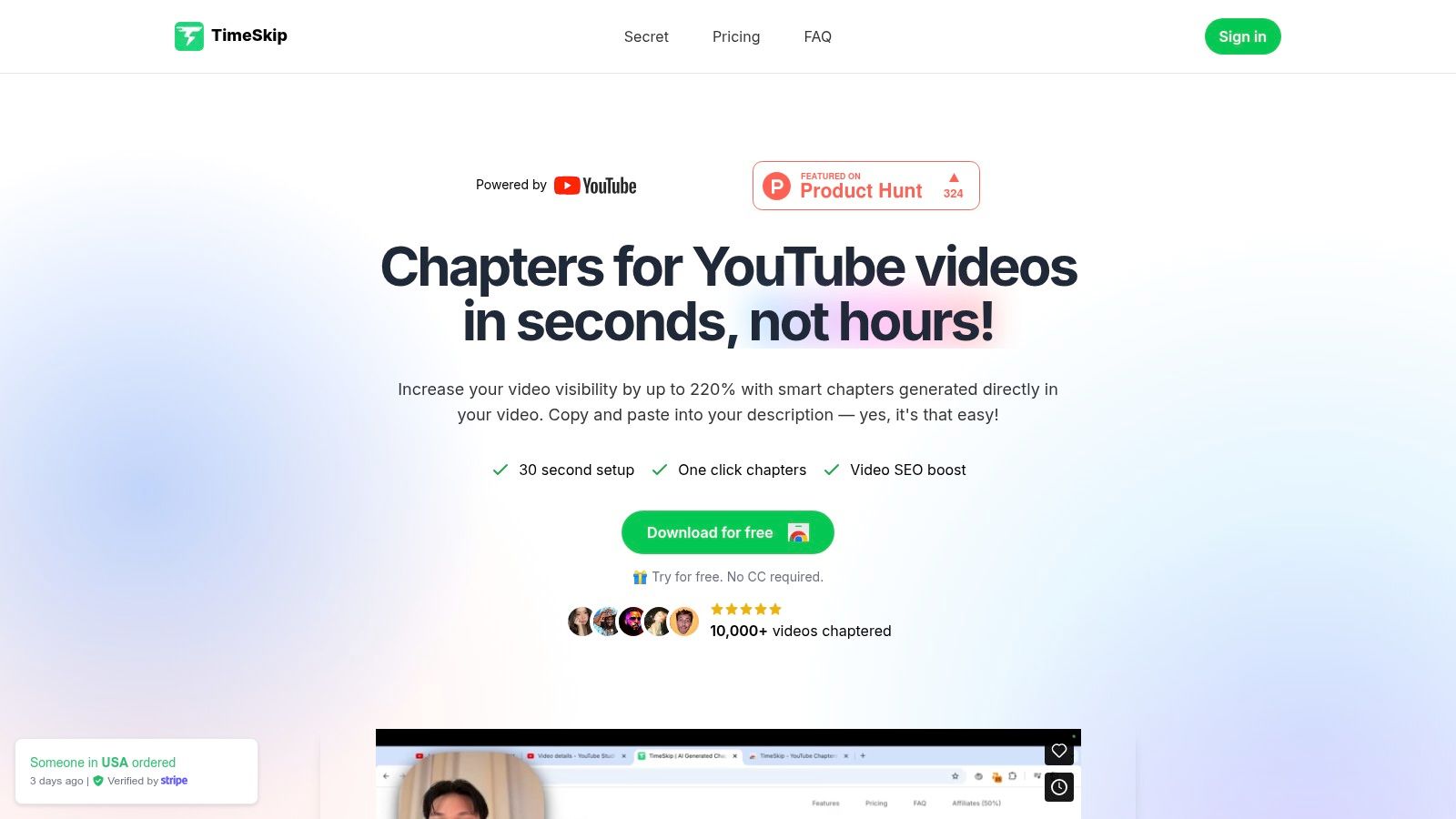
TimeSkip is a highly specialized tool that elevates YouTube video SEO by automating one of the most tedious yet impactful tasks: creating chapters. This extension transforms the process from a manual chore into a one-click, AI-driven workflow. It stands out as one of the best SEO extensions for Chrome by focusing specifically on enhancing discoverability and viewer retention through keyword-optimized video segments. For creators who value efficiency and data-backed growth, TimeSkip delivers a powerful, targeted solution.
Its core function is deceptively simple but incredibly effective. After installation, a user navigates to any YouTube video with captions, clicks the TimeSkip icon, and receives a full set of SEO-optimized chapter titles and timestamps in about five seconds. These chapters are not just arbitrary markers; they are crafted using long-tail keywords designed to capture search intent on both Google and YouTube, potentially boosting visibility significantly.
Why It's a Top Choice
TimeSkip earns its top spot by solving a critical problem for video creators. Manually creating chapters is time-consuming, and optimizing them for search requires deep keyword research. TimeSkip automates both, integrating seamlessly into the YouTube interface and delivering immediate, tangible results. The social proof is strong, with endorsements from established creators and features on platforms like Product Hunt, signaling robust community trust.
Key Takeaway: TimeSkip offers a unique blend of speed, AI-driven SEO intelligence, and a frictionless user experience, making it an essential tool for any creator serious about maximizing their YouTube channel's organic reach.
How to Get Started with TimeSkip
- Install the Extension: Add the TimeSkip extension to your Chrome browser from the Chrome Web Store.
- Open YouTube: Navigate to one of your uploaded videos (or any video with captions) on YouTube.
- Generate Chapters: Click the TimeSkip icon in your browser's extension bar.
- Copy and Paste: Within seconds, a list of optimized chapters and timestamps will appear. Copy them and paste them directly into your video's description field.
Feature Analysis
| Feature | Description | Best For |
|---|---|---|
| One-Click Generation | Creates a full list of chapters with a single click, directly within the YouTube player. | Busy creators, social media managers, and anyone needing to save time on post-production tasks. |
| AI-Powered SEO | Analyzes video transcripts to generate long-tail keyword-rich titles for each chapter. | Marketers and creators focused on improving discoverability in Google and YouTube search results. |
| Multi-Language Support | Works with any language that YouTube's automatic or manual captioning system supports. | Global creators and channels with an international audience. |
| Seamless Integration | The extension operates as an overlay on the YouTube page, requiring no new tabs or apps. | Users who prefer a streamlined, non-disruptive workflow without leaving the YouTube environment. |
Pricing and Limitations
New users get two free video generations to test the service without a credit card. Paid plans are flexible, starting at the Starter tier ($9/month for 5 videos) and scaling up to the Studio plan ($39/month for 50 videos), with significant discounts on yearly subscriptions. A lifetime deal is also frequently available.
While incredibly powerful, the extension is Chrome-only and requires a video to have captions to function. The workflow still involves a manual copy-and-paste step to add the generated chapters into the video description.
2. Chrome Web Store
The Chrome Web Store is the official, centralized marketplace where you can discover, vet, and install any of the best SEO extensions for Chrome. Before adding any new tool to your browser, this is your starting point for crucial due diligence. It acts as a trusted hub for assessing an extension’s popularity, required permissions, and developer maintenance history.
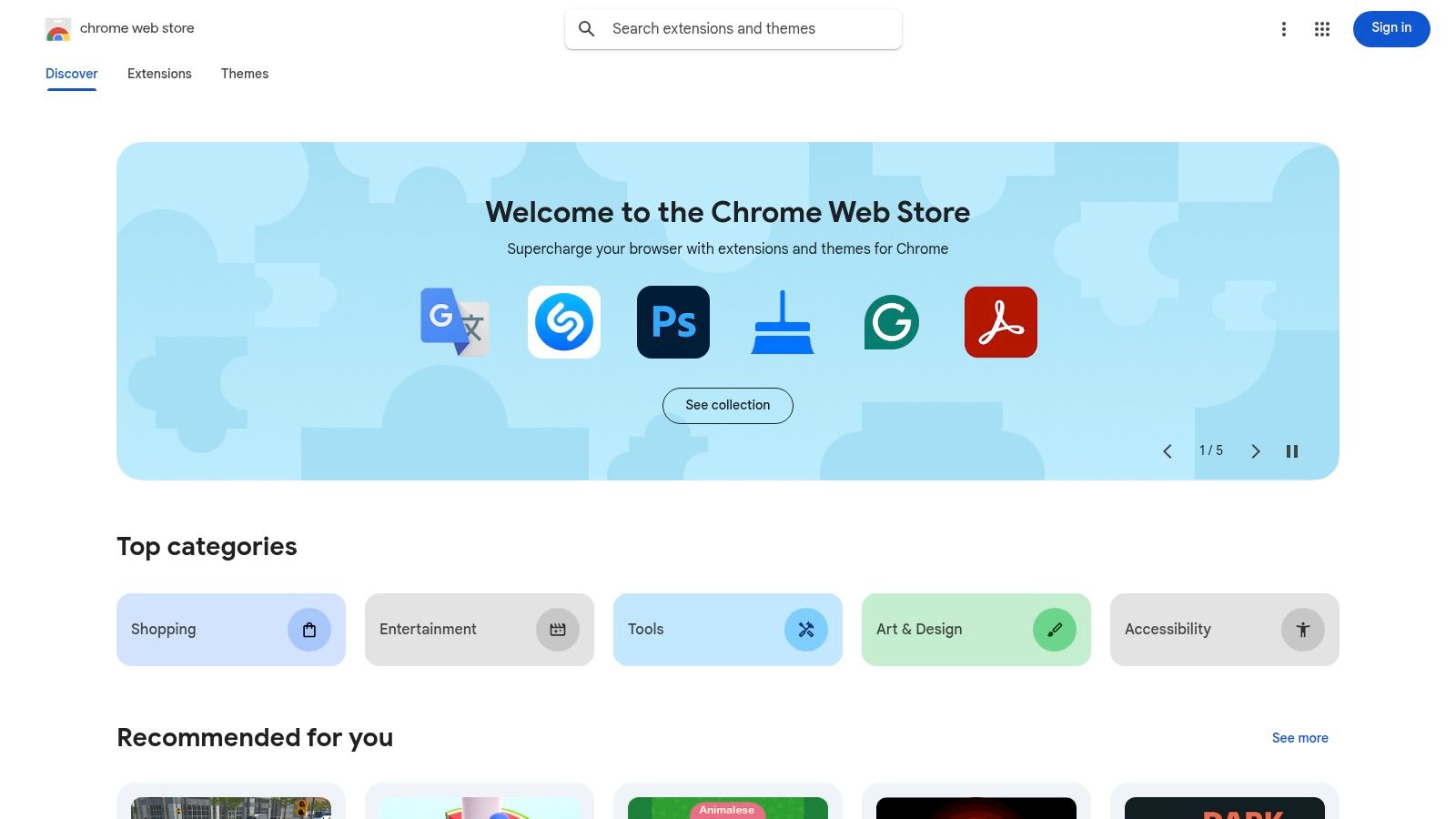
Here, you can instantly see user counts, ratings, and detailed reviews, which provide invaluable social proof about an extension’s reliability and usefulness. The interface clearly lists what data the extension can access, its version history, and the last update date, helping you avoid outdated or abandoned tools. For a deeper dive into navigating this platform, learn more about the Chrome Web Store and how to select top-tier tools.
While browsing and installing are free, remember that the quality varies significantly. Always scrutinize developer information and be aware that many powerful extensions operate on a freemium model, gating their most advanced features behind a paid subscription.
- Website: https://chromewebstore.google.com
3. Ahrefs – SEO Toolbar
The Ahrefs SEO Toolbar brings a powerhouse of SEO data directly into your browser, offering on-page analysis, redirect tracing, and broken link checking for free. It’s an essential tool for conducting quick SEO audits without leaving the page you’re analyzing, streamlining your workflow significantly.
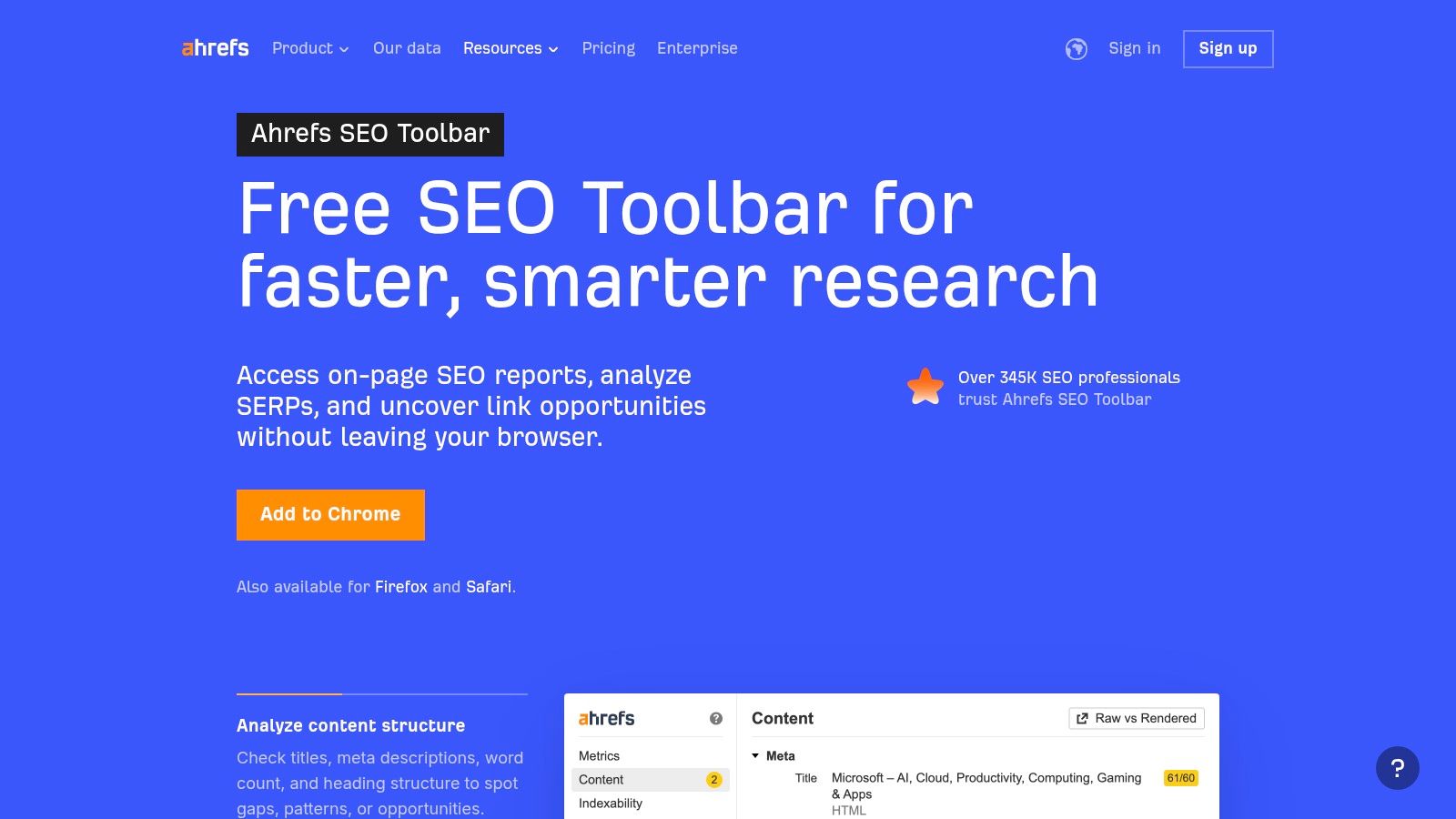
For Ahrefs subscribers, the extension becomes even more valuable by overlaying proprietary metrics like Domain Rating (DR), URL Rating (UR), and estimated search traffic directly onto the SERPs. This allows you to quickly assess the competitive landscape and evaluate a page’s authority. Many powerful SEO extensions, like the Ahrefs SEO Toolbar, provide valuable metrics such as keyword difficulty to help you assess competition and prioritize your keyword strategy.
While the free version is robust, unlocking the full suite of SERP data requires a paid Ahrefs subscription, which is a significant investment. The SERP overlay can also become cluttered if not customized, but its integration with one of the industry's leading SEO toolkits makes it indispensable for serious practitioners. For a deeper look at similar powerful platforms, explore the best SEO software for small businesses.
- Website: https://ahrefs.com/seo-toolbar
4. MozBar
MozBar is a long-standing SEO toolbar that provides instant, on-page authority metrics and SERP analysis. Developed by Moz, it offers a quick snapshot of any page’s Domain Authority (DA) and Page Authority (PA), making it a go-to tool for rapidly assessing a website’s competitive strength directly from your browser. Its ability to overlay data on Google search results streamlines competitor research.
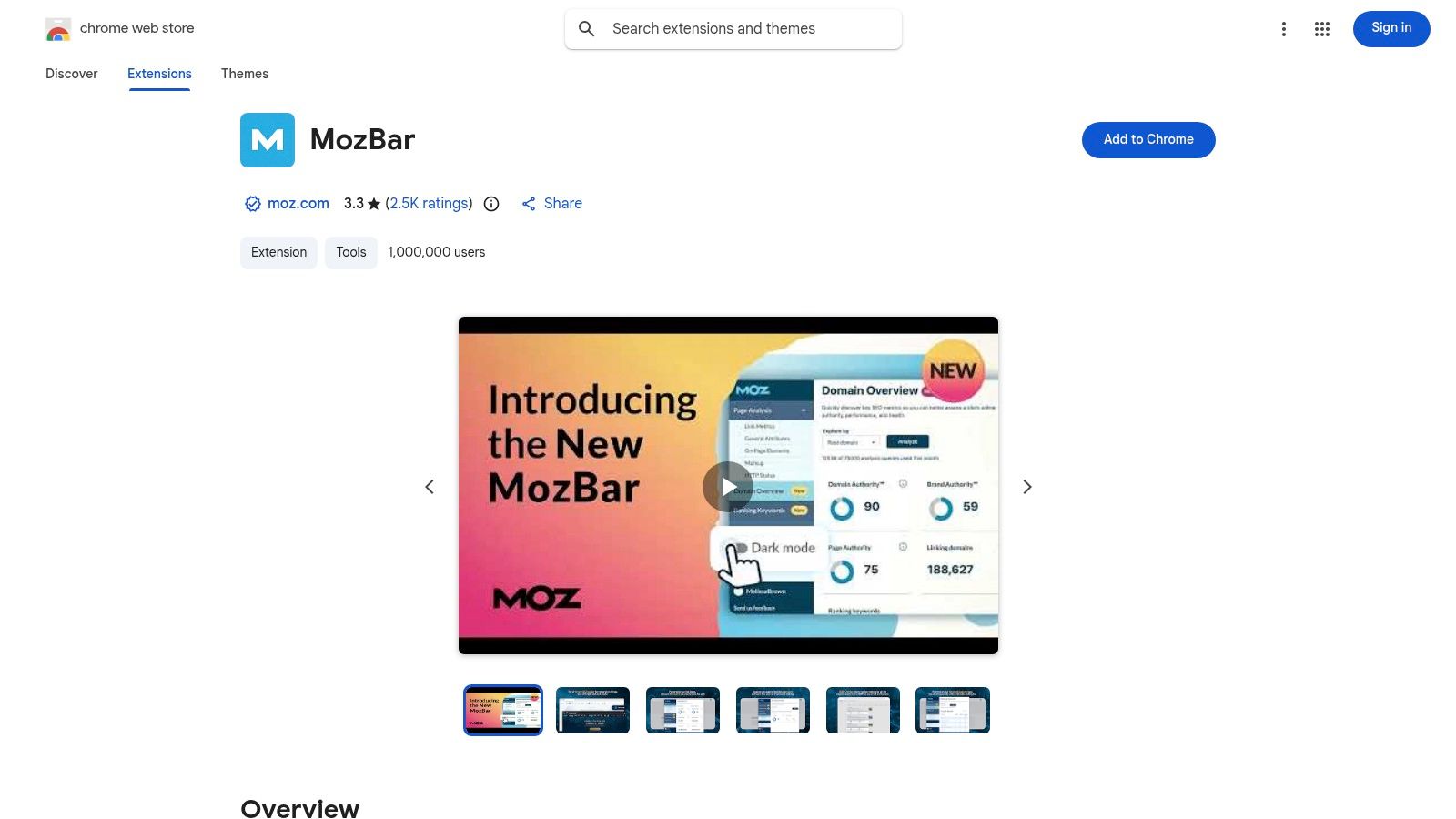
The extension allows you to highlight different link types (followed, no-followed, internal, external) on any page, which is invaluable for quick link profile audits. You can also export SERP analysis data to a CSV file for deeper investigation. The latest version introduces metrics like Brand Authority and a more refined user interface, further enhancing its utility.
While the core features are free, they come with monthly metric call limits. Access to more advanced data and unlimited usage requires a Moz Pro subscription. This makes it a great entry-level tool but one that scales with paid plans, positioning it as one of the best SEO extensions for Chrome for those who value Moz's proprietary metrics.
5. SEOquake (by Semrush)
SEOquake is a powerful free browser plugin from Semrush that provides a wealth of on-page and SERP-based SEO data directly in your browser. It’s an ideal tool for quick, high-level audits and competitive analysis, integrating an SEO bar and SERP overlay to display key metrics without leaving your search results. This makes it one of the best SEO extensions for Chrome for instant insights.
This extension excels at giving you a first-glance understanding of any page’s authority, backlinks, and on-page optimization. The SERP overlay enriches Google results with crucial data points for each listing, allowing for rapid comparison of competitors. You can also run an on-page audit that checks for common issues and provides keyword density information.
While the extension is completely free, its true power is unlocked when paired with a Semrush account. It provides direct links into Semrush’s more comprehensive reports for deeper analysis, but the core features stand on their own for fast, tactical checks. Be mindful that its feature set is lighter than a full desktop tool, serving best as a quick-audit companion.
- Website: https://www.seoquake.com
6. Keywords Everywhere
Keywords Everywhere is a powerful freemium tool that integrates keyword data directly into the SERPs of major sites like Google, YouTube, and Amazon. This extension saves countless hours by displaying crucial metrics such as search volume, cost-per-click (CPC), and competition level right below the search bar, eliminating the need to switch between tabs and tools for initial keyword research. It provides an immediate, at-a-glance understanding of a query's value.

Its biggest advantage is providing context-rich data where you need it most. By overlaying trend graphs and related keyword suggestions in the sidebar, it accelerates the discovery of long-tail opportunities and helps you gauge topic seasonality. For a deeper understanding of how these metrics fit into a broader strategy, learn more about the fundamentals of search engine optimization and how to leverage this data effectively.
While the free version is now quite limited, the paid plans operate on an affordable credit-based system where credits expire annually. The sheer convenience of its SERP overlays makes it one of the best SEO extensions for Chrome for quick analysis, though power users may find the interface busy until they customize the settings to their liking.
- Website: https://keywordseverywhere.com
7. Similarweb – Website Traffic & SEO Checker
Similarweb offers a one-click snapshot of any website’s estimated traffic and ranking performance directly in your browser. This tool is invaluable for quick competitive analysis, allowing you to gauge a site's authority and primary audience acquisition channels without leaving the page. It provides instant context on a competitor's reach, engagement metrics, and geographic footprint, making it one of the best SEO extensions for Chrome for top-of-funnel research.
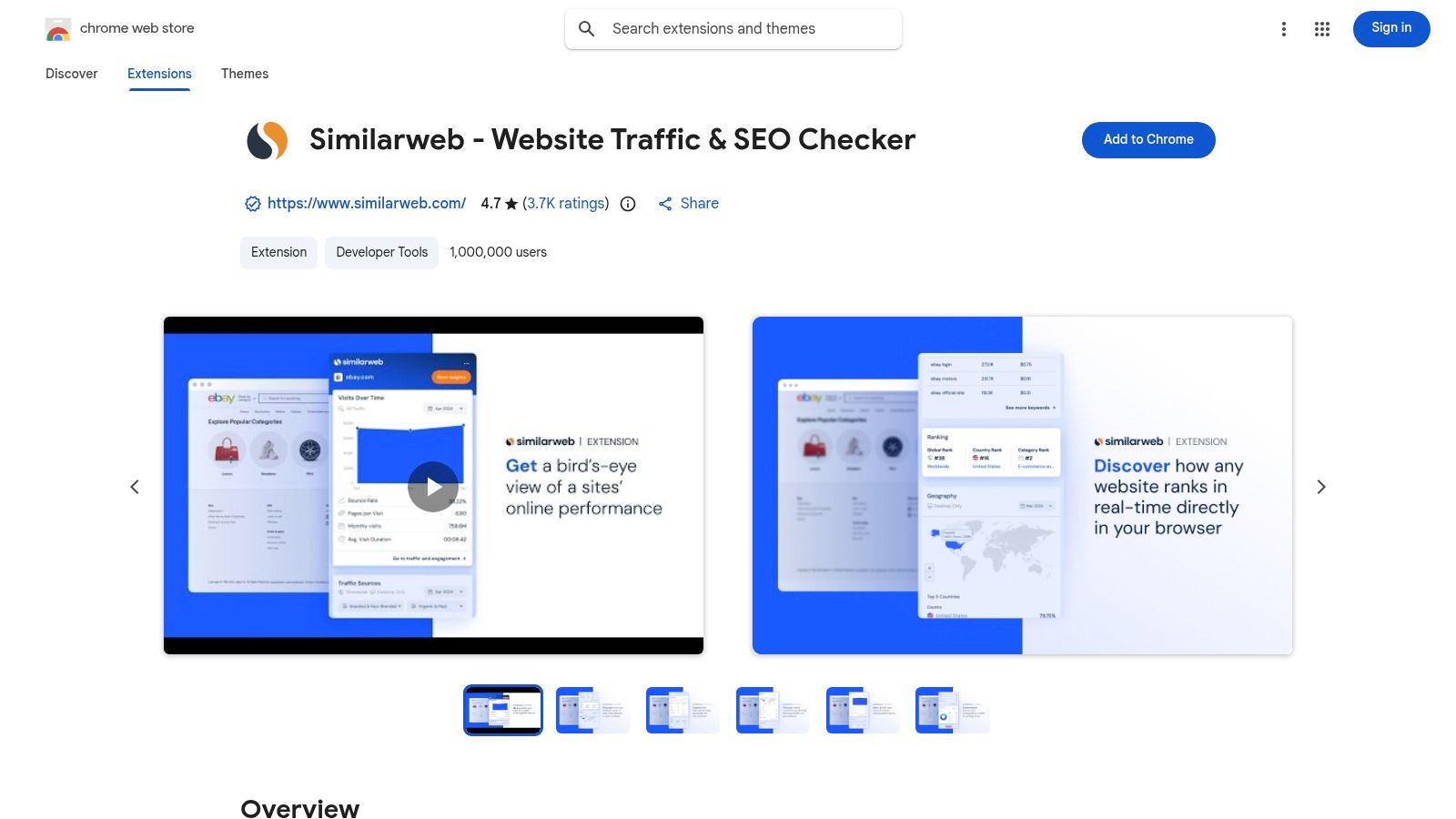
With this extension, you can access key metrics like monthly visits, traffic sources (direct, search, social), and global, country, or category rankings. This data helps you quickly size up potential link-building partners or understand the marketing mix of a successful competitor. The simple, marketer-friendly dashboard makes complex data easily digestible for immediate insights.
The free extension provides sufficient data for initial assessments, though it’s important to remember that all figures are estimates based on aggregated data. Accuracy can vary depending on the website's niche and traffic volume. To use the tool, you must consent to sharing anonymized clickstream data, which powers its estimation model.
- Website: https://chromewebstore.google.com/detail/similarweb-traffic-rank-w/hoklmmgfnpapgjgcpechhaamimifchmp
8. Mangools – SEO Extension
The Mangools SEO Extension is an approachable yet powerful tool that serves as a direct bridge to the comprehensive Mangools SEO suite. It excels at delivering quick on-page SEO metrics, domain authority scores, and backlink data directly in your browser. Its primary strength lies in its seamless integration, allowing you to move from a surface-level analysis to a deep dive within tools like KWFinder and SERPChecker in a single click.
This extension is particularly useful for competitor analysis and keyword research on the fly. You can simulate SERPs for different locations, analyze a page's keyword density, and get a quick overview of its backlink profile without leaving the current tab. This smooth workflow makes it one of the best SEO extensions for Chrome for users already invested in the Mangools ecosystem.
While the extension is free to install and offers basic data, unlocking its full potential requires a paid Mangools subscription. The free version provides a great entry point, but advanced metrics and higher usage limits are reserved for subscribers.
- Website: https://mangools.com/seo-extension
9. Keyword Surfer (by Surfer)
Keyword Surfer is a 100% free extension that integrates crucial SEO data directly into your Google search results. It overlays monthly search volumes, keyword suggestions, and basic SERP metrics without requiring an account or credits, making it one of the best SEO extensions for Chrome for quick, on-the-fly keyword ideation. This tool streamlines the initial phase of keyword research by bringing data to you.
The extension’s primary strength is its simplicity and speed. As you search, a sidebar populates with similar keywords and their search volumes, while estimated traffic and on-page data appear under each search result. It supports data for over 70 countries and allows you to export your generated keyword lists with a single click, which is ideal for early-stage content planning.
While its core functionality is completely free, its scope is intentionally limited. Keyword Surfer focuses primarily on Google search metrics and lacks the advanced competitive analysis or historical data found in premium suites. However, for instant validation and brainstorming, its unobtrusive and immediate feedback is invaluable for content creators and marketers.
10. WooRank – SEO Analysis & Website Review
WooRank provides an instant, high-level SEO analysis of any webpage with a single click. This extension generates a comprehensive score out of 100 and offers a clear, actionable checklist to address on-page and technical SEO issues. It excels at delivering quick, client-friendly snapshots, making it a valuable tool for agency prospecting or fast internal audits without needing to run a full-scale crawl.
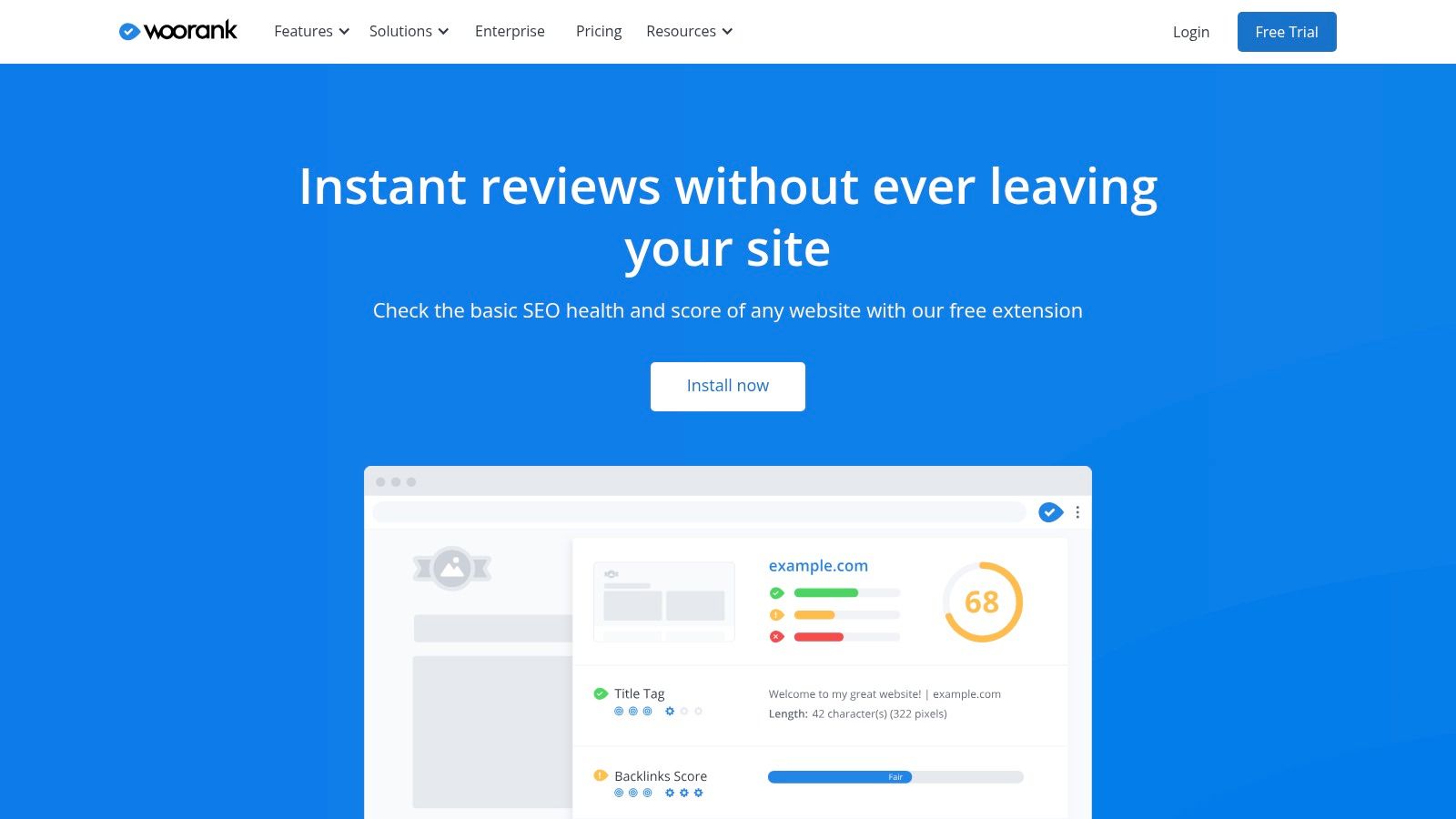
The extension’s strength lies in its simplicity and clarity. It breaks down its analysis into distinct sections like SEO, mobile-friendliness, and usability, providing specific guidance for basic fixes. While this makes it one of the best SEO extensions for Chrome for quick overviews, the most detailed data and in-depth reporting require connecting to the full WooRank platform.
The free extension is powerful for initial assessments, but remember that its core function is to serve as a gateway to WooRank’s paid plans. The deeper audits, competitor analysis, and automated reporting features are reserved for subscribers. This freemium model allows you to get a feel for its capabilities before committing.
- Website: https://www.woorank.com/en/extension
11. SEO Minion
SEO Minion is a versatile utility extension that serves as an all-purpose toolkit for on-page SEO analysis. It helps you quickly audit individual pages by highlighting links, checking for broken URLs, and validating hreflang tags, making it a powerful companion for page-level optimization tasks.
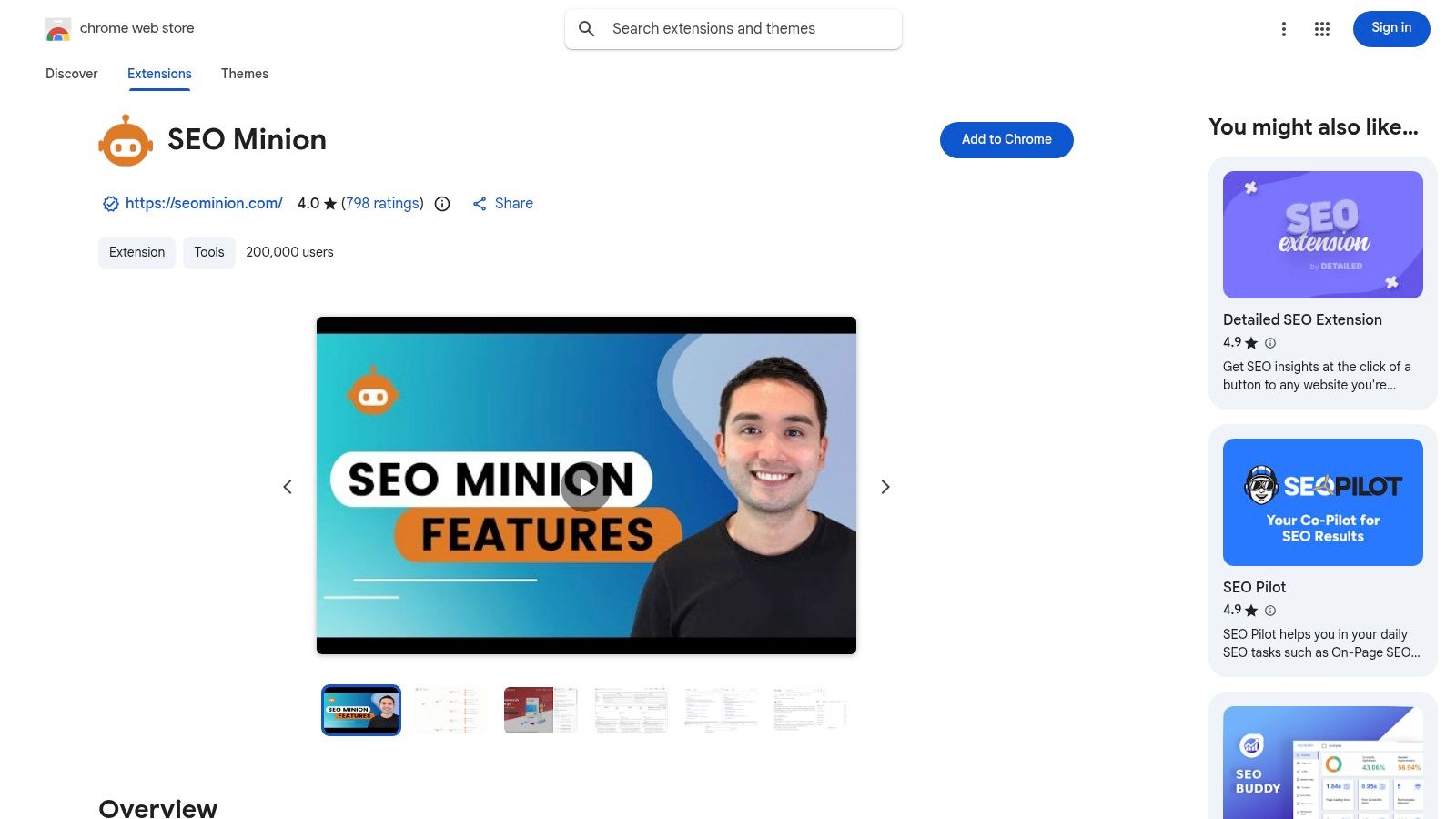
The extension excels at providing a snapshot of critical on-page elements without needing a full-site crawl. Its features include a SERP preview tool and a location simulator, which allow you to see how your page appears in search results from different countries. This makes it one of the best SEO extensions for Chrome for quick, targeted diagnostics on any live URL.
Its functionality complements other keyword-focused tools by providing the technical on-page data needed for a holistic SEO strategy. Note that its availability is currently tied to a Keywords Everywhere Silver (or higher) subscription, consolidating its value as part of a broader SEO toolset rather than a standalone freebie.
12. BuzzSumo – Chrome Extension
The BuzzSumo Chrome Extension is a powerhouse for content research, overlaying crucial performance data directly onto the web pages you visit. It provides instant insights into social engagement, backlink counts, and evergreen scores for any article, SERP result, or social media post. This makes it an indispensable tool for content creators and SEOs looking to benchmark competitors and discover proven content ideas without leaving their current tab.
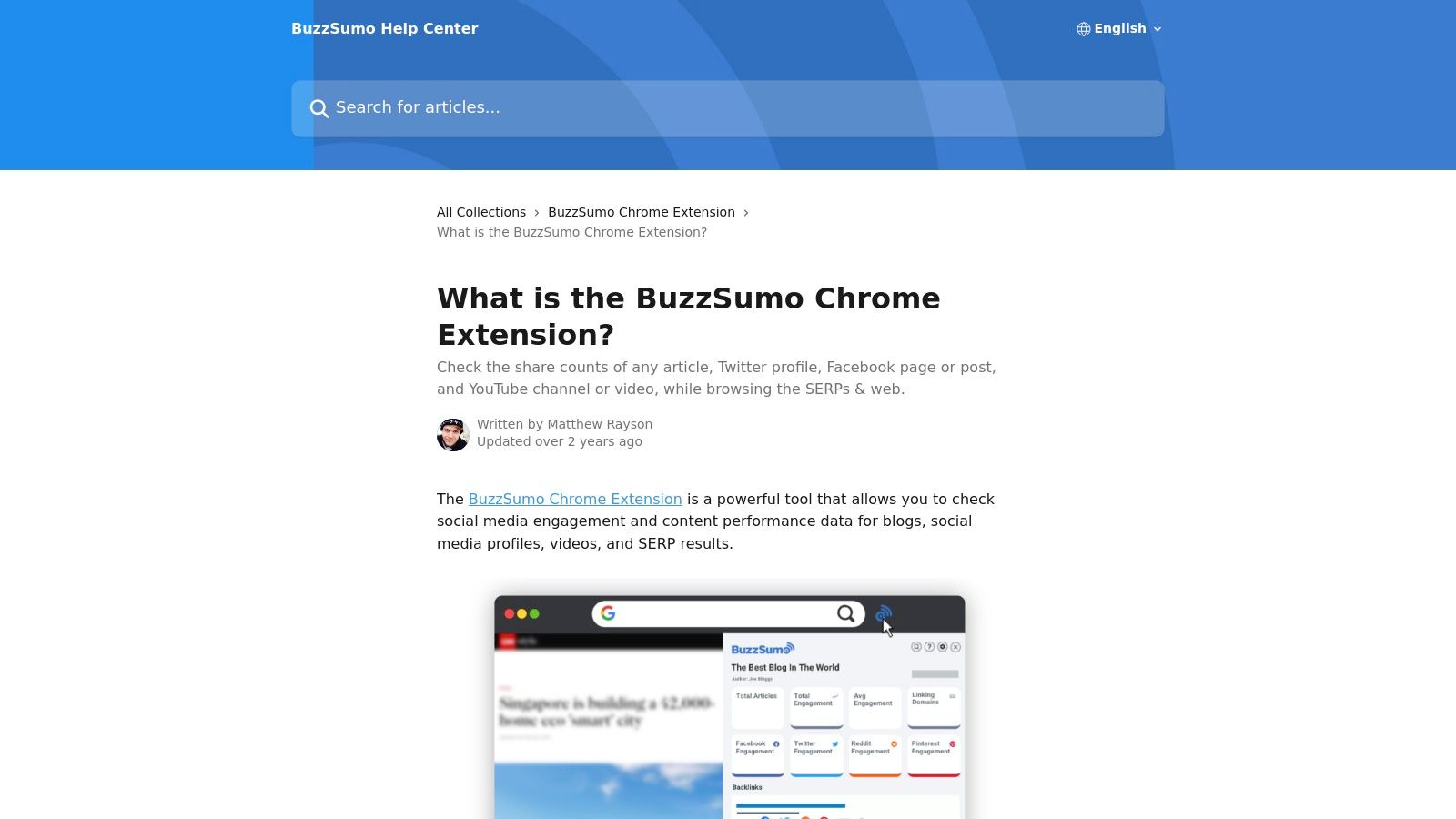
With a single click, the extension reveals over 40 metrics, including engagement totals across platforms like Facebook, Twitter, and YouTube. Its seamless integration with the main BuzzSumo application allows you to jump directly into full-scale reports for deeper analysis, making it one of the best SEO extensions for Chrome for validating content strategy on the fly. This is perfect for quickly assessing why a certain piece of content is ranking or performing well socially.
While the extension is free to install, its full capabilities are tied to your BuzzSumo subscription plan, with trial and paid-tier limits applying. It excels at providing content and social performance data but offers less in the way of deep technical SEO diagnostics.
Top 12 Chrome SEO Extensions — Feature Comparison
| Product | ✨ Key features | ★ Quality | 💰 Price / Value | 👥 Best for |
|---|---|---|---|---|
| 🏆 TimeSkip | ✨ AI‑generated SEO chapters in <5s; YouTube player integration; long‑tail keyword optimization | ★★★★★ (Trusted — 10k+ vids) | 💰 Starter $9/mo → Studio $39/mo; Lifetime option; 2 free gens; credits never expire | 👥 Indie YouTubers, podcasters, educators, social managers |
| Chrome Web Store | ✨ Centralized discovery, reviews, install & permissions view | ★★★☆☆ (varies by extension) | 💰 Free to browse & install | 👥 All Chrome users & extension seekers |
| Ahrefs – SEO Toolbar | ✨ On‑page report, SERP overlays, link & redirect tracing | ★★★★☆ (robust) | 💰 Free features; full metrics require Ahrefs subscription | 👥 SEOs, analysts, power users |
| MozBar | ✨ DA/PA snapshots, link highlighting, SERP overlay & export | ★★★★☆ (trusted brand) | 💰 Free tier w/ limits; Moz Pro for expanded data | 👥 SEOs, quick authority checks |
| SEOquake (Semrush) | ✨ Free on‑page audits, SERP metrics, Semrush hand‑offs | ★★★★☆ (good free utility) | 💰 Free; deeper data needs Semrush plan | 👥 Fast auditors, competitive researchers |
| Keywords Everywhere | ✨ SERP volumes, CPC, competition & trend graphs across sites | ★★★★☆ (freemium) | 💰 Credit‑based paid tiers (annual credits) + limited free | 👥 Keyword researchers, marketers |
| Similarweb | ✨ Site traffic estimates, sources, top keywords & geo split | ★★★☆☆ (estimates) | 💰 Free extension; opt‑in clickstream data | 👥 Competitive researchers, market analysts |
| Mangools – SEO Extension | ✨ Local SERP sim, one‑click to Mangools apps, basic on‑page checks | ★★★☆☆ (approachable) | 💰 Free account; richer data with Mangools subscription | 👥 Small agencies, SEOs seeking workflow |
| Keyword Surfer (Surfer) | ✨ Real‑time volumes & suggestions in Google; exportable lists | ★★★★☆ (100% free core) | 💰 Free (no account) | 👥 Content creators, early‑stage keyword ideation |
| WooRank | ✨ One‑click page score, actionable tips & deeper platform links | ★★★☆☆ (handy snapshots) | 💰 Free snapshot; paid for full reports | 👥 Consultants, prospecting & reporting |
| SEO Minion | ✨ On‑page audits, broken‑link finder, hreflang & SERP preview | ★★★☆☆ (utility tool) | 💰 Free (some integrations require paid tiers) | 👥 Site auditors, technical SEOs |
| BuzzSumo – Chrome Extension | ✨ Content engagement & backlink metrics across platforms | ★★★★☆ (content‑focused) | 💰 Free trial; paid plans for full access | 👥 Content marketers, social analysts |
Choosing the Right SEO Extensions for Your Toolkit
Navigating the vast landscape of the Chrome Web Store can be overwhelming, but this curated list of the best SEO extensions for Chrome is designed to cut through the noise. We've explored a dozen powerful tools, from comprehensive all-in-one solutions like the Ahrefs SEO Toolbar and MozBar to specialized, hyper-focused extensions like Keywords Everywhere and our own TimeSkip. The goal isn't to install every extension mentioned, but to strategically assemble a personalized toolkit that directly addresses your unique workflow and objectives.
The true power of these browser add-ons lies in their ability to integrate seamlessly into your daily tasks, providing critical data exactly when and where you need it. A streamlined browser environment is a productive one. Overloading Chrome with too many extensions can slow down your system and lead to "data blindness," where you have too much information and not enough actionable insight.
Building Your Ideal SEO Stack
Your ideal combination of tools depends entirely on your primary role. Consider these potential pairings as a starting point for building your custom toolkit:
- For the YouTube Creator: A powerful duo would be TimeSkip for creating SEO-rich, automated YouTube chapters in seconds, paired with Keyword Surfer for identifying content gaps and related search queries directly within YouTube's search results. This combination directly tackles both on-page video optimization and initial topic research.
- For the Digital Marketer: A robust stack might include the Ahrefs SEO Toolbar for in-depth backlink analysis and on-page SEO audits, complemented by Similarweb for quick, high-level traffic and engagement metrics on competitor sites. This provides both granular detail and a broad market overview.
- For the Content Strategist: Combining Keywords Everywhere for its invaluable search volume data across multiple platforms with the BuzzSumo Extension for instant social engagement metrics can be a game-changer. This setup helps you validate content ideas by assessing both search demand and social shareability.
Actionable Next Steps and Final Thoughts
The key takeaway is to be intentional. Before adding a new extension, ask yourself: "What specific problem will this solve for me?" and "Does it offer unique data that my current tools lack?" Start by selecting two or three extensions from this list that align most closely with your immediate needs. Test them rigorously for a week. See how they fit into your routine, how much time they save, and whether the data they provide leads to better decisions.
Ultimately, the best SEO extensions for Chrome are the ones that you use consistently to make smarter, data-driven choices. They transform your browser from a simple gateway to the internet into a dynamic and intelligent command center for your digital strategy. By being selective and focusing on tools that enhance your specific workflow, you create a more efficient and impactful process. To further deepen your understanding of digital marketing and website optimization, consider exploring the swiftwebsites.ai blog for more insights.
Ready to supercharge your YouTube SEO and enhance viewer experience? If you're a creator looking to save hours of manual work, TimeSkip is the essential extension for you. Stop manually scrubbing through videos and let our AI generate accurate, keyword-optimized chapters for you in a single click. Try TimeSkip today and see how effortless video optimization can be.
