

Creating an online course is more accessible than ever, but building one that truly resonates, engages learners, and delivers tangible results is a different challenge entirely. The difference between a forgotten digital product and a transformative learning experience often lies in the strategic details of its design and delivery. Simply uploading video files is not enough to capture and retain a modern audience. Success requires a deliberate approach to structure, interaction, and continuous improvement.
This guide cuts through the noise to provide a definitive roundup of actionable best practices for online courses. We move beyond generic advice to offer a comprehensive framework for excellence. Whether you're a content creator monetizing your expertise, an educator refining your digital curriculum, or a social media manager developing professional training, these strategies are designed for immediate implementation.
You will learn how to architect courses for maximum learner retention, integrate multimedia effectively, build vibrant learning communities, and use data to make informed decisions. We will explore the nuances of everything from modular course structure and robust accessibility to personalized communication and data-driven optimization. This isn't just a list of ideas; it's a clear roadmap for anyone committed to elevating their educational content from good to exceptional. The following ten principles provide the foundation you need to design, deliver, and refine online courses that not only teach but also inspire and create lasting impact.
1. Clear Learning Objectives and Competency Mapping
Before recording a single video or writing a line of course material, the most crucial first step is defining precisely what your students will be able to do after completing your course. This foundational practice involves creating clear, measurable learning objectives and mapping them directly to your content and assessments. This ensures every module, lesson, and quiz has a distinct purpose, creating a cohesive and effective learning path.
This approach is one of the most important best practices for online courses because it eliminates fluff and provides a transparent roadmap for learners. Students know exactly what is expected of them and can see how each activity contributes to their overall goal.
How to Implement This Practice
Start by using an action-verb framework, like Bloom's Taxonomy, to write your objectives. Instead of saying, "Students will understand social media analytics," a stronger objective would be, "Students will be able to analyze Instagram engagement metrics to recommend three content strategy improvements."
From there, you can map your content directly to this goal:
- Lesson 1: Define key Instagram metrics (Reach, Engagement Rate, etc.).
- Lesson 2: Demonstrate how to find and export data from Instagram Insights.
- Activity: Provide a sample dataset for students to practice calculating engagement rates.
- Final Assessment: Ask students to analyze a new dataset and submit a short report with recommendations.
Key Insight: This process, known as competency mapping, forces you to justify every piece of content. If a video or worksheet doesn't directly support a stated learning objective, it either needs to be revised or removed.
This alignment provides clarity for the student and makes your course design more intentional and streamlined. It transforms a collection of information into a structured, goal-oriented experience, empowering learners to track their own progress and truly master the skills you're teaching.
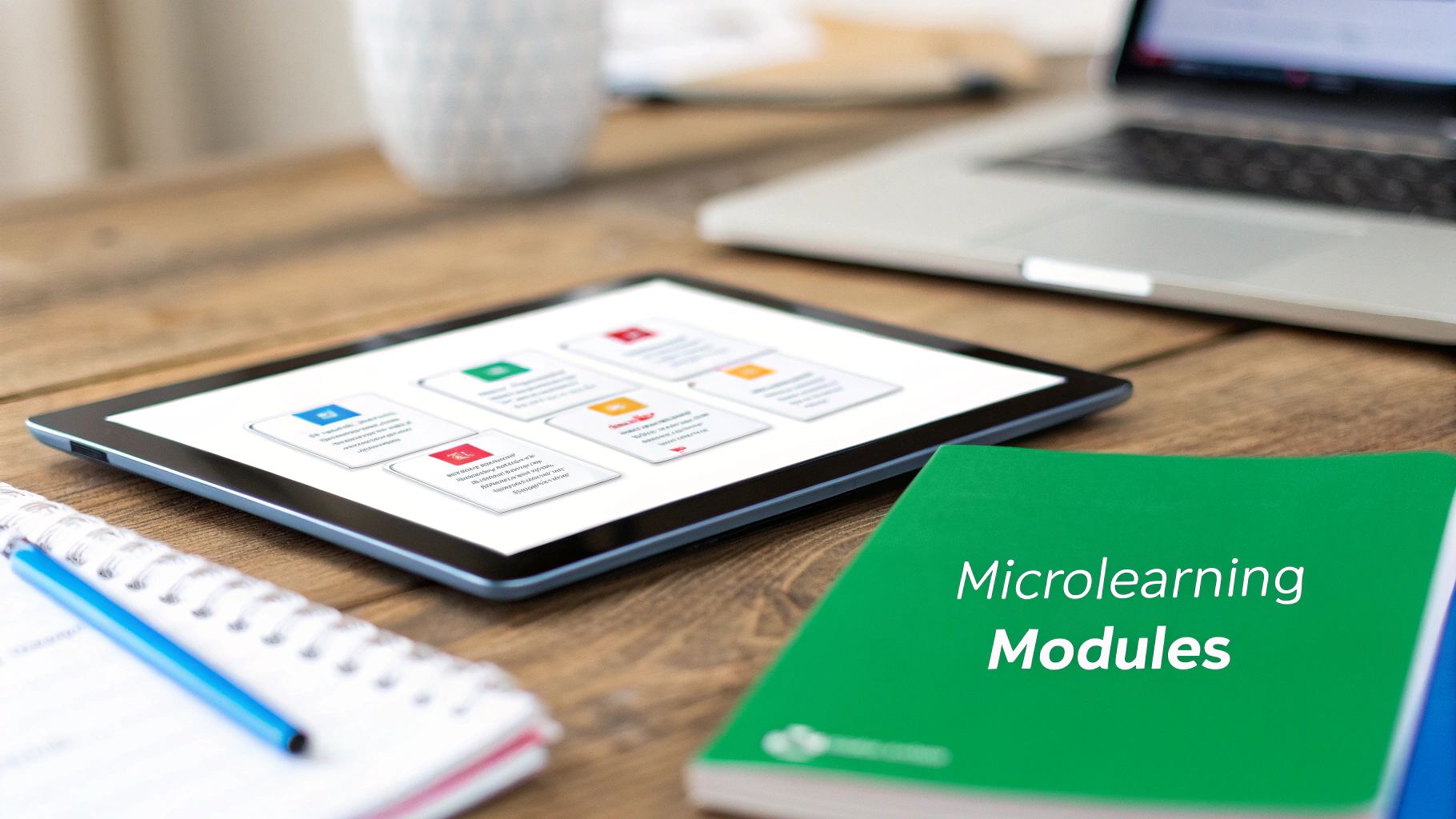
2. Modular Course Structure with Microlearning Units
Once you have your objectives, the next step is to structure your content for modern learning habits. This means breaking down large topics into small, self-contained, and easily digestible modules, a practice often referred to as microlearning. Instead of hour-long lectures, this approach organizes content into focused units, typically lasting 5 to 15 minutes, that concentrate on a single concept or skill.
This modular design is one of the most effective best practices for online courses because it respects the learner's time and cognitive load. It empowers students to learn at their own pace, fitting lessons into busy schedules and revisiting specific topics without having to scrub through long videos. This approach, popularized by platforms like Khan Academy and Duolingo, enhances knowledge retention through focused, repeatable learning sessions.
How to Implement This Practice
Begin by deconstructing your course outline into the smallest logical topics. Each of these topics can become a microlearning unit. A module on "Instagram Content Strategy" could be broken down into individual units like "Writing Engaging Captions," "Choosing the Right Hashtags," and "Analyzing Post Performance."
To effectively build a modular course, follow these steps:
- One Concept, One Module: Strictly adhere to the rule of covering only one core idea or skill per micro-lesson to avoid overwhelming the student.
- Bookend Your Content: Start each module by clearly stating its objective (e.g., "By the end of this 7-minute lesson, you will be able to identify three types of engaging Instagram captions") and end with a concise summary of the key takeaways.
- Vary Your Formats: Microlearning isn't just short videos. Use a mix of formats like quick reading assignments, interactive quizzes, short audio clips, or single-task activities to keep learners engaged.
Key Insight: A modular structure doesn't mean your course feels disjointed. Create a visual progress map or a clear course outline that shows learners how each micro-unit connects to the larger learning objectives, providing both focus and context.
This granular approach makes your content more accessible and less intimidating, especially for busy professionals or learners tackling complex subjects. It facilitates "just-in-time" learning, where a student can quickly access a specific module to solve an immediate problem, making your course a valuable, long-term resource.
3. Diverse Multimodal Content Delivery
Not everyone learns the same way. Relying solely on video lectures or text documents can alienate a significant portion of your audience who may prefer to learn by listening, doing, or seeing information presented visually. This is why incorporating diverse, multimodal content is one of the most effective best practices for online courses, ensuring your material is engaging, accessible, and resonates with a wider range of learning preferences.
This approach involves presenting key concepts in multiple formats, such as video, text, audio, and interactive elements. By doing so, you cater to different learning styles and reinforce knowledge through repetition in various contexts, significantly boosting comprehension and retention for all students.

How to Implement This Practice
Start by auditing your existing content and identifying opportunities to repurpose it. For example, the audio track from a video lecture can easily become a podcast-style lesson for students who learn best while commuting or exercising. A complex process explained in a video can be supplemented with a downloadable infographic or a step-by-step text guide.
Consider offering at least two to three formats for each core concept:
- Video: A detailed video lecture or demonstration. Get started by learning how to make instructional videos.
- Text: A downloadable transcript or a concise blog-style summary of the video.
- Visual: An infographic, a checklist, or a mind map that visually organizes the key takeaways.
- Interactive: A short quiz, a simulation, or a drag-and-drop activity to apply the knowledge.
Key Insight: Multimodal design isn't just about offering variety; it's a core component of Universal Design for Learning (UDL). Providing captions for videos and alt-text for images makes your course accessible to students with disabilities and improves the experience for everyone.
By building a course with multiple content pathways, you empower learners to engage with the material in the way that works best for them. This flexibility not only enhances the learning experience but also demonstrates an inclusive and thoughtful approach to course design, making your content more valuable and effective.
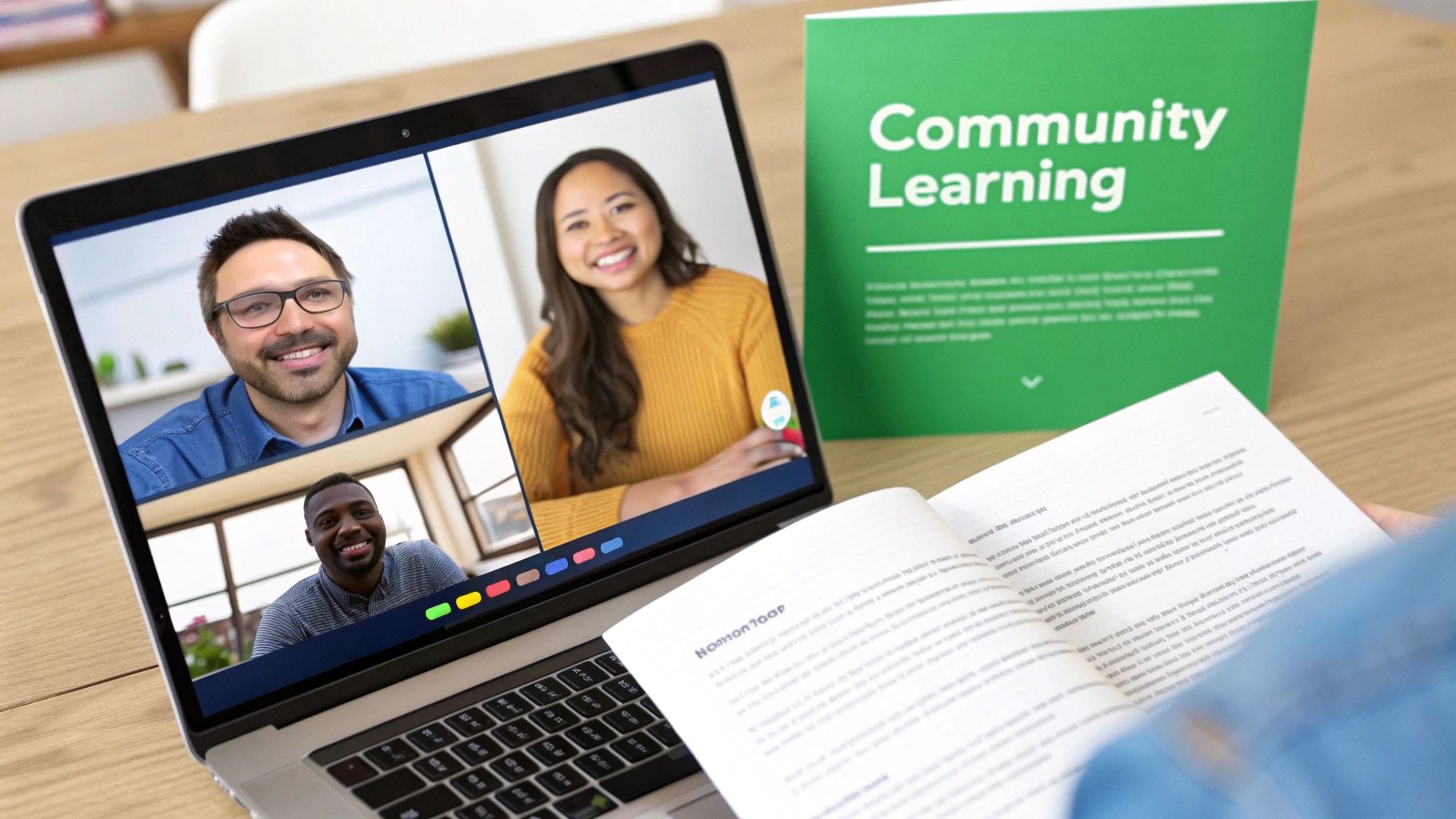
4. Robust Engagement and Community Building Strategies
Passive learning, where students simply consume content, is a recipe for disengagement and high dropout rates. The best online courses transform isolated learners into an active, collaborative community. This involves intentionally designing opportunities for students to connect with each other and with the instructor, fostering a sense of belonging and shared purpose that significantly enhances motivation and learning outcomes.
This practice is crucial because it mirrors how people learn naturally: through discussion, collaboration, and shared experience. An engaged community provides a support system, a space for deeper inquiry, and a network that can last long after the course ends.
How to Implement This Practice
Begin by integrating community touchpoints directly into your course structure from week one. Don't treat the community forum or Slack channel as an optional add-on; make it an essential part of the learning journey. For example, instead of just a quiz, an assignment could require students to post their initial project idea to a forum and give feedback on two peers' posts.
Here's how to build a vibrant community environment:
- Week 1: Launch a structured "icebreaker" activity. Ask students to share their goals for the course and a fun fact in a dedicated discussion thread.
- Ongoing: Assign small group projects or peer-review activities where collaboration is required for success.
- Live Sessions: Host optional but regular live Q&A sessions or "office hours" to provide direct interaction and build rapport.
- Moderation: Establish clear community guidelines and actively moderate discussions to ensure a safe and productive environment. Your presence matters, so aim to respond to posts within 24-48 hours.
Key Insight: Community isn't just a feature; it's a pedagogical strategy. Following the Community of Inquiry model, you must intentionally cultivate social presence (peer-to-peer connection), teaching presence (instructor guidance), and cognitive presence (constructing meaning together).
By weaving interaction into the fabric of your course, you create a dynamic and supportive ecosystem. This approach makes the learning experience less isolating and more memorable, turning a one-way content delivery system into a powerful, collaborative platform that is a key component of the best practices for online courses.
5. Formative Assessment and Continuous Feedback Loops
Rather than relying solely on a final exam, one of the most impactful best practices for online courses is to embed regular, low-stakes assessments throughout the learning journey. This approach, known as formative assessment, focuses on monitoring student progress and providing continuous feedback, transforming assessments from a simple grading tool into a powerful learning mechanism.
This practice is essential because it allows both the instructor and the student to identify and address knowledge gaps in real time. It fosters a supportive environment where mistakes are opportunities for growth, not just points lost, which is critical for maintaining motivation and ensuring learners don't fall behind.
How to Implement This Practice
The goal is to gather information about student understanding during the learning process, not just at the end. Instead of a single high-stakes final, sprinkle in a variety of check-ins. For example, after a module on social media content strategy, you could implement an ungraded quiz that provides immediate, automated explanations for both correct and incorrect answers.
Consider these low-stakes methods to create a feedback loop:
- Quick Quizzes: Use short, multiple-choice quizzes after each lesson to check comprehension. Keep them ungraded or worth very few points.
- Reflection Journals: Ask students to submit a brief weekly journal entry summarizing what they learned, what confused them, and what they want to explore further.
- One-Minute Papers: At the end of a module, have students answer two simple questions: "What was the most important thing you learned?" and "What question remains unanswered?"
- Peer Feedback: Facilitate structured peer review activities where students provide constructive feedback on each other's work using a clear rubric.
Key Insight: The power of formative assessment lies in the feedback loop it creates. The data you gather from these small check-ins should directly inform your teaching, highlighting concepts that need clarification, while the feedback you provide guides the student's self-directed learning.
This continuous cycle of assessing, providing feedback, and adapting makes learning an active, responsive process. It helps students build confidence and master concepts incrementally, leading to deeper understanding and better outcomes in their final, summative assessments.
6. Integrated Technology Infrastructure and Mobile-First Design
Your course content can be world-class, but if the technology delivering it is clunky, slow, or inaccessible on a phone, learners will disengage. A seamless technology stack and a mobile-first design philosophy are essential for reducing friction and meeting students where they are. This practice ensures your course is not just educational but also convenient and easy to access across all devices.
This approach is one of the most vital best practices for online courses because it acknowledges that modern learning is multi-device. A robust integrated technology infrastructure is crucial, and resources detailing the best tools for distance learning can help in selecting appropriate platforms. By prioritizing mobile, you guarantee a functional experience for the most constrained environment, which then scales up gracefully to tablets and desktops.
How to Implement This Practice
Begin by designing the mobile experience first. Instead of trying to shrink a complex desktop layout, build the core learning path for a small screen and then add features for larger ones. This forces you to prioritize essential content and navigation, creating a cleaner experience for everyone.
For your technology stack, focus on integration and simplicity:
- LMS Selection: Choose a Learning Management System (LMS) like Canvas or Moodle that supports Learning Tools Interoperability (LTI) to easily connect third-party apps.
- Single Sign-On (SSO): Implement SSO to allow learners to access all course-related tools with one set of credentials, eliminating password fatigue.
- Responsive Design: Ensure every element, from videos to quizzes, uses responsive design principles. Test on actual devices, not just browser emulators, to catch real-world usability issues.
- Mobile-Friendly Interactions: Minimize text input requirements. Use large, easily tappable buttons (at least 44x44 pixels) and ensure content is readable in both portrait and landscape modes.
Key Insight: A "mobile-first" mindset isn't just about screen size; it's about accessibility and convenience. Features like offline access, as seen in the Coursera and Duolingo apps, allow learning to happen anywhere, transforming a course from a static resource into a portable companion.
Ultimately, this practice removes technical barriers, allowing students to focus on what truly matters: learning the material. A smooth, reliable, and mobile-friendly platform respects your learners' time and diverse technology needs.
7. Comprehensive Accessibility and Universal Design Implementation
Instead of treating accessibility as an afterthought, the best practice is to proactively design courses that are usable by everyone from the start. This approach, known as Universal Design for Learning (UDL), means creating content that works for students with diverse abilities, including those with visual, auditory, motor, or cognitive disabilities, without needing special modifications later. This builds an inclusive environment where all learners have an equal opportunity to succeed.
This is one of the most critical best practices for online courses because it not only ensures legal compliance (with standards like the ADA and Section 508) but also fundamentally improves the learning experience for all students. Clear captions, for instance, benefit non-native speakers and those in noisy environments, not just students who are deaf or hard of hearing.
How to Implement This Practice
Begin by integrating accessibility checks into your course creation workflow. This means moving beyond basic compliance and thinking about multiple means of representation, engagement, and expression.
For every piece of content, consider the following:
- Video Content: Provide accurate, human-reviewed closed captions and a full transcript. Auto-generated captions are a starting point but often contain errors. Learn more about the nuances of high-quality YouTube closed captioning.
- Images and Graphics: Write descriptive alt-text for all images that convey their meaning and purpose. For complex charts, provide a data table or a detailed text summary.
- Documents and Text: Use high-contrast color schemes (e.g., dark text on a light background), structured headings (H1, H2, H3), and ensure all navigation is possible using only a keyboard.
- Assessments: Offer alternative formats for assignments. For example, allow a student to submit a video presentation instead of a written essay if it meets the same learning objective.
Key Insight: True accessibility is not about retrofitting a course for one student; it’s about building a flexible and robust course that serves all students from day one. Use tools like the WAVE Web Accessibility Evaluation Tool to audit your pages and get actionable feedback.
By embedding UDL principles into your design process, you create a more equitable, effective, and professional learning experience that expands your reach and impact.
8. Data-Driven Course Optimization and Learning Analytics
A truly effective online course is not static; it evolves based on how students actually interact with it. This is where learning analytics comes in. This practice involves collecting, analyzing, and acting on data about learner engagement and performance to continuously refine your course, support struggling students, and improve learning outcomes.
Implementing data-driven optimization is one of the most impactful best practices for online courses because it moves you from guesswork to informed decision-making. Instead of assuming which lessons are effective, you can use real data to pinpoint areas of confusion, identify popular content, and see where learners are losing momentum.
How to Implement This Practice
Most modern learning platforms (LMS) offer built-in analytics dashboards. Start by defining key metrics that align with your learning objectives, such as quiz completion rates, time spent on specific video lessons, or participation in discussion forums. For example, if you see that 80% of students drop off halfway through a particular video, that's a clear signal to re-record it or break it into smaller segments. This concept is similar to what creators do to improve their content; you can learn more about video performance analysis on timeskip.io.
Use this data to create an improvement cycle:
- Define Metrics: Track quiz scores, video watch time, and assignment submission rates.
- Identify Patterns: Notice that students consistently score low on Quiz 3, which follows the lesson on "Advanced SEO."
- Form a Hypothesis: The "Advanced SEO" lesson may be unclear or too dense.
- Take Action: Add a supplementary worksheet and a short explainer video to clarify difficult concepts.
- Measure Impact: Monitor the next cohort's scores on Quiz 3 to see if they improve.
Key Insight: The goal is not just to collect data but to turn it into actionable insights. Set up a simple "early warning system" by flagging students who haven't logged in for a week or who have failed two consecutive quizzes, allowing you to offer proactive support.
This analytical approach transforms your role from a content provider to a responsive educator. By balancing quantitative data with qualitative feedback like surveys, you create a dynamic and highly effective learning environment that adapts to the real needs of your students.
9. Instructor Presence and Personalized Communication
In an online environment, it's easy for learners to feel isolated or disconnected from the material. Establishing a strong, visible instructor presence counteracts this by building a sense of community and support. This practice involves consistent, proactive communication and personalized feedback to show students there is a real, engaged human guiding their journey.
This approach is one of the most critical best practices for online courses because it directly impacts student motivation, satisfaction, and completion rates. When learners feel seen and supported by their instructor, they are far more likely to persist through challenges and invest themselves fully in the course material.
How to Implement This Practice
Begin by setting a welcoming and engaged tone from day one with a personal introduction video. Go beyond the course content to share a bit about yourself and your passion for the subject. This small step helps humanize the experience and build immediate rapport.
From there, maintain a consistent presence through multiple channels:
- Set Expectations: Clearly state your communication policy, including your typical response time for emails and forum posts (e.g., within 24-48 hours).
- Offer Office Hours: Schedule regular, accessible office hours via video conferencing to provide live support and answer questions.
- Provide Personalized Feedback: Acknowledge every major submission. Instead of a generic "Good job," offer specific feedback like, "I was impressed with how you analyzed the case study data to justify your conclusion."
- Be Proactive: Use course analytics to identify students who may be falling behind. Send a brief, supportive email asking if they need help, which can make a huge difference.
Key Insight: True instructor presence isn't just about being available; it's about being visible and proactive. Small, personalized gestures, like celebrating a student's project in a group forum or sending a check-in email, transform a self-paced course into a supported, collaborative experience.
Drawing from models like the Community of Inquiry framework, this practice fosters social presence, which research shows is a key predictor of student success. It makes the digital classroom feel less like a content library and more like a real learning environment.
10. Flexible Assessment Options and Competency-Based Mastery
Move beyond traditional, high-stakes final exams and embrace a more modern, effective approach to evaluation. This practice involves offering diverse assessment methods and focusing on whether a student can demonstrate a skill, regardless of how many attempts it takes. It shifts the goal from passing a test to achieving true mastery of the subject matter.
This competency-based model is one of the most impactful best practices for online courses because it mirrors how skills are developed in the real world: through practice, feedback, and iteration. It reduces student anxiety and prioritizes genuine learning over rote memorization, creating a more supportive and effective educational environment.
How to Implement This Practice
Start by defining clear rubrics that outline what "mastery" looks like for each learning objective. Instead of a simple pass/fail grade, these rubrics should have proficiency levels (e.g., Novice, Proficient, Expert) that give students a clear path to improvement. Western Governors University pioneered this model at scale, allowing students to progress by proving competency rather than logging seat time.
From there, you can design a flexible assessment strategy:
- Diverse Assessments: Offer various ways to show skill, such as a client project simulation, a portfolio submission, a video presentation, or a practical skills test.
- Multiple Attempts: Allow students to re-submit work or retake assessments after receiving feedback, without penalty. This encourages them to learn from mistakes.
- Portfolio Systems: Use platforms like Pathwright or digital portfolio tools to let learners collect and showcase evidence of their skills over time.
- Feedback-Focused Grading: Ensure your feedback is targeted specifically at the competency gaps identified in the rubric, providing actionable steps for the next attempt.
Key Insight: The focus is on the final outcome, not the path taken. By allowing flexible pacing and unlimited, structured re-attempts, you empower students to take ownership of their learning and ensure they leave the course with the skills you promised.
This approach validates learners' skills in a way that is far more meaningful than a traditional letter grade. It builds confidence and provides tangible proof of ability that students can carry into their professional lives, making your course incredibly valuable.
10-Point Comparison of Online Course Best Practices
| Item | 🔄 Implementation complexity | ⚡ Resource requirements | 📊 Expected outcomes | ⭐ Key advantages | 💡 Ideal use cases / Tips |
|---|---|---|---|---|---|
| Clear Learning Objectives and Competency Mapping | Moderate — instructional design time and periodic revision | Low–Moderate: curriculum experts, mapping tools, staff time | Better alignment between teaching and assessment; improved retention and grading consistency | Clear expectations and measurable learning gains | Use action verbs; map to Bloom; publish objectives prominently |
| Modular Course Structure with Microlearning Units | High — requires content restructuring and sequencing | Moderate: many short content pieces, authoring and LMS support | Increased engagement and completion; improved short-term retention | Flexible pacing; easier updates; mobile-friendly | One concept per module; start/end with objectives and summaries |
| Diverse Multimodal Content Delivery | High — multiple production workflows and QC | High: multimedia production, accessibility checks, hosting | Broader reach and improved retention across learning preferences | Accessibility and engagement via varied formats | Add captions/transcripts; provide ≥3 formats per topic |
| Robust Engagement and Community Building Strategies | Moderate–High — ongoing facilitation and moderation | Moderate: instructor/TA time, community platform features | Stronger sense of belonging and higher completion rates | Peer support, collaboration, diverse perspectives | Establish guidelines, icebreakers, and timely moderation |
| Formative Assessment and Continuous Feedback Loops | Moderate — frequent low‑stakes design and iteration | Moderate: LMS quizzing tools, instructor grading time, dashboards | Early gap identification; improved learning outcomes (Hattie ~0.28 SD) | Supports mastery, metacognition, and timely intervention | Keep assessments low‑stakes; give feedback within 48 hours |
| Integrated Technology Infrastructure and Mobile‑First Design | High — integrations, security, cross‑device testing | High: LMS, SSO, dev resources, integrations, maintenance | Reduced friction, wider access, scalable delivery (60%+ mobile use) | Seamless UX, centralized data and analytics | Choose LTI‑compatible LMS; implement SSO; test on real devices |
| Comprehensive Accessibility and Universal Design Implementation | Moderate–High — audit, remediation, and ongoing testing | Moderate: accessibility specialists, tools, training, time | Expanded audience, legal compliance, improved UX for all users | Benefits all learners and reduces compliance risk | Start with an accessibility audit; follow WCAG 2.1 AA; test with assistive tech |
| Data‑Driven Course Optimization and Learning Analytics | High — data pipelines, privacy, and analytics expertise | High: analytics platforms, analysts, governance, integrations | Targeted interventions and optimized content; improved retention (up to ~20%) | Evidence‑based improvements and early warning systems | Define metrics aligned to objectives; anonymize data; combine qual + quant |
| Instructor Presence and Personalized Communication | Moderate — requires consistent availability and workflows | Moderate: instructor/TA time, communication tools, scheduling | Higher student satisfaction and completion; stronger engagement | Builds trust, motivation, and early problem detection | Set response-time expectations; use templates and office hours |
| Flexible Assessment Options and Competency‑Based Mastery | High — rubric design, mastery pathways, and policy changes | Moderate–High: assessment platforms, increased grading effort, tracking | Skill-focused demonstration of mastery; faster completion for some learners (30–40% faster) | Personalized pacing; authentic assessment and badges/portfolios | Define clear competency rubrics; allow retakes; use portfolios for evidence |
Putting Theory into Practice: Your Next Steps
We have navigated through a comprehensive roadmap detailing the essential best practices for online courses, moving from foundational principles like clear competency mapping to the nuanced art of data-driven optimization. The journey from a content creator with an idea to a celebrated online educator is built not on a single brilliant concept, but on the consistent application of these proven strategies. It’s about building an ecosystem, not just a lecture series.
The core message is a shift in perspective. Instead of viewing your course as a static product to be sold, see it as a dynamic, evolving learning environment. This means embracing a mindset of continuous improvement, where student feedback and analytics are not afterthoughts but are integral to the design process from day one.
From Information to Transformation: Key Takeaways
The most impactful courses do more than just transfer information; they facilitate transformation. To achieve this, remember these pivotal concepts we've discussed:
- Structure is Freedom: A modular course design with microlearning units doesn’t restrict content; it liberates the learner. It respects their time and cognitive load, allowing them to absorb complex topics in manageable, focused segments. This is especially critical for your audience of busy creators and professionals.
- Engagement is the Engine: A course without community is just a textbook on a screen. Robust engagement strategies, from active forums to personalized instructor feedback, are what transform passive viewers into an active, collaborative cohort. Your presence as an instructor is the spark that ignites this community.
- Accessibility is Non-Negotiable: Designing for accessibility isn't an add-on; it's a fundamental aspect of quality. Implementing universal design principles ensures that every learner, regardless of ability, has an equal opportunity to succeed. This expands your reach and solidifies your reputation as an inclusive educator.
- Data is Your Compass: Your learning analytics are not just numbers; they are a direct line of communication from your students. They tell you where learners are thriving and where they are struggling, providing an objective guide for refinement and iteration.
Your Actionable Blueprint for Success
The prospect of implementing all ten best practices at once can feel overwhelming. The goal is not immediate perfection but intentional progress. Here is a practical, step-by-step approach to get started:
- Conduct a Self-Audit: Choose one of your existing courses, or the one you are currently planning. Review it against the principles in this article. Where are the biggest gaps? Perhaps your video content is fantastic, but your community engagement is passive. Maybe your assessments are solid, but the course isn't optimized for mobile. Identify two or three high-impact areas for improvement.
- Prioritize an "Easy Win": Start with a change that is both impactful and relatively simple to implement. For many video-centric creators, this could be improving navigation. Go back to your longest videos and add detailed timestamps or chapters. This single action immediately enhances the user experience and aligns with best practices for accessibility and modular design.
- Schedule a Feedback Loop: Commit to gathering learner feedback more intentionally. This could be as simple as sending out a two-question survey after a specific module or creating a dedicated "suggestions" thread in your community space. Act on one piece of feedback this month.
- Iterate and Expand: Once you have successfully implemented one or two changes and seen the positive results, choose the next area to focus on. This iterative cycle of auditing, prioritizing, implementing, and gathering feedback is the sustainable path to creating truly exceptional online learning experiences.
By embracing these best practices for online courses, you are making a commitment to your students' success. You are building a reputation not just as an expert in your field, but as a skilled educator who respects their learners' time, needs, and goals. The result is a more effective, engaging, and valuable course that fosters loyalty, generates powerful testimonials, and builds a thriving community around your brand.
Tired of manually creating timestamps and chapters for your long-form course videos? Let TimeSkip automate the process for you. Our AI-powered tool analyzes your content and generates accurate, SEO-friendly chapters in minutes, helping you implement one of the most critical best practices for online courses with zero effort. Visit TimeSkip to supercharge your video content and give your students the seamless navigation they deserve.
