

A good video description for youtube is one of the strongest signals you can send the algorithm, telling it exactly what your content is about and who needs to see it. It’s so much more than a quick summary; it's a strategic space to weave in keywords, prompt viewers to take action, and provide context that seriously boosts your discoverability.
When researching how successful videos structure this space, the YouTube description extractor lets you copy a public video description from its URL.
Your Description Is More Than Just a Text Box

So many creators treat the video description as an afterthought—a sentence or two quickly typed out right before hitting "publish." This is a huge missed opportunity. In reality, that description box is one of your most valuable tools for channel growth. It works as both a billboard for potential viewers and a roadmap for the YouTube algorithm.
Think of it this way: your title and thumbnail get the click, but the description often seals the deal. It’s the first place a curious viewer looks for more information. Those first few lines—the part visible "above the fold" before they have to click "show more"—can be the deciding factor in whether they stick around.
The Algorithm's Best Friend
YouTube’s main job is to keep people watching, and it does that by serving them content they'll actually enjoy. For the algorithm to work its magic, it needs to understand your video with crystal clarity. A detailed, keyword-rich description gives it exactly that.
By packing in relevant terms and phrases, you’re helping the algorithm categorize your content and push it to the right audience in search results and recommended feeds. This is vital. With over 3.9 billion videos on the platform as of 2025 and millions more uploaded daily, a well-optimized description is non-negotiable for standing out. In fact, videos with detailed descriptions can see up to a 20% increase in click-through rates. You can find more stats on YouTube's massive scale on Analyzify.
Your video description is your chance to have a direct conversation with the YouTube algorithm. The more clearly you explain your video's topic, value, and context, the better the algorithm can do its job of finding your ideal audience.
Building Trust and Driving Action
Beyond just pleasing the algorithm, your description is a central hub for your brand and a direct line to your viewers. It’s the perfect place to build trust and guide them toward whatever you want them to do next.
This is your space to:
- Provide Value: Share links to resources, tools, or products you mentioned.
- Increase Watch Time: Use chapter timestamps so viewers can easily navigate your content, which encourages them to watch longer.
- Connect Your Content: Link to related videos or playlists on your channel to keep people binge-watching.
- Build Community: Direct your audience to your social media profiles, newsletter, or Discord server.
Ultimately, a strategically written video description transforms from a simple text box into a powerhouse asset. It boosts your visibility, makes for a better viewer experience, and helps turn casual viewers into a loyal community.
Let's break down the key pieces that make up a description that works for you, not against you.
Core Components of an Optimized YouTube Description
This table summarizes the essential elements every creator should include in their video descriptions for maximum impact.
| Element | Purpose | Best Practice |
|---|---|---|
| Opening Hook | Capture attention and confirm the video's value in the first 1-2 sentences. | Use a primary keyword naturally and pose a question or state a benefit. |
| Detailed Summary | Provide context for the algorithm and viewers, using 2-3 paragraphs. | Weave in primary and secondary keywords, explaining what the video covers. |
| Timestamps/Chapters | Improve navigation and boost watch time. | Start with 00:00 and list key sections with descriptive, keyword-rich titles. |
| Calls-to-Action (CTAs) | Guide viewers to the next step. | Link to related videos, playlists, social media, or affiliate products. |
| Standard Boilerplate | Include consistent channel information and links. | Add a brief "About" section, social links, and any recurring affiliate disclaimers. |
| Relevant Hashtags | Increase discoverability in YouTube search. | Use 3-5 highly relevant hashtags at the end of the description. |
Getting these components right is the foundation of a description that helps your videos get found and keeps viewers engaged.
Finding Keywords That Viewers Actually Use
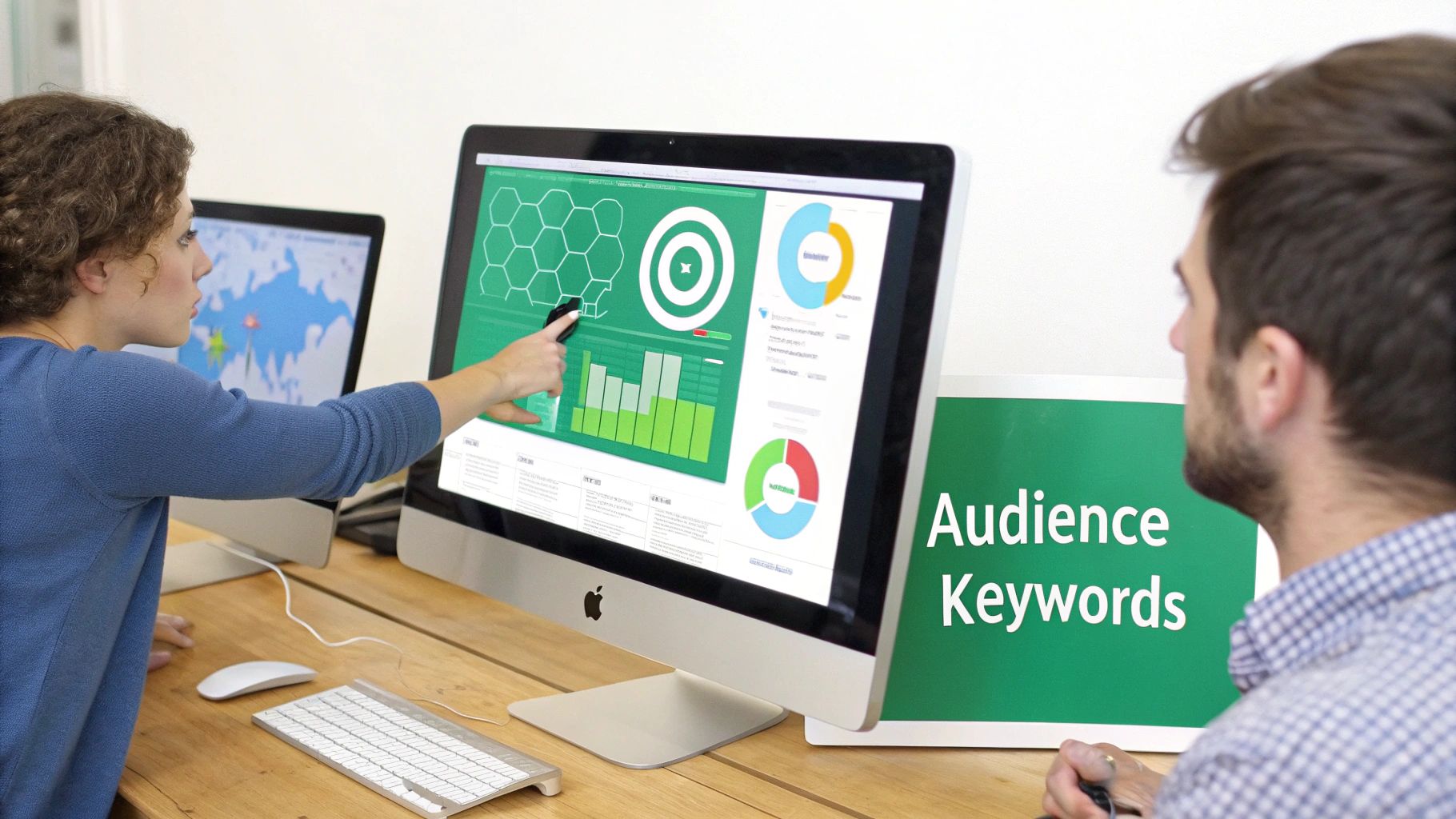
A killer video description for YouTube doesn't just happen in the description box. The real work starts way before you type a single word—it starts with getting inside your audience's head to figure out the exact language they use to find content like yours.
Guessing what people are searching for is a surefire way to get lost in the noise. The goal is to stop thinking about what you would search for and start uncovering what your viewers are actually typing into that search bar.
It's all about stepping into their shoes. A beginner baker probably isn't searching for a broad term like "baking." They're much more likely to type in something specific like "how to make sourdough starter from scratch" or "easy chocolate chip cookie recipe for beginners."
These longer, more detailed phrases are what we call long-tail keywords. They are absolute gold for creators because they target viewers who know exactly what they want to watch.
Moving Beyond Autocomplete
Sure, YouTube's search bar autocomplete is a decent starting point, but it's really just scratching the surface. To find keywords that pack a punch, you need to put on your detective hat and see what your competition is up to.
Find a few top-performing videos on your topic and tear apart their titles and descriptions. What phrases pop up over and over again? Those are your clues.
Tools like Google Trends can also give you an edge by showing you what topics are gaining steam. It's a great way to spot a trend before it's completely saturated and create content that meets a rising demand. If you want to go deeper, check out this practical guide to keyword research for small businesses.
Think of keyword research as digital empathy. You're not just finding words; you're trying to understand the problems, questions, and curiosities that your viewers have. The better you understand their intent, the better your keywords will be.
The Power of Semantic Search
YouTube's algorithm is smarter than ever. It's not just looking for exact keyword matches anymore; it understands context and relationships between words. This is where semantic search comes into play.
Basically, it's about including related concepts and synonyms to paint a complete picture of your video's topic for the algorithm.
Let's say your video is a "video editing tutorial." To nail semantic search, you should also weave in related terms like:
- Color grading techniques
- Adding transitions
- How to export for social media
- Audio mixing tips
By including these related phrases, you're signaling to YouTube that your video is a comprehensive resource on the subject. This helps the algorithm recommend your content to a wider—but still highly relevant—audience, even if they didn't use your main keyword in their search.
Building a solid list of these terms for every single video is crucial. For more strategies on this, take a look at our guide on finding the best https://timeskip.io/blog/keywords-for-youtube-video.
Ultimately, finding the right keywords is a mix of listening to your audience, analyzing what's already working, and giving the algorithm a rich, contextual understanding of your content. Do this work upfront, and your description will be filled not just with text, but with the precise language needed to attract the right viewers.
Structuring Descriptions for Humans and Robots
Here's something a lot of creators miss: a great video description for YouTube has to pull double duty. It needs to convince a curious human that your video is worth their time, and it has to feed the YouTube algorithm all the right signals to understand what your content is about.
To do both well, you need a smart structure. Think of your description in three distinct layers: the hook, the details, and the resource block. Nailing this sequence is the key to grabbing attention fast while providing the deeper context needed for ranking and keeping viewers happy.
The All-Important First Impression
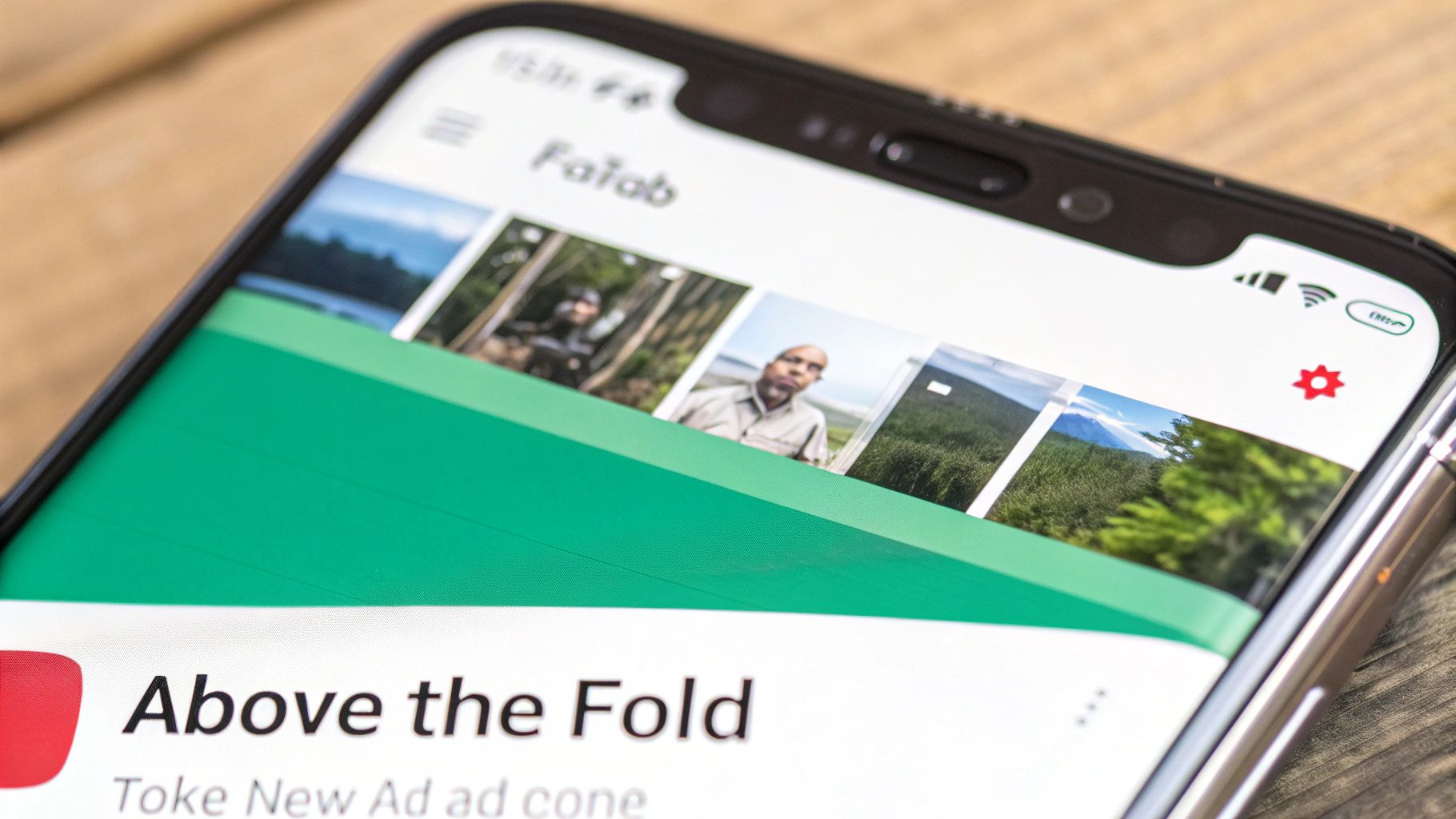
The first 125 characters of your description are your most valuable real estate, period. This tiny snippet is what viewers see in search results and right below your video player before they even think about clicking "Show more." It absolutely has to be compelling.
Your goal here is to instantly confirm that your video delivers on the promise made by your title and thumbnail. Kick it off with your primary keyword and a strong benefit.
For instance, instead of just summarizing a sourdough video, try something like: "Learn how to make a perfect sourdough starter from scratch with this simple, no-fail method that works every time." This tells both people and algorithms exactly what the video is about and what they'll get out of it.
Adding Depth with Details and Chapters
Once you've hooked them, the middle of your description is where you deliver the goods. Use a couple of short paragraphs to expand on your video's content, naturally weaving in your secondary and long-tail keywords. Outline the key topics, questions, and conclusions you cover.
This is also the perfect spot for YouTube Chapters. Adding timestamps breaks your video into easy-to-navigate sections, which is a massive win for user experience. Honestly, for any video longer than a few minutes, chapters are non-negotiable.
By adding timestamps (e.g., 00:00 Intro, 02:15 Tip 1), you create clickable chapters that allow viewers to jump to sections that interest them most. This simple addition can significantly boost your total watch time and viewer satisfaction.
Properly formatted timestamps are a powerful signal to the algorithm. Some studies have even shown that creators who use them can see a 12% increase in viewer retention because people can easily find the specific info they came for.
To create chapters, just list them out in your description. Make sure the very first one starts at 00:00.
- 00:00 - Introduction to Sourdough Science
- 02:45 - Choosing the Right Flour
- 05:10 - The Feeding and Maintenance Schedule
- 09:30 - Troubleshooting Common Problems
This structure not only makes your content more accessible but also feeds YouTube crucial metadata. If you want to dive deeper into how this works, check out our guide on the importance of metadata in YouTube.
The Final Block: Resources and Links
The last part of your description is your resource hub. This is where you put your calls-to-action, social media links, affiliate disclosures, and anything else you want to share. Just keep it organized with clear headings so it doesn't turn into a cluttered mess.
By structuring your description this way, you create a seamless experience. Viewers get the info they need upfront, algorithms get the context they need to rank you, and you get a dedicated space to drive traffic and build your community.
Writing Calls to Action That Get Clicks
Your video description is prime real estate for telling your audience what to do next. Just hoping they’ll subscribe or find another one of your videos isn't a strategy—it's a missed opportunity. You need to craft clear, compelling Calls to Action (CTAs) that turn passive viewers into a real community.
The secret is to stop making generic requests. A bland "Subscribe to my channel" just gets ignored. Instead, tie your CTA directly to the value you just gave them in the video. When you do that, the ask feels natural and helpful, not like a pushy sales pitch.
Think of it this way: your CTAs should feel like the obvious next step for someone who just enjoyed your content.
Let's say you just dropped a killer tutorial on Adobe Premiere Pro. A CTA that actually works would be something like: "Download the free project file I used in this video." See the difference? You're offering immediate, tangible value that proves your expertise and builds serious goodwill.
Matching Your CTA to Your Video's Goal
The best CTAs are specific and context-aware. A one-size-fits-all approach is a recipe for getting ignored. Before you write a single word, ask yourself one question: What’s the number one goal for this specific video?
Your answer will dictate the action you want viewers to take.
- Doing a product review? "Check the latest price on Amazon here [affiliate link]" is direct, honest, and genuinely helpful.
- Filmed a travel vlog? "See our full Iceland itinerary and playlist here" is a perfect way to encourage a binge-watching session and boost your channel's watch time.
- Created an educational video? "Join our free newsletter for more weekly tips" is a fantastic way to build your email list off-platform.
Your CTA isn't just an "ask." It's an extension of the value you've already delivered. Make it incredibly easy for viewers to say "yes" by offering them something that helps them solve a problem or learn something new.
How to Place Multiple CTAs Without Being Annoying
You absolutely can—and should—include more than one CTA. The trick is to organize them so you don't overwhelm your audience. A messy wall of links is a surefire way to guarantee nobody clicks on anything.
Structure is your best friend here. Use clear headings to guide the eye and make the description easy to scan. This helps viewers find exactly what’s relevant to them in seconds.
Here’s a simple structure I use:
👇 RESOURCES MENTIONED
- Get the camera I used: [link]
- My favorite video editing software: [link]
🔴 WATCH NEXT
- My Top 5 Editing Tricks: [link]
- How I Film My Videos: [link]
This clean layout lets you promote affiliate products, send traffic to other videos, and grow your social channels, all without creating a chaotic mess. For more ideas on this, check out our guide on how to get more engagement on YouTube. When you provide genuine value through your links, you make viewers want to click and keep the journey going long after your video ends.
Advanced Formatting and Optimization Secrets
Once you’ve got the basics of a solid video description for YouTube down, it’s the little professional touches that really make your channel stand out. These advanced tips are what separate the pros from the beginners, turning a simple text box into a powerful tool for engagement and discovery.
Many of these tweaks are surprisingly simple, but they have a huge impact on how viewers see and interact with your description. It’s not just about what you write, but how you present it.
Making Your Description Scannable and Engaging
Nobody wants to read a giant wall of text. It's an instant turn-off. Smart formatting is your best friend here, making your description feel inviting and easy to scan.
Simple characters can create visual breaks, and a few well-placed emojis can draw the eye to important links. For example, a camera emoji (📸) next to your gear list or a pointing finger (👇) before your main call-to-action can guide a viewer's attention exactly where you want it.
Think of your description's formatting as its body language. Is it open, organized, and inviting, or is it a cluttered, intimidating block of text? Simple visual cues can make all the difference in whether a viewer decides to read on.
And don't forget to use YouTube's limited formatting options. While it’s not full markdown, you can use asterisks for *bold text*, underscores for _italics_, and hyphens for a strikethrough effect. Bolding key phrases or section headers is a great way to break up longer paragraphs and make crucial info pop.
Advanced Strategies for Long-Term Growth
Beyond making things look pretty, a few behind-the-scenes strategies can maximize your description's impact over the long haul. These are the work-smarter-not-harder tactics that pay off for months and even years to come.
- Create Description Templates: Head over to YouTube Studio and set up an "Upload Default" with a pre-filled description template. This is a massive time-saver. It ensures every video automatically includes your standard social media links, affiliate disclosures, and channel boilerplate, keeping everything consistent.
- Update Old Descriptions: Got some older, popular videos? Their descriptions are a goldmine. Go back and update them with links to your newer, relevant content or current affiliate products. This simple trick can breathe new life into old videos and create a powerful internal linking web across your channel.
- Strategic Hashtag Placement: Always, always put your hashtags at the very end of the description. YouTube will pull up to three of these to display right above your video title. Using 3-5 highly relevant hashtags helps YouTube categorize your video without cluttering up the important stuff.
It's also crucial to properly disclose any affiliate links to maintain trust with your audience. A simple, clear statement like "(As an Amazon Associate, I earn from qualifying purchases)" is all you need to be transparent and build credibility.
Finally, while a great description helps pull viewers in, remember that timing is everything. Understanding the best time to upload YouTube videos is another piece of the puzzle for maximizing that initial rush of engagement. Making these small habits part of your routine will make your descriptions work much harder for you.
Common Questions About Video Descriptions
Even with a solid game plan, writing the perfect video description for YouTube can throw a few curveballs your way. Let's walk through some of the questions I hear all the time from other creators so you can get back to optimizing with confidence.
How Long Should a YouTube Video Description Be?
YouTube gives you a massive 5,000 characters to play with, but you definitely don't need to use all that space. My sweet spot, and what I recommend to most creators, is somewhere between 200-350 words.
That's plenty of room to nail your primary keywords, give a solid summary of the video, drop in timestamps, and share important links without making your viewers' eyes glaze over.
But here's the most critical part: the first 125 characters are everything. That's the little snippet people see in search results and right below your video before they even think about clicking "Show more." Your number one job is to cram your main keyword and a compelling hook into that tiny space. Get that right, and your click-through rate will thank you.
The first sentence of your description does the heaviest lifting. It has one job: convince someone your video is the answer they're looking for. Make every single character count.
Where Should I Put Hashtags In My Description?
This is a simple one, but getting it wrong can make your description look messy. Always, always, always put your hashtags at the very end.
When you stick them at the bottom, YouTube will grab up to three of them and feature them right above your video's title. It's a great little boost for discoverability.
A mistake I see a lot is creators stuffing hashtags into the main text or, even worse, the title. It just looks spammy and pulls focus from your actual message. And while you can use up to 15 hashtags, it's way more effective to stick to 3-5 highly relevant tags. A focused approach sends a much clearer signal to the algorithm about what your video is about.
Can I Use AI to Write My Video Descriptions?
You absolutely can, and honestly, you probably should. AI writing tools are a huge help for getting past that blank-page paralysis. They can whip up a first draft, summarize your main points, and even help you brainstorm different keyword angles. For any creator juggling a packed schedule, they're a massive time-saver.
But—and this is a big but—you can't just copy and paste what the AI spits out. Always edit the AI-generated text. You have to go in and inject your personality, check that all the facts are right, and make sure your calls-to-action actually match what you're trying to achieve with that specific video.
Think of AI as your creative assistant, not a replacement for your expertise.
Ready to create perfectly optimized YouTube chapters in seconds? TimeSkip is the AI-powered Chrome extension that generates SEO-friendly timestamps with just one click, boosting your video's retention and search visibility. Get started for free at https://timeskip.io.
