

Choosing the best podcast editing software is a critical decision that directly impacts your workflow and final audio quality. The right tool can streamline your production, saving you countless hours while transforming raw recordings into a polished, professional-sounding show. The wrong one can create a frustrating bottleneck, burying you in technical complexities and tedious tasks.
But with a market full of everything from free, open-source programs to industry-standard Digital Audio Workstations (DAWs) and innovative AI-powered platforms, finding the perfect fit is overwhelming. How do you know whether you need a traditional multitrack editor or a modern text-based one? This guide is designed to cut through that noise and provide clear, actionable insights.
We have meticulously analyzed the top 12 contenders, evaluating their unique strengths, limitations, and ideal use cases. We'll explore everything from industry titans like Adobe Audition and Pro Tools to accessible powerhouses like Hindenburg PRO and revolutionary AI editors like Descript and Podcastle. Each review includes detailed breakdowns of key features, pricing, pros, cons, and direct links so you can get started immediately.
Whether you're a solo creator looking for an efficient all-in-one solution, a social media manager repurposing long-form content, or a professional producer managing complex multi-track sessions, this comprehensive resource will help you select the software that aligns perfectly with your budget, technical skill level, and creative ambitions. Let's find the right editor for your podcast.
1. Adobe Audition
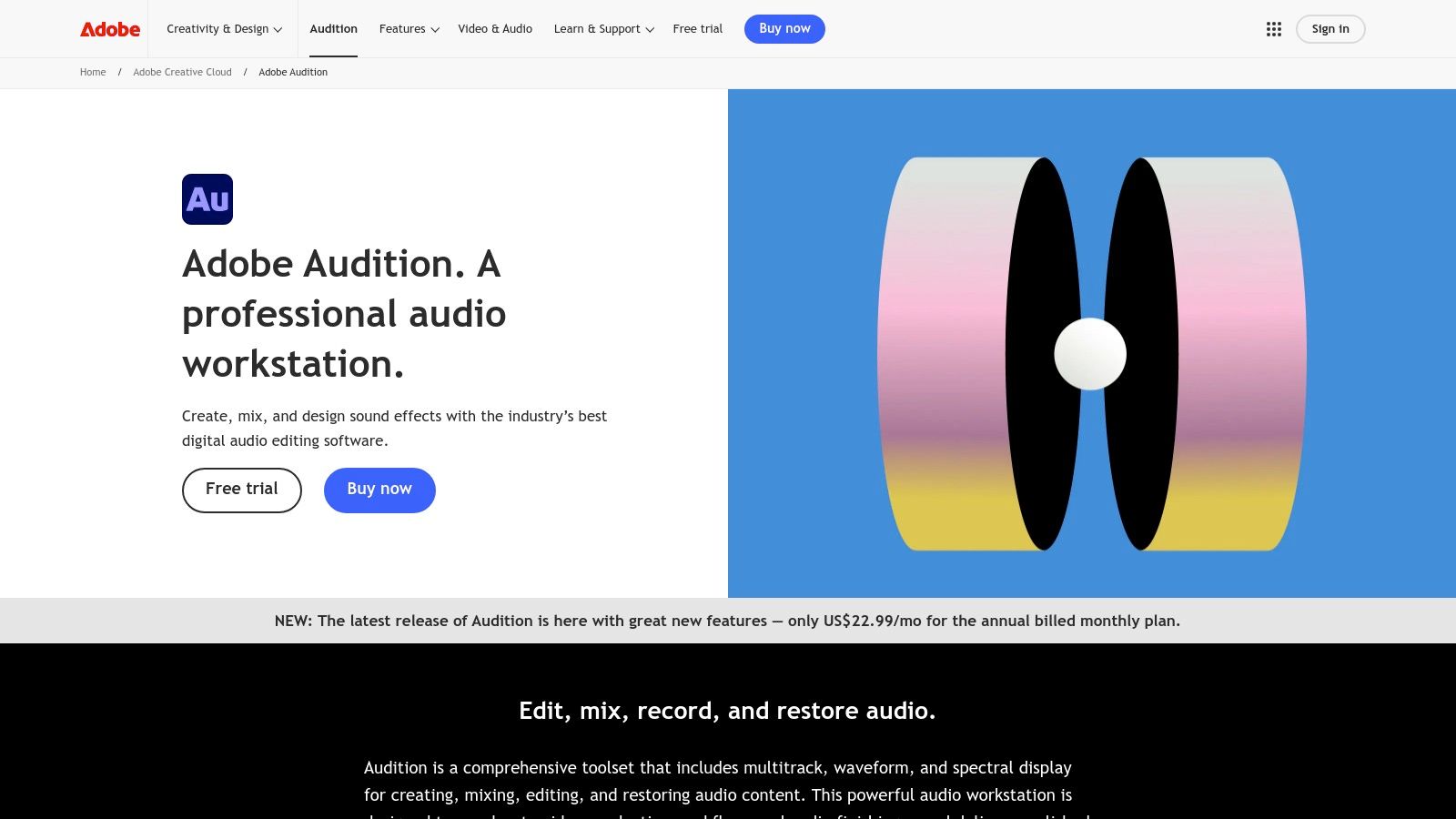
Adobe Audition is the industry-standard digital audio workstation (DAW) for professionals, and it rightfully earns its spot as one of the best podcast editing software options for serious creators. Its power lies in its unparalleled tools for audio repair, mixing, and finishing. Unlike simpler, podcast-first applications, Audition provides a comprehensive suite of features designed for precision control over every aspect of your sound.
It’s particularly known for its Spectral Frequency Display, which allows you to visually identify and remove unwanted noises like clicks, hums, or background chatter with surgical accuracy. This feature alone can rescue otherwise unusable interview recordings.
Key Features & Use Cases
Adobe Audition excels for podcasters who prioritize pristine audio quality and have complex production needs.
- Best For: Professional podcasters, audio engineers, and video creators who already use the Adobe Creative Cloud suite.
- Standout Feature: The Spectral Frequency Display is a game-changer for cleaning up noisy audio from remote interviews or imperfect recording environments.
- Integration: Its seamless "round-trip" workflow with Adobe Premiere Pro makes it the top choice for video podcasters who need to sync and edit audio for video content efficiently.
Audition is a deep program, but its capabilities are essential for anyone looking to build a professional podcast editing workflow from the ground up. The powerful multitrack editor, extensive effects rack, and batch processing capabilities streamline repetitive tasks, saving significant time in post-production.
| Feature Highlights | Details |
|---|---|
| Pricing | Subscription only; available via Creative Cloud All Apps plan or as a standalone app starting at $22.99/month. |
| Supported Platforms | macOS, Windows |
| Pros | Industry-standard tools for audio repair, seamless Adobe ecosystem integration, extensive learning resources. |
| Cons | Steeper learning curve than simpler tools, subscription-only pricing model. |
Official Website:
2. Descript
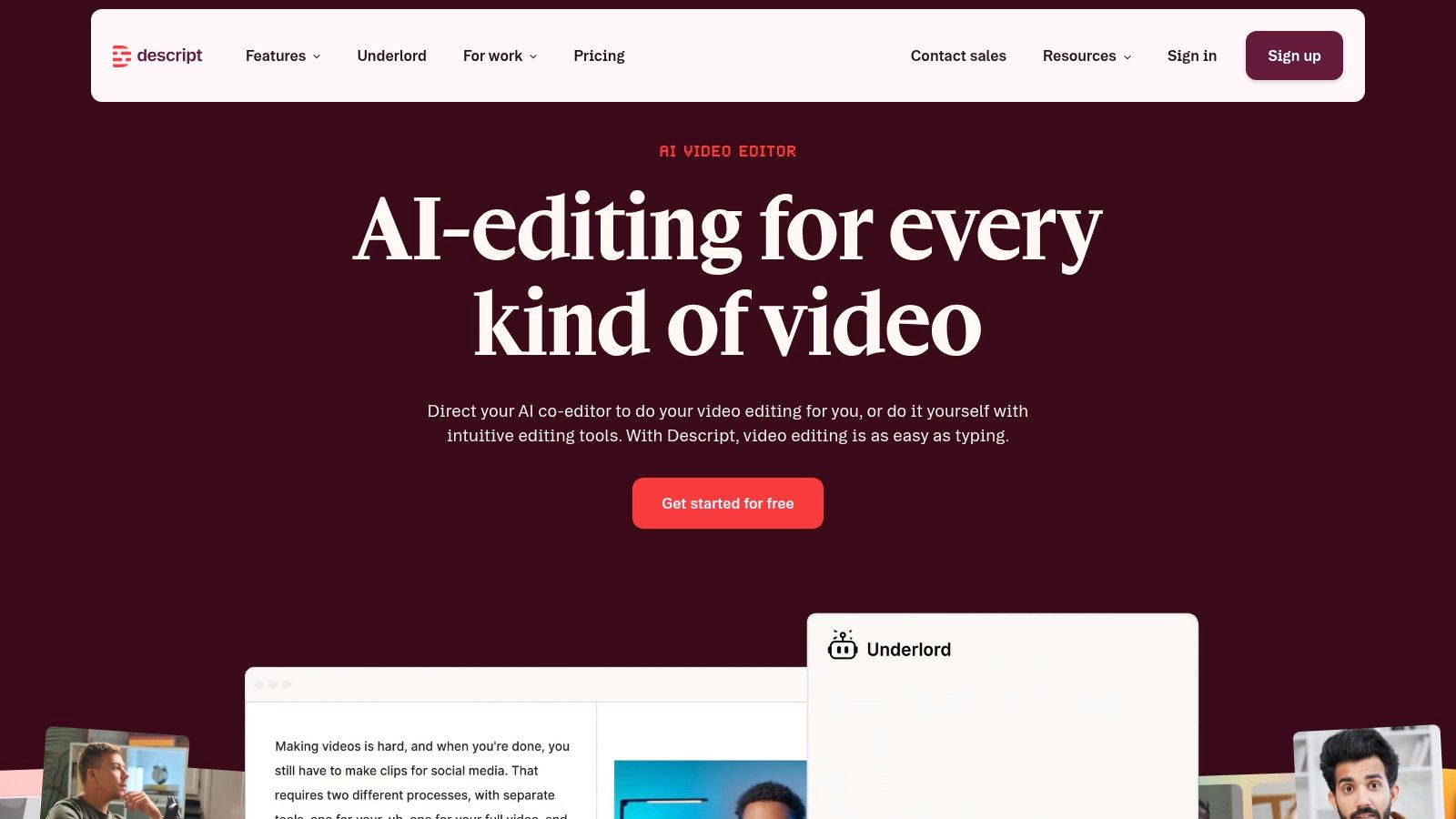
Descript revolutionizes podcast post-production by turning your audio and video into an editable text document. This all-in-one editor transcribes your recordings automatically, allowing you to edit complex multitrack sessions by simply deleting or rearranging words and sentences. This text-based approach dramatically lowers the technical barrier, making it one of the best podcast editing software choices for creators who prioritize speed and simplicity over granular audio engineering.
Its power extends beyond simple edits with a suite of impressive AI features. Studio Sound can remove background noise and echo with a single click, making recordings from imperfect environments sound professionally treated. The Overdub feature even lets you clone your voice to correct small mistakes without re-recording.
Key Features & Use Cases
Descript is ideal for podcasters, YouTubers, and content teams focused on narrative or interview-based content who need to publish quickly.
- Best For: Solo creators, remote interview podcasts, and marketing teams who need to create social media clips and other repurposed content efficiently.
- Standout Feature: Text-based editing is undeniably its core strength. The ability to find and remove all filler words (like "um" and "uh") across an entire project in seconds is a massive time-saver.
- Integration: It functions as a self-contained ecosystem for production, from recording and editing to creating audiograms and video clips for promotion.
The platform is built for modern content creation workflows. Its collaborative features, such as commenting and shared project spaces, make it easy for teams to work together on an edit. Its focus on AI tooling makes it a standout among other AI tools for podcasters that aim to reduce manual labor.
| Feature Highlights | Details |
|---|---|
| Pricing | Free plan available with limited transcription; paid plans start at $15/user/month for more features and transcription hours. |
| Supported Platforms | macOS, Windows, Web browser |
| Pros | Extremely intuitive and fast learning curve, powerful AI features for cleanup and content creation, excellent for collaboration. |
| Cons | Subscription limits on transcription/AI features, less precision for complex audio mixing compared to a traditional DAW. |
Official Website: https://www.descript.com
3. Hindenburg PRO
Hindenburg PRO is a unique digital audio workstation (DAW) built from the ground up for spoken-word producers, making it a fantastic choice for podcasters, journalists, and audiobook creators. Its design philosophy strips away the music-focused complexities of other DAWs, emphasizing a streamlined, voice-centric workflow. The software automates many of the technical tasks that typically slow down production, such as leveling and loudness compliance.
Its standout feature is the intelligent "Magic Levels" algorithm, which automatically sets appropriate levels for voice tracks, ensuring consistent volume without tedious manual adjustments. This focus on dialogue makes Hindenburg one of the best podcast editing software options for creators who want to publish professional-sounding content quickly.
Key Features & Use Cases
Hindenburg PRO is ideal for podcasters who prioritize speed and efficiency in dialogue-heavy productions over complex sound design.
- Best For: Journalists, interview-based podcasters, and audiobook producers who need a fast, reliable workflow for spoken-word content.
- Standout Feature: The Magic Levels and one-click loudness normalization automatically balance voice tracks and master audio to broadcast standards, significantly cutting down on editing time.
- Integration: Features like the Clipboard for organizing clips and manuscript-style editing cater specifically to narrative and story-driven podcast formats.
The interface is intentionally clean and intuitive, reducing the learning curve often associated with professional audio software. Its built-in tools for organizing audio clips, creating chapters, and publishing directly to various platforms make it a complete end-to-end solution for many podcasters.
| Feature Highlights | Details |
|---|---|
| Pricing | Available as a perpetual license or subscription, with various tiers starting from $12/month. Transcription is an add-on. |
| Supported Platforms | macOS, Windows |
| Pros | Voice-centric interface speeds dialogue editing, built-in loudness tools reduce mastering steps, very user-friendly. |
| Cons | Transcription requires add-on packs, pricing and add-on options can feel complex, less suited for intricate sound design. |
Official Website: https://hindenburg.com/products/hindenburg-pro
4. Audacity
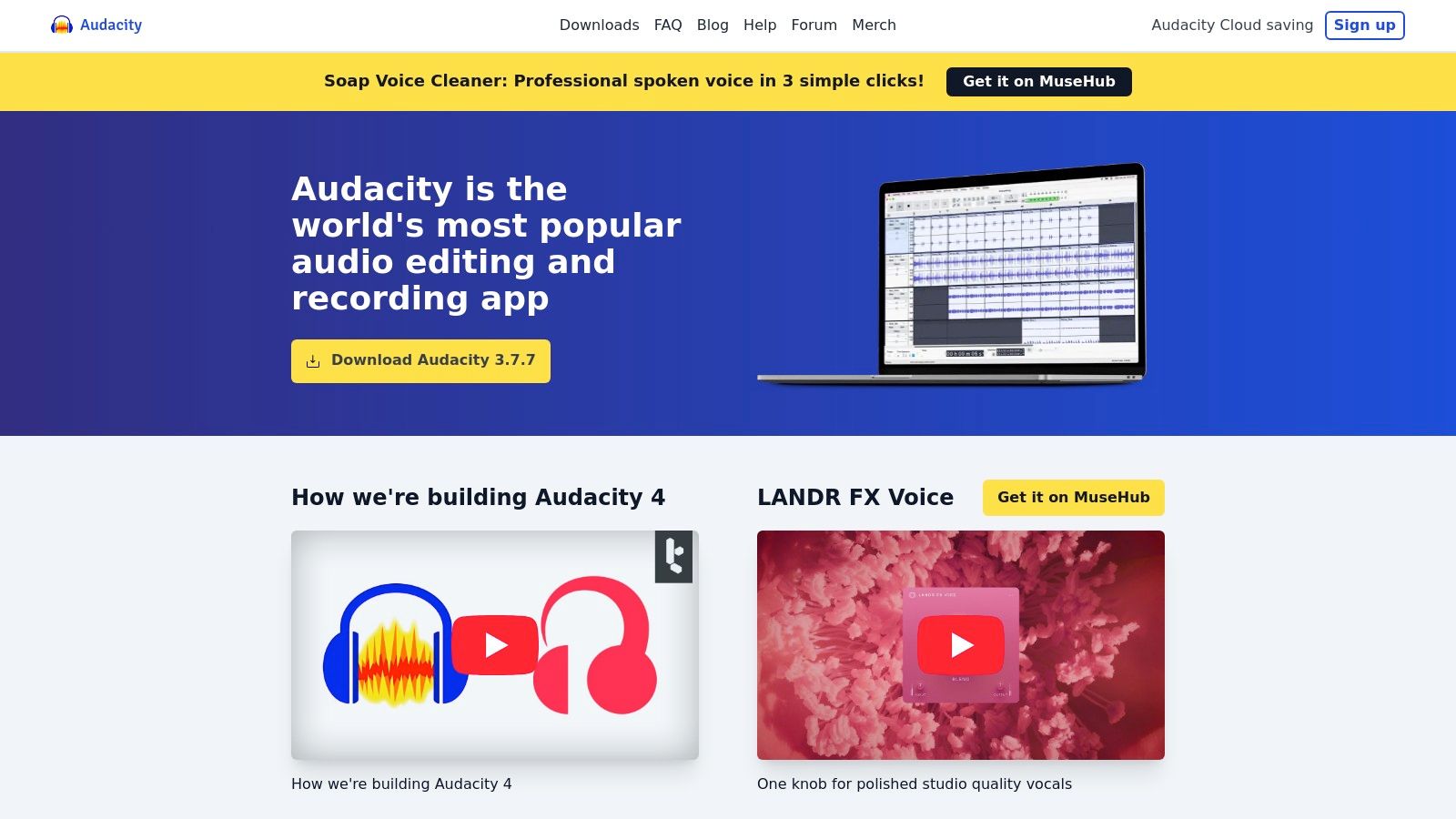
Audacity is a legendary free, open-source audio editor that has served as the entry point for countless podcasters. As one of the most accessible and widely used digital audio workstations, it provides a solid foundation of multitrack editing and basic effects without any cost. Its enduring popularity is a testament to its reliability and the robust support from its active user community.
While its interface may seem dated compared to modern paid software, Audacity delivers all the essential tools needed to record, edit, and export a high-quality podcast. It’s a powerful, no-frills workhorse that prioritizes function over form.
Key Features & Use Cases
Audacity is the ideal starting point for anyone new to audio editing or those working with a minimal budget who still need fundamental control over their sound.
- Best For: Beginners, hobbyist podcasters, and creators on a strict budget who need reliable, core editing functionality.
- Standout Feature: Its completely free and open-source nature means there are no feature limitations, subscriptions, or hidden costs, making professional-level editing accessible to everyone.
- Integration: While it lacks direct integrations, its support for VST plugins allows users to expand its capabilities with a vast library of third-party effects.
For those on a tight budget or just starting, open-source options like Audacity are invaluable, and you might also explore categories like free video editing software that often include capable audio tools. Audacity provides essential tools like noise reduction, equalization, and compression, giving you the power to significantly improve your audio quality without spending a dime.
| Feature Highlights | Details |
|---|---|
| Pricing | Completely free (open-source). |
| Supported Platforms | macOS, Windows, Linux |
| Pros | No cost with full features, large community knowledge base, lightweight and runs on most computers. |
| Cons | Lacks modern cloud features, interface is less intuitive, and destructive editing can be cumbersome. |
Official Website: https://www.audacityteam.org
5. Auphonic
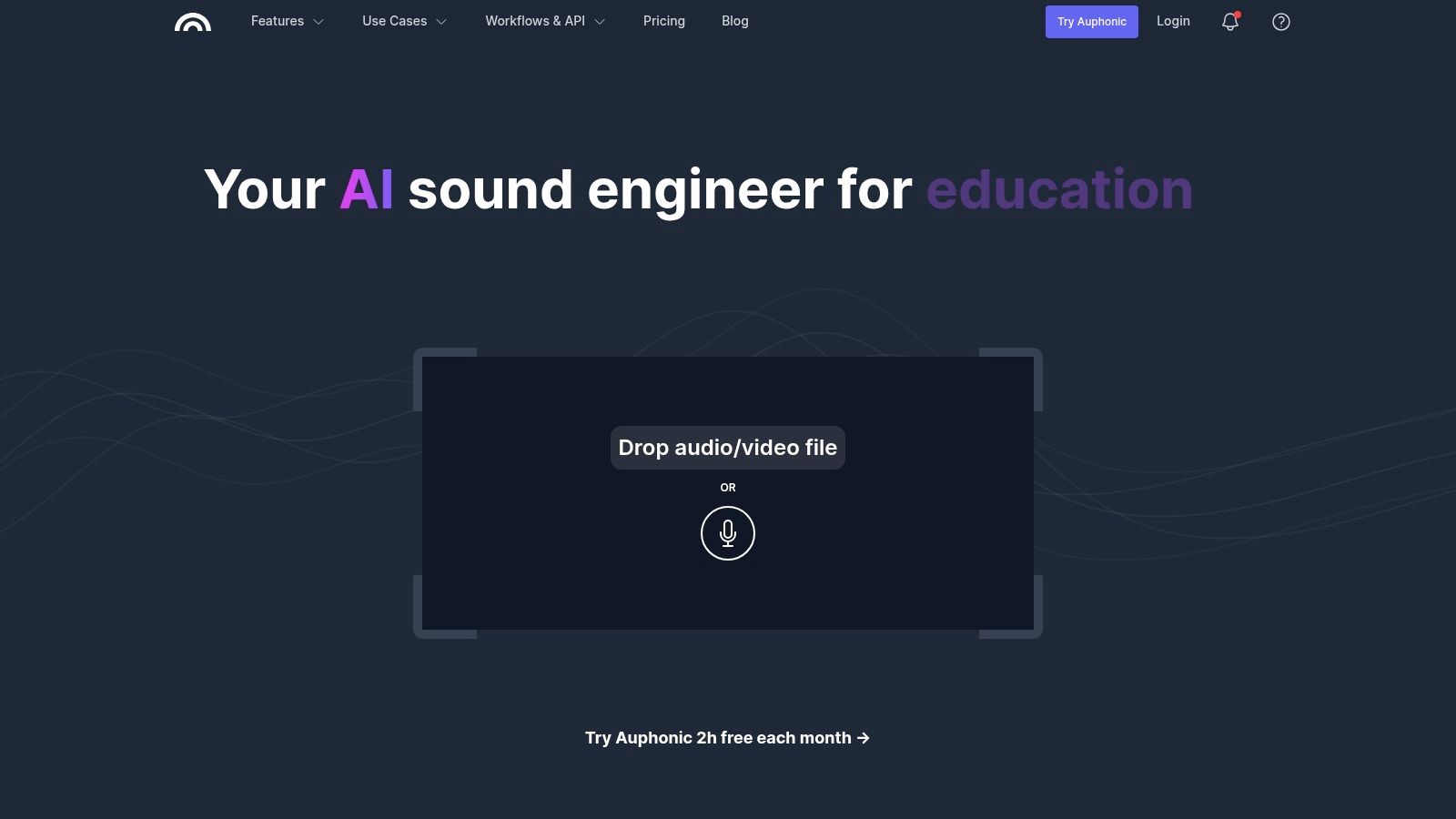
Auphonic isn’t a traditional podcast editor but rather an indispensable automated audio post-production service. It acts as the final "polishing" step in your workflow, taking your edited track and automatically applying professional mastering. The platform uses AI-driven algorithms to handle complex tasks like loudness normalization, noise reduction, and audio leveling, which can take hours to do manually in a DAW.
For podcasters who have finished cutting their content but lack audio engineering skills, Auphonic is a lifesaver. You simply upload your audio, select a preset (like podcasting or broadcast), and let its intelligent leveler balance speakers and music perfectly.
Key Features & Use Cases
Auphonic excels for creators who want to ensure consistent, high-quality sound across all episodes without needing to become mastering experts. It’s the set-it-and-forget-it solution for professional audio finishing.
- Best For: Podcasters who have an established editing process but want to automate the final mastering and loudness compliance.
- Standout Feature: The Intelligent Leveler automatically balances volume levels between different speakers, music, and segments, creating a smooth and professional listening experience.
- Integration: It connects directly with numerous podcast hosts and cloud storage services like Libsyn, Spreaker, and Dropbox, automating the final delivery of your mastered file.
Its multitrack processing is particularly useful for remote interviews, as it can process each speaker’s track individually before mixing them together. This ensures optimal quality for each voice, a feature that makes it a key piece of many professional podcast editing software stacks.
| Feature Highlights | Details |
|---|---|
| Pricing | Free tier with 2 hours of audio per month; flexible one-time credits or recurring subscriptions starting at $11/month. |
| Supported Platforms | Web-based (works on any OS) |
| Pros | Saves significant time on manual mastering, ensures industry loudness standards, flexible credit-based pricing. |
| Cons | Not a content editor (for cuts/rearranging), processing time depends on server load and file length. |
Official Website: https://auphonic.com
6. REAPER (by Cockos)
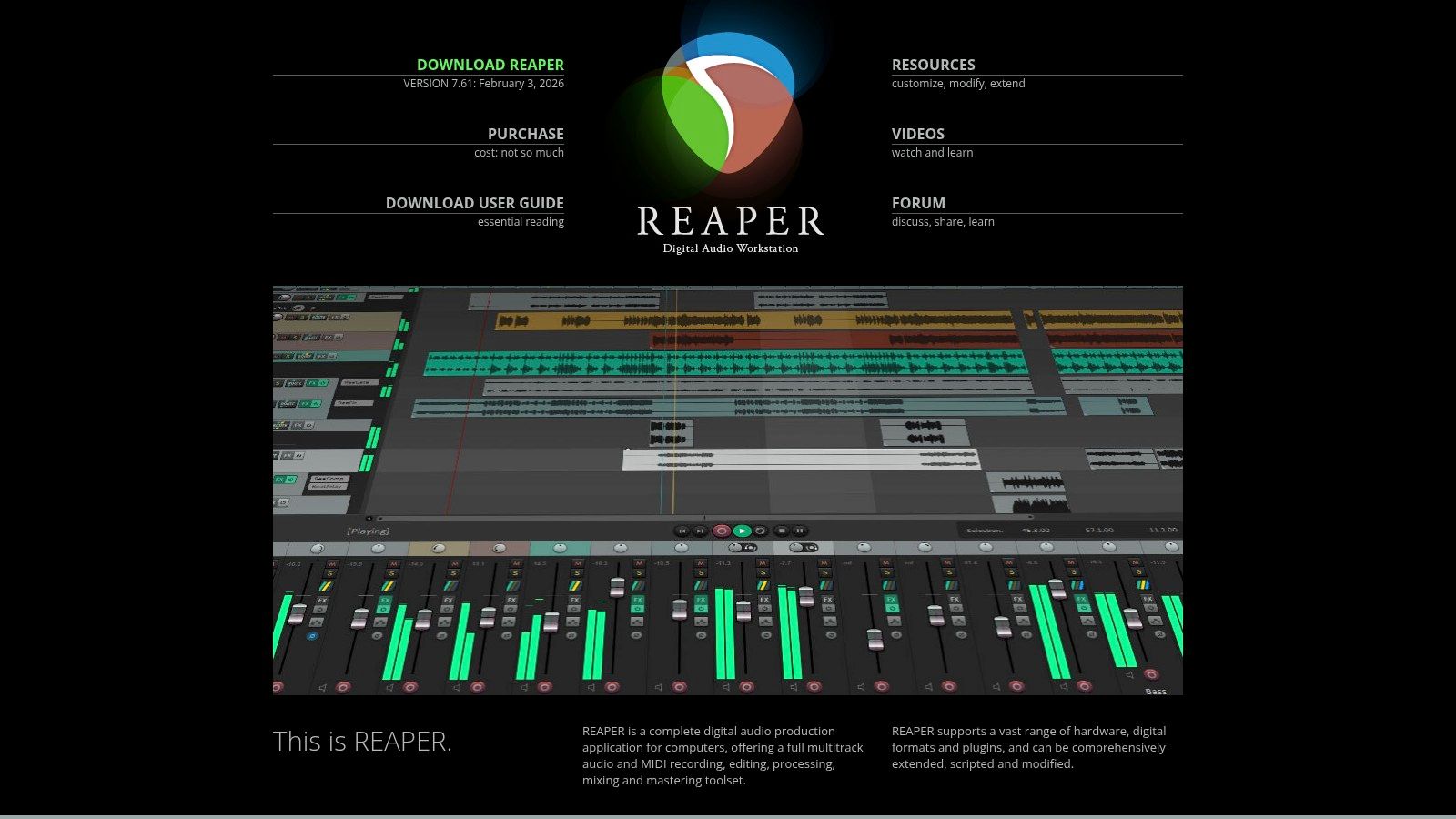
REAPER is a powerful, lightweight, and highly customizable digital audio workstation (DAW) that offers professional-grade features at a remarkably affordable price point. While not designed exclusively for podcasting, its robust editing capabilities and efficient performance make it a favorite among audio creators who want deep control without the overhead of more resource-intensive software. Its strength lies in its flexibility, allowing users to tailor the interface and workflow completely to their needs.
The software is particularly respected for its stability and efficiency, handling long, complex multitrack sessions with ease. For podcasters working with lengthy interviews or intricate sound design, REAPER provides a reliable and responsive editing environment.
Key Features & Use Cases
REAPER is ideal for podcasters who want a full-featured DAW with a one-time purchase, offering a high ceiling for customization and growth.
- Best For: Technically-inclined podcasters, audio hobbyists, and professionals looking for an affordable, highly customizable DAW that they can own outright.
- Standout Feature: Its extensive scripting and custom actions allow users to automate virtually any repetitive task, creating a hyper-efficient, personalized podcast editing workflow.
- Integration: Supports a vast range of third-party VST and AU plugins, allowing you to integrate your favorite audio repair tools, equalizers, and compressors seamlessly.
While the initial setup can feel less intuitive than podcast-specific tools, the investment in learning REAPER pays off. Its powerful ripple-editing modes are perfect for editing conversational podcasts, and its small installer and low resource usage make it one of the best podcast editing software choices for older or less powerful computers.
| Feature Highlights | Details |
|---|---|
| Pricing | 60-day full-featured free trial. A discounted license is $60, and a commercial license is $225 (both are perpetual). |
| Supported Platforms | macOS, Windows, Linux (experimental) |
| Pros | Extremely affordable perpetual license, highly customizable workflow, stable performance even with large projects. |
| Cons | Steeper learning curve, requires initial configuration to feel like a dedicated podcast editor. |
Official Website: https://www.reaper.fm
7. Logic Pro (Mac)
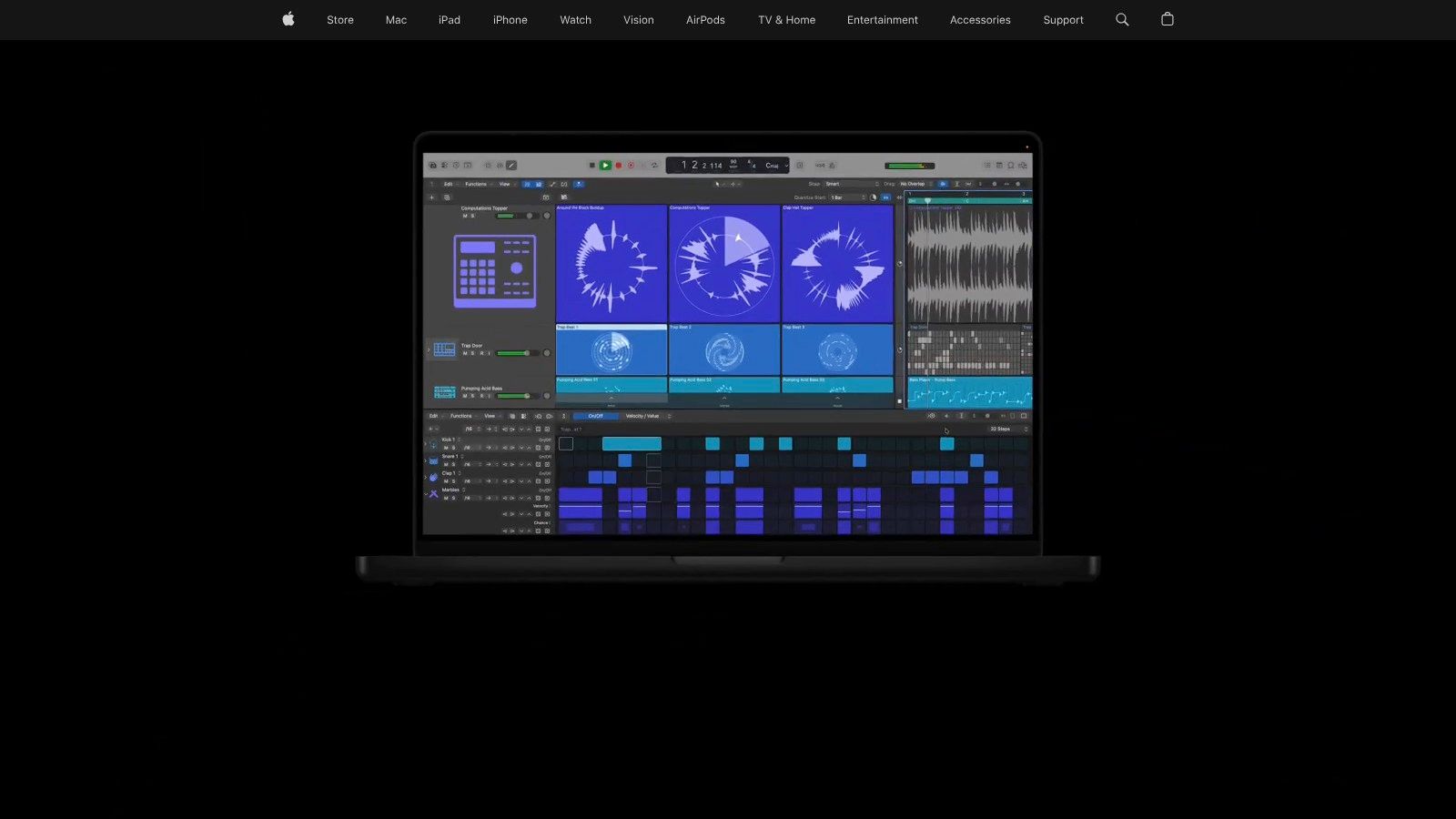
For podcasters deeply embedded in the Apple ecosystem, Logic Pro offers a professional-grade digital audio workstation (DAW) with a surprisingly friendly one-time purchase model. While traditionally known for music production, its powerful dialogue editing tools, comprehensive plugin suite, and advanced features like Stem Splitter make it a formidable choice for high-quality podcast production. It strikes a balance between professional depth and user accessibility for Mac users.
Logic Pro is optimized for macOS and Apple Silicon, delivering exceptional performance and stability. Features like the AI-powered Mastering Assistant can give your final episode a polished, professional sound with just a few clicks, streamlining the often-complex mastering process for creators who aren't audio engineers.
Key Features & Use Cases
Logic Pro is ideal for Mac-based creators who want a one-time purchase for a full-featured production environment without recurring subscription fees.
- Best For: Mac users who want a professional DAW for both podcasting and music, and prefer a single payment over a subscription.
- Standout Feature: The new Mastering Assistant and Stem Splitter provide AI-driven tools that simplify complex tasks, making it easier to isolate vocals or apply a final professional polish.
- Integration: Its tight integration with Apple hardware ensures a smooth, efficient workflow, especially on modern Apple Silicon Macs.
While it has more features than a typical podcaster might need, its powerful core editing capabilities, extensive sound library, and compatibility with third-party plugins make it an excellent long-term investment. It's a complete audio production suite that can grow with your creative ambitions.
| Feature Highlights | Details |
|---|---|
| Pricing | One-time purchase of $199.99 on the Mac App Store. |
| Supported Platforms | macOS only |
| Pros | Powerful one-time purchase, excellent performance on Apple Silicon, comprehensive built-in plugins and tools. |
| Cons | Exclusive to macOS, can be overly complex for creators who only need basic podcast editing features. |
Official Website: https://www.apple.com/logic-pro
8. Pro Tools (Avid)
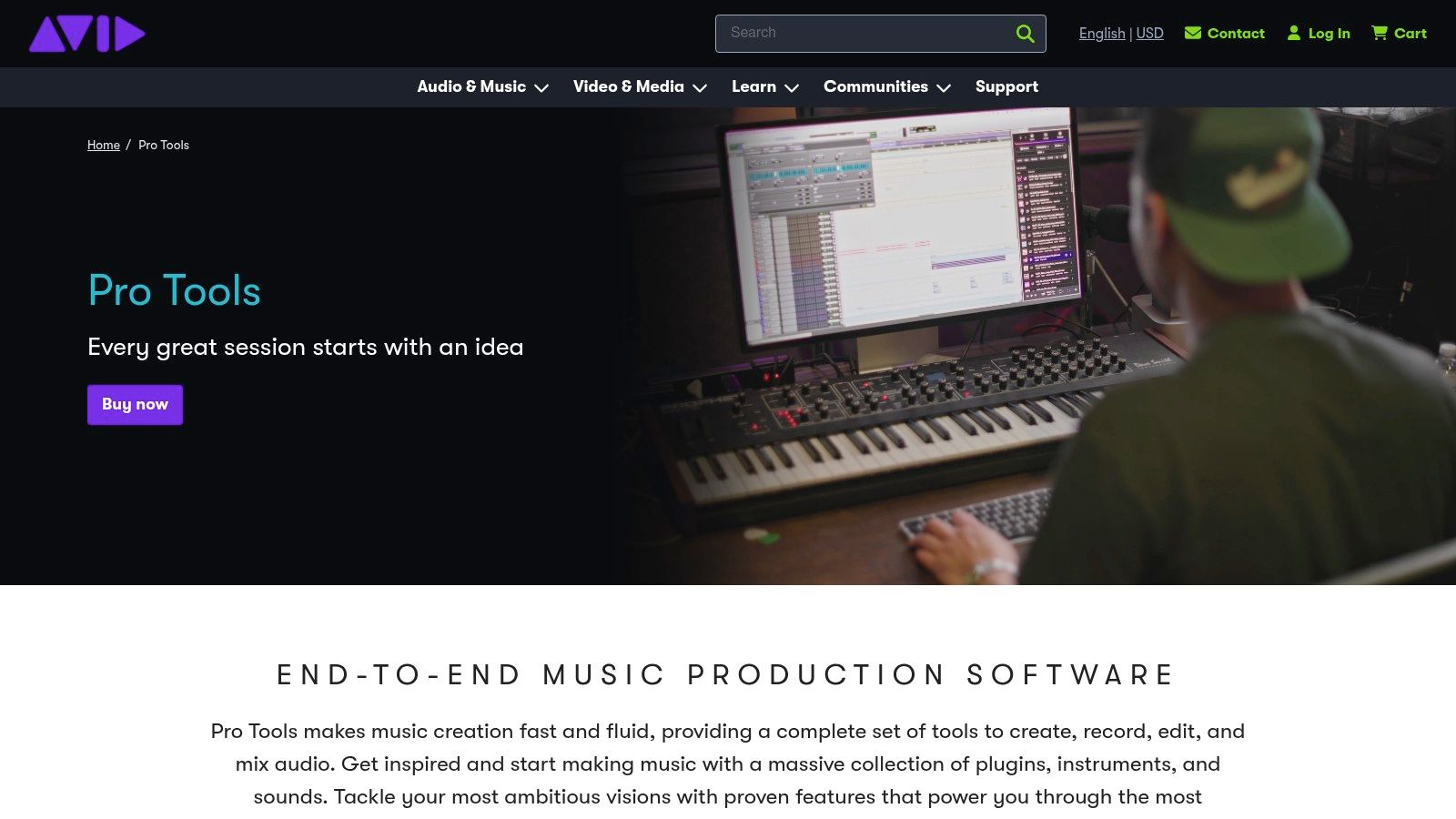
Pro Tools has long been a dominant force in professional music production and audio post-production, making it a powerful, if not unconventional, choice for podcast editing. Its strength lies in its meticulous dialogue editing workflows and robust hardware integration, which are unparalleled in the industry. For podcasters who come from a music or broadcast background, or those who need to integrate with professional studios, Pro Tools offers a familiar and deeply capable environment.
It’s particularly celebrated for its Clip Gain feature, which allows for incredibly precise, non-destructive volume adjustments on a clip-by-clip basis. This is ideal for leveling out conversations between multiple speakers with different microphone techniques or recording levels.
Key Features & Use Cases
Pro Tools is best suited for technically minded podcasters and professional teams who require advanced audio manipulation tools and compatibility with high-end studio workflows.
- Best For: Audio engineers, professional podcast production houses, and creators who need to send their projects to post-production studios.
- Standout Feature: The Clip Gain workflow provides granular control over dialogue levels, which is essential for creating a balanced and professional-sounding final mix with multiple participants.
- Integration: Its broad support for hardware control surfaces (from brands like Avid, SSL, and Mackie) allows for a tactile, hands-on mixing experience that software-only solutions cannot replicate.
While it can feel like overkill for simple solo podcasts, its robust feature set and project interchange capabilities make it a staple for collaborative and high-budget productions. The platform scales from individual creators with its entry-level tiers to full enterprise solutions for large broadcast networks, making it a versatile contender in the podcast editing software space.
| Feature Highlights | Details |
|---|---|
| Pricing | Subscription-based, starting with Pro Tools Artist at $9.99/month. Education discounts are available. |
| Supported Platforms | macOS, Windows |
| Pros | Industry standard in professional audio, powerful dialogue editing tools, scales from solo creators to studio teams. |
| Cons | Higher system requirements than simpler editors, subscription costs can be significant for higher tiers. |
Official Website:
9. Alitu
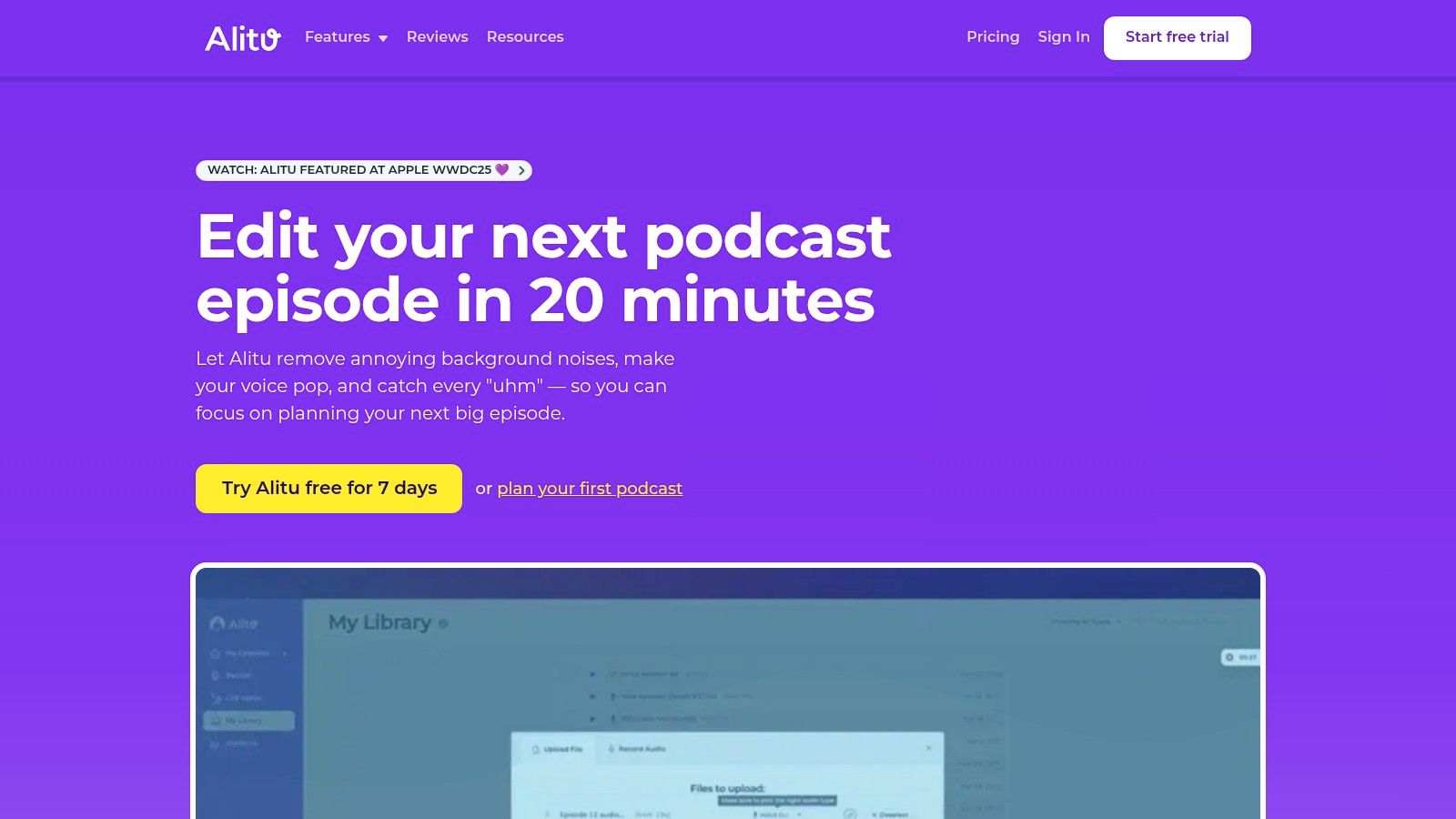
Alitu is a unique, all-in-one platform built specifically to automate and simplify podcast production for creators who value speed and efficiency over granular control. It automates much of the technical heavy lifting, like noise reduction, leveling, and mastering, allowing you to go from recording to publishing in a fraction of the time. This makes it one of the best podcast editing software solutions for busy individuals who want to focus on content, not complex engineering.
Its "podcast-in-a-box" approach handles recording, editing, and even hosting, streamlining the entire workflow into one intuitive interface. You can record solo or with remote guests, and the platform automatically processes the audio to meet industry loudness standards.
Key Features & Use Cases
Alitu is designed for podcasters who want a fast, foolproof system without the steep learning curve of a traditional DAW.
- Best For: Solo creators, entrepreneurs, and busy professionals who need an efficient, end-to-end podcasting solution.
- Standout Feature: The automated audio cleanup is the core of Alitu's value. It automatically removes background noise, equalizes voice levels, and applies mastering, delivering a polished sound with minimal effort.
- Integration: It offers built-in hosting with up to 1,000 monthly downloads on its standard plan, plus integrations with all major hosting providers if you prefer to publish elsewhere.
The platform also includes a simple text-based or waveform editor for trimming content, adding music, and removing mistakes. This is a crucial feature for creators who prioritize content creation and need effective podcast marketing strategies to grow their show without getting bogged down in technical post-production.
| Feature Highlights | Details |
|---|---|
| Pricing | Subscription-based, starting at $38/month with a 7-day free trial. |
| Supported Platforms | Web-based (works on any modern browser) |
| Pros | Extremely easy to use, complete end-to-end workflow (record, edit, publish), automates technical audio cleanup. |
| Cons | Limited granular control compared to full DAWs, hosting beyond the free tier costs extra. |
Official Website: https://alitu.com
10. Riverside
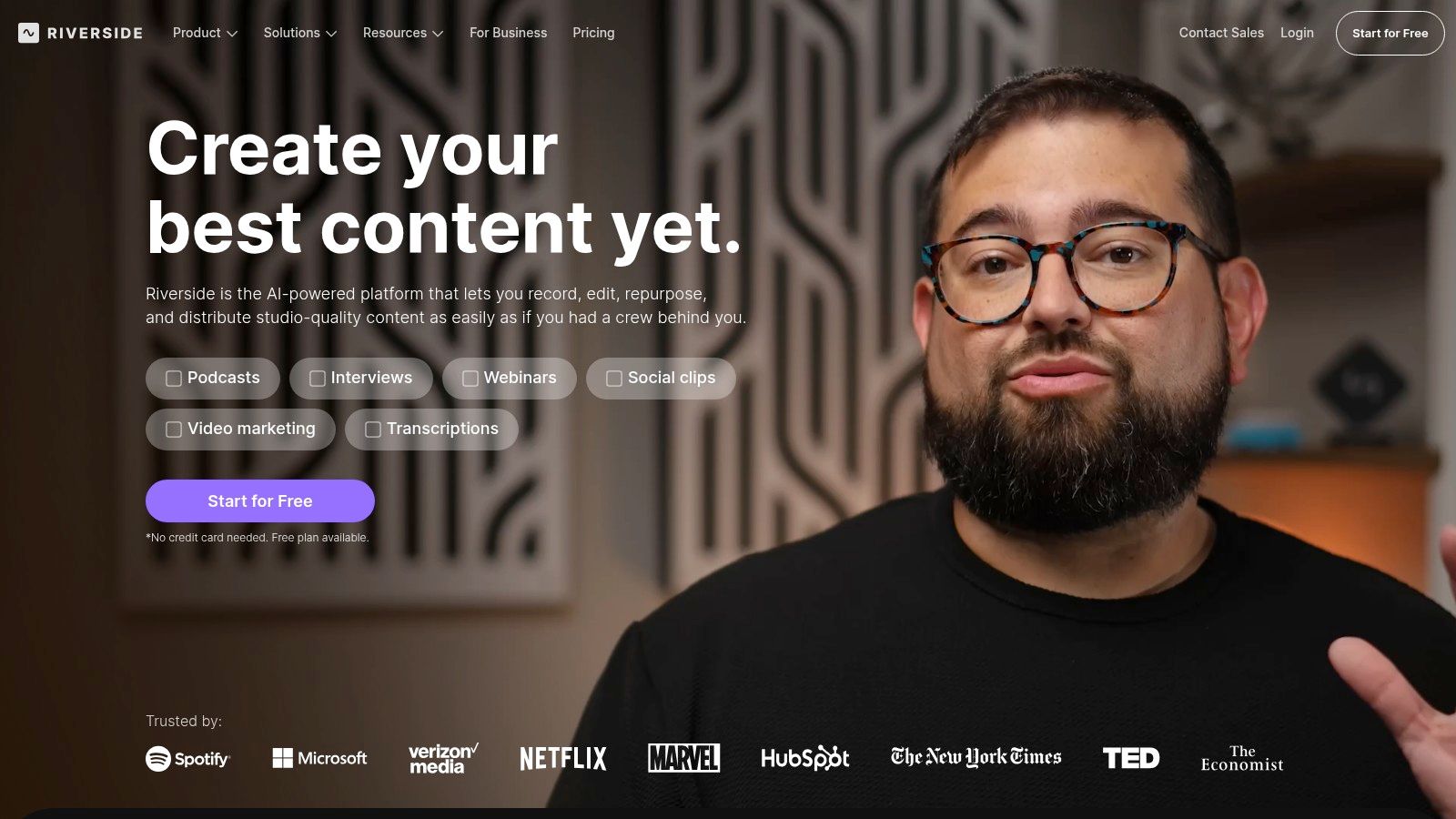
Riverside has revolutionized remote podcasting by focusing on one critical problem: unreliable internet connections. Instead of recording a compressed, glitchy audio stream from the internet, it captures separate, high-quality audio and video tracks locally on each participant's computer. This ensures that even with internet dropouts, the final recordings remain pristine and perfectly synchronized.
While primarily known as a recording platform, Riverside has evolved into a comprehensive solution that includes a powerful, text-based editor. This makes it a strong contender for the best podcast editing software for creators who prioritize remote interview quality and a streamlined workflow from recording to distribution.
Key Features & Use Cases
Riverside is ideal for interview-based shows where guest audio quality is paramount and a fast editing turnaround is needed.
- Best For: Podcasters who conduct frequent remote interviews and value high-fidelity recordings and an all-in-one workflow.
- Standout Feature: Local recording of separate audio (up to 48 kHz WAV) and video (up to 4K) tracks for each guest, eliminating concerns about internet stability affecting quality.
- Integration: The platform’s Magic Clips feature uses AI to instantly find key moments in your recording and reformat them into shareable vertical videos for social media, drastically cutting down on content repurposing time.
Its text-based editor allows you to edit your audio by simply deleting words from the AI-generated transcript, a highly intuitive process for beginners. This, combined with its robust recording technology, makes it a go-to platform for producing professional-sounding remote content without a steep learning curve.
| Feature Highlights | Details |
|---|---|
| Pricing | Free plan available with watermarking; Paid plans start at $15/month (billed annually) with recording hour limits. |
| Supported Platforms | Web-based (Chrome recommended), with iOS and Android mobile apps for guests. |
| Pros | Studio-quality remote recordings, intuitive text-based editing, built-in AI tools for social clips and show notes. |
| Cons | Recording quality is still dependent on the guest's microphone and environment; monthly recording hour caps on all plans. |
Official Website: https://riverside.fm
11. Podcastle
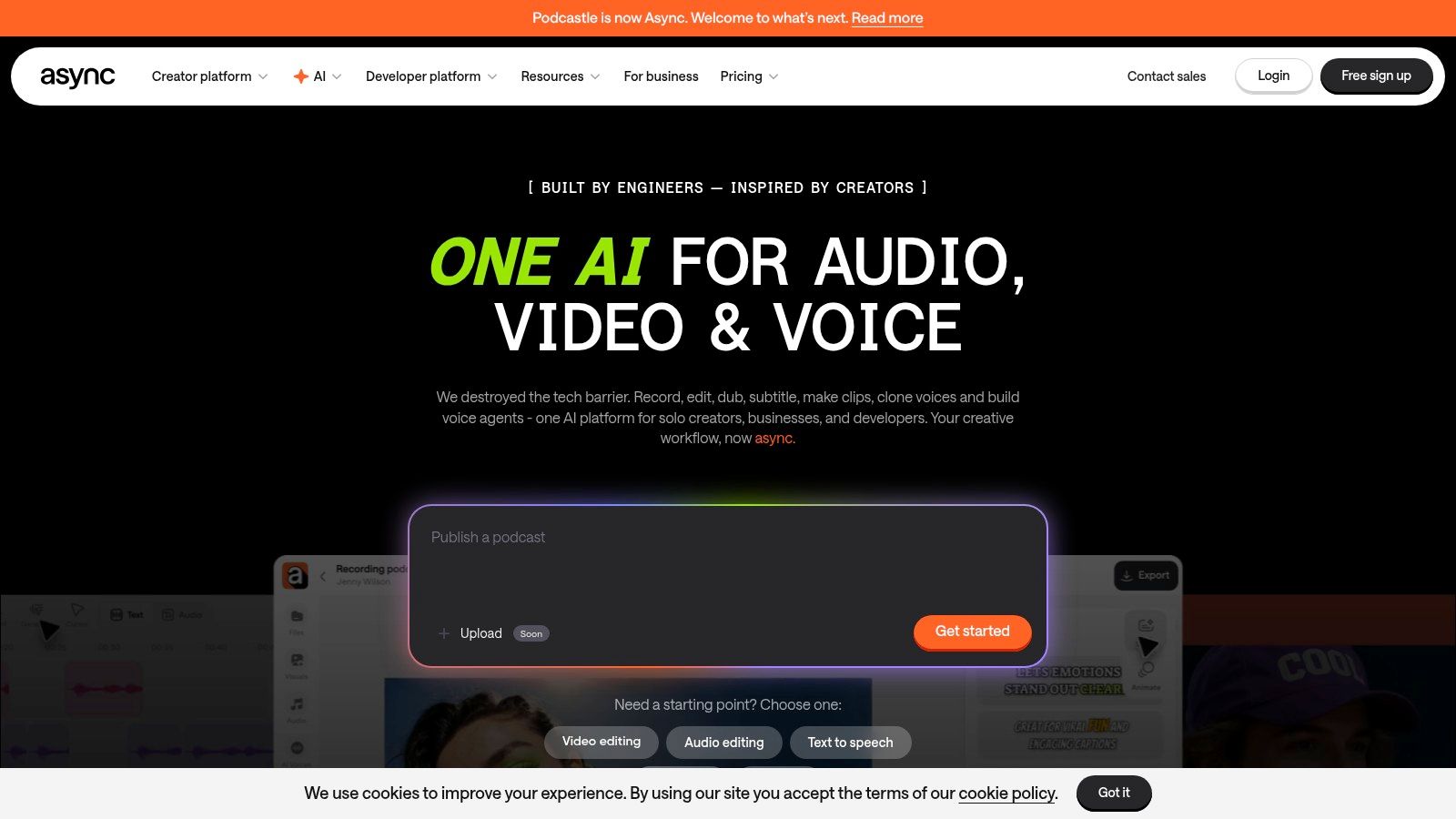
Podcastle is an all-in-one, browser-based platform that combines multi-track recording, editing, and AI-powered tools into a single, intuitive workflow. It aims to be a complete production studio in your browser, removing the need to juggle multiple applications. Its accessibility makes it a strong contender in the field of podcast editing software, especially for creators who value simplicity and integrated features.
The platform is built around ease of use, offering AI tools that handle complex tasks with one click. Its "Magic Dust" feature, for example, instantly cleans up audio by removing background noise and equalizing levels, while other tools can automatically remove long silences or generate transcriptions.
Key Features & Use Cases
Podcastle is ideal for creators who want to record, edit, and publish from one place without a steep learning curve or technical overhead.
- Best For: Beginners, remote interview-based shows, and podcasters who want an integrated solution that includes hosting.
- Standout Feature: The suite of AI tools, particularly Magic Dust for instant audio enhancement and Revoice for creating a digital clone of your voice, simplifies complex post-production tasks.
- Integration: It consolidates the entire podcasting process, offering built-in hosting and distribution, which is a major benefit for those looking to streamline their workflow.
By combining remote recording capabilities with AI-driven editing and hosting, Podcastle provides a seamless path from idea to publication. This makes it an excellent choice for teams and solo creators who prioritize speed and efficiency.
| Feature Highlights | Details |
|---|---|
| Pricing | Free tier available with limitations; Paid plans start at $14.99/month, offering more features, storage, and export quality. |
| Supported Platforms | Web browser (Chrome recommended), with mobile apps for iOS & Android. |
| Pros | Very easy to use with a strong free tier, consolidates recording, editing, AI tools, and hosting in one platform. |
| Cons | Advanced features and watermark-free exports require paid plans; processing minutes and storage are limited by subscription tier. |
Official Website: https://podcastle.ai
12. iZotope RX 11
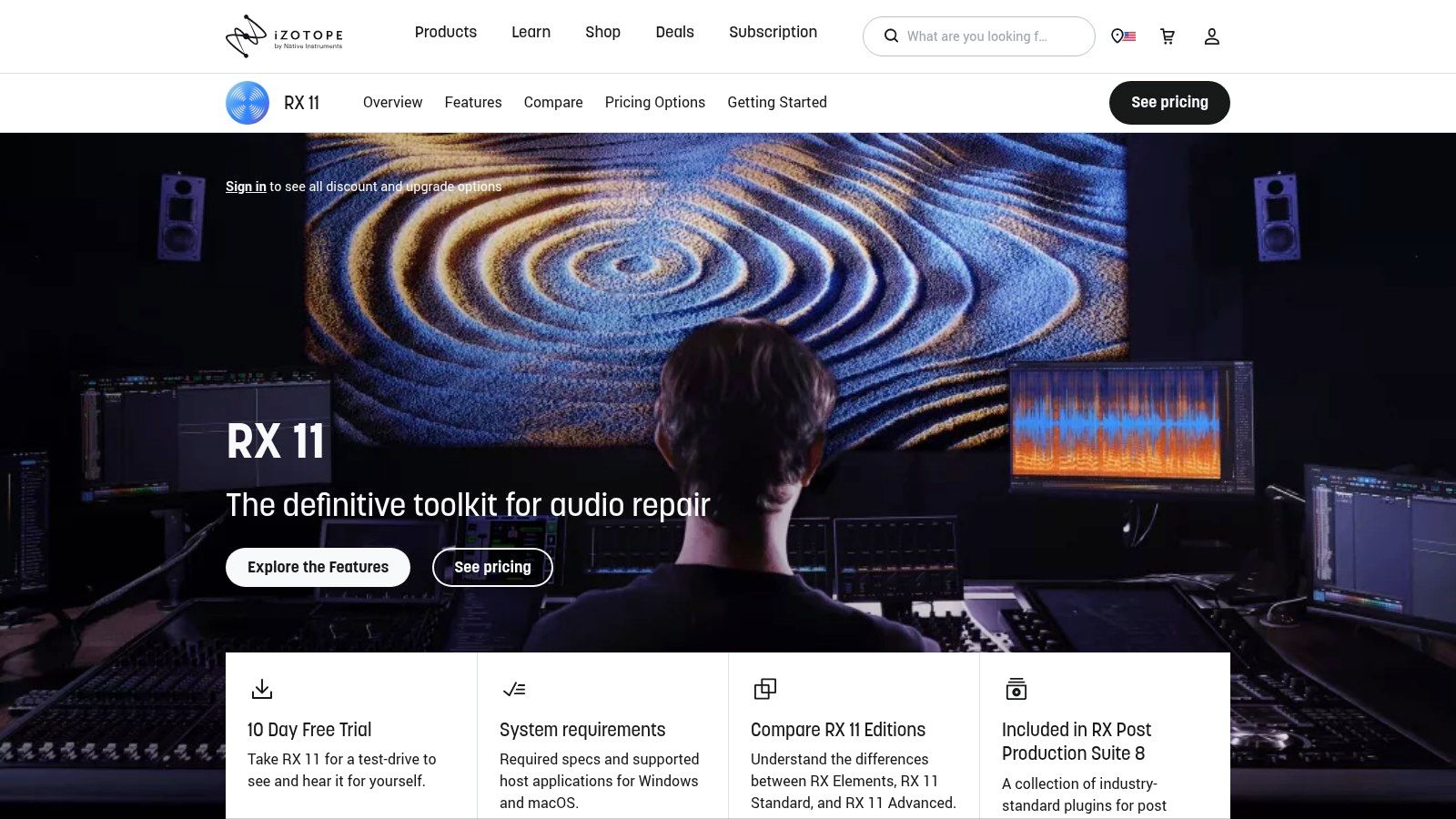
While not a traditional podcast editor, iZotope RX 11 is an indispensable audio repair suite that acts as a secret weapon for podcasters dealing with less-than-perfect recordings. Rather than serving as a primary digital audio workstation (DAW), RX is a specialized toolset, used as a standalone application or as plugins within another editor like Audition or REAPER. Its core function is to rescue problematic audio that other software simply cannot fix.
It’s the go-to solution for eliminating distracting background noise, harsh room reverb, mouth clicks, and sudden hums that can ruin an otherwise great interview. With tools like Dialogue Isolate and Spectral Repair, you can surgically remove unwanted sounds, saving recordings that might have been deemed unusable.
Key Features & Use Cases
iZotope RX 11 is essential for podcasters who cannot always control their recording environment and need powerful, intelligent tools to ensure clean, professional sound.
- Best For: Podcasters who record remote interviews, on-location audio, or need to salvage episodes with significant audio issues.
- Standout Feature: The Dialogue Isolate module intelligently separates spoken words from complex, non-stationary background noise like traffic, crowds, or music, which is a lifesaver for field recordings.
- Integration: It functions seamlessly as a plugin or via ARA integration within most major DAWs, including Pro Tools, Logic Pro, and Audition, allowing you to apply its powerful restoration directly to your project timeline.
RX 11 is an investment in audio insurance. Instead of spending hours manually editing out tiny clicks or trying to mask room echo, its intelligent modules can often fix these problems with a single click, dramatically speeding up the post-production process.
| Feature Highlights | Details |
|---|---|
| Pricing | One-time purchase; available in tiers starting with RX 11 Elements for ~$129, with Standard and Advanced editions at higher price points. |
| Supported Platforms | macOS, Windows |
| Pros | Best-in-class tools for audio restoration, can save episodes otherwise ruined by noise, excellent integration with professional DAWs. |
| Cons | Designed as an add-on to a primary editor, the Advanced edition has a significant cost. |
Official Website: https://www.izotope.com/en/products/rx.html
Top 12 Podcast Editing Software — Feature Comparison
| Tool | Core features | UX / Quality ★ | Price / Value 💰 | Best for & Standout 👥✨🏆 |
|---|---|---|---|---|
| Adobe Audition | Spectral repair, multitrack, loudness, Premiere round‑trip | ★★★★☆ Professional, steep learning | 💰 Subscription (Adobe CC) | 👥 Pro editors → ✨ Spectral tools & Premiere integration → 🏆 Industry standard |
| Descript | Text‑based editing, automatic transcription, AI tools | ★★★★★ Very fast, intuitive | 💰 Freemium + subscription minutes/credits | 👥 Fast‑turnaround creators → ✨ Overdub & Studio Sound → 🏆 Rapid social clip workflow |
| Hindenburg PRO | Voice‑centric editor, Magic Levels, loudness presets | ★★★★☆ Streamlined for spoken word | 💰 Paid license (+ add‑ons) | 👥 Radio/journalism & podcasters → ✨ Magic Levels & manuscript tools |
| Audacity | Multitrack editing, basic effects, cross‑platform | ★★★☆☆ Functional, dated UI | 💰 Free, open‑source | 👥 Beginners & budget creators → ✨ Free + large community |
| Auphonic | Cloud leveling, noise/reverb reduction, auto chapters | ★★★★☆ Automated polishing | 💰 Freemium credits model | 👥 Creators wanting set‑and‑forget mastering → ✨ AutoLeveler & publisher integrations |
| REAPER | Highly customizable DAW, scripting, efficient performance | ★★★★☆ Powerful but needs setup | 💰 Affordable perpetual license | 👥 Power users & complex sessions → ✨ Deep scripting/custom actions |
| Logic Pro (Mac) | Full DAW, mastering assistant, plugins, Apple optimized | ★★★★★ Deep feature set on macOS | 💰 One‑time purchase (Mac only) | 👥 Mac‑based podcasters → ✨ Apple Silicon optimization |
| Pro Tools (Avid) | Advanced dialogue tools, hardware/control surface support | ★★★★☆ Robust pro workflow | 💰 Subscription/enterprise pricing | 👥 Studios & post teams → ✨ Control‑surface ecosystem → 🏆 Studio standard |
| Alitu | Record, auto‑clean/master, simple editing, hosting | ★★★★☆ Extremely simple end‑to‑end | 💰 Subscription (hosting tiers) | 👥 Solo creators wanting fast workflow → ✨ Record→edit→publish in one place |
| Riverside | Remote lossless tracks, up to 4K video, built‑in editor | ★★★★☆ High remote recording quality | 💰 Freemium/paid tiers (hour caps) | 👥 Interview/remote guest shows → ✨ Local tracks + 4K video → 🏆 Reliable remote capture |
| Podcastle | Browser studio, AI cleanup, dubbing/TTS, hosting | ★★★★☆ Easy start with strong AI tools | 💰 Freemium + paid tiers (limits) | 👥 Browser‑first creators → ✨ Magic Dust, dubbing & TTS |
| iZotope RX 11 | Dialogue Isolate, De‑reverb, spectral repair modules | ★★★★★ Best‑in‑class restoration | 💰 Paid (Elements→Advanced) — costly for pro tiers | 👥 Engineers & rescue edits → ✨ Industry‑leading spectral repair → 🏆 Restoration standard |
Making Your Final Cut: Matching a Tool to Your Workflow
Navigating the landscape of podcast editing software can feel like exploring a vast and complex audio universe. We've journeyed through a dozen of the industry's top contenders, from the foundational power of free tools like Audacity to the surgical precision of specialized software like iZotope RX 11 and the artificial intelligence magic of platforms like Descript. The key takeaway isn't that one single tool reigns supreme for everyone; instead, the best podcast editing software is the one that seamlessly integrates into your unique production workflow, skill level, and budget.
Your final choice is a deeply personal one, guided by your specific goals. The right tool should feel like an extension of your creative process, not a barrier to it. It should empower you to tell your story more effectively, saving you time and reducing friction from recording to final export.
Recapping Your Options: A Quick-Guide to Your Decision
To help you make that final cut, let's distill our extensive list down to its core use cases. This summary will help you pinpoint the ideal solution based on your primary needs.
- For the Beginner Focused on Simplicity and Speed: If your goal is to get a great-sounding podcast published with minimal technical fuss, Alitu and Podcastle are your champions. Their all-in-one, automated approach handles the heavy lifting, letting you focus on content.
- For the Content Creator Prioritizing Workflow Efficiency: If you value a fast, intuitive, text-based editing process, Descript is a game-changer. It's particularly powerful for podcasters who repurpose content for social media or work with remote teams. Riverside also excels here, combining high-quality remote recording with an integrated editor.
- For the Aspiring Audio Professional on a Budget: You can't go wrong with the robust, open-source power of Audacity. For those willing to invest a bit of time in learning a more complex system, REAPER offers professional-grade features for an incredibly accessible price.
- For the Seasoned Professional Demanding Precision and Power: Industry standards like Adobe Audition and Pro Tools provide the deep, granular control required for complex, multi-track productions. Pairing one of these DAWs with iZotope RX 11 for audio repair creates an unparalleled production suite.
- For the Mac-Based Creator: Logic Pro delivers an incredible combination of power, user-friendliness, and value. Its comprehensive suite of tools makes it a top-tier choice for anyone invested in the Apple ecosystem.
Key Factors to Guide Your Final Selection
Before you commit, run your top choices through this final checklist. Thinking about implementation now will save you headaches later.
- Learning Curve vs. Control: How much time are you willing to invest in learning new software? AI-driven platforms offer speed, while traditional DAWs provide total control at the cost of a steeper learning curve.
- Budget and Scalability: Start with what you can afford, but consider how the software will grow with you. Does it offer a clear upgrade path as your podcast's needs become more complex?
- Workflow Integration: Does the tool solve your biggest bottleneck? Whether it's remote recording, audio cleanup, or transcription, ensure your choice addresses your most significant pain point.
- Collaboration Needs: If you work with a co-host, producer, or editor, consider tools with strong cloud-based collaboration features like Descript or Riverside.
Ultimately, the best podcast editing software is the one that gets out of your way and lets you create. It’s the tool that makes the technical side of podcasting feel less like a chore and more like a craft. Your voice is unique, and your message matters. Choose the software that helps you share it with the world, clearly and confidently.
Once your audio is polished and ready, the final step is ensuring your audience can easily navigate your content, especially for longer episodes published on platforms like YouTube. This is where TimeSkip becomes an essential part of your publishing workflow. By automatically generating precise, SEO-optimized YouTube chapters and a full transcript from your final audio or video file, TimeSkip enhances viewer experience, boosts retention, and improves your content's discoverability.
